
WordPress YouTube Gallery widget

Create your YouTube Gallery plugin
Screenshots
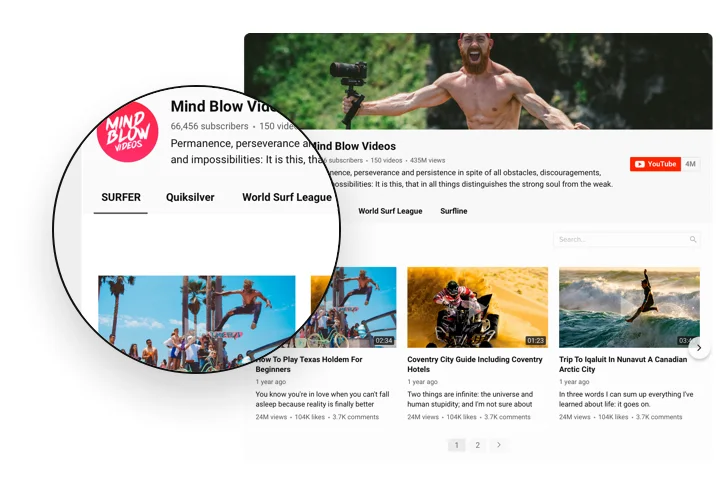
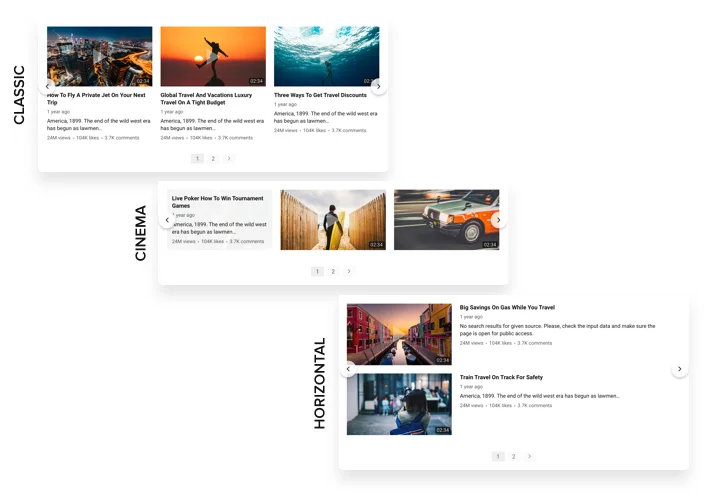

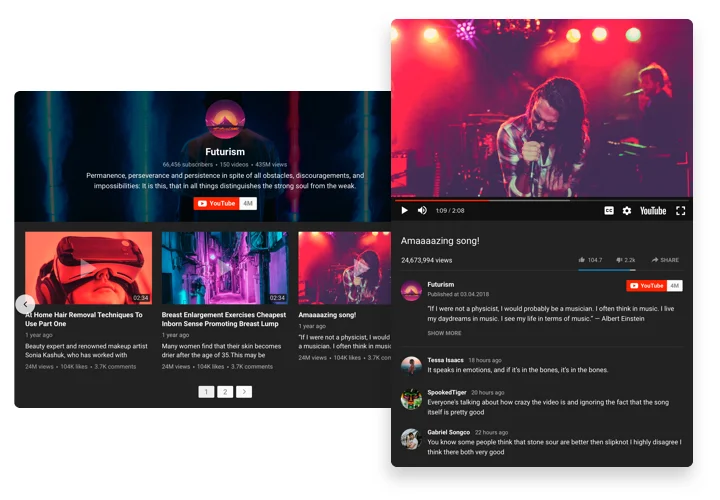

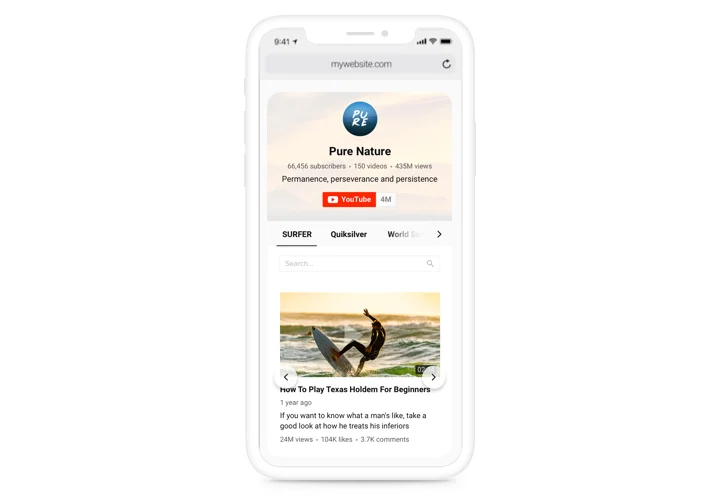
Embed YouTube Gallery on WordPress with the Elfsight widget
A multi-purpose Gallery for YouTube, which allows adding any videos on your website. Choose the best channels and separate video clips to collect your own playlist and show right on the page using the most suitable layout (video gallery, portfolio, channel, single video). Our widget is totally adaptive for any devices and platforms, it has approximately 100+ setting parameters, flexible templates and a lot of other advantages that help you to create an amazing Youtube Channel plugin for your WordPress website.
Create a personalized YouTube Video Gallery for higher engagement of your users.
- Strengthen interaction with the audience of your website via YouTube videos
Entertain your website clients with amazing video content from YouTube and keep them involved more than earlier. - Attract more enquiries with video content
Insert promo videos, reactions, overviews, guides and more to provide to the audience detailed info about your conditions and convince them to perform a transaction. - Top fans for your YouTube account
Convert website users into your subscribers on YouTube. Give an instant and easy way to check videos and subscribe right from the resource.
Main features of the YouTube Gallery widget
The features of Elfsight plugin, which turn it into the best tool to display YouTube playlists and videos on a WordPress website:
- Unlimited sources;
- Customizable widget size;
- Switchable header with three predefined layouts and customizable header elements (logo, banner, channel name and other);
- 5 embedded color schemes;
- Content customization options: columns and rows, gutter; horizontal or vertical direction and many more;
- Regular live updates;
- Premium support with any issue by a professional team.
How to embed YouTube plugin on WordPress website?
Follow these simple steps, there no any coding skills required. Total setting up time is less than 2 minutes.
- Open our free editor and start creating your personalized plugin.
Choose the preferred look and features of the widget and save the changes. - Get your unique code exposed in the window on Elfsight Apps.
After the widget modification, copy the code in the appearing window and save it for a future occasion. - Begin using the WordPress YouTube Gallery on the website.
Place the code you’ve saved recently on your website and apply the improvements. - You’re done! The installation is successfully accomplished.
Go to your website and have a look at how’s the widget’s operating.
Having trouble installing or setting up YouTube playlist plugin? You can write to the Elfsight Support team with any questions at any time of the day.