
Shopify Whatsapp Chat app
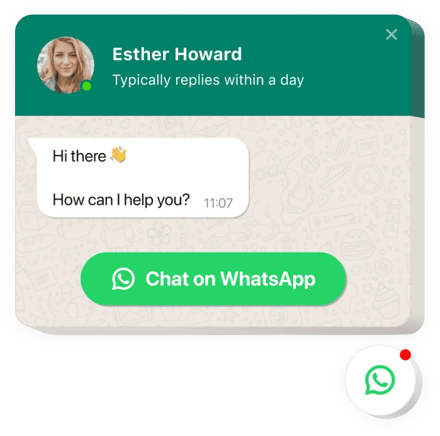
Create your Whatsapp Chat app
Screenshots
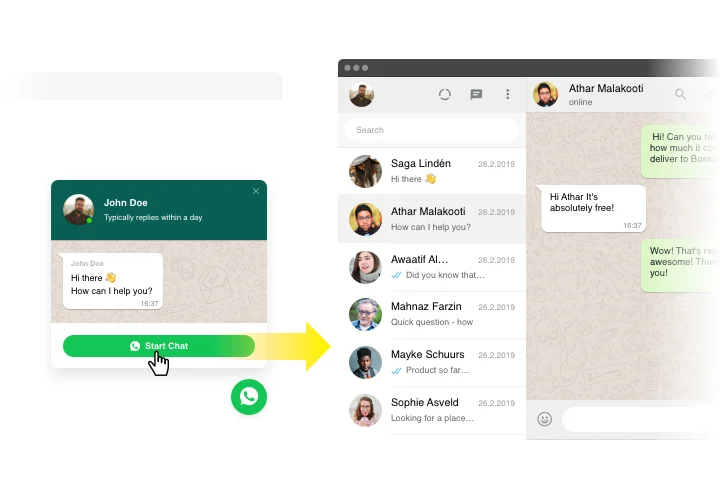
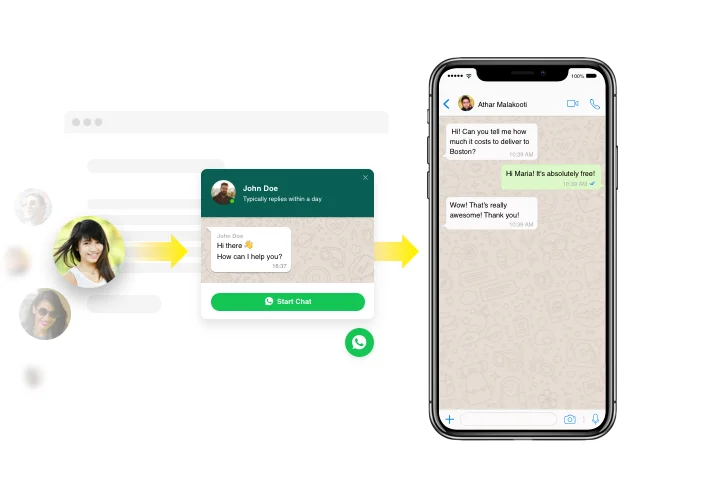
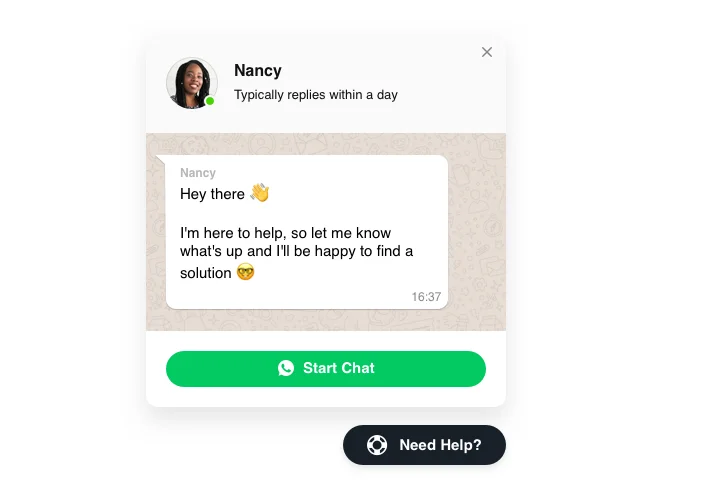
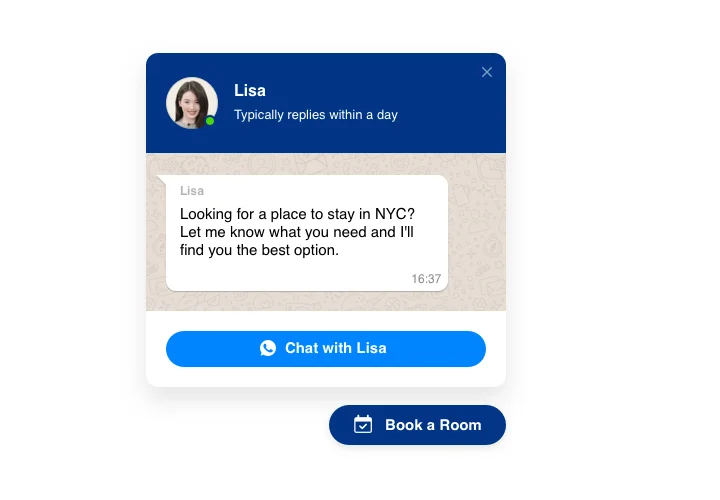
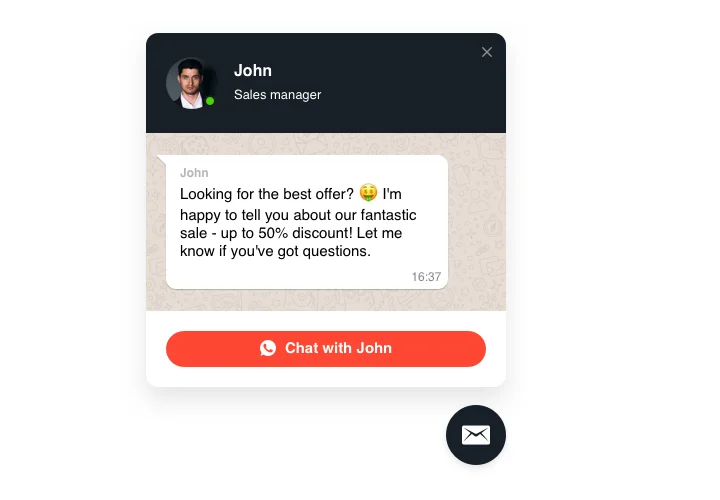
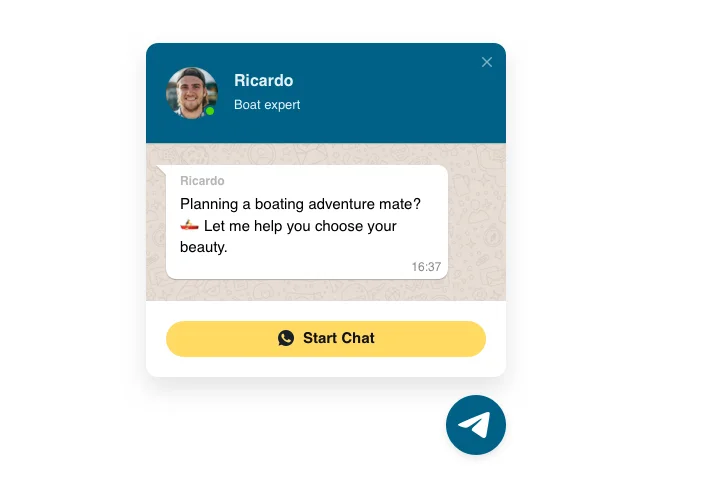
Embed WhatsApp Chat with Elfsight Widget
WhatsApp app by Elfsight is the easiest tool for your website viewers to send a message to you and get their questions answered. Stay available for visitors non-stop in one of the most comfortable messengers. Embed chat on your site and choose it to appear on specific pages or for selected groups of users; set start-chat triggers; write your unique welcome message; choose icons, and so much more. Using Shopify chat, you will stay in touch with your customers at any hour and from anywhere.
Main features of WhatsApp Chat App
We designed our WhatsApp for Shopify to cover business needs in a user-friendly way. To have a better understanding, view the list of the most important features of our Shopify online chat. They make it incredibly beneficial for your store:
- Add WhatsApp messenger on your site to stay always available for people;
- Keep chatting directly from your WhatsApp account;
- Select one of three types of chat location: as a floating bubble, as an embed bubble, and as an embed chat window;
- Select your bubble icon variant from our collection;
- Editable bubble text.
How to add Live Chat app to your Shopify website
The following actions are the only thing you need to do for a successful integration.
- Make use of our free editor and start building your customized app.
Determine the preferable arrangement and functionality of the app and apply all the modifications. - Get the personal code appearing in the box on Elfsight Apps.
As soon as the generation of your personal app is done, copy the individual code in the emerged box and save it for future use. - Commence employment of the app on your Shopify website.
Insert the code you’ve copied recently in your web page and apply the improvements. - You’re done! The embedding is fully accomplished.
Go your webpage to view how’s the app operating.
Still can’t make a decision? Or have questions about our WhatsApp for Shopify and its integration? Simply send a request to our customer support will help with every matter. Else, you can read an article on adding the WhatsApp chat to Shopify.
