
Facebook Page Whatsapp Chat widget
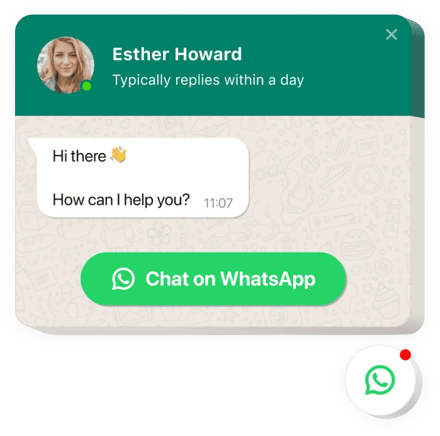
Create your Whatsapp Chat widget
Screenshots
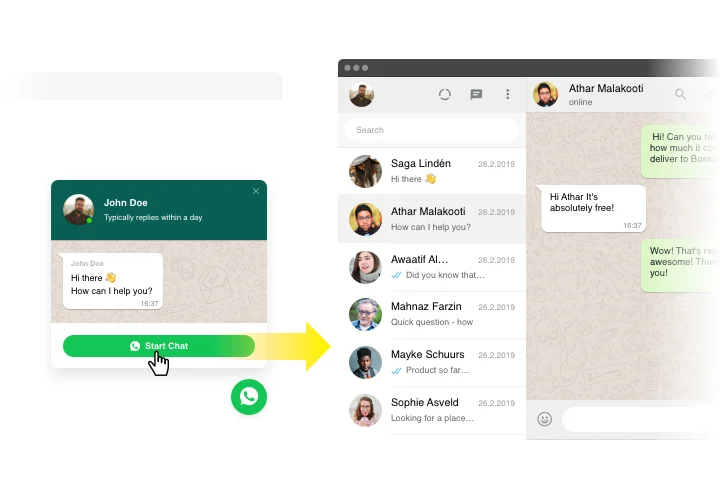
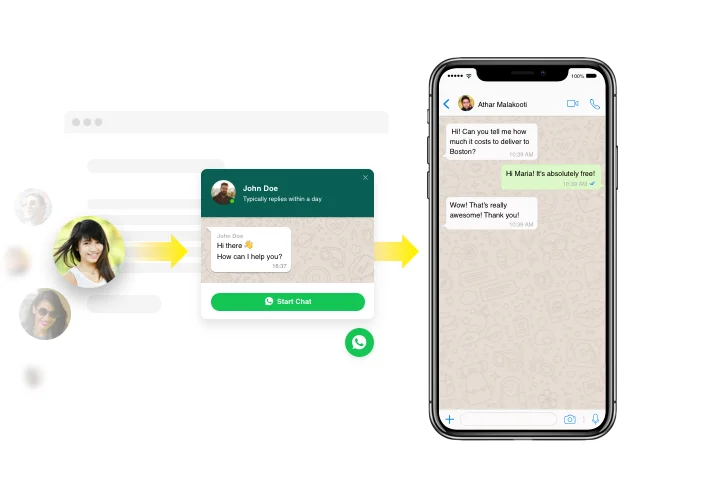
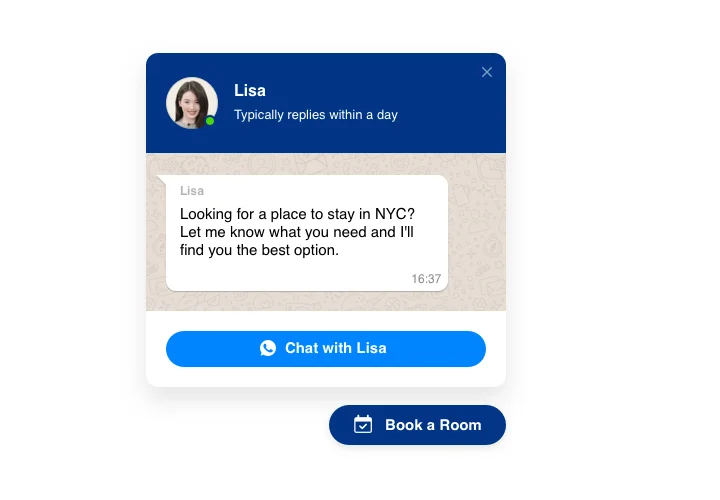
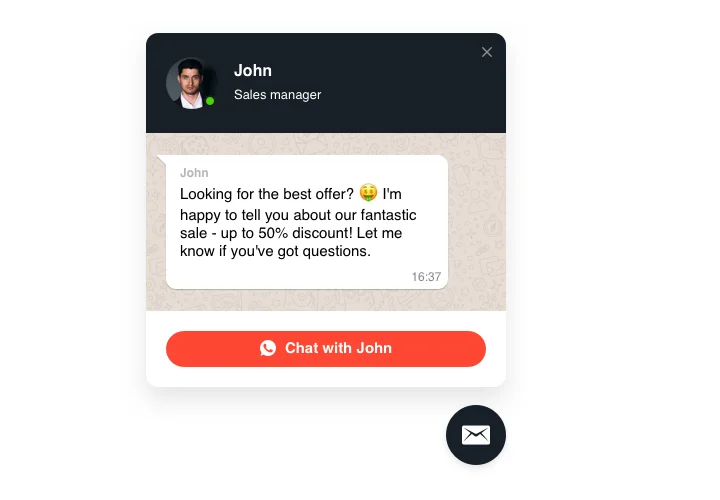
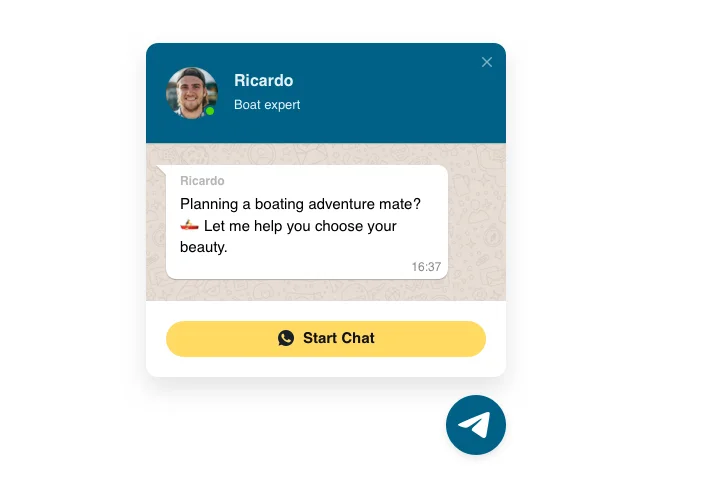
Connect WhatsApp Chat to Your Facebook Business Page
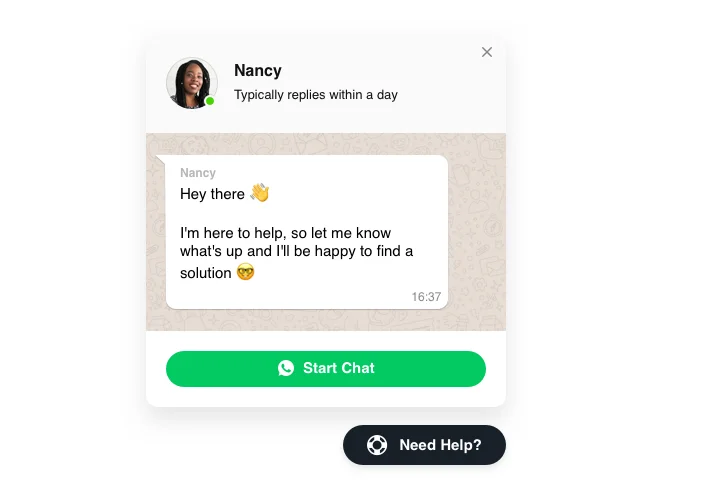
WhatsApp Chat developed by Elfsight is a smooth and quick tool for your clientele to communicate with you and receive answers to their questions and requests. Now you are available live for your people in the most favorite messenger at all times. Connect WhatsApp to your Facebook business page in seconds, pick start-chat triggers, demonstrate your own welcome message, set icons and apply other customization. With WhatsApp widget, you will be posted for your customers at all times and regardless of where you are.
Stay available in the most popular messenger with Elfsight Live Chat!
Main features of WhatsApp Chat Widget
Check all the features of our widget. They are available straight in the editor and they will help you create the widget exactly for your needs.
- Connect your WhatsApp Chat to your Facebook Business Page using a Share Link to stay connected with clientele;
- Reply right from your WhatsApp account;
- Pick your bubble icon in our library of available icons;
- Edit the text of the chat bubble.
How to add Whatsapp Chat widget to Facebook Page
To introduce the widget, simply follow the instructions below
- Create your WhatsApp Chat widget.
Open the Elfsight editor, configure your WhatsApp account, customize the welcome message and widget appearance. - Copy your Share Link.
Open the installation settings in your Elfsight dashboard, switch to the Share Link tab, and copy your widget link. - Add the link to your Facebook Business Page.
Open your Facebook Business Page, choose the Action Button option, select an appropriate button type, and paste the Share Link. - Save and test.
Save the button and verify that visitors can successfully open your WhatsApp Chat from your Facebook Page.
Don’t hesitate to communicate to Elfsight support service when you need advice or having issues. We will be glad to assist with every request.