
Squarespace Tripadvisor Reviews plugin

Create your Tripadvisor Reviews plugin
Screenshots
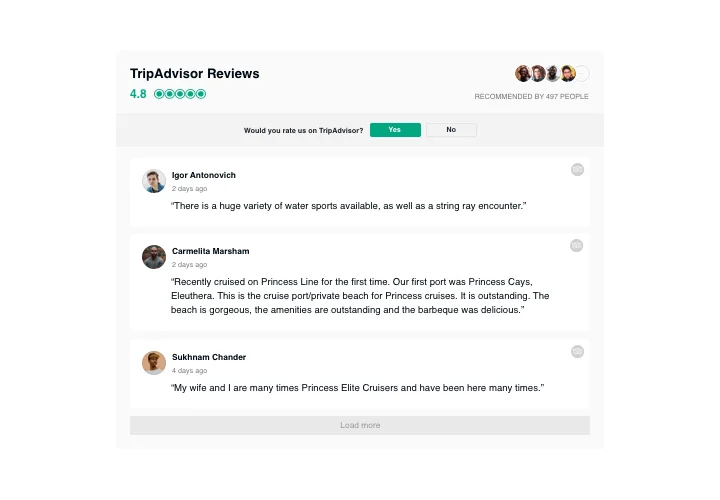
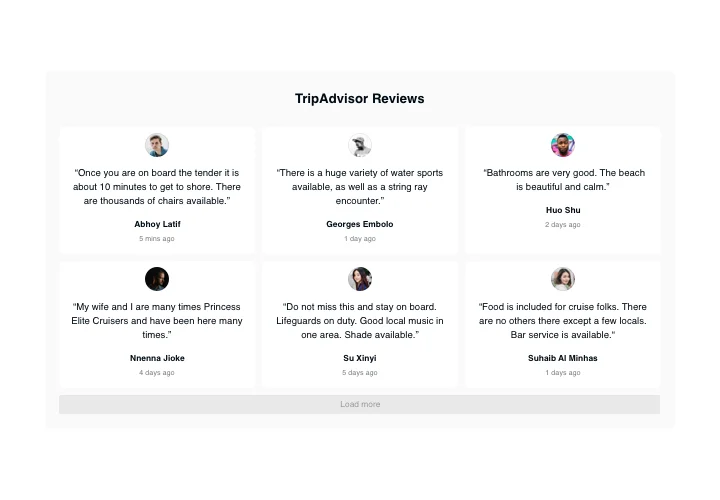
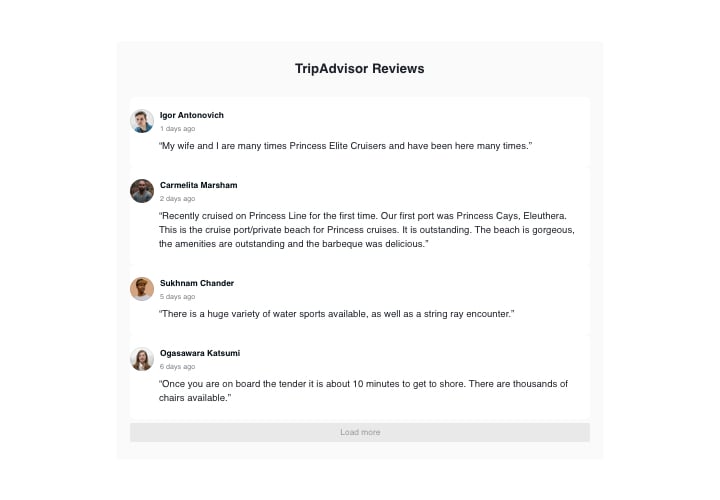
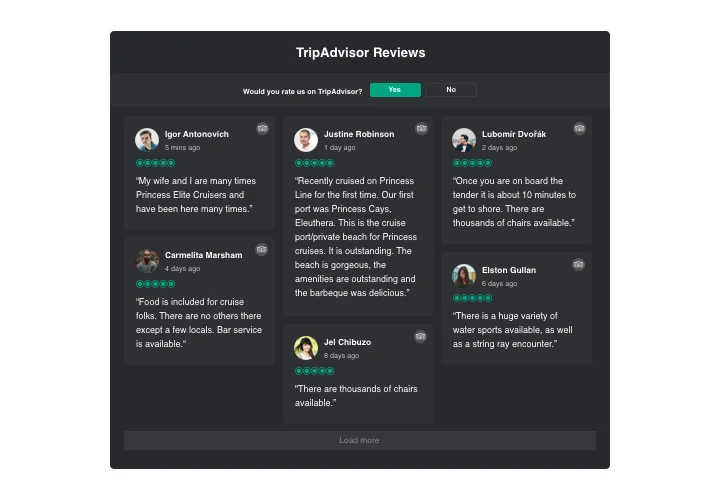
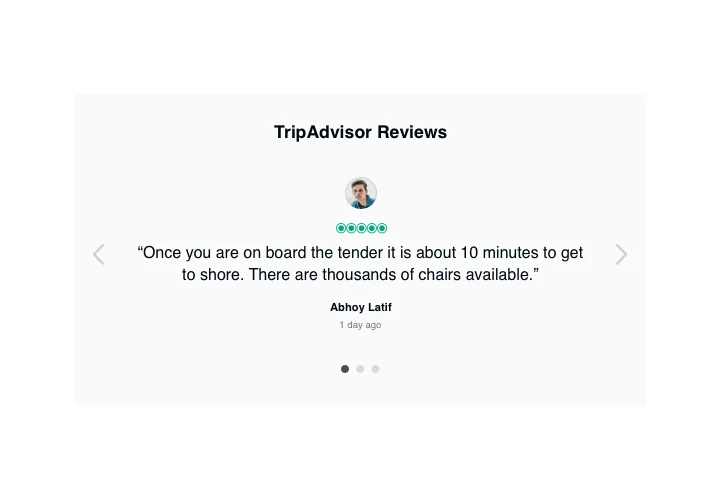

Embed Tripadvisor Reviews on Squarespace with the Elfsight widget
If you wish to demonstrate your high rating and convince visitors that your products or services are worth spending money on, Elfsight Tripadvisor Reviews suits you perfectly. With the help of our tool, you will be able place users’ reviews from Tripadvisor on your website with information about their authors, use filters to reveal only the best of them, add ratings and a redirect button that will get people to your Tripadvisor page, so that they can write a fresh review.
Main features of the Tripadvisor Reviews widget
To have a better understanding of the widget, look at the list of its most valuable features. They make the widget really effective for your business:
- 3 ready-to-use filters: by type, exclude by, and amount of reviews for displaying;
- 4 types of layouts: List, Grid, Masonry, and Slider;
- Fully flexible header of the widget;
- The button to request a review gets people to your Tripadvisor page;
- 6 customizable elements of the widget: the name of the author and photo, recommendation, date of sharing, Tripadvisor icon, and star rating;
- Two alternatives of scenarios after review request rejection: show a custom message or hide away the button.
Discover how to insert the Tripadvisor reviews to your Squarespace website. It is an easy no-sweat process.
The below actions are the only thing you need to display.
- Construct your personal Tripadvisor plugin
In our free editor, get a plugin with a preferred design and functionality. - Copy the individual code to integrate the plugin
After you have set your widget, you will acquire the unique code from the popup window on Elfsight Apps. Copy it. - The plugin on your website
Define the place you wish to embed the plugin to and add the copied code there. Apply the changes. - Congratulations! You have just added the widget!
Visit the page, to see your work.
Still unsettled? Or having issues? Simply send a request to our customer support department, they will help with every trouble.