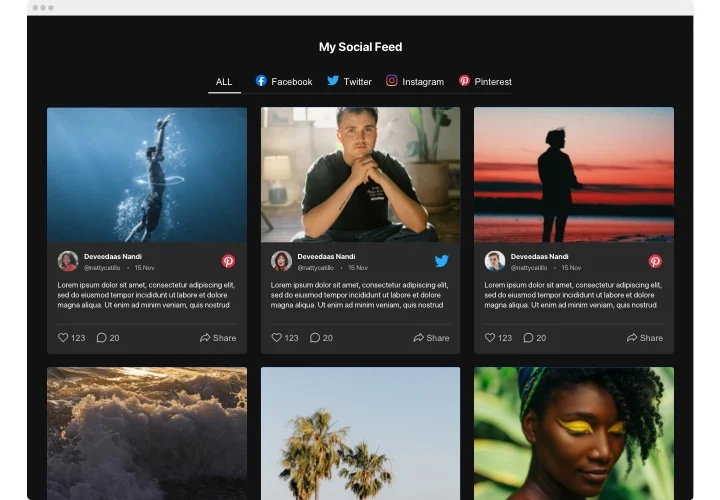
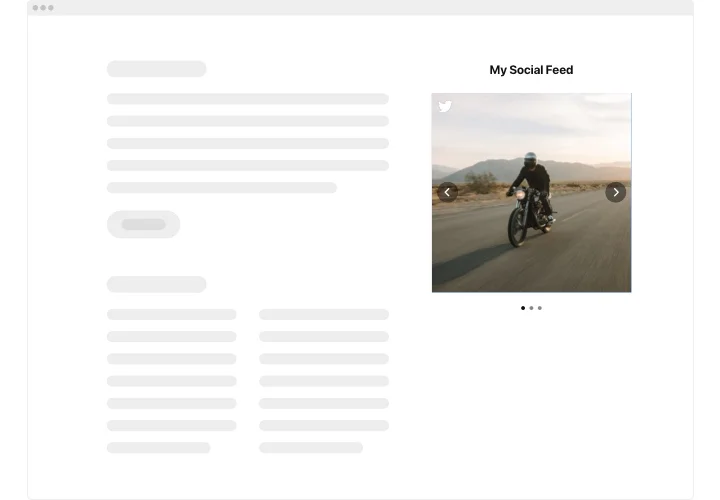
Elementor Social Media Feed widget

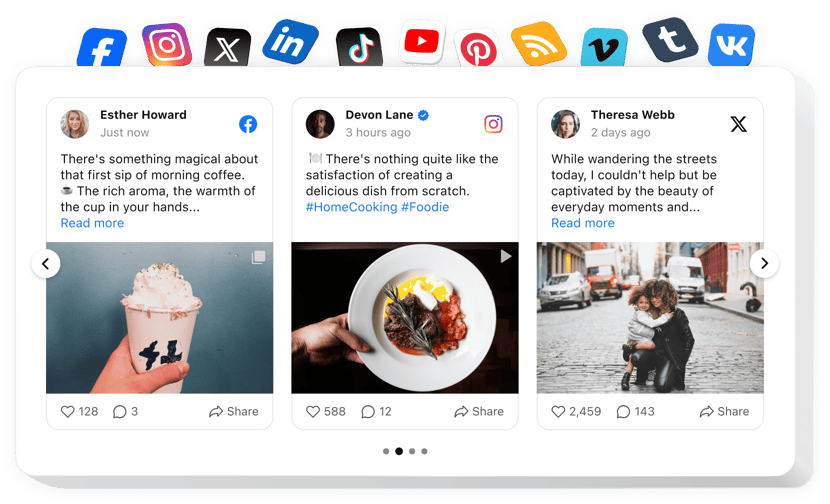
Display social content from Instagram, Facebook, TikTok, X, and more on your Elementor website to make your brand feel alive, dynamic, and engaging for visitors.
4.8 rating
10,000+ reviews
Free plan available
Create Widget for Free
No credit card needed
Elementor Social Media Feed widget
Create your Social Feed widget

Configure your Social Feed and add it to your Elementor website for free!

Screenshots

Elementor Social Media Feed widget
1 / 6

Embed Social Feed on Elementor with the Elfsight widget

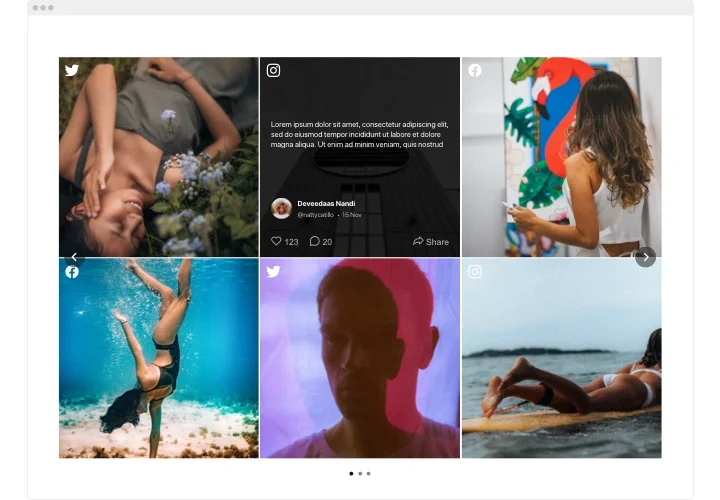
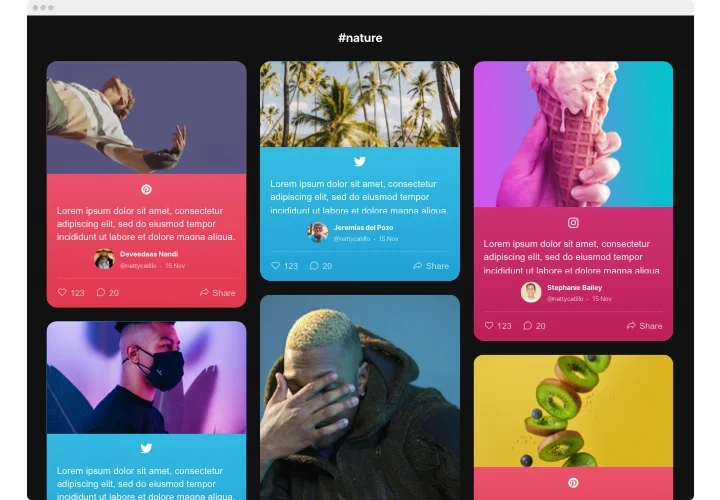
Elfsight Social Feed for Elementor is a widget for promoting not just stuff, but emotions and experiences. By using it you can develop individual feed composed of the content from numerous sources: Instagram, Pinterest, Facebook, Twitter, Tumblr, YouTube, Vimeo – and present it right on your web page. Develop a gallery or products catalogue in 1-2-3! Enjoy the complete control over a demonstrated content with different filter options and eliminate spam and any unwilling content with manual moderation. Fully responsive online-editor offers you different templates to pick.

Make your website more efficient for ecommerce targets with the help of Social Wall

Find below central features of the widget:

  • Present your social media content from numerous networks.
  • Eliminate any spam and undesired content via manual moderation mode.
  • Put the Follow button on the widget posts.
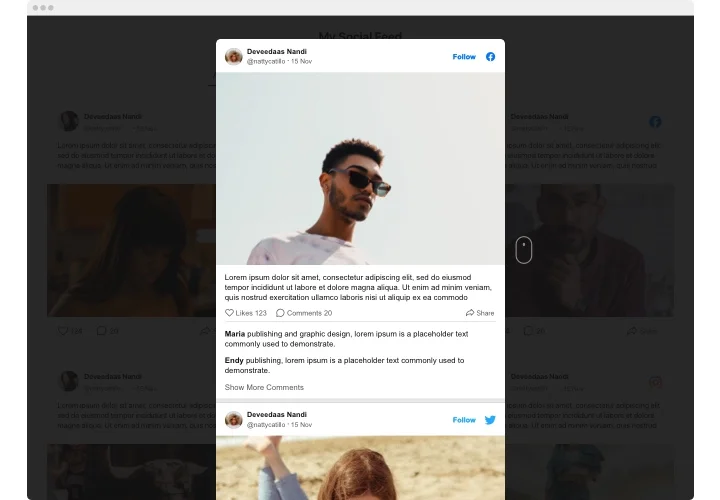
  • Let your posts be viewed in a pop-up.

Just check this demo to understand the functionality of the widget

How can I embed Social Media Feed widget into my Elementor website?

Just follow the instructions below to insert the tool.

  1. Make use of our free configurator and start building your personalised widget.
    Specify the preferable look and specifications of the plugin and apply the corrections.
  2. Acquire the individual code shown in the special form on Elfsight Apps.
    As soon as the establishing of your personal widget is finished, copy the exclusive code at the emerged popup and save it for later use.
  3. Initiate applying the Social Wall widget on your Elementor website.
    Enter the code copied before into your page and apply the edits.
  4. The installation is fully performed.
    Go to your website to check the functioning of the plugin.

On the condition of having questions or running into some obstacles, please appeal to our support team. Our specialists will be excited to resolve all the difficulties you might have with the widget.

Can I add the Social Feed widget inside Elementor templates?

Yes, you can insert the Elfsight widget into any Elementor section, including headers, footers, or dynamic templates, and it will adapt automatically.

Do I need Elementor Pro to use the Social Feed?

You can embed the widget using Elementor Free via the HTML element, while some advanced layout features may require Elementor Pro.

Can I connect multiple accounts or hashtags in one feed?

Yes, Elfsight lets you combine several sources from the same network, such as multiple Instagram accounts or hashtags in one feed.

Does the Social Feed display posts from private accounts?

Only public profiles are supported. Content from private or restricted social accounts cannot be displayed in the feed.

Are API keys or logins required to connect social networks?

Most public sources like Instagram or X don’t require API keys, while Facebook Pages, Vimeo, or VK may require authorization.

Can I filter posts by keywords, hashtags, or content type?

Filtering options depend on the platform. Instagram and Facebook allow filtering by keywords, post URL, hashtag, and date, while some networks have limited options. Instagram also supports media-type filtering (display images, videos, or Reels only), but this option is platform-specific.

How can I sort posts in the Social Feed widget?

You can display posts by newest first or random order, helping keep your Elementor website dynamic and engaging.

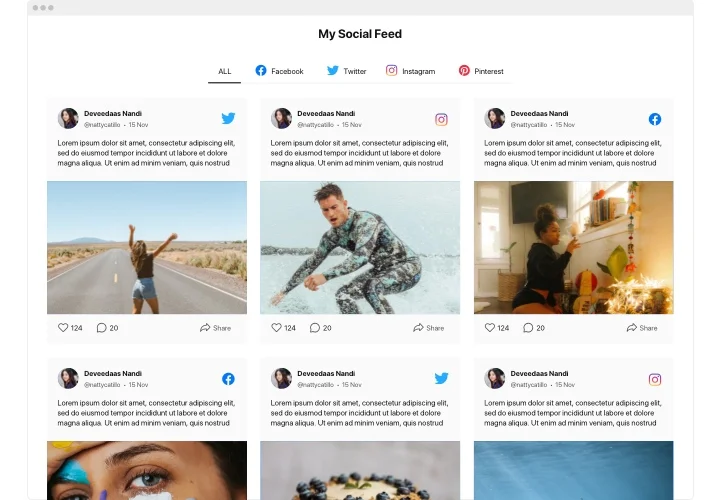
Can I organize different sources into tabs on my Elementor website?

Yes, the widget supports multiple tabs, allowing you to separate networks or create an “All” tab that combines every source.

Are Instagram Reels supported in Elementor?

Yes, Instagram Reels appear as playable videos in the feed, and you can configure a source to display only Reel content.

Does the Social Feed support YouTube and Vimeo videos?

Yes, when connected, YouTube and Vimeo videos show as thumbnails and open in a popup player directly on your page.

Can visitors view full comments inside the feed?

Elfsight shows a comments icon, but full comment threads open on the original social platform after clicking.

How often does the Social Feed refresh content?

Update frequency depends on the platform, for example Instagram refreshes roughly every 48 hours and YouTube about every 24 hours, Facebook about 6 hours.

Pricing

14-day money back guarantee. Risk-free, you can cancel at anytime.
Elfsight Apps
Platform-independent solution
from $0 / month
start with a free plan
Unlimited domains
Fast company support
Charge-free installation help
Price to catch for multiple apps
100% customizable