WordPress Radio Player plugin

Stream your radio station on your WordPress website to reach more listeners and keep your broadcast playing continuously without interruptions.
4.8 rating
10,000+ reviews
Free plan available
Create Widget for Free
No credit card needed
WordPress Radio Player plugin
Create your Radio Player plugin

Configure your Radio Player and add it to your WordPress website for free!

Screenshots

WordPress Radio Player plugin
1 / 6

Embed Radio Player on WordPress with the Elfsight widget

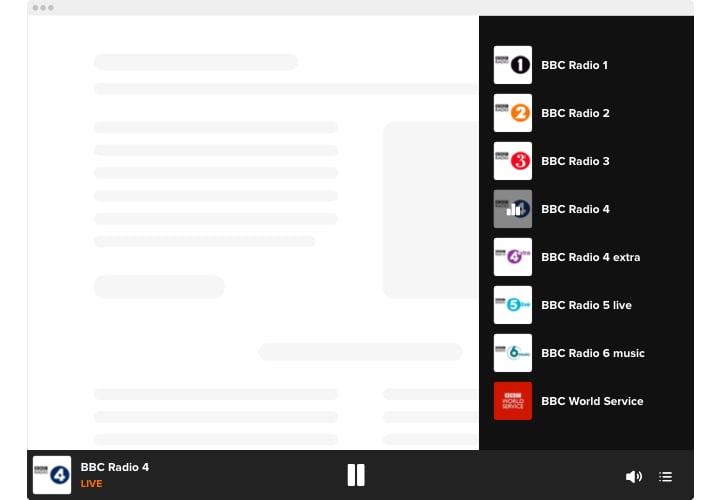
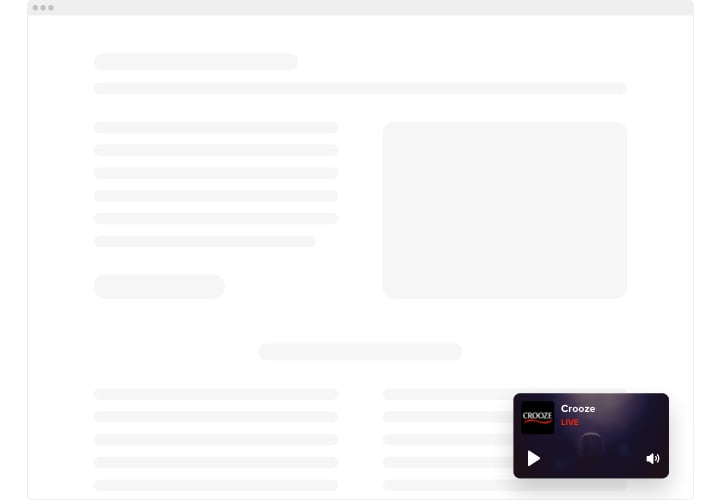
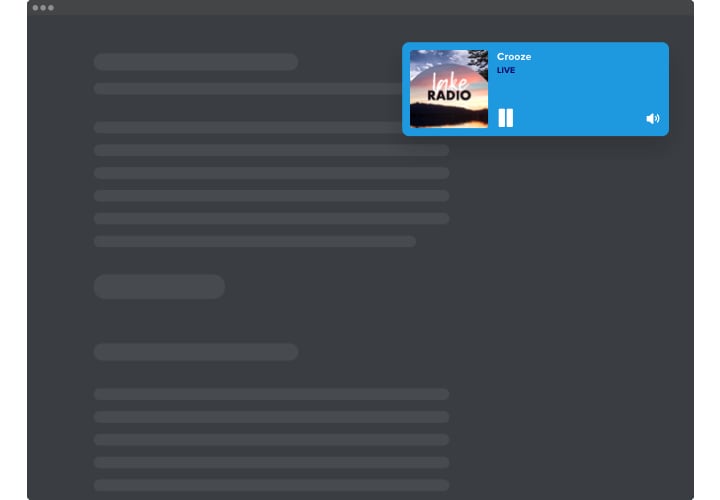
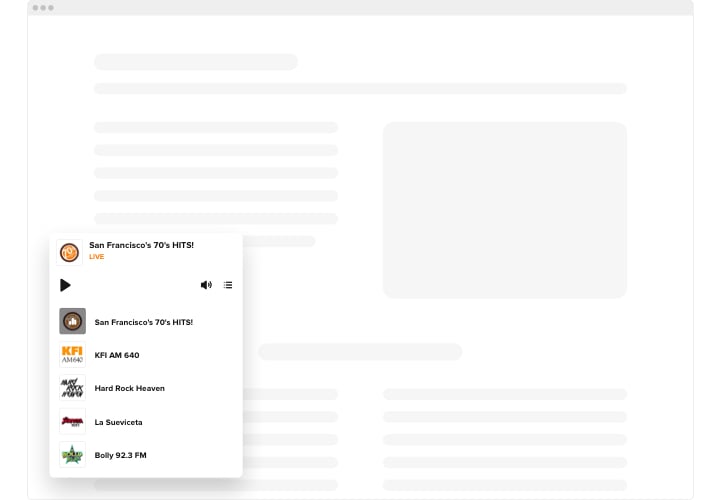
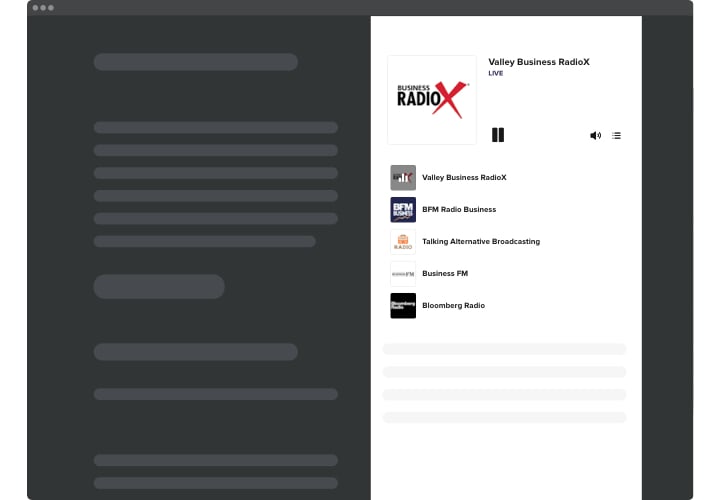
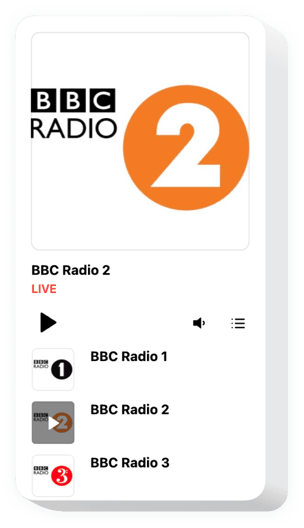
Elfsight Live Player is an uncomplicated streaming plugin giving you an opportunity to playback radio stations directly on your website. The widget is remarkably customizable: you may alter its position, putting it anywhere on the page, alter its size, repaint the background and other elements to mingle it with your website style, apply dark color scheme, demonstrate covers and demonstrate or conceal 3 other player parts, for example, title, status and more. Add as many stations as you wish to delight your visitors, switch the autoplay option on and have no doubt – your audience won’t quit your website immediately!

Supply your visitors with brand new source of helpful and engaging content employing Streaming Radio Player for WordPress.

These are just several of the many plugin features:

  • Numerous color alterations.
  • Dark/light color scheme.
  • 2 layouts ready for use.
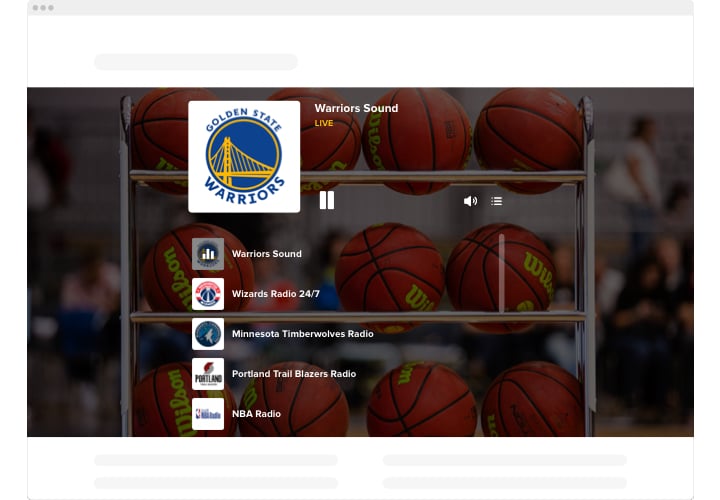
  • Possibility to add background image.
  • Add unlimited amount of stations

Just try our editor to see how it works

How to add Live Radio Player plugin to WordPress website?

Just follow several steps described below to embed the plugin.

  1. Open our free editor and start forming your own plugin.
    Determine the suitable layout and performance of the plugin and apply all the corrections.
  2. Get the individual code revealed in the box on Elfsight Apps.
    Right after the setting up of your plugin is complete, copy your code in the emerged window and keep it for future usage.
  3. Get started with using the plugin on WordPress website.
    Implement the code saved recently into your web page and apply the corrections.
  4. You’re done! The setup is fully performed.
    Visit your webpage to see in action the functioning of the plugin.

On condition of experiencing inquiries or clashing with some problems, have no hesitation to address our customer service staff. Our specialists are longing to help you with all the issues you may have with the widget.

Do I need a paid WordPress.com plan to use Radio Player plugin?

Yes, WordPress.com requires a Business plan or higher to add custom JavaScript, while WordPress.org has no such limits.

Does the Radio Player work with popular WordPress builders?

Elfsight plugins are compatible with most WordPress themes and builders, including Elementor, Gutenberg, and WPBakery.

Can the Radio Player plugin display current track details?

Yes, when your radio stream provides metadata, Elfsight can automatically show the live song title and artist name within the player interface.

Can visitors switch between multiple stations in WordPress?

If you add several stations, Elfsight includes a built-in selector that allows listeners to switch streams directly from the player.

Does the Radio plugin support autoplay?

Autoplay can be enabled, though some browsers may require user interaction before playback begins due to policy restrictions.

Can I hide certain player elements on my WordPress website?

Yes, you can control visibility of components such as track title, playback indicators, and cover artwork to create a streamlined layout.

Can I add a background image to the player?

In addition to color customization, you can upload a background image to better match your WordPress theme styling.

Pricing

14-day money back guarantee. Risk-free, you can cancel at anytime.
Elfsight Apps
Multi-platform solution that works on any website
fron $0 / month
start with free plan
Unlimited domains
Premium company support
Free of charge installation help
Special offer for multiple apps
100% customizable