Webflow QR Code generator

Generate QR codes on your Webflow website for links, contacts, files, coupons, and more, giving visitors fast, mobile-friendly access in one scan.
4.8 rating
10,000+ reviews
Free plan available
Create Widget for Free
No credit card needed
Webflow QR Code generator

Create your QR Code widget

Configure your QR Code and add it to your Webflow website for free!

Screenshots

Webflow QR Code generator
1 / 6

Embed QR Code on Webflow with the Elfsight widget

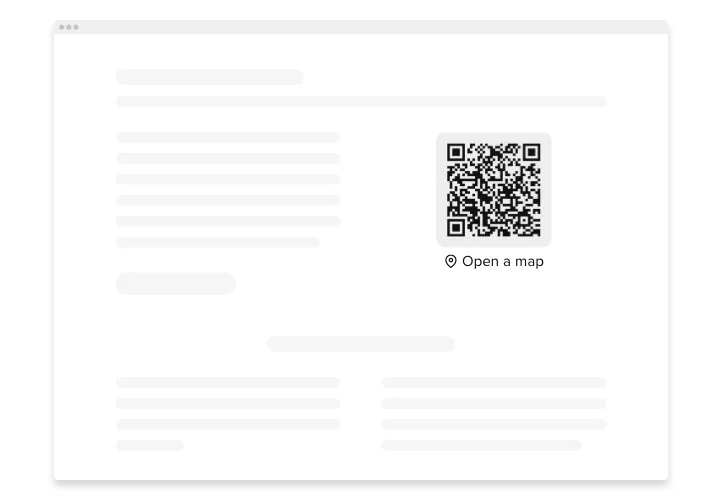
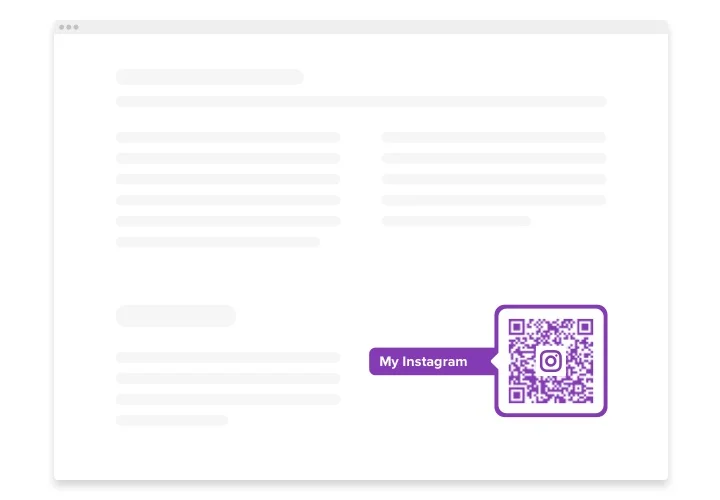
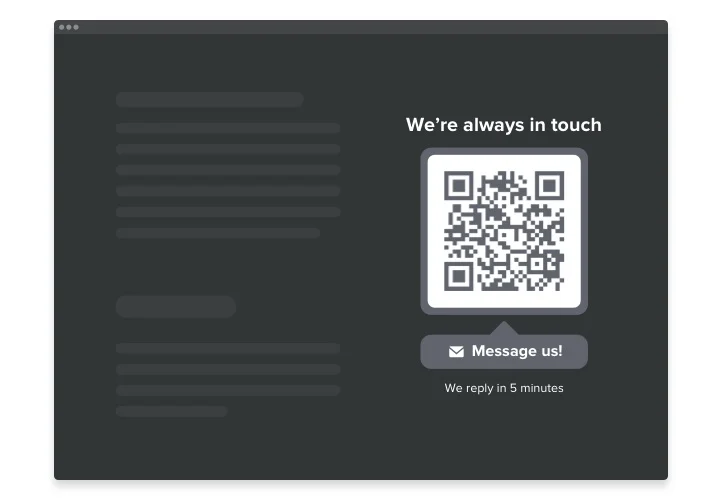
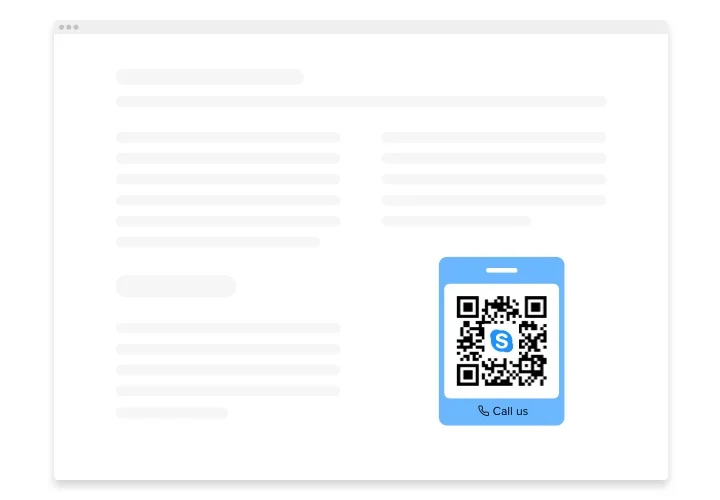
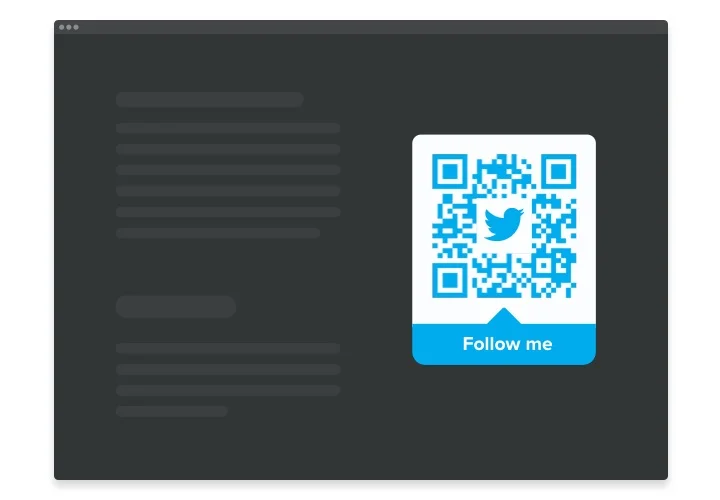
The QR Code is a powerful tool for Webflow allowing you immediately redirect users to any web page, share an URL, location, email, any file and more. The widget is remarkably customizable: you can attach a title, caption, select the most suiting icon and logo – from our library or upload your own, repaint the text, the background, the frame and adjust the size the way it suits your website. All is left to do is start forming the tool – the installation is unsophisticated and won’t require any coding skills from you.

Insert Elfsight QR Code generator into your website and bring users directly where you want them to be and simplify the content usage

We offer powerful and fast features, view some of them:

  • Instant access to content you’ve uploaded
  • Adjoin any text
  • 8 switchable logos
  • 15 switchable icons available
  • Recolor all the widget’s parts

You can check what the widget offers with the help of the intuitive editor

How do I embed QR Code on my Webflow website?

Just apply the instructions below to activate the widget.

  1. Make use of our free configurator and start creating your unique widget.
    Find the custom look and features of the widget and save the edits.
  2. Get your individual code exposed in the widow on Elfsight Apps.
    Right after the establishing of your plugin is finished, copy the individual code at the appearing window and save it for future usage.
  3. Get started with using the tool on Webflow website.
    Implement the code saved recently in your website and save the modifications.
  4. Done! The setup is fully ended.
    Go to your page to see in action how’s the widget working.

On condition of experiencing inquiries or clashing with some obstacles, do not be afraid to address our customer service staff. Our consultants are longing to resolve all the questions you might have with the tool.

Does the QR Code widget work with Webflow CMS collections?

Yes, Elfsight widgets can be embedded inside CMS collection templates, allowing them to appear dynamically across CMS pages.

Do I need a paid Webflow plan to add a QR Code?

Yes, Webflow requires a paid plan to add custom code, as custom embeds are not available on free plans.

What types of data can I encode in a QR code?

Elfsight supports links, text, phone numbers, emails, Wi-Fi login details, and other common data formats, allowing flexible QR generation on your Webflow website.

Does the QR code refresh when I update the content?

Yes, when you edit the destination or data in the Elfsight editor, the QR code updates automatically, so your Webflow visitors always scan the latest version.

Can I adjust the style without breaking functionality?

The widget allows design customization including colors, shapes, and frames, while maintaining full scannability across modern devices.

Is it possible to insert a logo into the QR code?

You can embed a logo or brand icon in the center. In the editor, you can adjust contrast to ensure the QR code remains readable on your Webflow pages.

Are the generated codes universally compatible?

Yes, Elfsight creates QR codes that follow industry standards, making them compatible with smartphone cameras and common scanning applications.

Pricing

14-day money back guarantee. Risk-free, you can cancel at anytime.
Elfsight Apps
Cross-platform solution that suits any site
from $0 / month
start with free plan
Unlimited number of domains
Free and on-time support
Charge-free installation help
Special offer for multiple apps
Flexible design