Squarespace QR Code generator

Generate QR codes on your Squarespace website for links, contacts, files, coupons, and more, giving visitors fast, mobile-friendly access in one scan.
4.8 rating
10,000+ reviews
Free plan available
Create Widget for Free
No credit card needed
Squarespace QR Code generator

Create your QR Code plugin

Configure your QR Code and add it to your Squarespace website for free!

Screenshots

Squarespace QR Code generator
1 / 6

Embed QR Code on Squarespace with the Elfsight widget

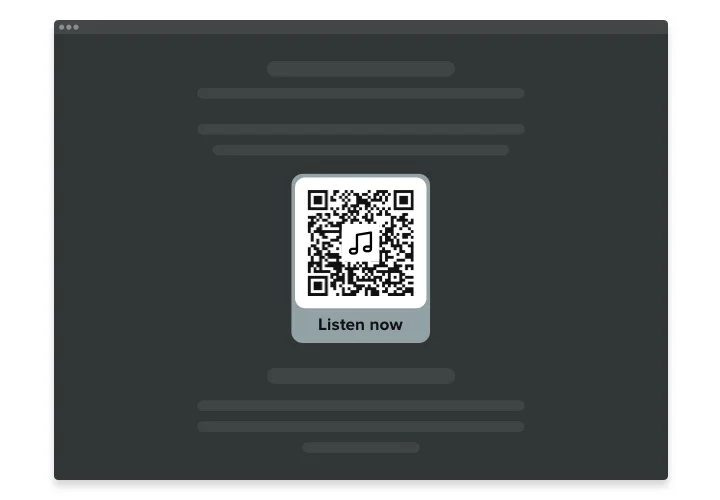
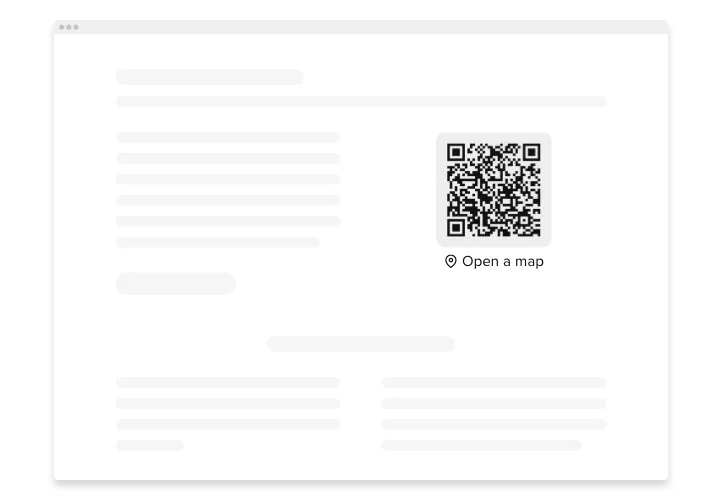
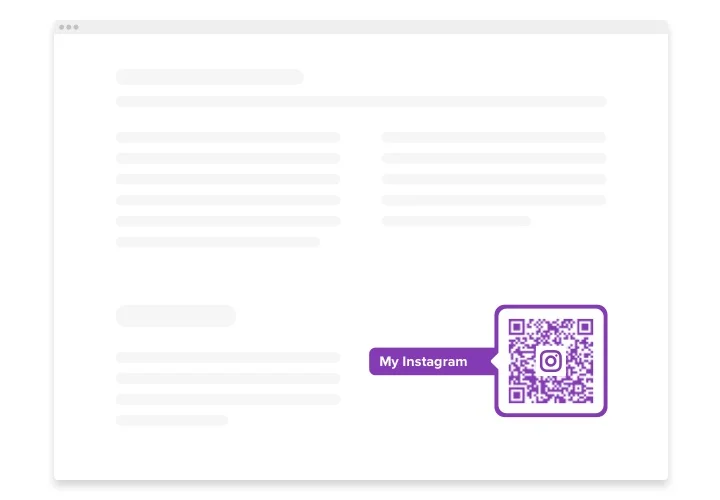
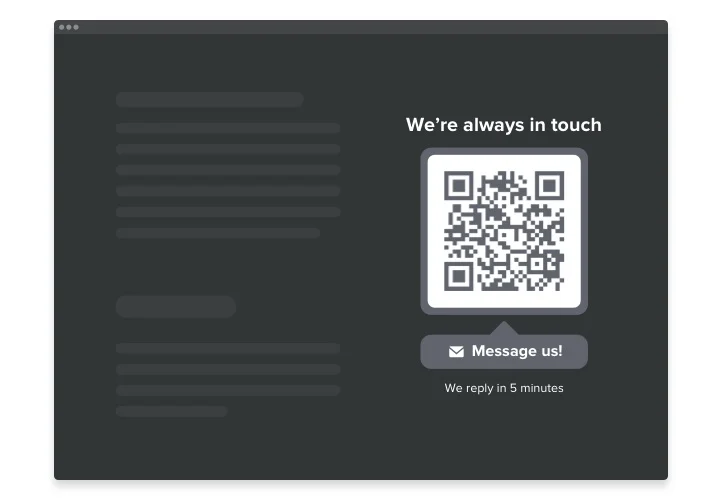
Elfsight QR Code is a powerful plugin for Squarespace allowing you instantly redirect users to any website, share a link, your location, email, file and many more. The plugin is extremely adjustable: you can attach a title, caption, choose the icon and logo type – from our library or upload your own, repaint the text, background, frame and alter the widget’s size the way it suits your website. All you need to do is start shaping your personalized tool – the installation is unsophisticated and won’t require any coding skills from you.

Integrate the QR Code generator into your Squarespace website and get visitors directly where you want them to be and streamline the content consumption

View the list of the greatest features:

  • Instant access to your content
  • Attach any text
  • 8 switchable logos
  • 15 switchable icons available
  • Recolor all the widget’s parts

Try all the personalization features in full-featured editor

How to add QR Code into my Squarespace website?

Simply apply the instructions below to integrate the plugin.

  1. Open our free demo and start shaping your custom plugin.
    Specify the preferred design and features of the widget and save the corrections.
  2. Receive the individual code exposed in the box on Elfsight Apps.
    After the configuration of your widget is complete, copy the personal code in the appeared box and keep it for future need.
  3. Initiate applying of the plugin on Squarespace website.
    Enter the code you’ve saved before into your homepage and apply the corrections.
  4. You’re done! The integration is fully ended.
    Go to your website to inspect the performance of the plugin.

On condition of dealing with inquiries or coming across some difficulties, please apply for our customer service team. Our consultants will be happy to resolve all the issues you may have with the plugin.

Is the QR Code plugin compatible with Squarespace 7.1?

Yes, all Elfsight plugins are fully compatible with 7.0 and 7.1, including the new Fluid Engine editor.

Which Squarespace plans allow adding QR Code?

Business and Commerce plans allow standard custom code embedding. On the Basic (formerly Personal) plan, the plugin can be added using a Markdown block. Trial websites support installation depending on the selected plan.

What data formats are supported for QR codes?

Elfsight can generate QR codes for links, plain text, phone calls, emails, Wi-Fi access details, and other ready-made data types.

Does the QR code refresh when I update its content?

Yes, any modification in the plugin settings instantly updates the QR code, ensuring visitors always scan the most current information.

Can I customize its appearance safely?

In the Elfsight editor, you can modify colors, shapes, frames, and styles without affecting scanning performance, keeping the QR code fully readable.

Can I embed my brand logo in the QR code?

Yes, Elfsight supports adding a logo in the center of the code, with automatic contrast adjustments to maintain reliable scanning.

Are the QR codes compatible with all scanner apps?

Yes, the plugin creates QR codes following universal standards, making them compatible with smartphone cameras and popular QR reader apps.

Pricing

14-day money back guarantee. Risk-free, you can cancel at anytime.
Elfsight Apps
Cross-platform version that works on any site
from $0 / month
start with free plan
Unlimited domains
Free company support
Free of charge installation support
Flexible design
Price to catch for multiple apps