Webflow Background Music

Embed looped ambient audio on your Webflow website to set the mood, draw visitors in, and make their experience feel more vivid and immersive.
4.8 rating
10,000+ reviews
Free plan available
Create Widget for Free
No credit card needed
Webflow Background Music
Create your Background Music widget

Configure your Background Music and add it to your Webflow website for free!

Screenshots

Webflow Background Music
1 / 6

Embed Background Music on Webflow with the Elfsight widget

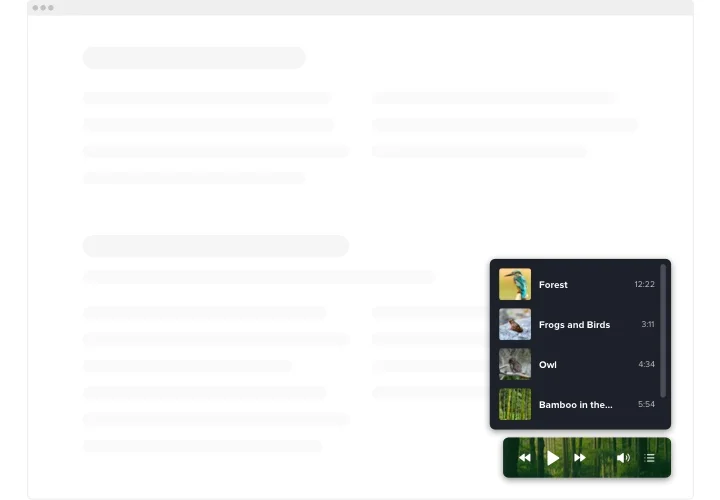
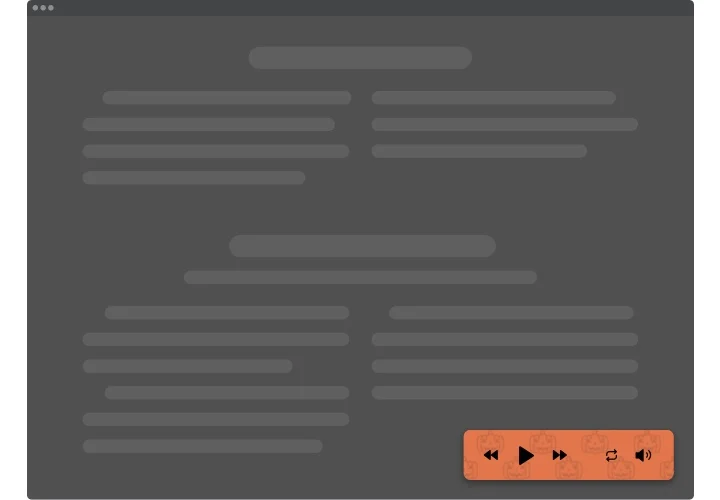
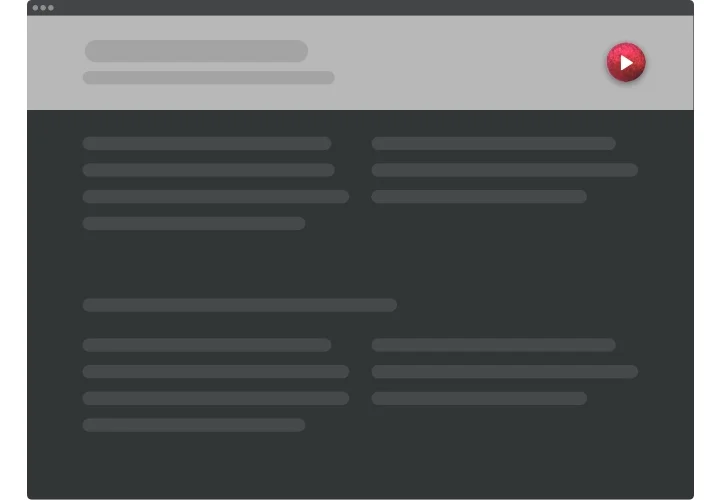
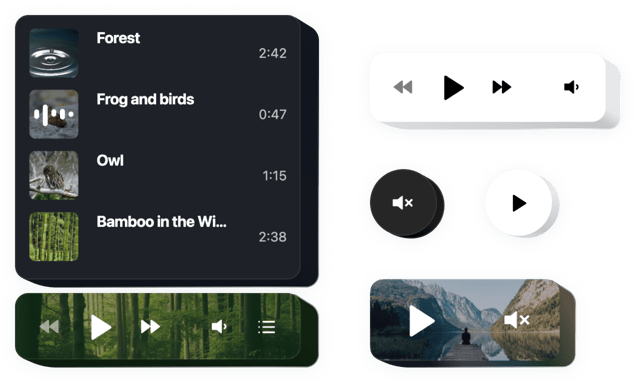
Elfsight Background Audio is an uncomplicated plugin for Webflow allowing you to playback music tracks straight on your website. The widget is remarkably modifiable: you may change its placement, setting it in any place on the page, change its size, do over the background and all other parts to combine it with your website’s design, apply dark theme, reveal covers and display or hide four additional player components like progress bar, heading and others. Add as many tracks as you want to entertain your audience, switch the autoplay option on and be sure – your users won’t quit your website immediately!

Make your website more effective for e-commerce aims with Background Music player

Get to know the list of the most powerful features:

  • Unlimited color alterations
  • Dark/light color scheme
  • Responsive design
  • Two layouts available
  • Possibility to add background image

You can explore the full capabilities of the widget in the demo

How to add Background Music on my Webflow website?

Simply follow the instructions below to integrate the plugin.

  1. Using our free demo start forming your personalised widget.
    Determine the custom interface and characteristics of the plugin and save the edits.
  2. Copy the unique code popping up in the special form on Elfsight Apps
    After the setting up of your widget is over, copy the individual code from the emerged box and keep it for further use.
  3. Initiate employment of the background audio on Webflow
    Embed the code you’ve copied recently in your homepage and apply the edits.
  4. You’re done! The setup is fully ended
    Go to your website to see in action how’s the plugin running.

Supposing you deal with questions or clash with some obstacles, please appeal to our customer service team. Our specialists will be delighted to help you with all the difficulties you might have on the plugin.

Do I need a paid Webflow plan to embed the Background Music?

Yes, Webflow requires a paid plan to add custom code, as custom embeds are not available on free plans.

Does the Background Player work on Webflow CMS pages?

Yes, you can place the widget inside CMS Collection templates so it displays automatically across dynamic Webflow pages.

What audio file formats are supported in Webflow?

The music player supports popular formats such as MP3, WAV, AAC, OGA, M4A, MP4A, WEBM audio, and other browser-compatible file types.

Can I upload my own tracks or only use external links?

You can upload audio files directly in the editor or add tracks via external URLs, giving full flexibility for your Webflow website.

What is the maximum size for uploaded audio files?

Each track can be up to 100 MB, which is enough for long recordings, podcasts, or high-quality background music.

Which external platforms are supported?

The background music solution works with SoundCloud, YouTube (video audio), Vimeo, Twitch, Wistia, and self-hosted audio files.

Do I need API keys for YouTube or SoundCloud in Webflow?

No API keys are needed. Simply paste the media URL into the widget, and it will handle playback automatically.

Can I hide or display the playlist on Webflow pages?

Yes, you can show a visible playlist with track titles or keep it hidden for a clean and minimal background audio experience.

Can shuffle and repeat be enabled by default?

You can pre-enable Shuffle for random playback and Loop for continuous repetition when the player loads.

Does autoplay work on Webflow websites?

Autoplay is available, but most browsers require user interaction before playing sound, so visitors may need to click play first.

Can I add a custom background image to the player?

Yes, you can upload your own image to use as the player’s background, helping it match your Webflow website design.

Will background audio pause other apps on mobile?

On mobile devices, playing background music may pause other audio apps like Spotify, since smartphones allow only one active audio source.

Pricing

14-day money back guarantee. Risk-free, you can cancel at anytime.
Elfsight Apps
Platform-independent solution that works on any website
from $0 / month
start with free plan
Unlimited number of domains
Free customer support
Charge-free installation help
Special offer for multiple apps
100% customizable