Wix Back to Top app

Add a back-to-top control to your Wix website to streamline navigation, support smoother browsing, and make long content easier for visitors to explore.
4.8 rating
10,000+ reviews
Free plan available
Create Widget for Free
No credit card needed
Wix Back to Top app

Create your Back to Top app

Configure your Back to Top and add it to your Wix website for free!

Screenshots

Wix Back to Top app
1 / 6

Description

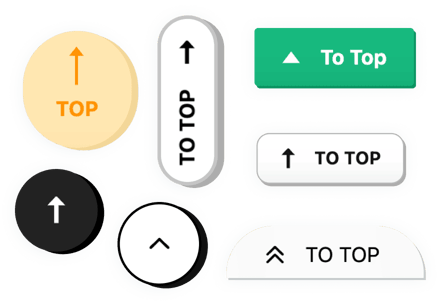
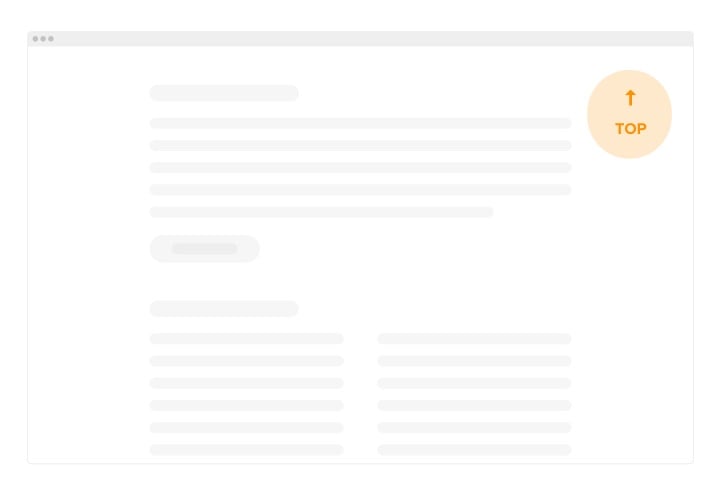
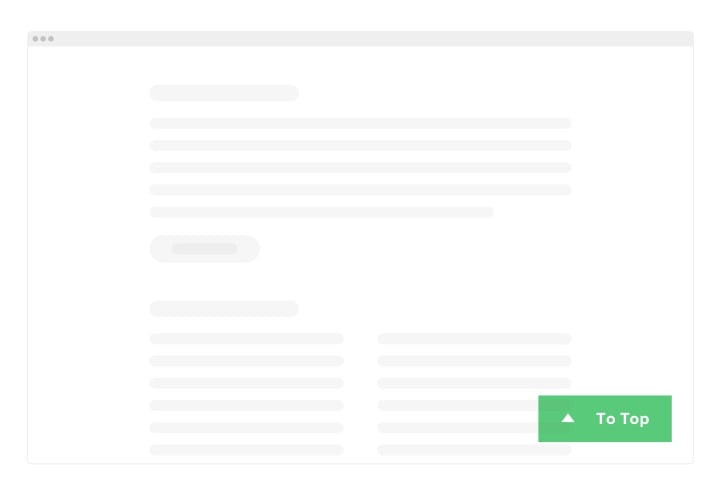
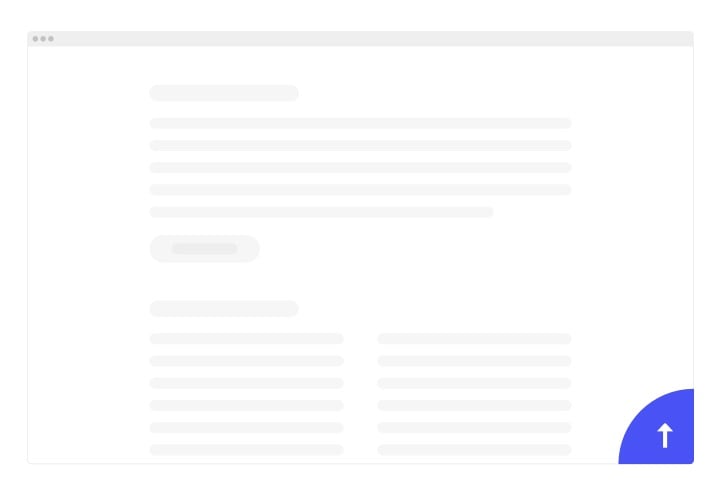
Elfsight Back to Top is an uncomplicated app for Wix which allows site visitors immediately and seamlessly come back to the top of your website after scrolling long pages. The audience of your website will no more need to look for the Home key and drag the scroll bar through the page. The Back to top tool can be customized the way it suits you best – make it square or round, change its color, size and put it anywhere on your website to enhance UX. The button may be shown on any device type – from smartphone to desktop.

Put to use another one accessible scroll to top widget to retain seamless user experience

We offer useful and easy features, here are some of them:

  • Change the color of the button
  • Place the plugin on: every page, peculiar or precluded ones
  • Indicate the scroll agility
  • 8 button positions available
  • 2 button groups – Floating or Embedded

You can check how the app works with the help of the demo

How to add Back to Top to my Wix web page?

Simply follow the instructions below to insert the app.

  1. Employ our free demo and start creating your custom instrument.
    Determine the preferred layout and features of the widget and save the edits.
  2. Receive your individual code popping up in the special form on Elfsight Apps.
    When the establishing of your widget is finished, copy the exclusive code in the appearing box and keep it for future usage.
  3. Begin using the plugin on your Wix web page.
    Insert the code you’ve copied before into your website and apply the adjustments.
  4. The Setup is successfully accomplished.
    Visit your site to observe how’s the widget operating.

On condition of dealing with questions or confronting some problems, do not be afraid to address our customer service team. Our consultants will be excited to help you with all the issues you might have with the product.

Do I need a Wix Premium plan to embed the Back to Top button?

You can install the app on a free Wix website using the standard embed method. Premium plans additionally allow installation via Settings → Custom Code, which avoids iframe embedding.

Is the Back to Top app compatible with Wix layouts?

Elfsight integrates smoothly with Wix sections and automatically adjusts to your Wix website’s responsive design.

When does the Back to Top button appear in Wix?

The app becomes visible once visitors scroll past the percentage threshold you configure, ensuring it shows only when upward navigation is helpful.

Can I adjust the scroll-back speed?

Yes, Elfsight allows you to set the scroll animation duration, so the return to top feels smooth and consistent with your Wix website’s style.

What is the difference between floating and embedded modes?

Floating mode keeps the button visible while users scroll, whereas embedded mode positions it inside a specific section of your Wix layout.

Can I control which Wix pages display the button?

Yes, display settings let you show the Back to Top app across your Wix website or exclude it from selected pages.

How does it function on mobile?

Elfsight automatically resizes for mobile screens, supports touch interaction, and appears based on optimized scroll behavior.

Can I move the button to avoid overlaps?

Yes, you can configure spacing offsets to ensure the Back to Topp app doesn’t interfere with other floating elements.

Pricing

14-day money back guarantee. Risk-free, you can cancel at anytime.
Elfsight Apps
Cross-platform version
from $0 / month
start with free plan
Unlimited number of websites
Dedicated customer support
Free installation service
Special price for multiple apps
100% customizable