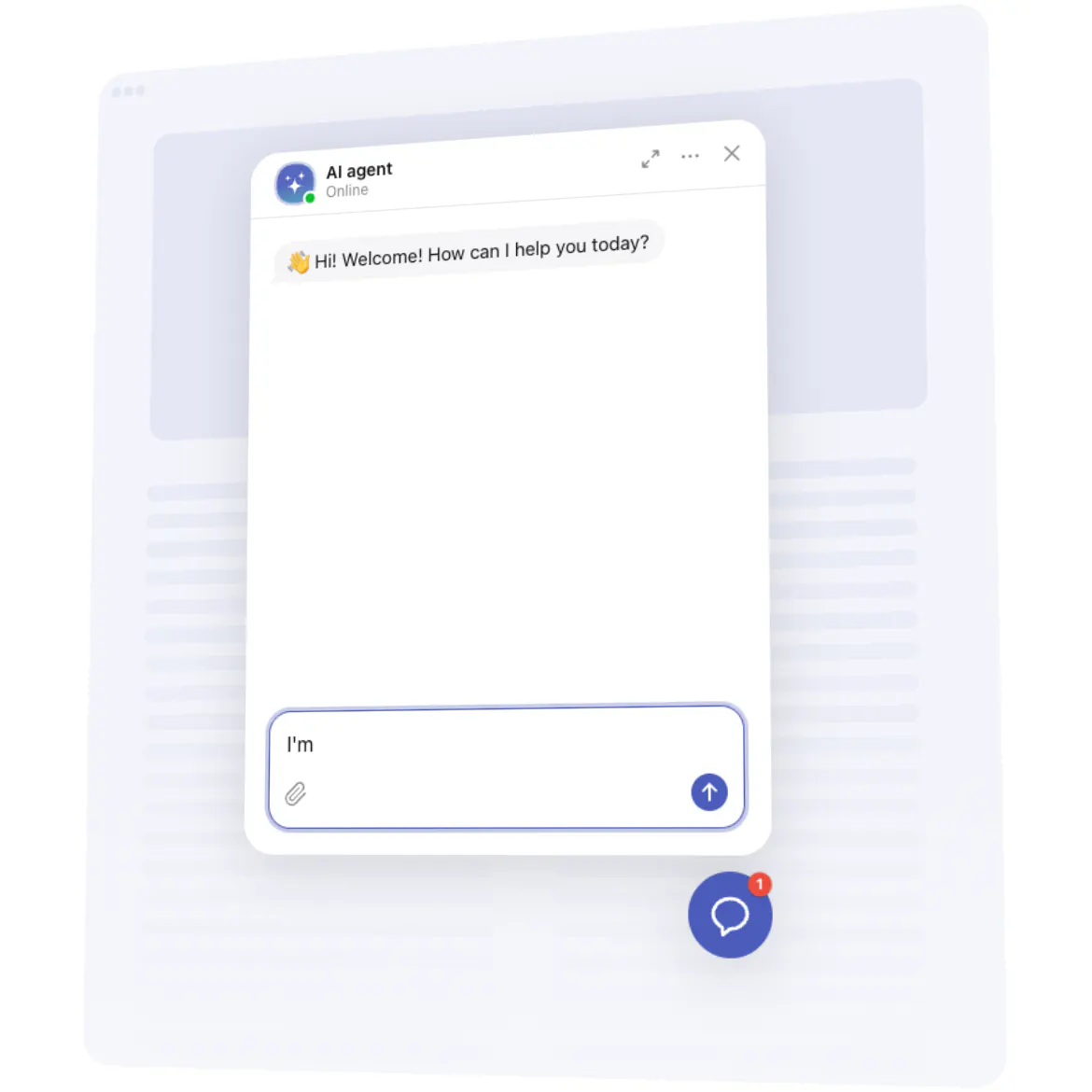














Embed AI Chatbot on Google Sites with Elfsight plugin!
Create a top-tier AI chatbot for your Google Sites website, specifically trained on your knowledge base, support resources, or common FAQs. Empower it to learn and adapt, offering personalized messages to serve your users better every day.
Seamlessly automate client service tasks, decrease response times, and effectively capture leads with zero manual intervention. Offer nonstop assistance, ensuring customers obtain the information they require—whenever and wherever!
Add an AI assistant to answer questions, fix dilemmas, and elevate your sales!
These are just several of the multiple plugin features:
Automate your customer interactions. Streamline responses, offer round-the-clock availability, and boost efficiency with minimal configuration—handle unlimited chats and users seamlessly!
Offer a personalized experience. Make every customer feel important and create the best experience through personalized replies, greetings, keeping track of previous conversations, and follow-up communications.
Train the chatbot with corporate insights. Empower the AI chatbot with your specific expertise by uploading documents, creating question-and-answer pairs, and drawing on your site’s information for the instruction generator, ensuring precise and applicable responses suited to your business.
Obtain customer insights in your email. Remain informed and collect essential insights by having full chat transcripts straight to your inbox, including crucial contact details for lead generation and service optimization.
Discover a wide range of templates. Launch your AI chatbot in no time with our collection of ready-made templates. They cater to various sectors and functions, each with tailored instruction sets for immediate results.
How to add AI Chatbot plugin to Google Sites?
If you want to add the AI Chatbot to your Google Sites website, do the following:
Personalize the plugin.
Start by choosing one of the ready-made templates. After that, feel free to train your chatbot, set up the features, and alter its design based on your business objectives.Get the embed code.
Save the completed work and copy the provided embedding code.Add the code to your website editor.
Go to the admin area of your website, paste the code where needed, and refresh the page. You’re done!
In case you experience any complications, feel free to contact our support team. Our specialists are eager to help you with all the difficulties you may have with the plugin.
Due to the peculiarities of the Google Sites work, the widget may look and work not as expected. We apologize for any inconvenience caused.