Welcome, Hunter! 👋 Enjoy 50% OFF annual plans with code PRODUCTHUNT — limited time ⏳
50% OFF annual plans — code PRODUCTHUNT
BLACK FRIDAY SALE 50% OFF +1 FREE MONTH LIMITED TIME DEAL Grab The Deal
50% OFF +1 FREE MONTH Grab The Deal

Wix Google Reviews Widget
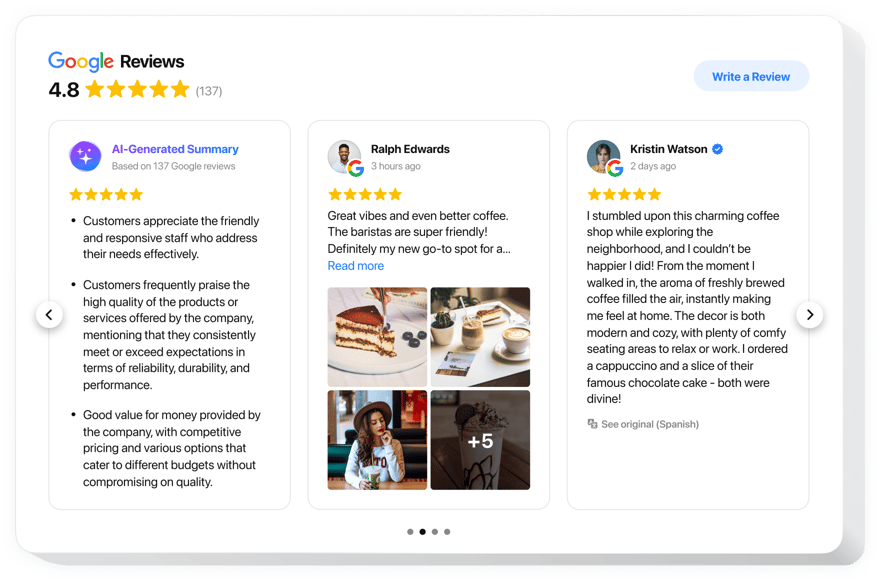
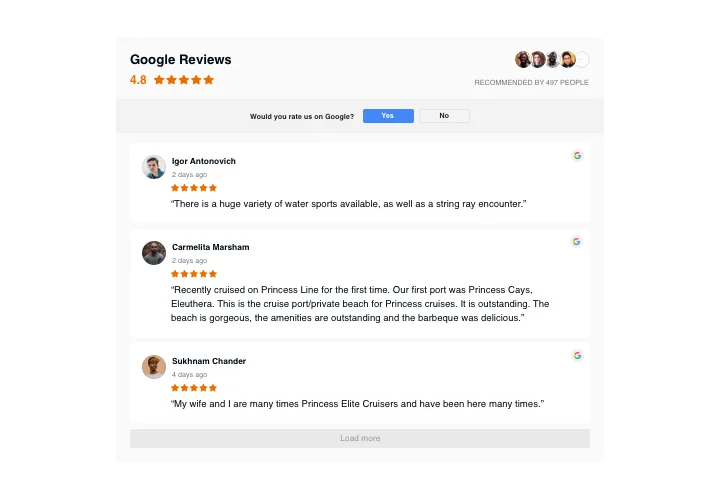
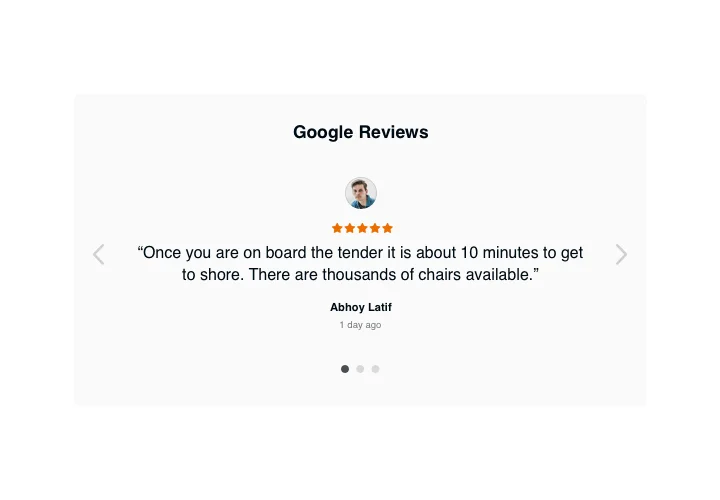
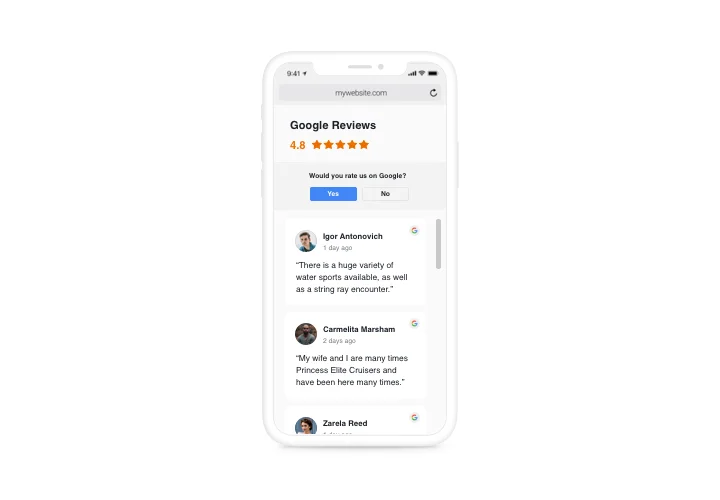
Showcase customer reviews from Google to build trust and help visitors evaluate service quality, business reputation, and overall experience before choosing you.
4.8 rating
10,000+ reviews
Free plan available
AI-Powered
Create Widget for Free
No credit card needed
Wix Google Reviews Widget

Create your Google Reviews widget

Integrate your widget into a Wix website for free!

Screenshots

Wix Google Reviews Widget
1 / 6

Add Google Reviews Widget to Wix

Looking to enhance your Wix website’s credibility? Displaying Google reviews is a great way to attract customers and increase conversions. There are a few methods to attach your customer reviews to the website, and one of them is the Elfsight Google Reviews widget. With Elfsight’s app for Wix, you can easily integrate customer feedback without any coding, and best of all, it’s free!

Begin using the Wix Google Reviews widget by Elfsight today and elevate your website’s engagement!

Google Reviews App Features

  • Easy to connect reviews. Quickly add your Google Place ID or just the name and address of your business, even if you don’t have a physical location.
  • Review moderation & filters. With Elfsight’s Wix Google Reviews widget, it is easy to adjust numerous filters and display only appropriate Google reviews. For example, you can set the minimum rating to be shown or restrict certain authors from being seen in the widget.
  • Button to gain more reviews. Add an adjustable CTA button to your reviews bar to encourage the clients to share their feedback.
  • Star snippet to boost Google traffic. Stand out from your competitors by enabling star ratings to appear in Google search results. This feature will help you improve visibility and increase your click-through rates.
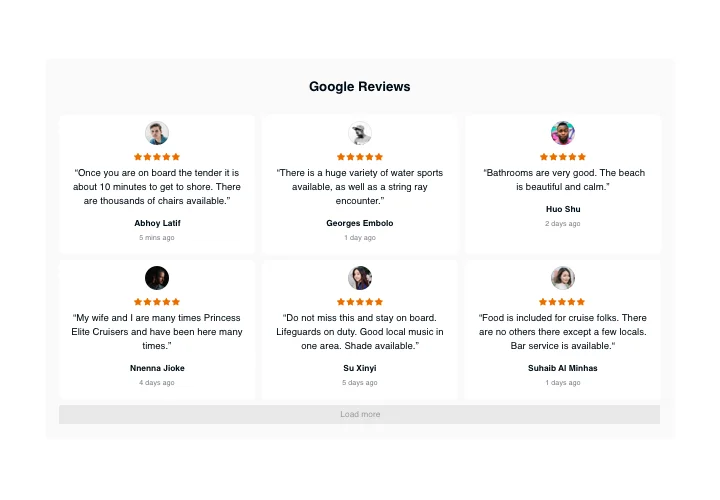
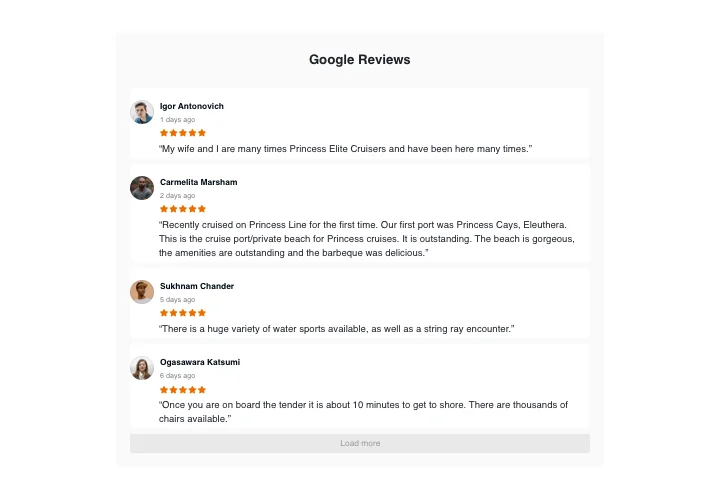
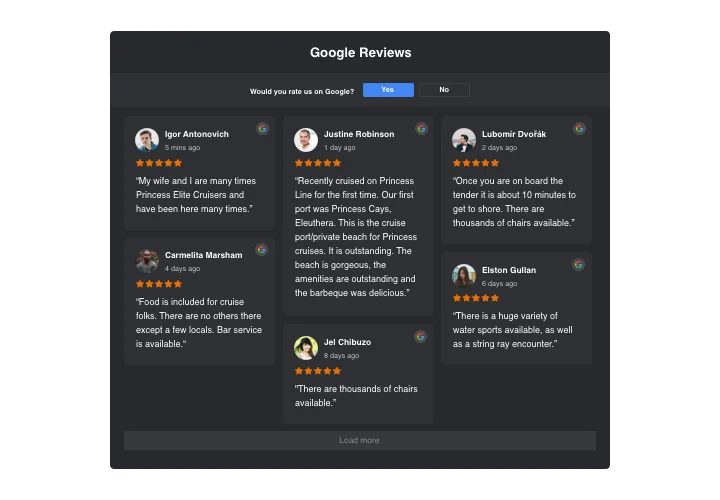
  • Advanced design customization. Choose from various layouts such as Slider, List, Grid, Carousel, Floating Badge, and more. Personalize each review’s details: titles, badges, names, and stars to perfectly align with your design.

To check out all features, see the intuitive editor

How to embed Google Reviews into Wix

Learn how to link Google Reviews to a Wix website quickly and easily with Elfsight’s no-code widget. It only takes a few minutes and requires no technical expertise!

  1. Create your individual Google Reviews app
    Start with choosing any template in the editor, upload your customer feedback, customize the widget to fit all your needs, and get an app with the preferred layout and features.
  2. Receive the individual code to embed the app
    Once your widget is ready, you will obtain the individual embed code. Copy the code that holds all the information about your app’s settings.
  3. Display the Wix Google Reviews widget on your website
    Go to your Wix site, paste the code in the desired area, and save the changes. Your Google Reviews will instantly appear on your website!

Great! Go and see how the app is functioning on your website.

Still experiencing problems with embedding Google reviews on a Wix website? Simply read our article on adding Google Reviews to your website.

Do I need a Wix Premium plan to embed the app?

Yes. Wix’s Free plan doesn’t support external code, so you need a Premium plan to embed the app on your live website.

Is Elfsight compatible with Wix Editor, Editor X, and Wix Studio?

Yes, the Google Reviews app is fully compatible with the classic Wix Editor, Editor X, and the new Wix Studio. You can easily embed it in any Wix version.

How do I connect my Google Business Profile to my Wix website?

You can connect your Google Business Profile by entering your Google Place ID, business address, or business name in the app’s source settings. Once connected, your Wix website will automatically display reviews from your Google listing.

Do I need a Google API key to display reviews?

No, you don’t need a Google API key. Reviews are fetched automatically through a simple connection using your Google Place ID.

Can I show reviews without a physical business address?

Yes, even without a public address, you can connect your business using its Google Place ID or a Google Maps share link. Just find your business on Google Maps, click “Share,” and paste the link into the app’s settings.

Can I display reviews from multiple locations?

To show reviews from multiple locations, you can add several Google Reviews apps or use the All-in-One Reviews widget to combine multiple sources.

Can I show only positive reviews?

Yes, you can filter reviews by rating and display only positive feedback, such as 4- and 5-star reviews.

Can I hide reviews by keyword or reviewer name?

Yes, you can exclude specific reviews by filtering out certain keywords or reviewer names to keep your reviews feed clean and relevant.

Can reviews be translated into my Wix website’s language?

Yes, you can enable the “Auto-translate Reviews” option in Settings to translate review text (available on the Pro plan and higher). App elements follow the selected language on all plans.

Do new reviews appear on the Wix website automatically?

Yes, the app auto-syncs with your Google Business Profile. New reviews usually appear on your Wix website within 72 hours after being posted on Google.

How do visitors leave their own review on Google?

Visitors can leave a review by clicking the “Write a review” button in the app, which redirects them to your Google Business page with the review popup already open.

Pricing

14-day money back guarantee. Risk-free, you can cancel at anytime.
Elfsight Apps
Multi-platform solution
from $0 / month
start with free plan
Unlimited number of domains
Free customer support
Free installation help
Special deal for multiple apps
Black Friday Sale
50% OFF
+1 FREE MONTH
The Biggest Sale of the Year. Don't Miss Out!
Grab The Deal