Welcome, Hunter! 👋 Enjoy 50% OFF annual plans with code PRODUCTHUNT — limited time ⏳
50% OFF annual plans — code PRODUCTHUNT
BLACK FRIDAY SALE 50% OFF +1 FREE MONTH LIMITED TIME DEAL Grab The Deal
50% OFF +1 FREE MONTH Grab The Deal

Squarespace Whatsapp Live Chat plugin

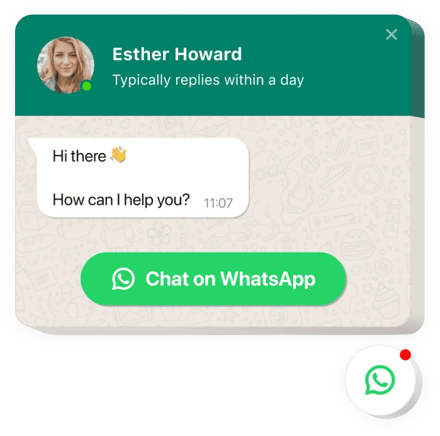
Let visitors chat with you via WhatsApp to get quick answers, request help, and stay connected through a channel they trust and feel comfortable using.
4.8 rating
10,000+ reviews
Free plan available
Create Widget for Free
No credit card needed
Squarespace Whatsapp Live Chat plugin

Create your Whatsapp Chat plugin

Configure your Whatsapp Chat and add it to your Squarespace website for free!

Screenshots

Squarespace Whatsapp Live Chat plugin
1 / 6

Embed WhatsApp Chat with Elfsight Widget

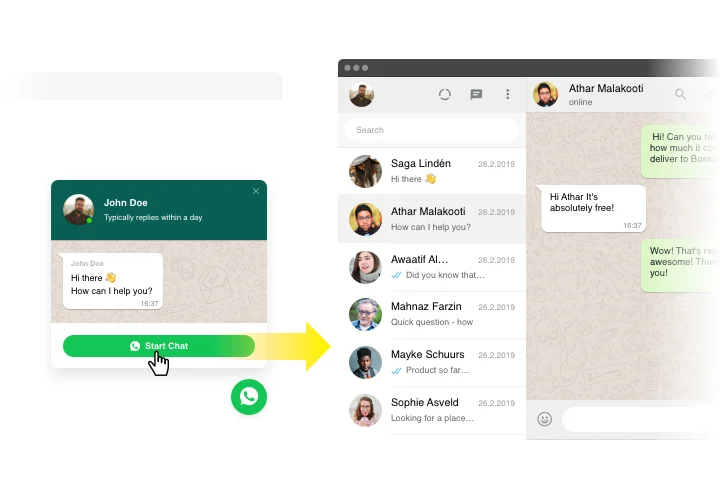
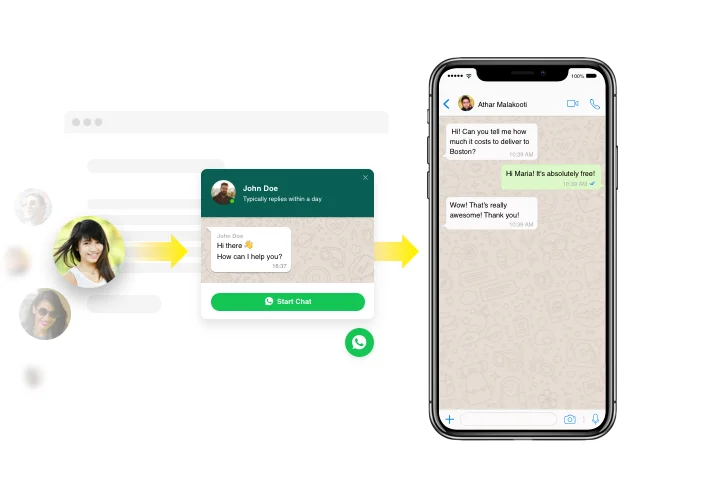
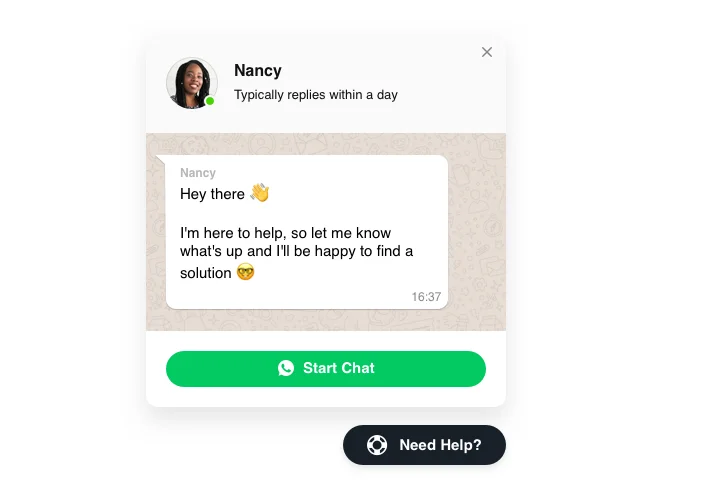
WhatsApp plugin made by Elfsight is the fastest way for your website customers to contact you and hear answers to their questions and requests. Now you can be available right now for viewers in the beloved messenger no matter where you are. Insert chat on store and it can appear on selected pages or for chosen categories of clientele, pick start-chat triggers, enter your personal welcome message, choose icons and much more. Using Squarespace chat on your web page, you will be available for your audience anytime and from anywhere.

Main features of WhatsApp Chat Widget

In order to achieve a clearer knowledge of Chat plugin, examine the list of its major functions. They make our widget maximum efficient for you:

  • Introduce WhatsApp messenger into your store to have live chats with viewers;
  • Provide answers right from your WhatsApp account;
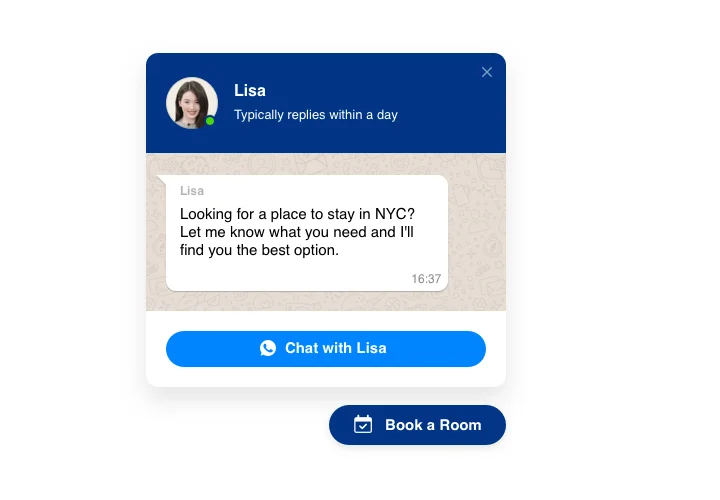
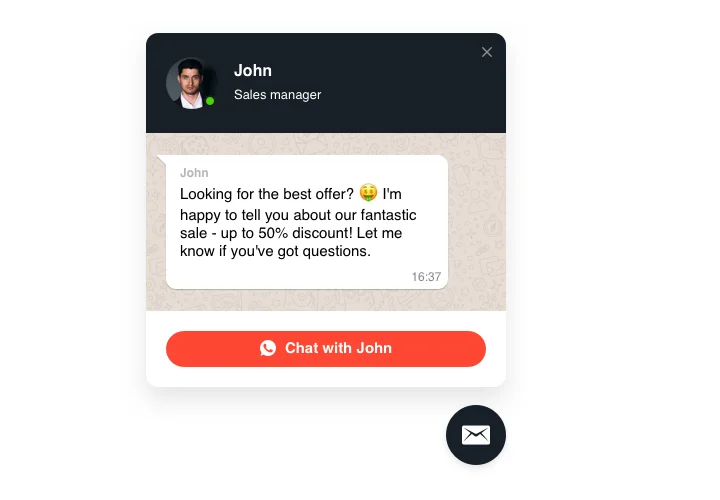
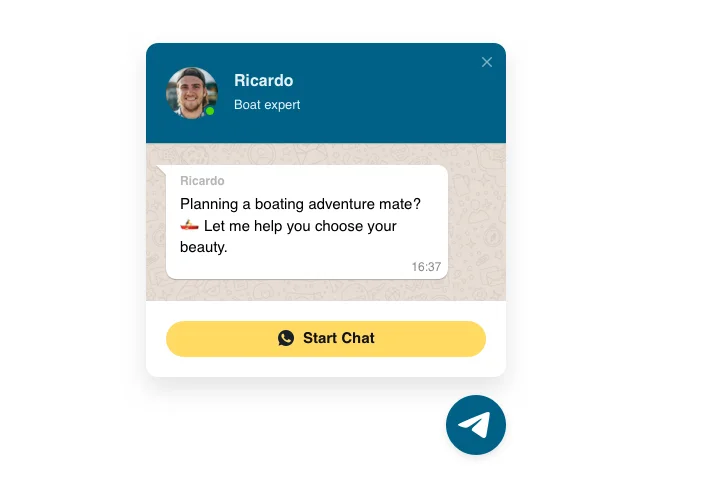
  • Three options of chat layout: floating bubble, embed bubble, and embed chat window;
  • Pick your bubble icon in the library of available icons;
  • Editable bubble text.

Check more features in demo

How to add the Live Chat plugin to your Squarespace website

The below actions are the only thing you need in order to demonstrate the widget.

  • Construct your unique WhatsApp plugin
    With the help of our free configurator, set up a widget with a preferred layout and functional traits.
  • Get the personal code to install the plugin
    After you have created your widget, you will get the installation code from the appeared window on Elfsight Apps. Copy this code.
  • Embed the Chat plugin on your Squarespace site
    Select the area you wish to display the widget to and insert the saved code there. Save the edits.
  • Done!
    Go to the website, to check your plugin.

Still can’t make a decision? Or have questions to ask? Just a single request to our support team will help with every trouble.

Is the WhatsApp plugin compatible with Squarespace 7.0 and 7.1 (including Fluid Engine)?

Yes, the Chat works on all Squarespace versions, including classic 7.0 and the latest 7.1 with Fluid Engine, and it integrates smoothly with any template.

Which Squarespace plans support adding the WhatsApp Chat?

You’ll need a plan that allows custom code. Squarespace’s Business or higher plans are required for embedding JavaScript widgets – Personal/Basic plans don’t support code blocks or header/footer injections for scripts.

What do I need to set up WhatsApp Chat on my Squarespace website?

You need your WhatsApp phone number (with country code) to connect the plugin to your account; the plugin will automatically sync with your WhatsApp.

Does WhatsApp Chat support Business accounts?

Yes, WhatsApp Chat works with both personal and WhatsApp Business accounts via the same phone number integration.

Does the plugin support WhatsApp Business API?

Elfsight works with standard WhatsApp and WhatsApp Business accounts, but not directly with the WhatsApp Business API.

Can I hide WhatsApp Chat on mobile?

Yes, WhatsApp Chat by Elfsight allows you to toggle mobile display on or off if you want to hide it on mobile devices.

Can I choose which visitors see the WhatsApp Chat?

Yes, Elfsight offers three audience options: show to all users, show only to new visitors, or show only to returning visitors.

Can I edit the Start Chat button text?

Yes, you can customize the Start Chat button text to any phrase (e.g., “Message us,” “Get help,” “Ask a question”).

Can I add or remove the WhatsApp icon on the button?

Yes, the chat button includes a toggle option to show or hide the WhatsApp Messenger icon.

What formatting options does the welcome message support?

The welcome message supports text weight, font options, alignment (left, center, right), bullet and numbered lists, and links.

What triggers can open WhatsApp Chat?

WhatsApp Chat supports four trigger types: time on page (seconds), time on site (seconds), scroll position (percentage), and exit intent (when cursor moves to close tab).

Is there a message character limit?

Messages follow WhatsApp’s standard messaging limits; WhatsApp supports messages up to 4,096 characters per message.

Is there a limit on WhatsApp Chat instances?

There is no stated limit; you can create multiple instances per domain and across domains within your Elfsight account.

Is my WhatsApp number visible to my Squarespace website visitors?

Your phone number is used internally for routing; it is not displayed in the chat interface unless you explicitly mention it.

How do I prevent spam in WhatsApp Chat?

Block users directly in WhatsApp. Elfsight has no built-in spam filtering – rely on WhatsApp’s native blocking and reporting features.

Pricing

14-day money back guarantee. Risk-free, you can cancel at anytime.
Elfsight Apps
Platform-independent digital solution that works on any site
from $0 / month
start with a free plan
Unlimited websites
Premium and on-time support
Free of charge installation support
Fully customizable
Great deal for multiple apps
Black Friday Sale
50% OFF
+1 FREE MONTH
The Biggest Sale of the Year. Don't Miss Out!
Grab The Deal