
Government Website Templates










Explore More Industry Solutions
FAQ
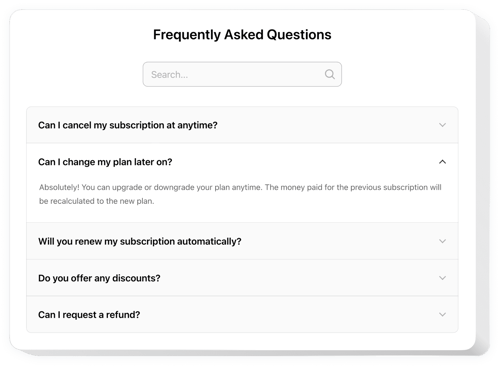
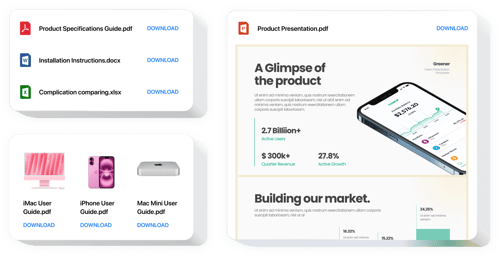
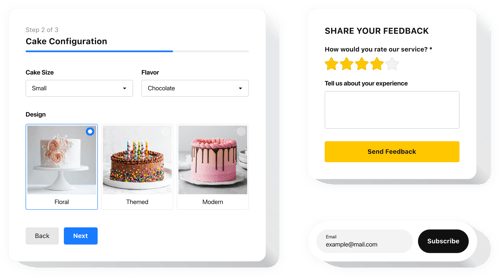
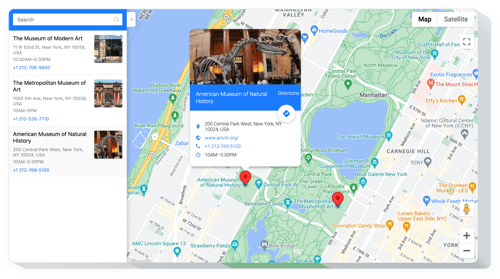
Do you have more solutions for public-facing websites?
Yes, we have ready-made solutions specifically suited for government and civic websites, such as:
How do I embed widgets on a government website?
Embed the widgets by following these 3 simple steps:
- Personalize the template. Make some visual tweaks in the online builder to your preferences.
- Get the embed code. Save the customized template and copy the installation code.
- Add it to your website. Add the code to your CMS or website editor, then refresh the page.
Which website builders and CMS are supported?
Our widgets are built to work with almost every website builder commonly used for government and public-sector:
Squarespace, Wix, HTML, Webflow, WordPress, Shopify, Elementor, Google Sites, GoDaddy, iFrame, Bigcommerce, Weebly, Joomla, and many others.
Is there a free plan available?
Yes, Elfsight offers several pricing plans, including a Free plan. It’s a good option that includes all the customization, such as templates and design elements, and fast installation on a government website.
Do I need coding skills to embed widgets?
No, our solutions are designed to be no-code and user-friendly. Even if you don’t have a technical background, you’ll be able to add and manage widgets without any issues.
Can I customize widgets for my government project?
Yes, every single widget comes with a selection of templates and features for personalization. You can adjust layouts, colors, and functionality to fit your official branding and communication needs.
