
Joomla Contact Form extension
Build contact forms on your Joomla website to collect messages, answer questions, and streamline support, giving users a simple and reliable way to reach you.
Create Widget for Free
No credit card needed
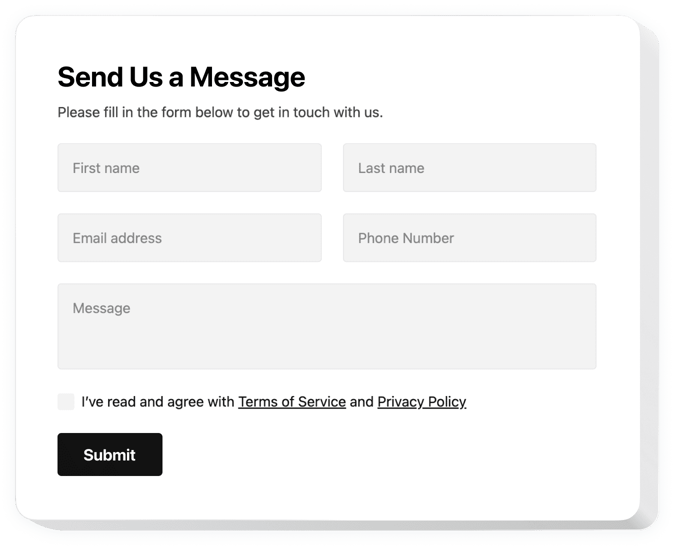
Trusted by over 3,000,000 small business, agencies and top global brands worldwide
Create your Contact Form plugin
Configure your Contact Form and add it to your Joomla website for free!
Screenshots
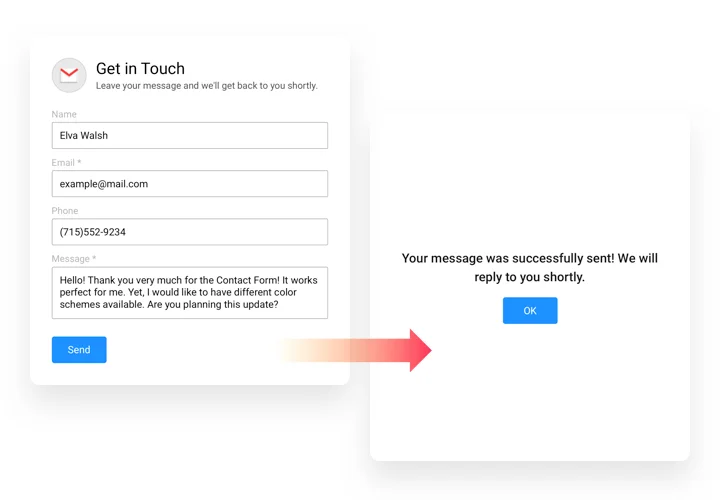
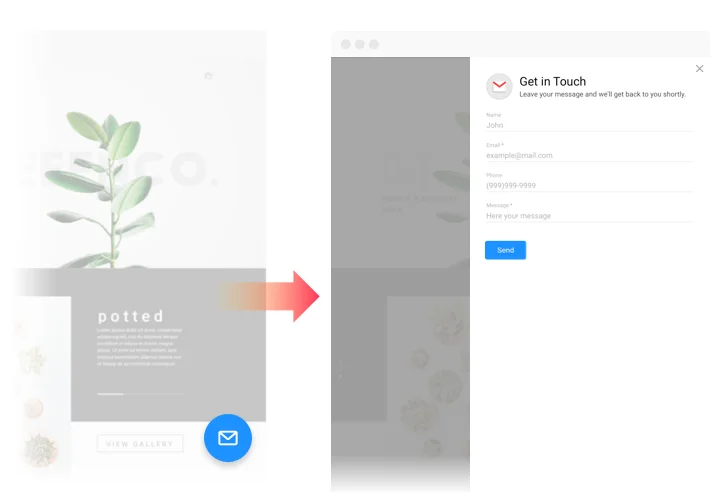
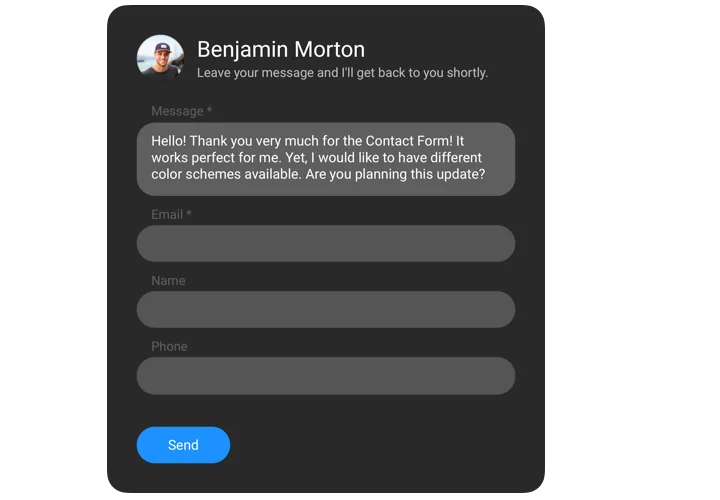
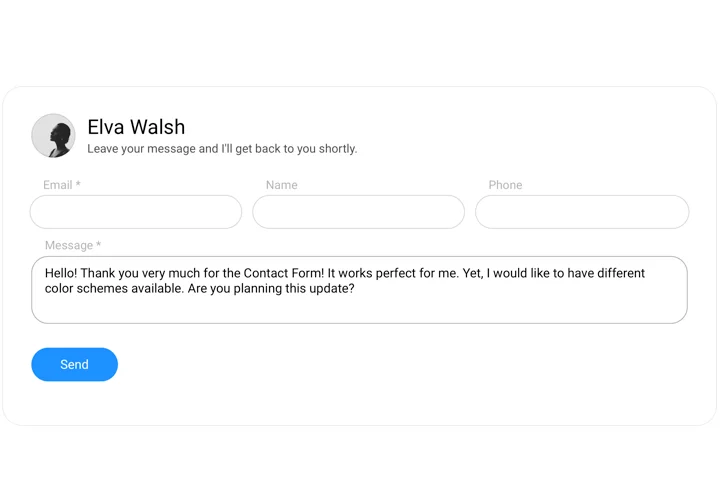
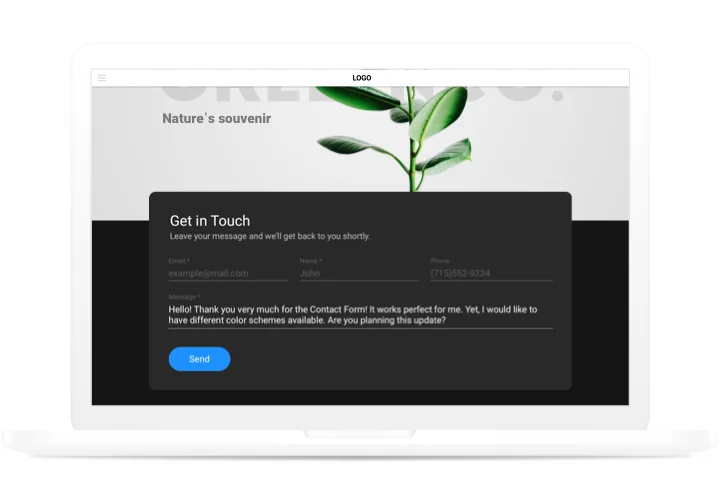
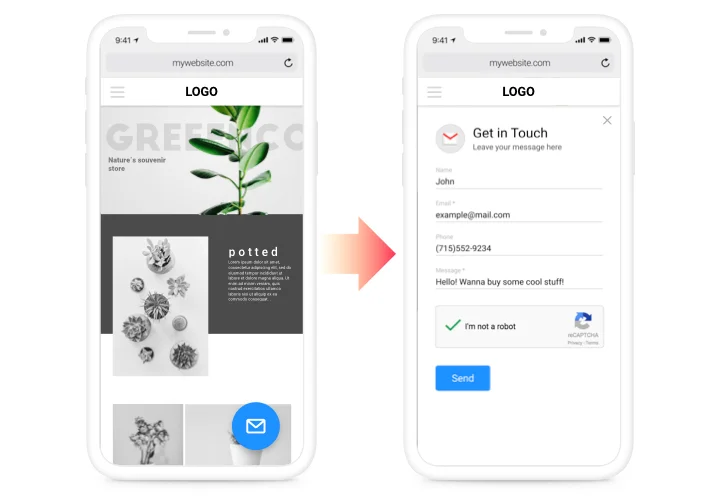
Get messages and requests from your Joomla visitors
Add a contact form to your Joomla page so visitors can send you messages and requests. The Elfsight Contact Form module lets you pick a premade template, choose the fields and adjust the look in the editor.
- Block spam: the form is protected from spam and bots with Google reCAPTCHA, so you keep real messages only.
- Choose your fields: add Short Text, Long Text, Email, Phone, Date, File, Dropdown, Choice, Consent, Signature, scales and more.
- Stay on top of feedback: get email notifications on every submission and find all submissions in the Elfsight dashboard.
You can also customize the thank-you message visitors see after they send the form.
Contact form features for your Joomla website
Here is what you get with the form:
- Basic fields: name, email, phone and message, so visitors can reach you quickly.
- Picture or logo: pin a picture, a logo or a photo over the form to match your brand.
- Five field styles: classic, flat, material, classic rounded and flat rounded.
- Thank-you message: set the text visitors see after they send a message.
- 20+ templates: start from a ready-to-use Contact Form template and adjust it.
How to add Contact Form to Joomla
Follow these steps to put the form on your Joomla page. You do not need a paid plan. These steps are for older versions of Joomla.
Create and copy your form code
- Open the Elfsight editor.
- Pick a premade template.
- Adjust the settings, content, layout and color scheme.
- Copy the generated installation code.
Add the form to a specific page
- Log in to your Joomla admin panel and go to Extensions → Templates → Templates.
- Choose the template your website uses.
- Open the index.php file, find the Body tag and paste the first line of your installation code right after the div class tag. Click Save.
- Go back to your Control Panel and click Articles in the left-hand menu.
- Choose the page in the Articles section where you want the form.
- Click the HTML Code icon and paste the second line of your installation code.
- Click Ok, then click Save, and open your page to see the form.
Add the form to all pages
- Log in to your Joomla admin panel and go to Extensions → Templates → Templates.
- Choose the template your website uses.
- Open the index.php file, find the Body tag and paste your whole installation code right after the div class tag.
- Click Save, then open any page to see the form.
Need help while adding or creating your form? Read our guide, How to display Contact form on a Joomla website, or contact the Elfsight support team.
Can I add a contact form to Joomla for free?
Yes. You can open the editor for free and install the form on Joomla without buying a paid plan.
How do I create a contact form?
Open the editor, pick a premade template and adjust the settings, content, layout and color scheme. Then copy the generated code.
What should I include in a Contact Us form?
Start with Short Text, Email, Phone and Long Text fields, then add other field types as you need them.
Which fields can I use?
The editor offers Short Text, Long Text, Email, Website, Phone, Number, Date, Time, Address, Country, File, Hidden, Label, Heading, Paragraph, Choice, Image Choice, Dropdown, Consent, Signature, Star Scale, Number Scale, Thumb Scale and Smiley Scale fields.
Can I change how the form is laid out?
Yes. You can choose an Inline or Floating Pane embed type and a Vertical, Horizontal or Multistep form layout. Use the Column Width setting for rows with few fields, or split the fields across multiple pages.
Can I add a picture or logo to the form?
Yes. You can pin a picture, a logo or a photo over the form.
Is the form protected from spam?
Yes. The form is protected from spam and bots with Google reCAPTCHA.
Can I set a message to show after sending?
Yes. You can customize the thank-you message visitors see after they submit the form.
Are there Contact Form templates for Joomla?
Yes. Elfsight has 20+ ready-to-use Contact Form templates.
Will I get email notifications?
Yes. You get an email notification on every submission.
Where can I see submissions?
Submissions are stored in the Elfsight dashboard.
Can I get help with installation?
Yes. The Elfsight support team can help with installation or form questions.
Pricing
14-day money back guarantee. Risk-free, you can cancel at anytime.
Elfsight Apps
Cross-platform version that works on any site
from $0 / month
start with free plan
Unlimited domains
Dedicated customer support and well documented
Charge-free installation assistance
Great deal for multiple apps
Flexible design