
Supermarket Website Templates









FAQ
Do you have suitable solutions for more food-related websites?
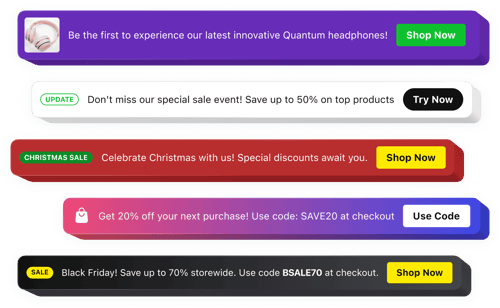
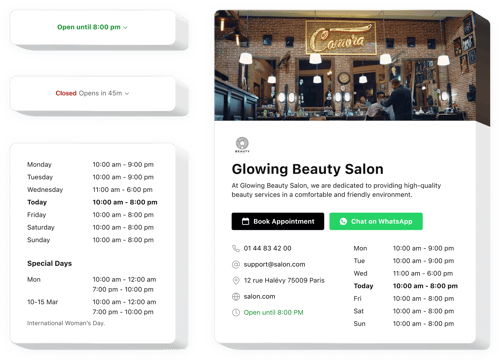
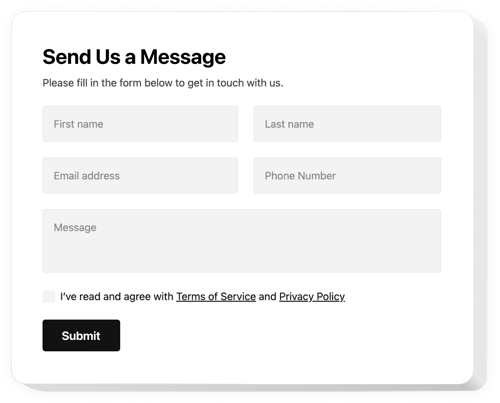
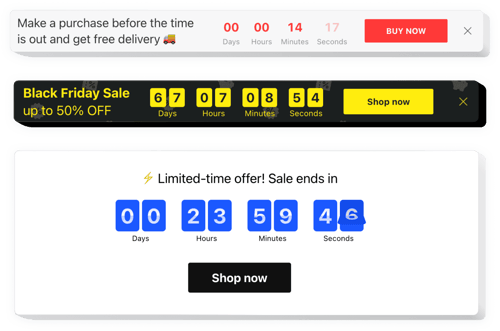
Yes, here are a few examples of food-related websites we support:
How do I add the widget to my supermarket website?
It’s pretty simple and usually takes just a few steps.
- Adapt the template. Adjust the design and settings for your supermarket store.
- Receive the embed code. Once you’re happy with the result, save it and copy the code.
- Add it to your website. Paste the code into your website and publish the page.
Will these solutions work with my website platform?
You can easily use our plugins on just about any website. Here are some of the ones that people love using:
Squarespace, Wix, HTML, Webflow, WordPress, Shopify, Elementor, Google Sites, GoDaddy, iFrame, Bigcommerce, Weebly, Joomla, etc.
Is there a free plan available?
Yes, you can start with our free plan. It’s a good option if you want to test how everything works on your website. Plus, you get all the customization elements and a quick setup.
Do I need to know how to code to use them?
No, you don’t need to know any coding at all. It’s all done through an easy visual editor, so you can add and manage widgets even if you’ve never worked with code before.
Can I customize the widgets for my supermarket branding?
Yes, you can easily adjust the colors, layout, text, and other settings to match your brand and supermarket design. And most of the widgets also support CSS and JavaScript, so if you have some tech experience, feel free to use them.