WordPress Form Builder plugin
Create your plugin
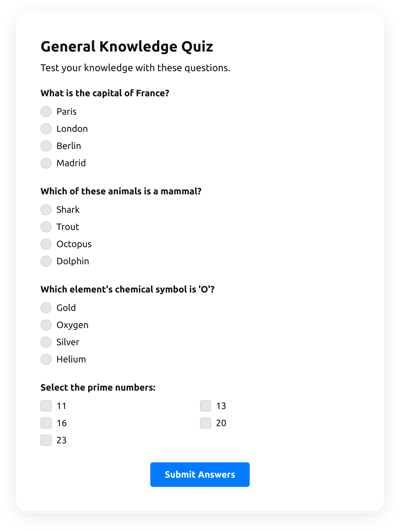
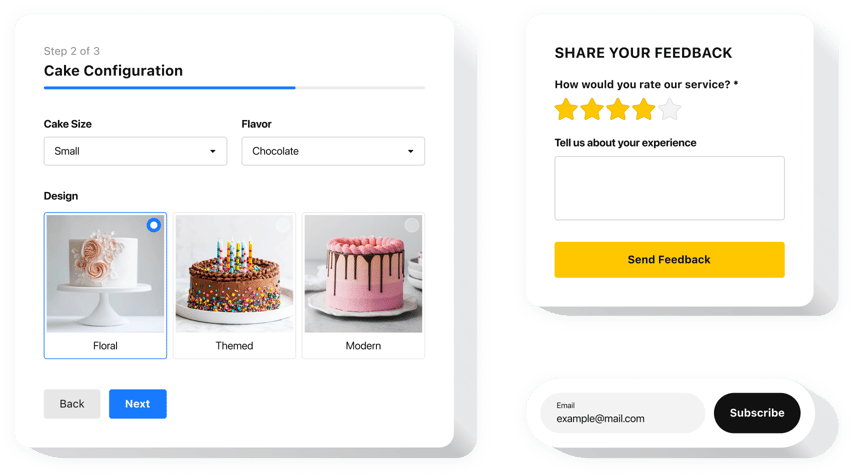
Screenshots
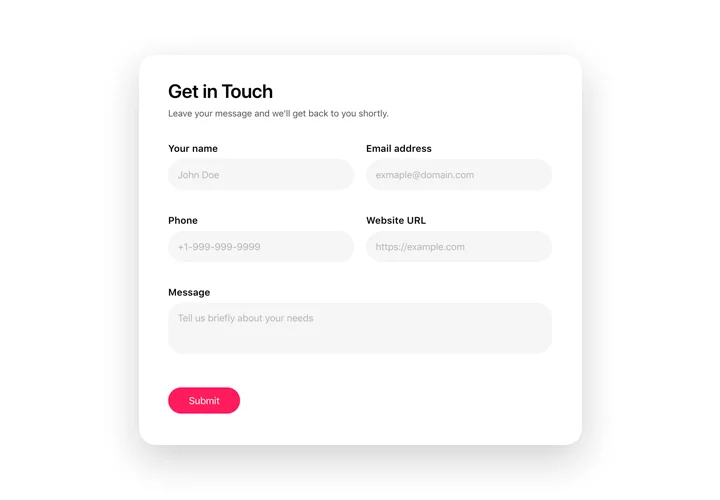

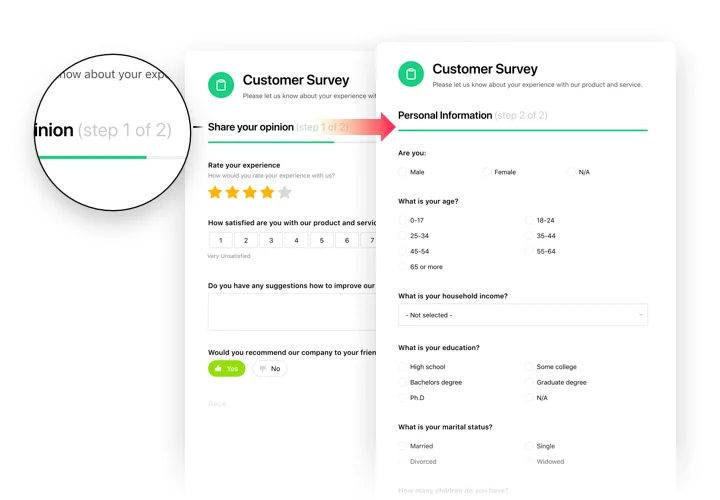


Why People Love Elfsight
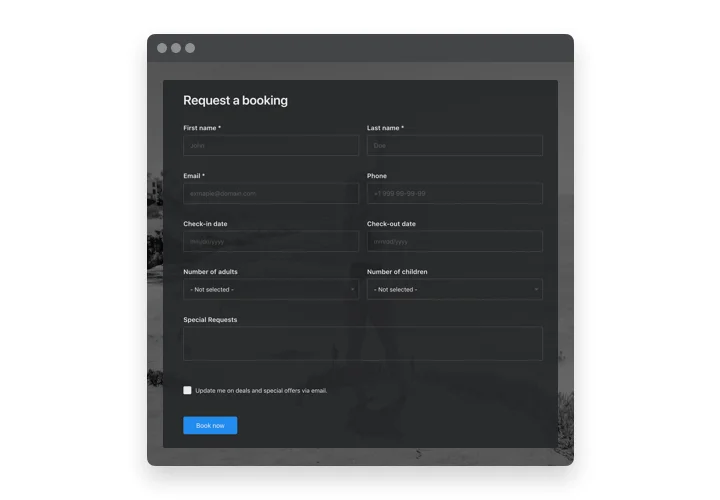
Every business, big or small, eventually needs a way to collect information online – whether it’s sign-ups, feedback, or simple contact forms. That’s exactly why we created our WordPress Form Builder plugin. It’s friendly, fast, and doesn’t expect you to be a tech guru to get results.
Think about it: wouldn’t it be nice if setting up a form felt less like wrestling with code and more like fitting together puzzle pieces? With our editor, that’s basically how it works. You pick what you need, drag it into place, tweak the details, and you’re done. Even those who usually hand web tasks off to “that one tech friend” can handle it on their own.
Did you know?
According to WPBeginner, over 60% of WordPress websites use at least one form plugin to interact with visitors.
That’s a lot of conversations happening through forms. Try building yours with Elfsight and see how quickly you can get it live.
Key Features of the Form Builder
The widget is built to solve real everyday challenges. Whether you’re collecting leads, RSVPs, or survey answers, it just works — cleanly and without fuss.
- Drag-and-drop editor: Build any wordpress custom form without touching a single line of code. If you can arrange icons on your phone screen, you can design a form here.
- Flexible layouts: Inline forms for content areas, floating ones that stick around as visitors scroll, or classic embedded blocks — pick what fits best.
- Smart field options: Add dropdowns, checkboxes, file uploads, dates, and more. Adjust labels, placeholders, and rules on the fly.
- Conditional logic: Show or hide fields depending on user choices to keep things neat and relevant.
- Instant notifications: Get form submissions straight to your inbox or send them to teammates. No more missed messages buried in dashboards.
- Integrations that save time: Hook up Google Sheets, email platforms, or your CRM so new entries flow straight into your workflow.
- Responsive by design: Every form adjusts beautifully to phones, tablets, and desktops — no extra tweaking needed.
- Privacy and spam control: Features like CAPTCHA, GDPR-friendly checkboxes, and submission limits keep your forms safe and respectful.
Open the live editor and try building your first form — it’s surprisingly quick.
How to Add the Form Builder to WordPress
Adding a form to WordPress doesn’t have to feel like climbing a mountain. Here’s a friendly step-by-step guide.
Method 1: Inline Forms
Perfect for inserting forms directly into pages or posts.
- Pick a template: Open the Elfsight editor and choose a design that matches your page.
- Customize fields: Add text, checkboxes, dropdowns, file uploads — whatever your form needs.
- Generate the code: Click “Add to website for free” and copy the snippet.
- Embed in WordPress: Open your page/post editor, switch to HTML (or code) view, and paste the snippet where you want the form to appear.
Method 2: Floating Forms
Keep forms visible as visitors scroll — great for sign-ups or quick contact.
- Pick a floating layout: Choose a side or bottom position.
- Adjust settings: Choose size, visibility rules, and which fields show up.
- Copy the snippet: Click “Add to website for free.”
- Paste into WordPress: Insert it in a global widget, footer, or header so it appears site-wide.
Need extra guidance? Check our Help Center and submit your question to support. For tips and inspiration, check our latest posts on the Elfsight Blog.
Is the Form plugin compatible with Elementor, Gutenberg, and Divi?
Do I need a specific WordPress plan to use the Form Builder?
What types of forms can I create in WordPress?
How many field types are available in the Form Builder plugin?
Does the Form support conditional logic on WordPress?
Can visitors upload files through the form?
Is there a signature field available in WordPress?
Does the Form Builder include spam protection?
What happens after a form is submitted?
Can I receive email notifications after form submissions?
Can I send notifications to multiple email addresses?
Form Builder Template Catalog