













Why people love Elfsight
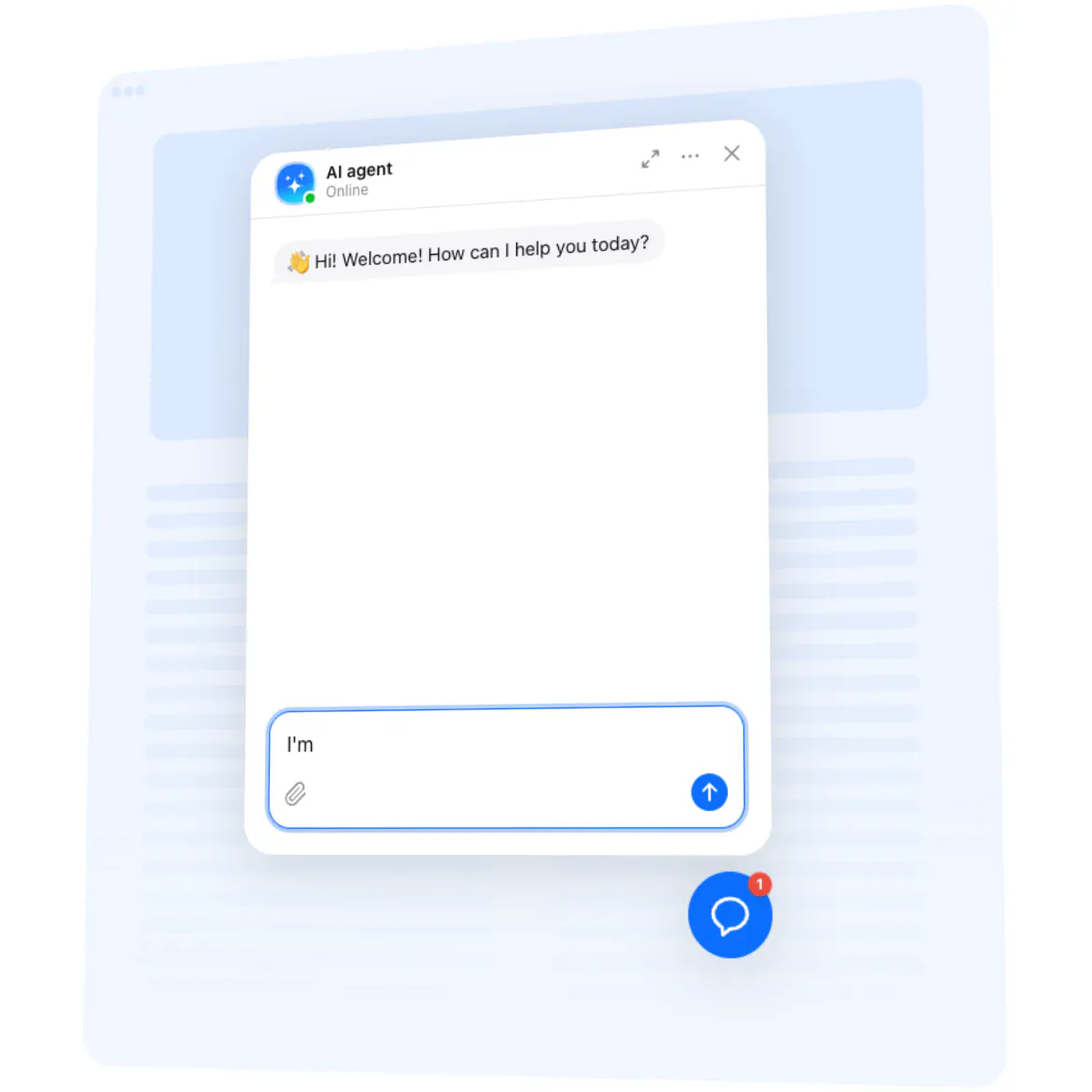
Our AI Chatbot for Wix acts like a cheerful greeter at your digital front door. It welcomes visitors, answers common questions, and nudges people toward checkout or booking – while you keep rolling with orders and the creative work you actually enjoy. Setup is visual and quick, even if code isn’t your comfort zone.
Small win we love: a boutique gym added the chatbot to their pricing page before launching a new class pack. “It handled ‘What’s included?’ and ‘Can I pause my plan?’ while we recorded a promo video,” they told us. Fewer repeat messages, more sign-ups, a calmer launch day.
Did you know?
According to Salesforce, 69% of consumers prefer chatbots for fast communication with brands – which means quicker answers and fewer abandoned sessions.
Give it a spin today – your visitors get instant clarity and you win back time for the work only you can do.
Key features of the AI Chatbot
24/7 support – Shipping times, sizing, availability, booking details… covered around the clock so customers don’t wait.
On-brand voice – Choose how it talks: expert, friendly, playful, or minimalist. Keep your tone consistent across pages.
Fast, fuss-free setup – Installing feels like snapping a LEGO brick into place. Copy, paste, done.
Leads captured in chat – Collect emails and messages mid-conversation so you can follow up at the right moment.
Inline or floating – Embed it on key pages (FAQ, product, pricing) or show a floating bubble across your whole website.
Answers from your content – Connect FAQs, policies, and product text so replies stay accurate and on-brand.
Conversation insights – Spot recurring questions and smooth friction – a tiny tweak with a big impact.
Lightweight loading – Scripts load asynchronously, keeping pages quick for every tap and scroll.
Try a template in the live editor – see your chatbot working in minutes.
How to add the AI Chatbot to Wix
Good news: if you can drag blocks in the Wix Editor, you can launch this. Two straightforward paths – pick what fits your workflow.
Method 1: Inline on a specific page
Step 1. Visit the AI Chatbot product page and click “Create Widget.” Choose a template and tune behavior and style.
Step 2. Click “Add to Website for Free” and copy the embed code.
Step 3. In Wix Editor, open your page and add an Embed HTML element where you want the conversation.
Step 4. Paste the code, size the block as you like, and publish – it appears exactly where visitors need help.
Method 2: Floating bubble across your whole website
Step 1. In the Elfsight editor, switch layout to “Floating” to display a corner chat bubble.
Step 2. Pick bubble color, size, and position (bottom left or right).
Step 3. Copy the generated script snippet.
Step 4. In Wix, go to Settings → Advanced → Custom Code (or Tracking & Analytics), click Add Code, paste the snippet, choose All pages, and set Body – end.
Step 5. Save and publish. Here’s the fun part – the bubble now appears across every page.
If you need help, our Help Center has step-by-step tutorials. You can also compare capabilities on the features page, swap ideas in the Community Forum, suggest improvements in the Wishlist, and follow releases in the Changelog.