

Building a website is more straightforward than ever, but adding custom, advanced features used to mean hiring a developer or learning to code yourself. Now, a new generation of no-code tools is changing everything. These platforms empower you to add powerful functionality to your site with simple drag-and-drop interfaces, making complex features accessible to anyone. Whether you’re starting from scratch or using pre-built app templates, you can create a truly unique and dynamic website without writing a single line of code.
It’s important to learn how they work, which are the top platforms for everything from membership portals to AI chatbots, and know how to choose the right solution for your project. You are about to bring your biggest ideas to life and build a powerful website, more than ever before.
How App Templates Simplify No-Code Development
App templates are pre-designed, functional frameworks that give your no-code project a massive head start. They provide the basic structure and features for a specific type of application, like a customer portal or an internal dashboard. This lets you focus on customizing it to fit your needs instead of building everything from the ground up.
Think of it like this: instead of baking a cake from scratch, you are using a high quality cake mix. All the core ingredients are already measured and combined. You just need to add your personal touches, like frosting and decorations. Similarly, app templates handle the foundational development work, allowing you to launch a sophisticated application much faster. This approach not only saves an incredible amount of time but also ensures you are starting with a proven, well structured foundation, letting you get to the fun part of creation sooner.
Top No-Code Tools for Advanced Website Features
You can add almost any feature you can imagine to your website using no-code tools. These platforms integrate with your existing site to introduce new capabilities, from managing user accounts to processing payments, all through a visual interface. This means you can build more, faster, and without needing a developer on standby. Today’s systems combine natural language processing, machine learning, and generative AI to create experiences that feel remarkably human
Here are some of the best no-code tools for adding advanced functionality to your website.
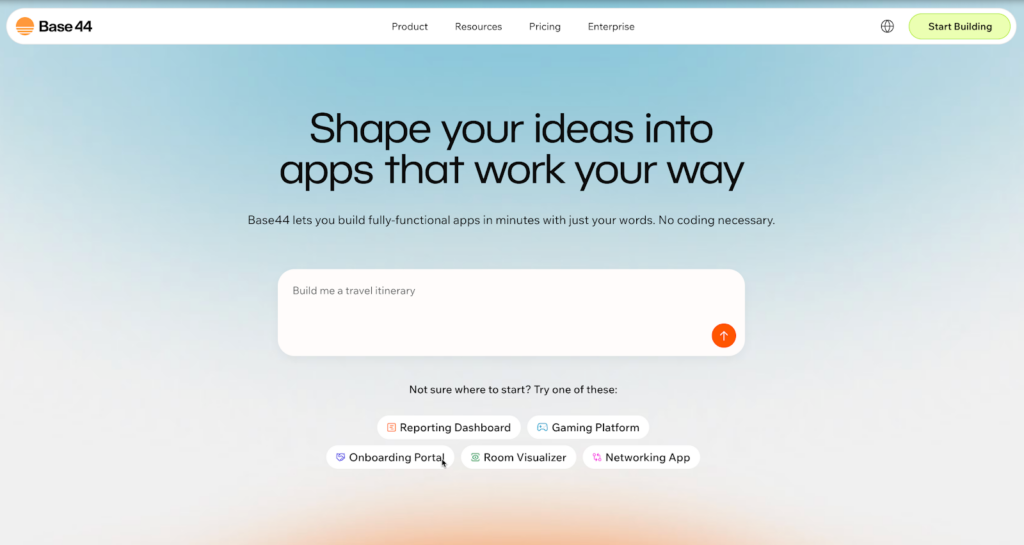
1. Base44
Base44 is a cutting edge no-code platform designed to simplify the process of building and managing custom business applications. With Base44, you can create tailored solutions for your business needs without writing a single line of code. Its intuitive interface makes it easy to design workflows, data structures, and integrations that fit your exact requirements. Base44 is perfect for teams looking to streamline operations, track performance, or centralize data, all without the need for a dedicated development team. It’s built to empower non technical users to take control of their business processes.
For example, you can use Base44 to create a project management system that tracks tasks, deadlines, and team collaboration in a single place. Or, you can build an internal inventory management tool for real-time tracking of stock levels and vendor interactions. The possibilities are endless.
2. Webflow
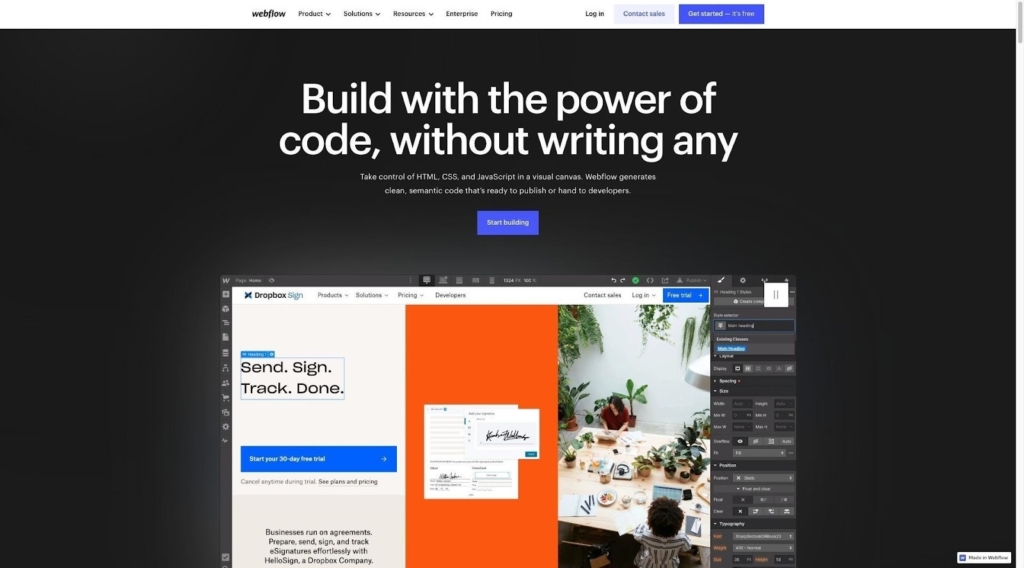
Webflow is a powerful visual web development platform that provides complete design control. It combines the ease of a drag-and-drop interface with the flexibility of advanced code-based tools, making it a favorite among designers and creators. Webflow allows you to create custom interactions, animations, and even integrate with a content management system (CMS). It’s perfect for building polished, interactive websites that feel like they’re built from scratch, without actually writing code. Webflow also supports responsive design, ensuring your site works seamlessly across all devices.
For example, use Webflow to design a portfolio site with dynamic galleries, a blog integrated with a CMS, or an interactive e-commerce store with custom animations. It’s a great tool for anyone who wants a professional, custom look without hiring a developer.
3. Bubble
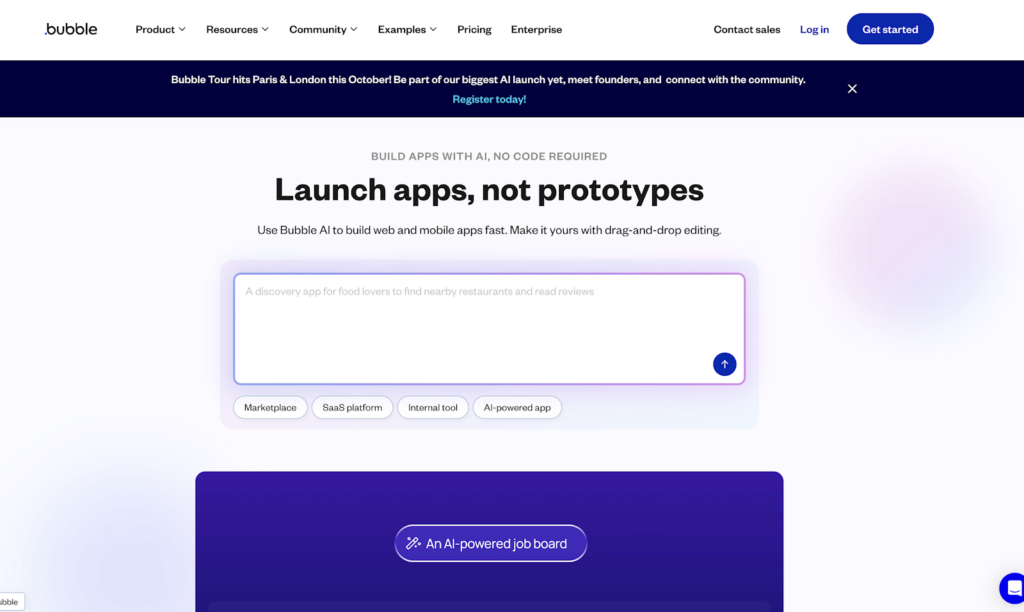
Bubble is one of the most versatile no-code platforms for building web applications. It enables you to create full-stack, interactive, multi-user applications for desktop and mobile browsers. The platform lets you design complex workflows, handle user authentication, process data, and connect to external APIs. What sets Bubble apart is its ability to support highly interactive features, making it suitable for building sophisticated apps like marketplaces, social networks, and internal tools. It’s a platform designed for creators who need robust functionality without coding expertise.
For instance, you could use Bubble to launch a marketplace where users can list and purchase items, a social network with user profiles and messaging, or an internal tracking tool for your team’s operations. The flexibility of Bubble means if you can dream it, you can build it.
4. Zapier
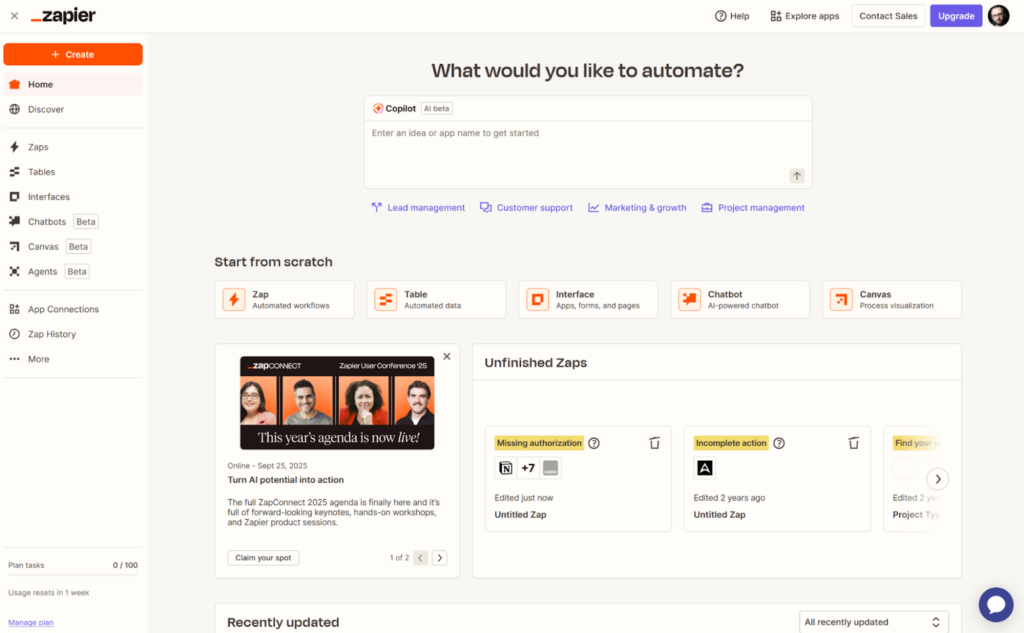
Zapier is the ultimate no-code automation tool that connects your website to thousands of web apps. It lets you create automated workflows—called “Zaps”—to handle repetitive tasks and streamline your operations. Zapier can trigger actions based on specific events, saving you time and reducing manual effort. Whether it’s syncing data, sending notifications, or creating new entries in your apps, Zapier makes it easy to manage tasks across platforms.
For example, you can set up a Zap to add new form submissions from your website into a CRM, send follow-up emails to your contacts, or create tasks in a project management tool automatically. It’s the perfect tool for businesses looking to save time and increase efficiency.
5. Airtable
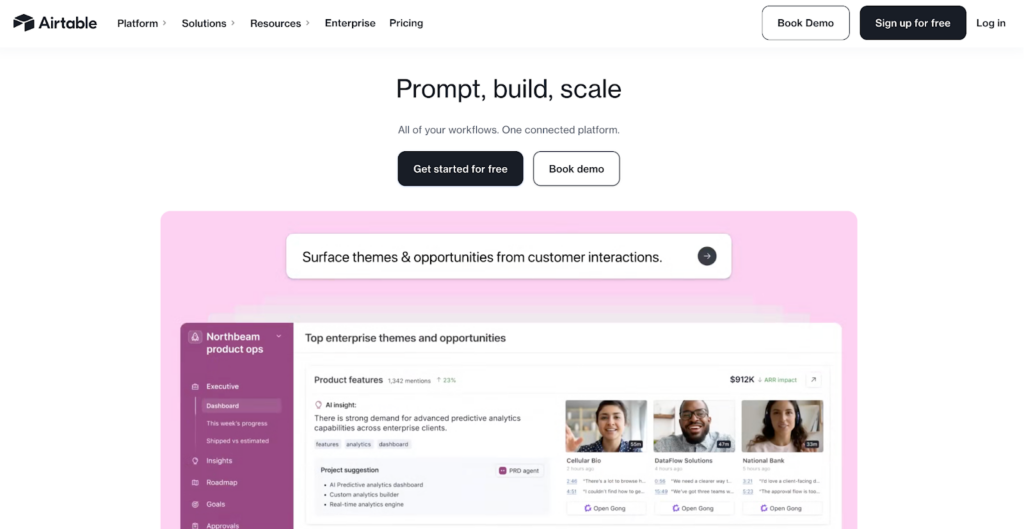
Airtable is a user-friendly platform that combines the simplicity of spreadsheets with the power of a database. It’s an incredibly flexible tool for organizing and managing data, offering various viewing options like grids, calendars, and kanban boards. Airtable can act as a backend for websites, helping you manage user-generated content, product inventories, and more. Its visual interface makes it intuitive even for those who are not tech-savvy, while its advanced features allow for complex data management.
For example, you can use Airtable to track your content calendar, manage a customer database, or link product inventories to your site. It’s a great solution for keeping your data organized and accessible.
Code Free and Worry Free
No-code tools open up a whole new world for website creators. Forget needing to be a developer to add advanced, custom features to your site. With these platforms, you can create memberships, process payments, automate workflows, and even bring in AI to create a more dynamic experience for your visitors. You’ve got this.
Start with a clear goal and choose the right tool for the job. Whether you use app templates to get a head start or mix and match tools for a unique workflow, the power to create an amazing website is right there in your hands.
FAQ: No Code Tools for Advanced Websites
What does no-code mean for websites?
No-code for websites means you can create, manage, and add advanced features to a site using visual interfaces with drag and drop elements instead of traditional programming. It allows people without technical backgrounds to build and customize fully functional websites and web applications on their own.
Can you build a real app with no-code?
Yes, you can absolutely build real, complex, and scalable web applications with no-code tools. Platforms like Bubble allow you to create social networks, marketplaces, and internal business tools with features like databases, user accounts, and API connections, all without writing code.
What is the difference between no-code and low-code?
No-code platforms are designed for users with no programming knowledge and rely entirely on visual interfaces. Low-code platforms are designed to speed up development for people who can code, offering visual tools but also allowing them to write custom code for more specific functionality.
Editor’s note: This article was contributed by the Wix content team. It includes references to Base44, a product owned by Wix.
