Survey templates

Run a survey on your own website, where your visitors already are. Pick a survey for customers, employees or guests, customize the questions and add it to any page — or show it in a popup.

  • Multiple Choice Form

    Create a form with multiple-choice questions.

    • Multi-stepSplit into steps, so a long form feels short.
    • IntegrationsConnect in the editor: Google Sheets, Stripe, Mailchimp, Zapier, Make.com, Webhooks and Google Analytics.
  • Popup Survey

    Create a website survey with the template and place it in the pop-up to catch users' attention.

    • Popup formOpens in a popup or floats over the page instead of taking room in it.
    • IntegrationsConnect in the editor: Google Sheets, Stripe, Mailchimp, Zapier, Make.com, Webhooks and Google Analytics.
  • Vote Form

    The Vote Form template is designed to streamline the voting process for the organization or event.

    • IntegrationsConnect in the editor: Google Sheets, Stripe, Mailchimp, Zapier, Make.com, Webhooks and Google Analytics.
  • Survey

    This is an informative yet untangled form to let you go deep into the insights of your clientele.

    • IntegrationsConnect in the editor: Google Sheets, Stripe, Mailchimp, Zapier, Make.com, Webhooks and Google Analytics.
  • Customer Service Survey

    Check the level of satisfaction with your service among clients with this effective form.

    • IntegrationsConnect in the editor: Google Sheets, Stripe, Mailchimp, Zapier, Make.com, Webhooks and Google Analytics.
  • Post Purchase Survey

    Create a website survey with the template for collecting post-purchase reviews.

    • IntegrationsConnect in the editor: Google Sheets, Stripe, Mailchimp, Zapier, Make.com, Webhooks and Google Analytics.
  • Customer Experience Survey

    Your business needs objective data to grow. Collect it with our form.

    • IntegrationsConnect in the editor: Google Sheets, Stripe, Mailchimp, Zapier, Make.com, Webhooks and Google Analytics.
  • Customer Survey Form

    Customer data is essential to bring your business to the next level.

    • IntegrationsConnect in the editor: Google Sheets, Stripe, Mailchimp, Zapier, Make.com, Webhooks and Google Analytics.
  • Restaurant Survey

    This form helps you capture real impressions and perceptions of your restaurant's guests.

    • IntegrationsConnect in the editor: Google Sheets, Stripe, Mailchimp, Zapier, Make.com, Webhooks and Google Analytics.
  • Employee Satisfaction Survey

    Shape a better understanding of your employees and their experience with this form.

    • IntegrationsConnect in the editor: Google Sheets, Stripe, Mailchimp, Zapier, Make.com, Webhooks and Google Analytics.
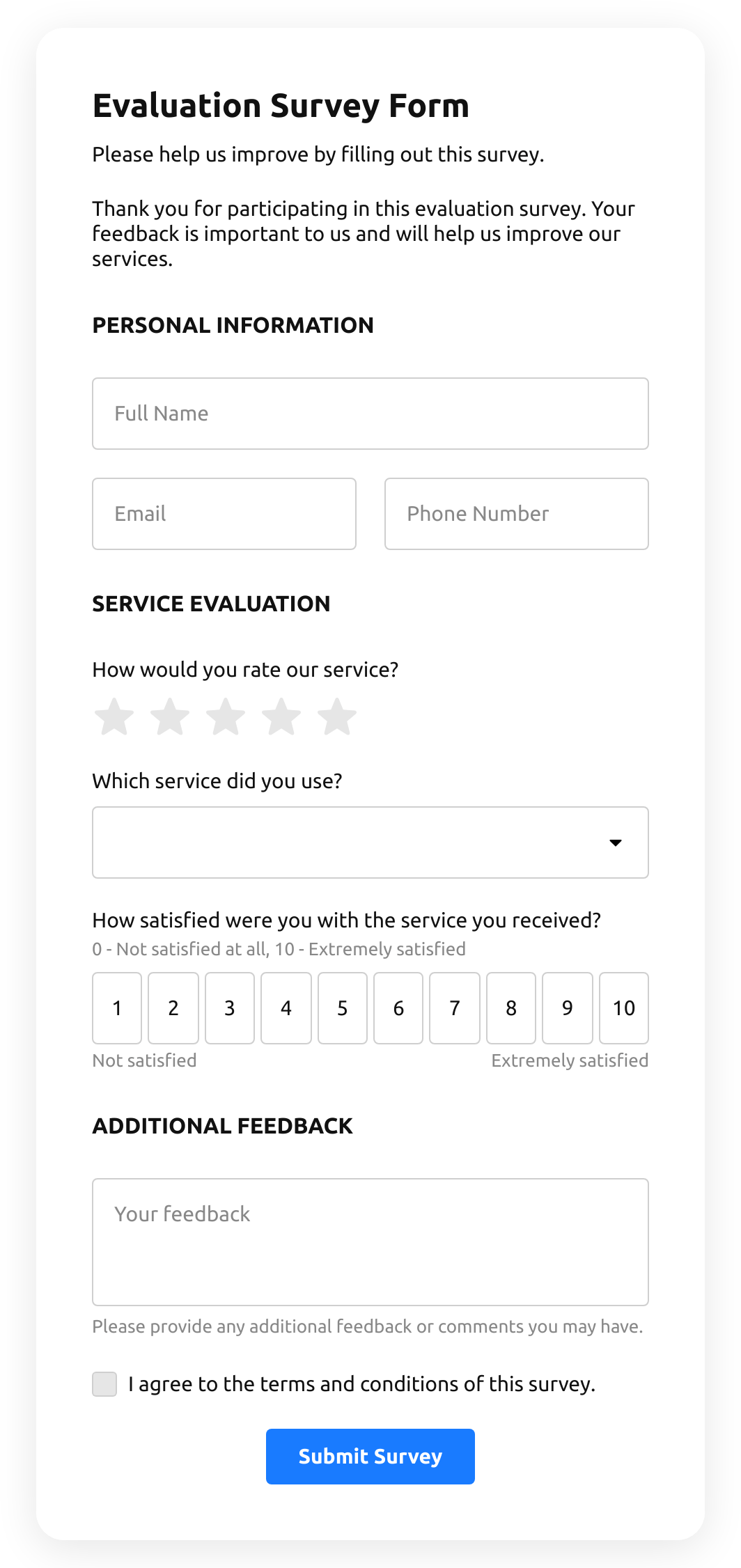
  • Evaluation Survey

    Have a perfect reporting tool to better understand how your users value what your offer them.

    • IntegrationsConnect in the editor: Google Sheets, Stripe, Mailchimp, Zapier, Make.com, Webhooks and Google Analytics.
How to choose

Pick the survey for who you ask

Every template is a set of questions to start from.
You survey
Start from
Why this one
Customers, in general
A broad survey of your customers.
Customer satisfaction
How satisfied clients are with your service.
The whole experience
Objective data on your customers’ experience.
Buyers after an order
Reviews collected after the purchase.
Employees
How your team feels about their work.
Restaurant guests
Impressions of your restaurant.
Visitors, in a popup
A survey that catches attention in a popup.
A quick choice
Multiple-choice questions.

Customers, in general

Why this one

A broad survey of your customers.

Customer satisfaction

Why this one

How satisfied clients are with your service.

The whole experience

Why this one

Objective data on your customers’ experience.

Buyers after an order

Why this one

Reviews collected after the purchase.

Employees

Why this one

How your team feels about their work.

Restaurant guests

Why this one

Impressions of your restaurant.

Visitors, in a popup

Start from

Why this one

A survey that catches attention in a popup.

A quick choice

Why this one

Multiple-choice questions.
What to ask

How to get honest answers

Short beats complete

Ask the five questions you will act on, not the twenty you are curious about.

Closed questions first

Options and scales are quick to answer and to count; leave open questions for the end.

Split long surveys

Break a long survey into steps, so it doesn’t look long at the start.

Say why you ask

One line on top about what you will do with the answers gets more of them.

Survey templates FAQ