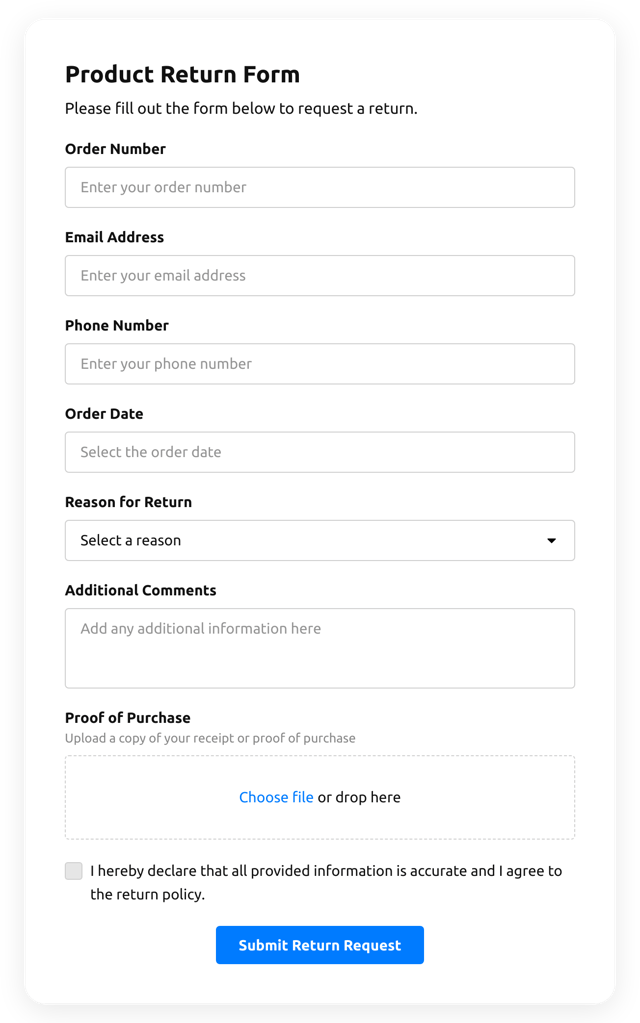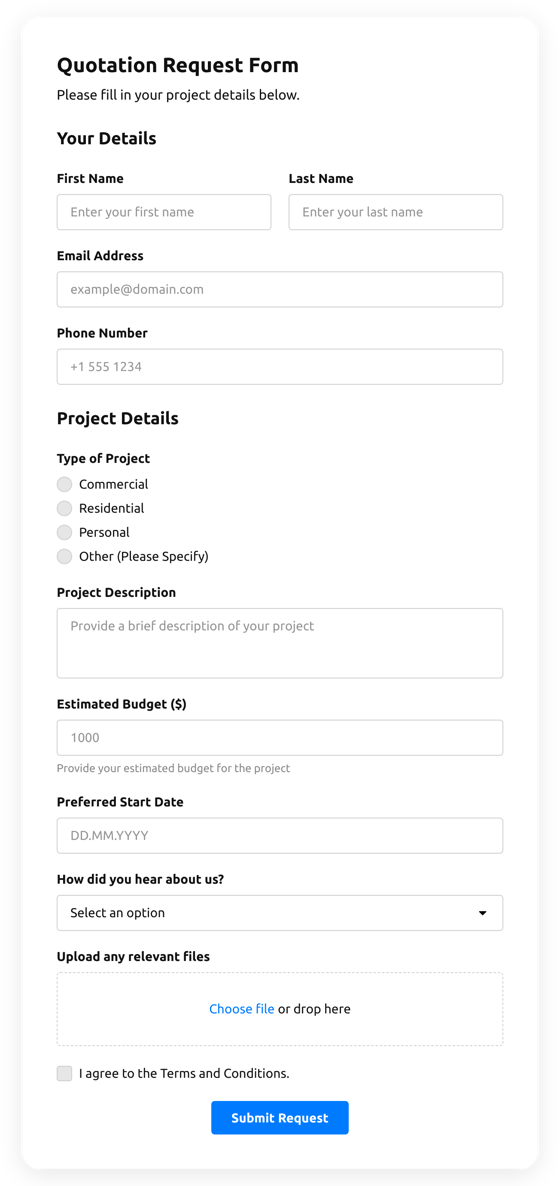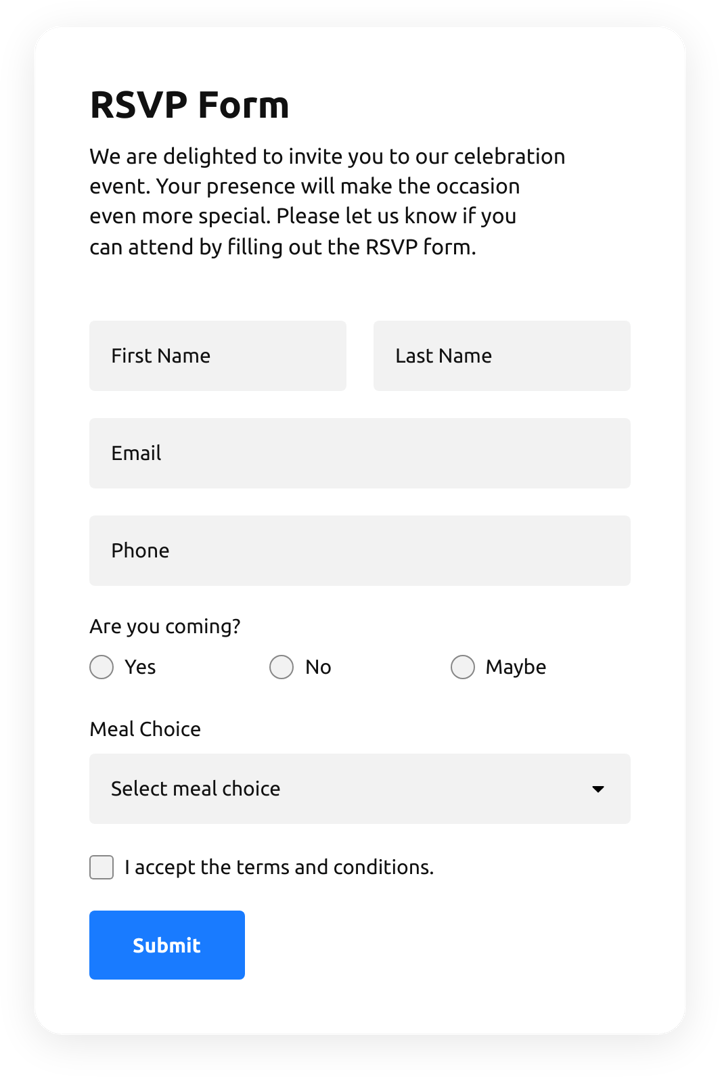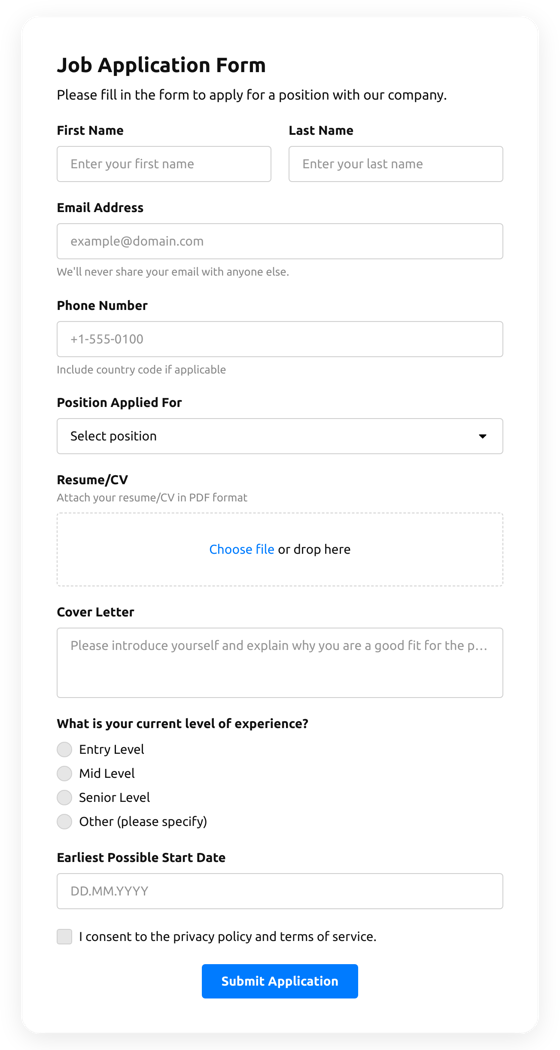











Screenshots

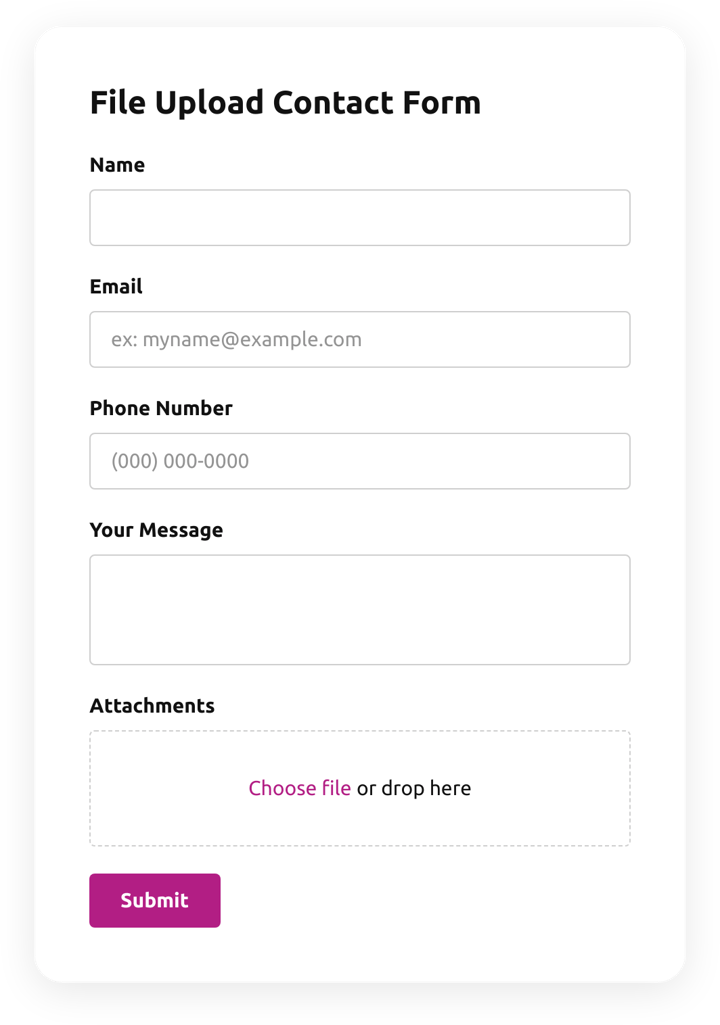
Create an inviting contact form with rounded style and compact fields grouping 
Make use of more than 20 diverse input elements and break them into manageable steps 
Add ratings and scales with comments fields to shape surveys and collect feedback 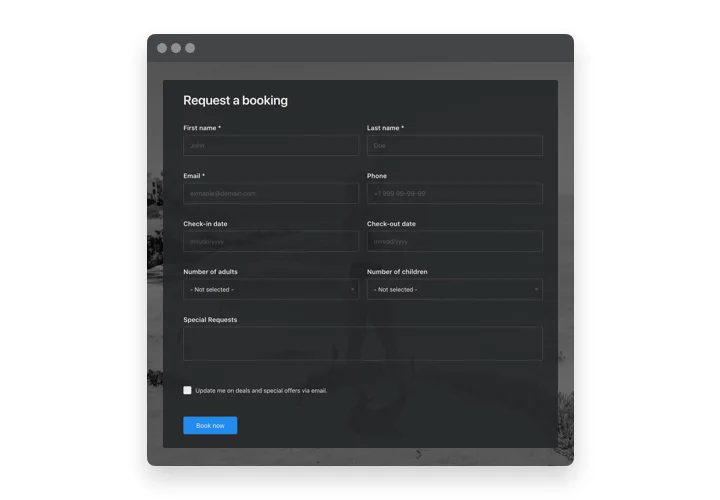
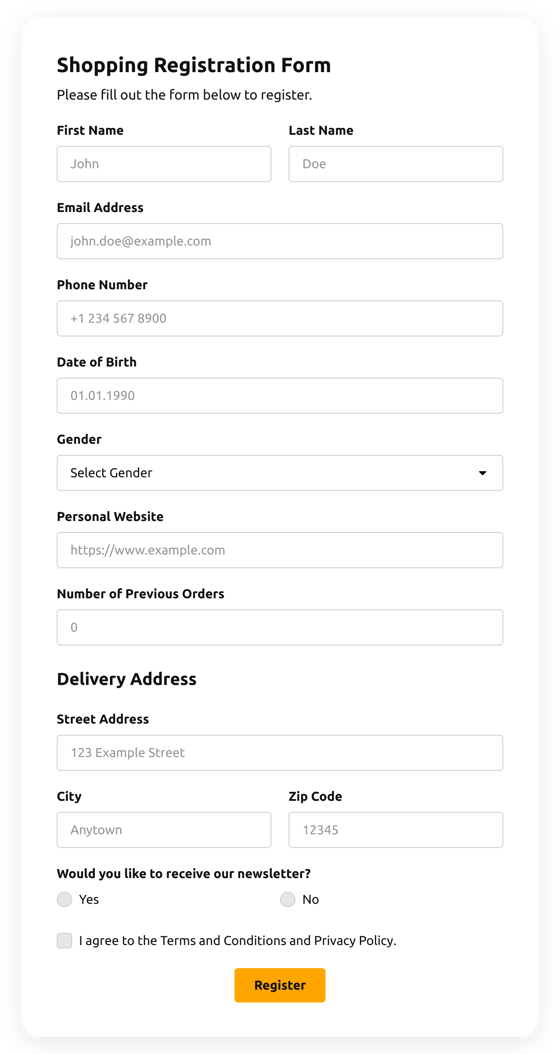
Arrange drop-down fields with placeholders and embedded calendars for easy and fast filling in 
Enjoy a flexible interface with styles and custom colors to fit into any website concept 
Allow your users smooth experience from any device
Why people love Elfsight
Creating forms on Wix doesn’t have to be tricky. That’s why we built the Wix Form Builder app – simple, flexible, and designed for everyone, even if you’ve never touched code before.Think about it: instead of struggling with Wix’s default form options, you can drag, drop, and style your forms exactly how you want. Installing it feels like snapping a LEGO block into place: quick, satisfying, and just works.
Did you know?
According to Formstack, online forms with optimized layouts can increase submission rates by up to 300%.
Try the Wix Form Builder and see how a tiny tweak can make a big difference for your visitors.
Key features of the Form Builder
Everything you need to make your Wix forms functional and appealing:
Drag-and-drop editor: Arrange fields and sections effortlessly – no coding headaches.
Custom fields: Add text inputs, checkboxes, file uploads, ratings – whatever your form needs.
Responsive design: Forms automatically adjust for phones, tablets, and desktops.
Conditional logic: Show or hide fields based on user responses to keep forms clean and intuitive.
Integrations: Connect submissions to email, Google Sheets, or CRM systems.
Fast setup: Add form to Wix in minutes – if you can click and copy, you’re ready.
Curious how it feels? Test all features for free in our live editor.
How to add the Form Builder to Wix
Adding a form to Wix is easier than you think. Here’s a friendly walkthrough.
Method 1: Inline forms
Open the editor: Go to the Elfsight dashboard and pick a template for your Wix form.
Customize fields: Add the inputs you need, style them, and apply conditional logic if desired.
Generate the code: Click “Add to Wix for free” and copy the snippet.
Embed in Wix: Open your Wix page editor, select “Embed HTML,” and paste the code where you want the form to appear.
Method 2: Floating forms
Choose a floating layout: Pick a side or bottom position that stays visible as visitors scroll.
Adjust settings: Set size, placement, and which fields appear.
Copy the snippet: Click “Add to Wix for free.”
Paste into Wix: Embed it in a global HTML block so it appears across your website.
Need assistance? Check our Help Center to reach out to support or explore our tutorials.
For inspiration, check the latest tips on the Elfsight Blog.