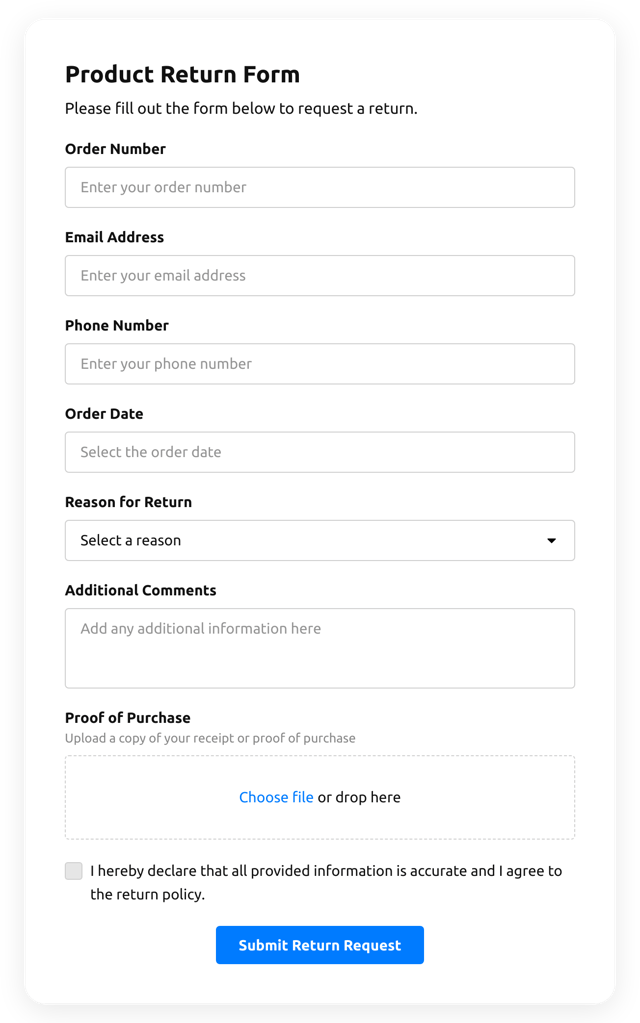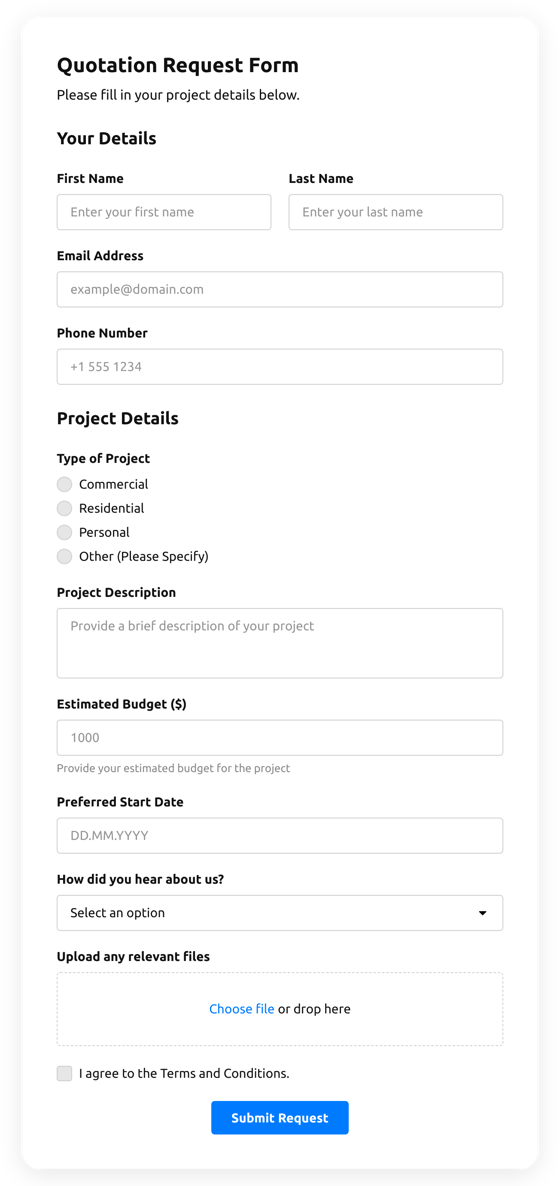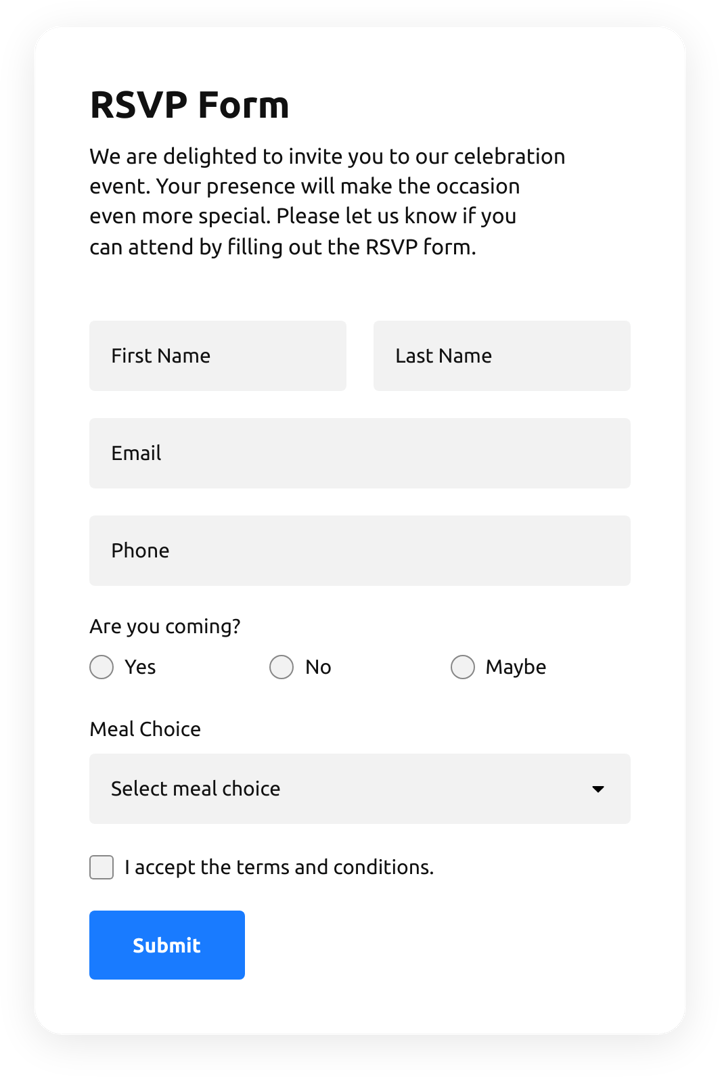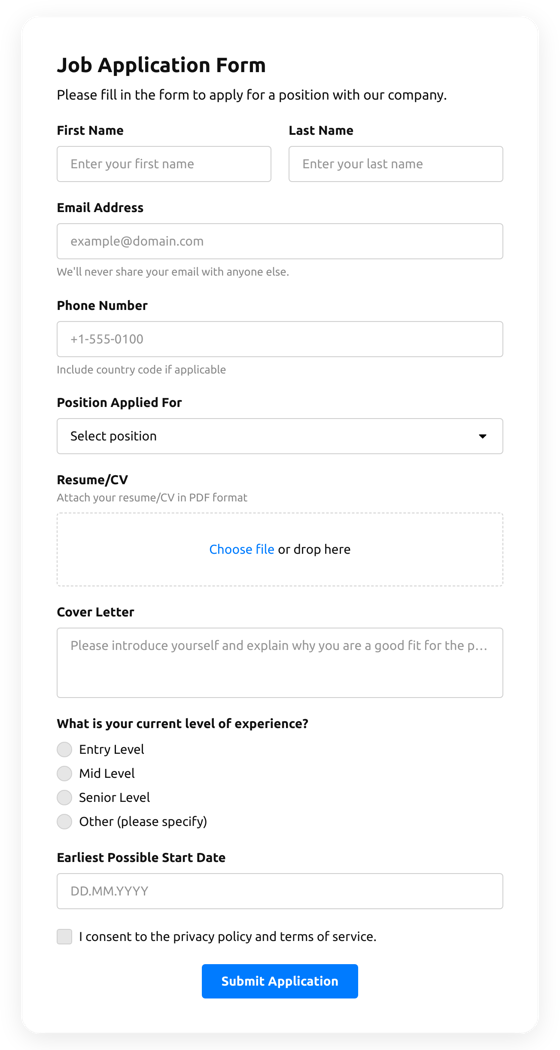











Screenshots

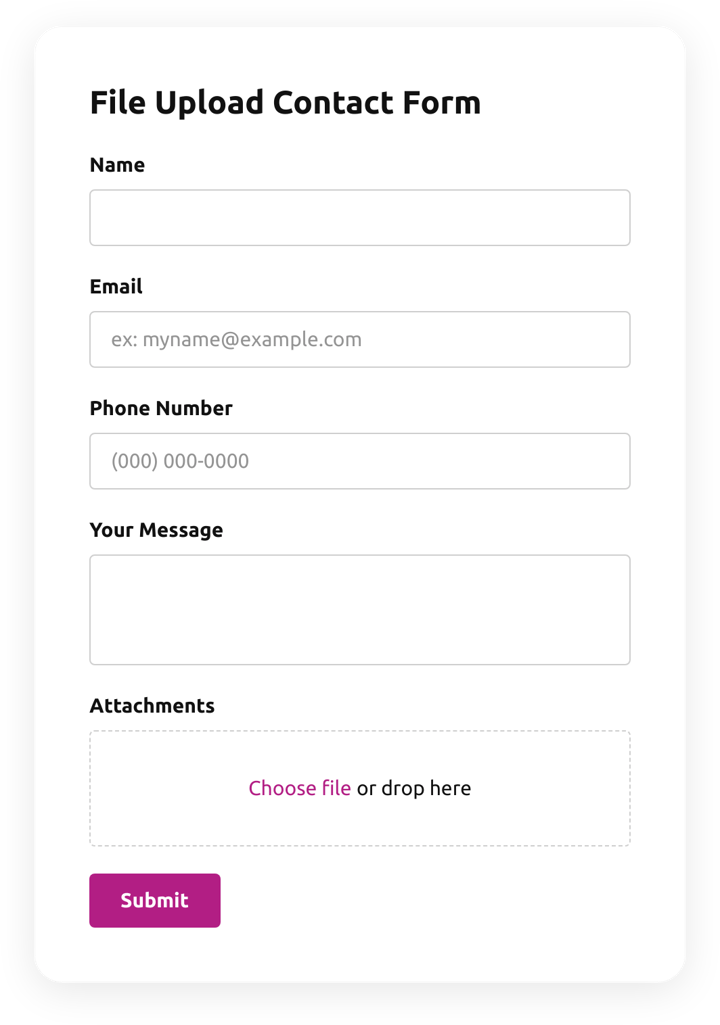
Create an inviting contact form with rounded style and compact fields grouping 
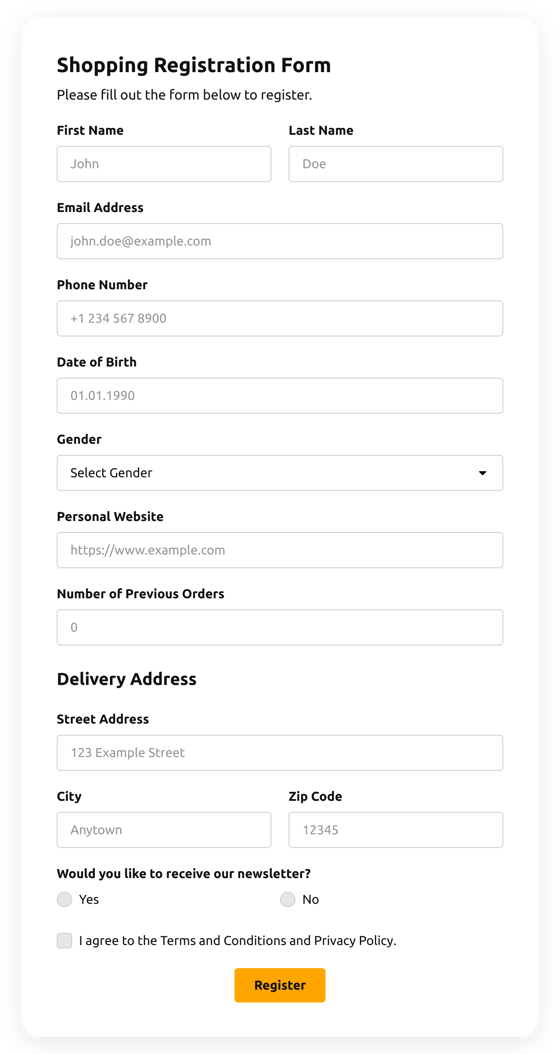
Make use of more than 20 diverse input elements and break them into manageable steps 
Add ratings and scales with comments fields to shape surveys and collect feedback 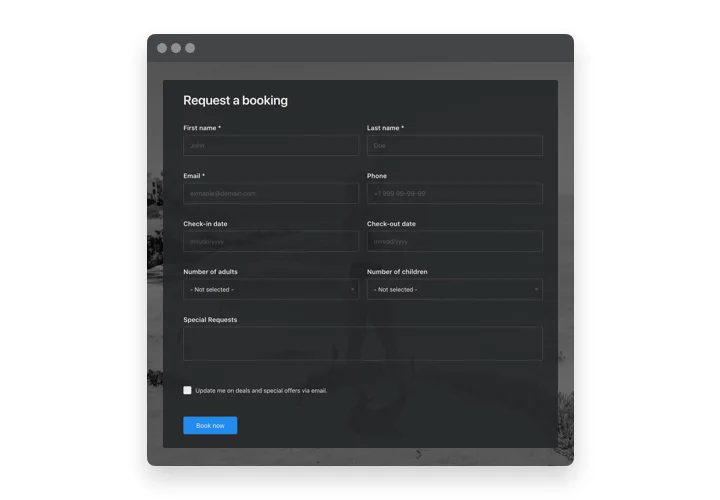
Arrange drop-down fields with placeholders and embedded calendars for easy and fast filling in 
Enjoy a flexible interface with styles and custom colors to fit into any website concept 
Allow your users smooth experience from any device
Why people love Elfsight
Forms are the quiet workhorses of a website — they gather leads, collect feedback, and keep conversations moving. The Elfsight Form Builder puts that power in your hands without asking you to learn code. Start with a template, tweak the fields, and you’ve got a working form that looks like it belongs on your pages.
We see all kinds of creative uses: a small studio that uses a short form to book consultations, a shop that asks two quick questions before checkout, or an author collecting reader emails. It’s flexible, so you can shape it to your process without fuss.
Did you know? According to a 2024 report from HubSpot, forms remain one of the top converting channels for capturing leads online.
Try building a simple form and watch what it does for your workflow — often one small form brings clarity and new contacts.
Key features of the Form Builder
Practical features that matter during everyday use — explained plainly.
Visual editor: Drag-and-drop fields and layout blocks so you can build a form without touching HTML — if you can move elements around, you can create a form.
Conditional logic: Show or hide questions based on previous answers to keep forms short and relevant; visitors only see what matters to them.
Built-in data handling: Route submissions to email, push entries to Google Sheets, or connect to a CRM — the form maker hands you options for every workflow.
Multiple field types: Collect text, numbers, files, ratings, and more — this html form creator supports common inputs for real-world needs.
Spam protection: Built-in anti-spam measures like honeypot and CAPTCHA keep junk out of your inbox so you only get useful responses.
Responsive layouts: Forms adapt to phones and desktops automatically so users have a smooth experience no matter how they visit.
Try the live editor and build a form for free — no sign-up required.
How to add the Form Builder to HTML
Ready to embed forms? You have two easy options: inline (place a form on a specific page) or floating (load the form across the whole website). Both methods use a short snippet you paste into your pages.
Method 1: Inline Embed (embed form in website html)
Create your form: Open the Elfsight editor and select a template or start from scratch.
Customize fields: Add, reorder, and name fields; set required options and conditional rules.
Generate code: Click “Add to website for free” and copy the HTML snippet provided.
Paste it where you want: In your HTML file, paste the snippet into the page markup where the form should appear.
Save and test: Upload or update the page and submit a test entry to confirm everything works.
Method 2: Floating / sitewide embed
Choose floating behavior: In the editor, pick slide-in, modal, or sticky options and set triggers (on load, on click, on scroll, etc.).
Copy the global snippet: Generate the universal code you’ll place sitewide.
Add to your template: Paste the snippet before the closing
</body>tag in your website template so the form is available across pages.Publish and review: Push your updated template and browse the website to make sure the floating form appears and behaves as configured.
If you want to experiment without commitment, use the free html form generator option in the editor to test layouts and workflows before you add them to live pages.
Need help? Our Help Center has step-by-step articles, and you can chat with fellow users in the Community Forum. Share ideas on the Wishlist and track updates in the Changelog. For inspiration, check our blog.