Video Gallery Templates
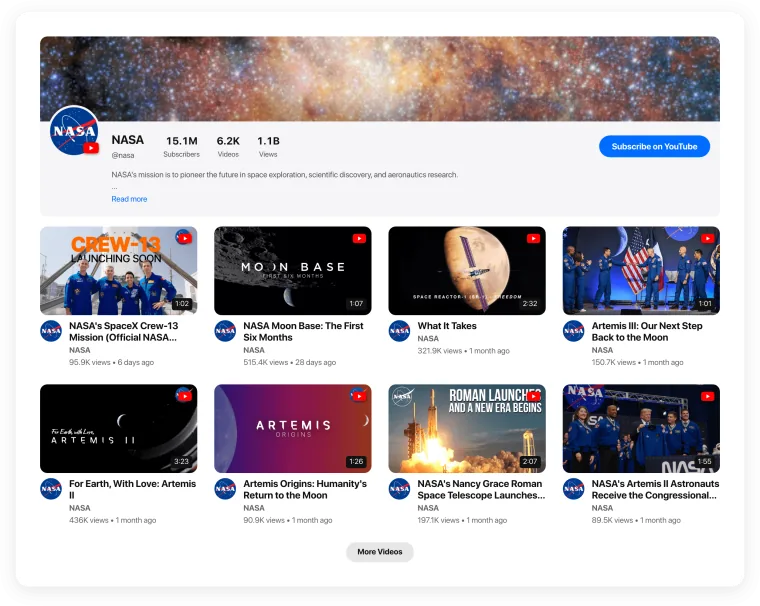
Ready-made video gallery templates for YouTube, Instagram, TikTok, Vimeo, Twitch and any video. Pick one, connect your videos and add it to your website — no coding.
- 7 layouts
- 6 video sources
- Mixed-source templates
- Free to start
Popular templates
The templates most people start with — across YouTube, Instagram, TikTok, Vimeo and Twitch.
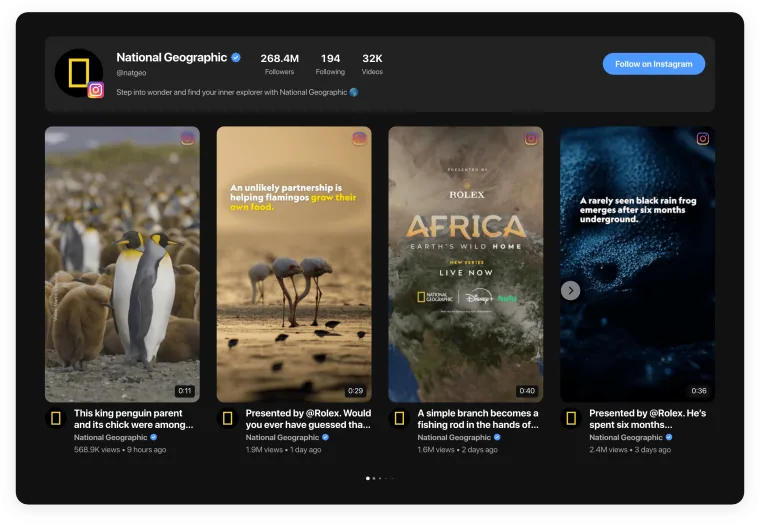
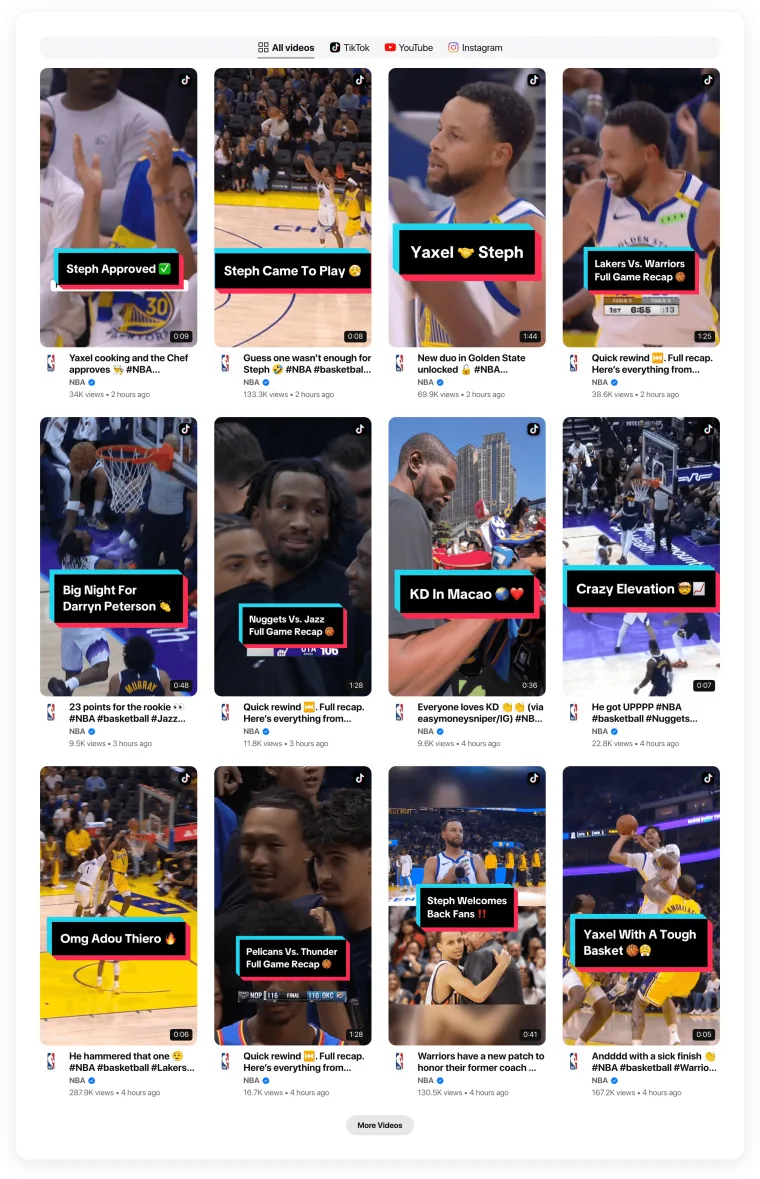
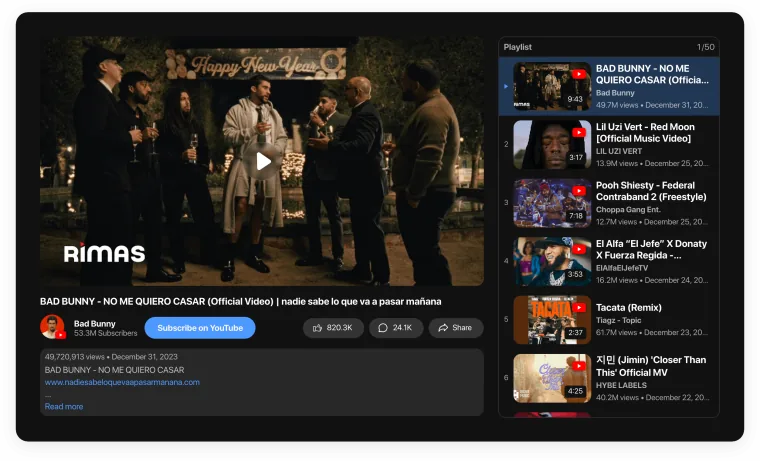
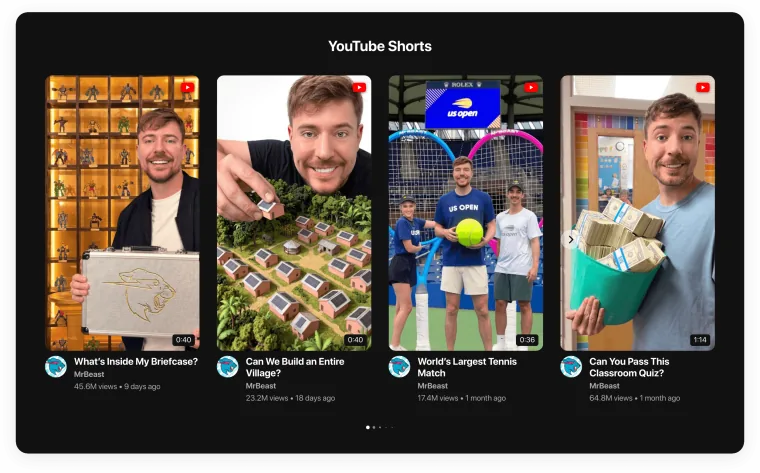
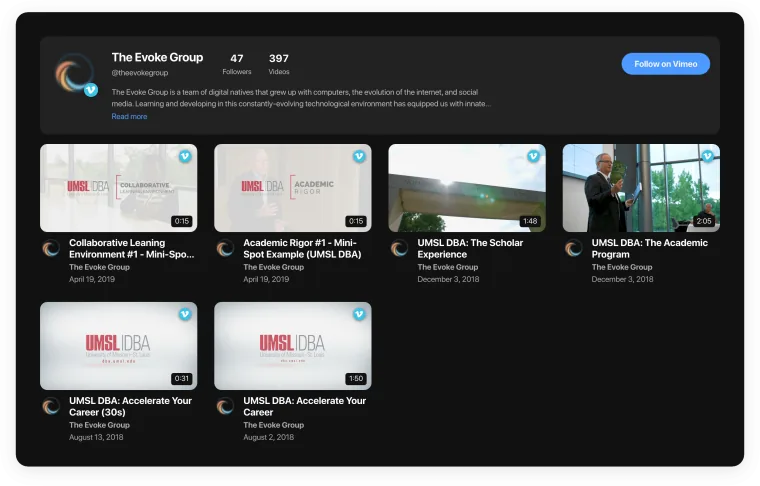
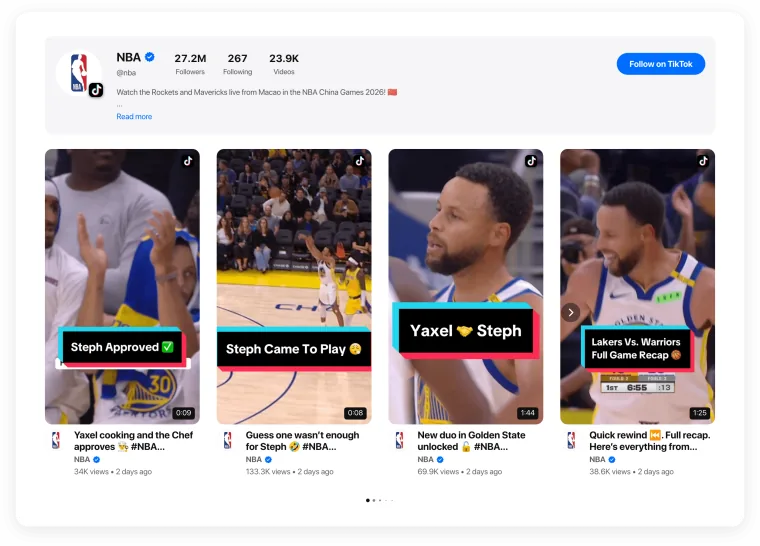
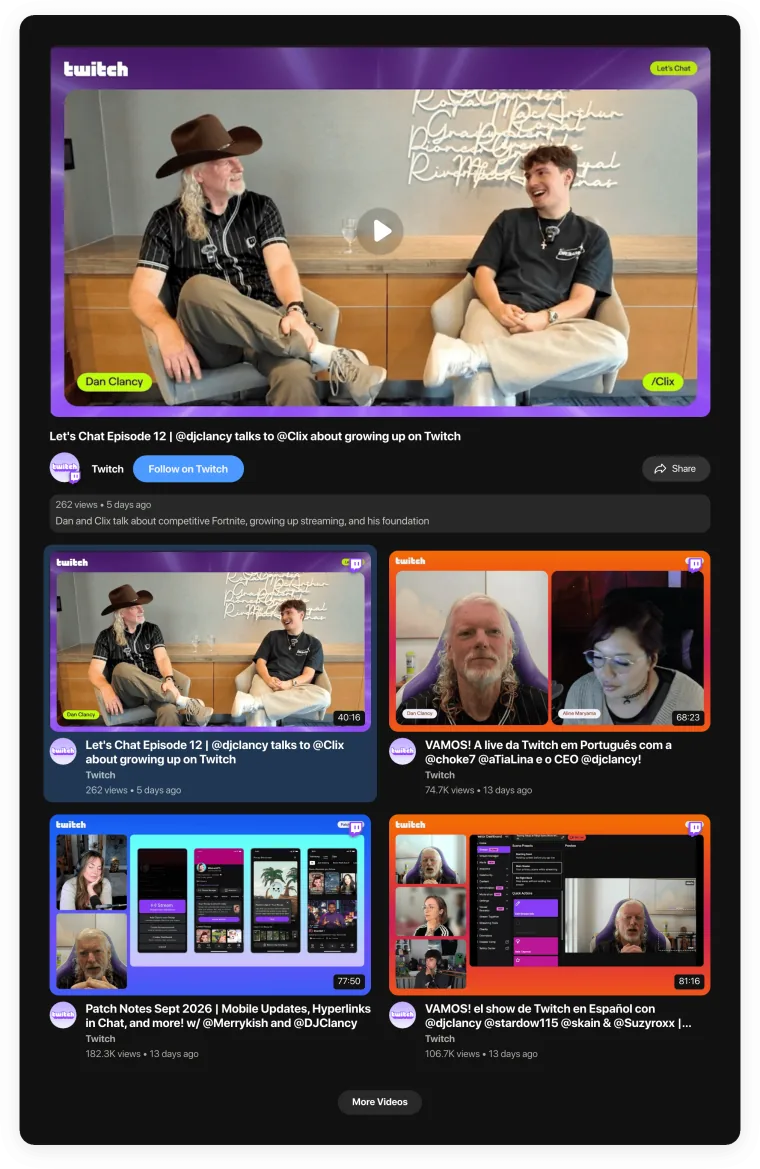
Templates by format
Seven layouts, from a single player to a masonry wall. Every one works with every source.

Single Video
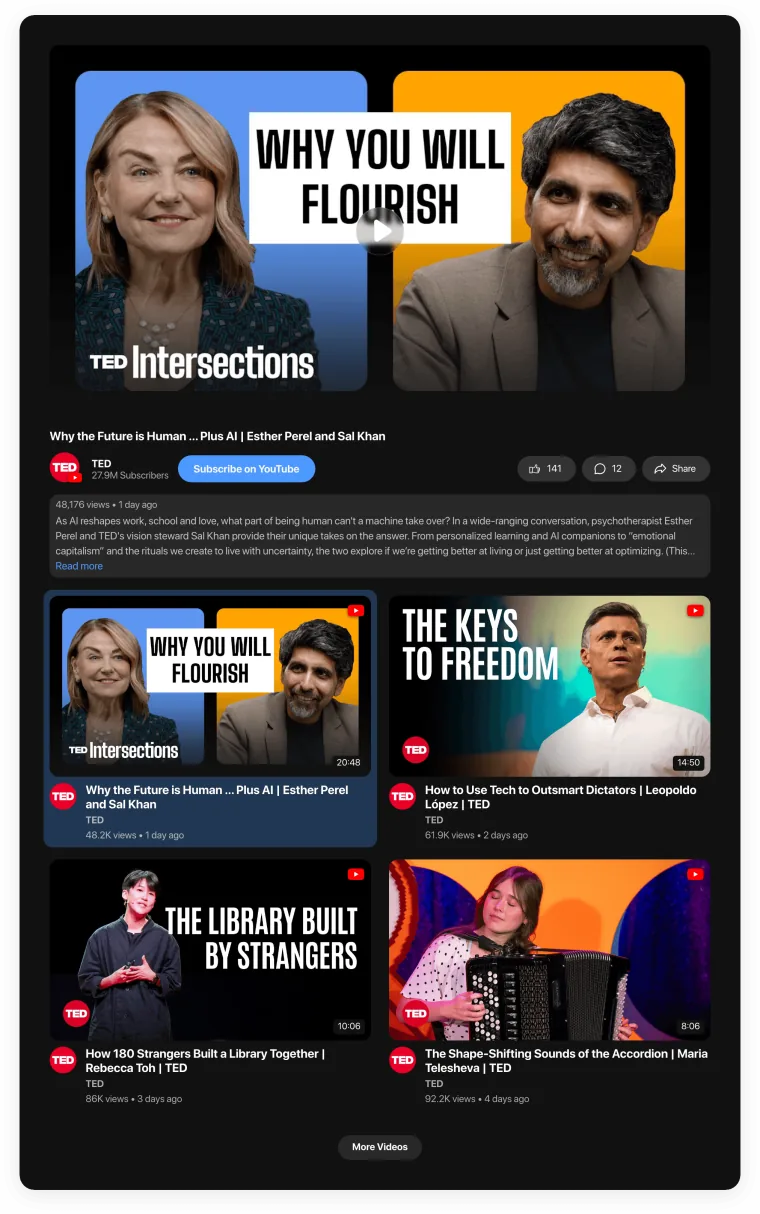
Player with Gallery
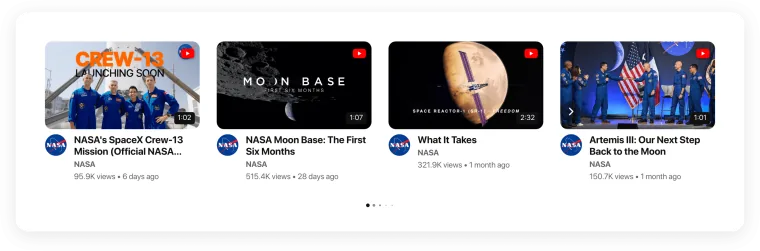
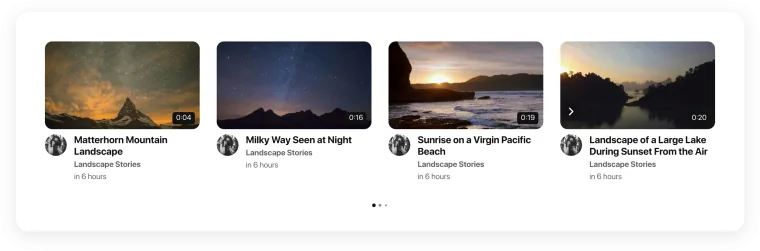
Video Carousel
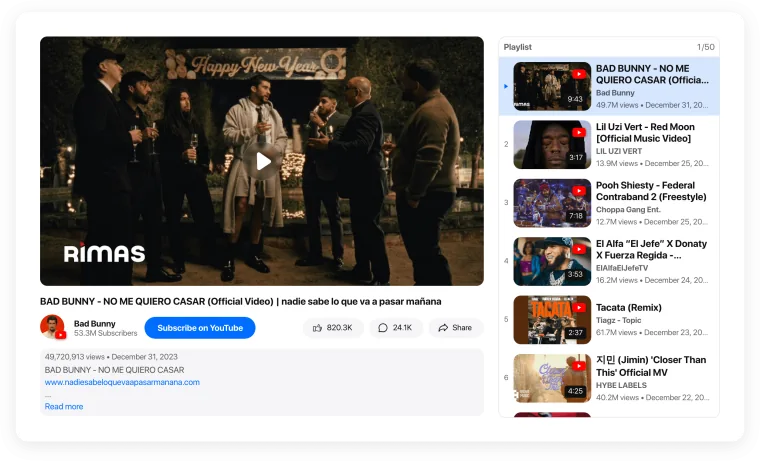
Player with Playlist
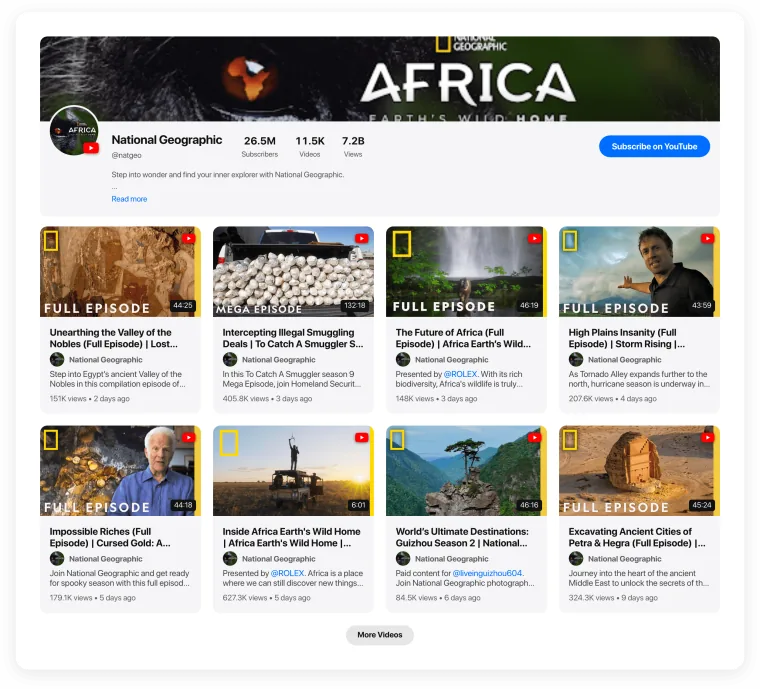
Video Grid
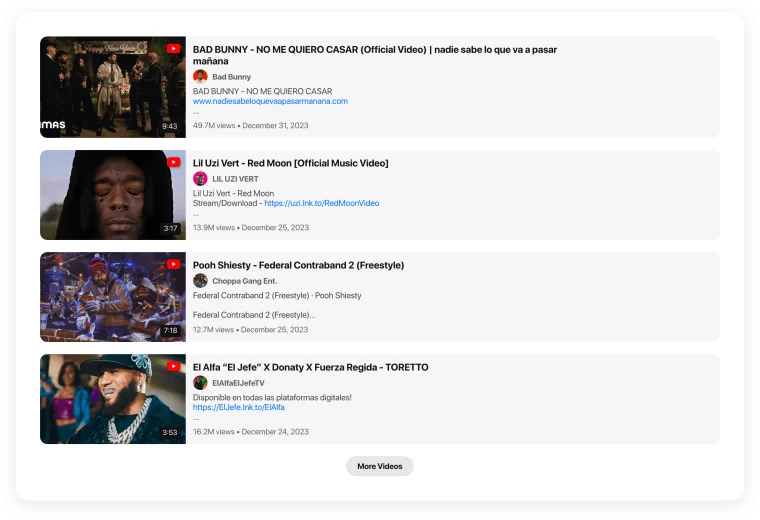
Video Playlist
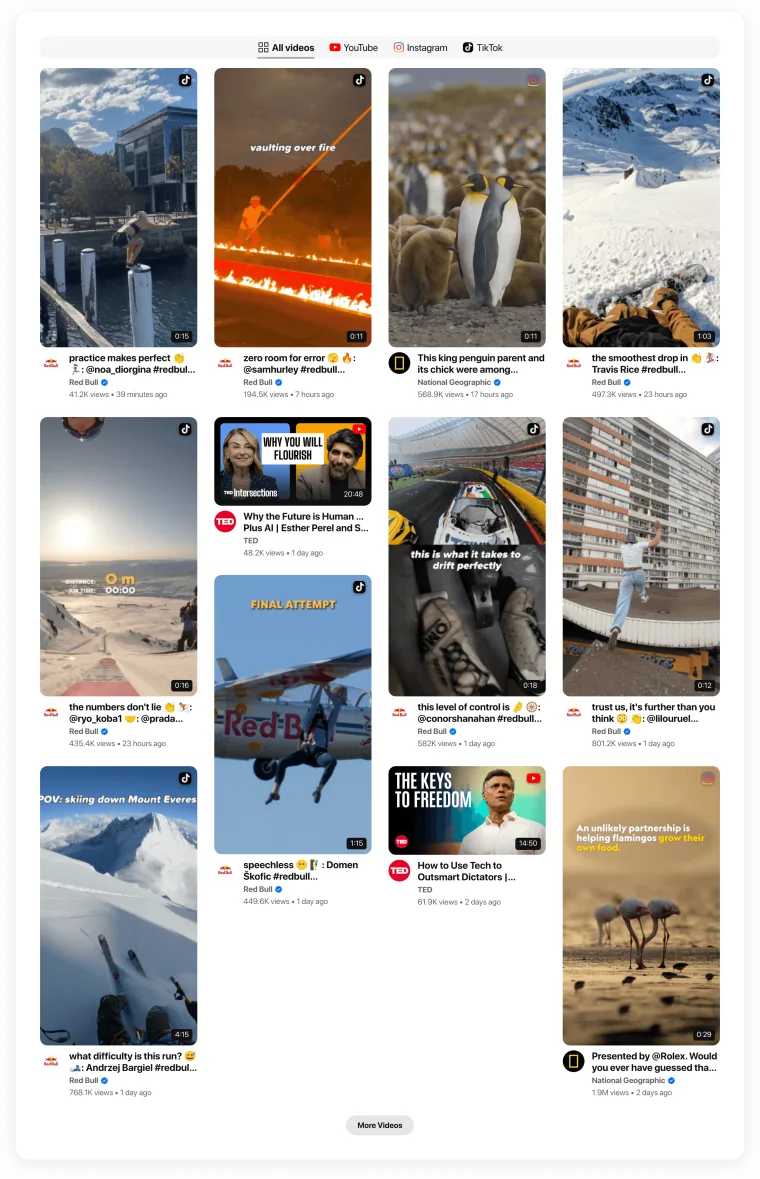
Video Masonry
Templates by use case
Pre-styled for a job: testimonials, shoppable product videos, portfolios, demos and more.
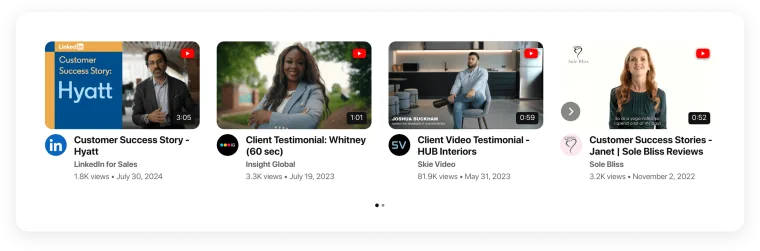
Video Testimonials
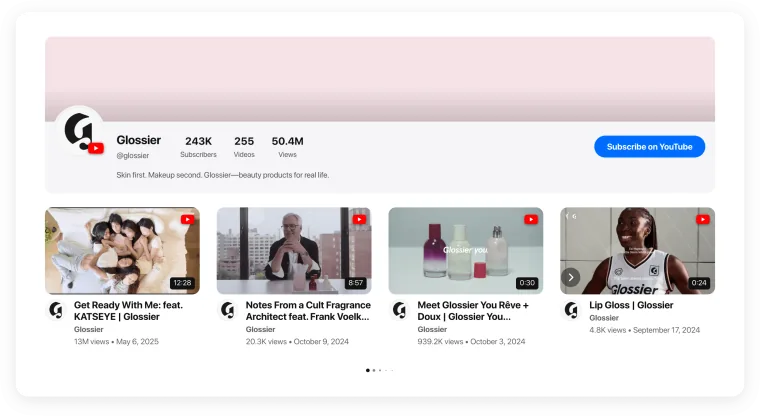
Shoppable & Product Videos
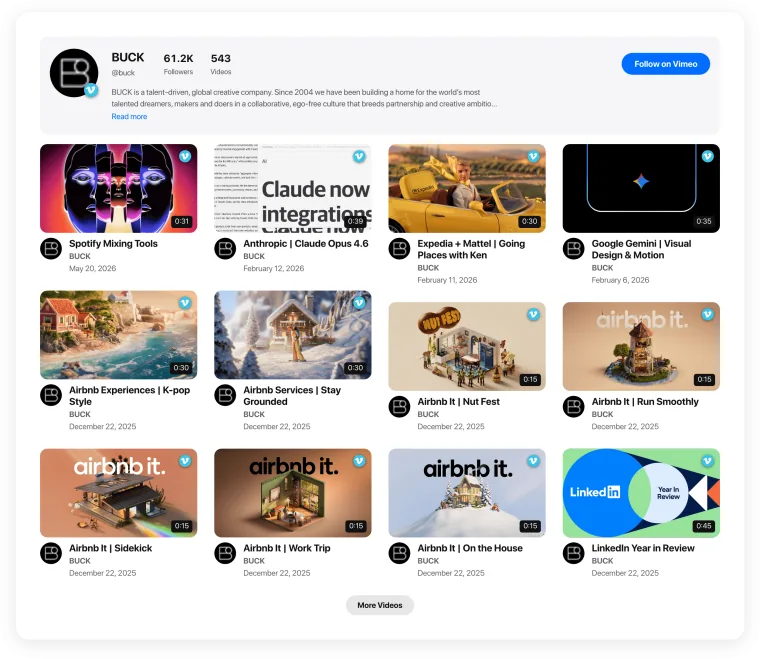
Video Portfolio
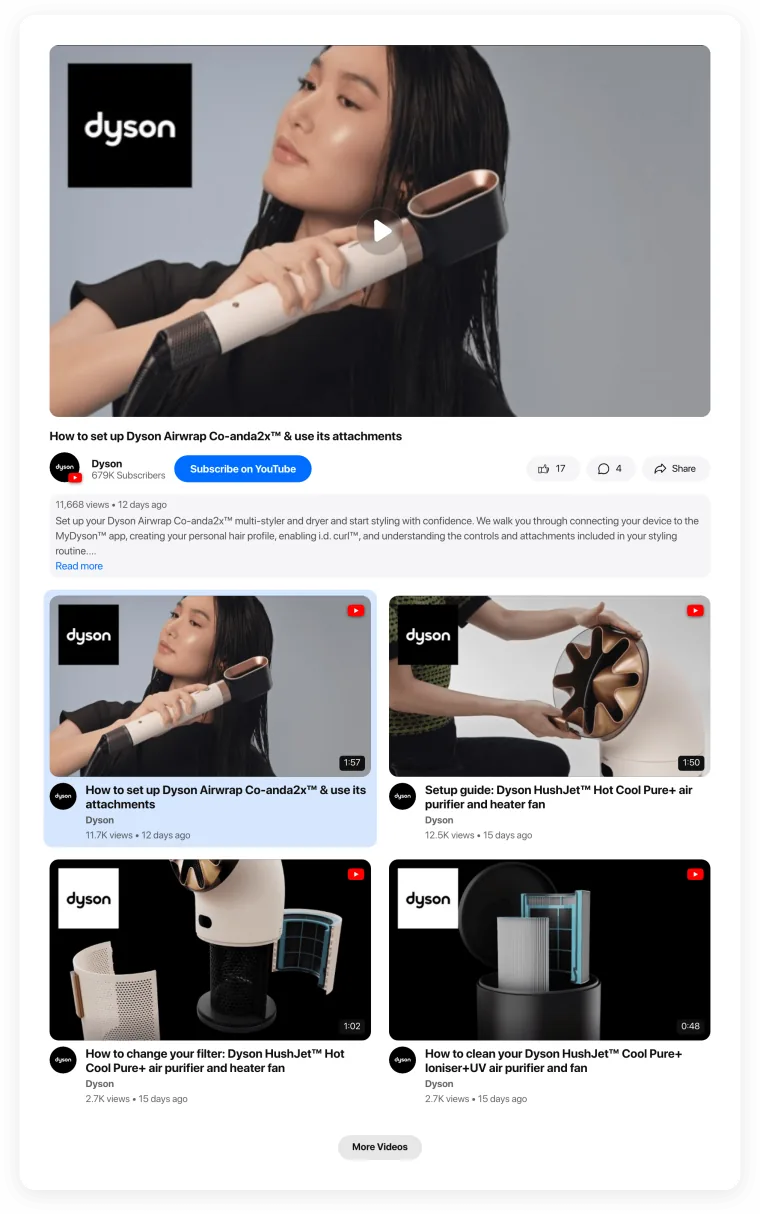
Product Demo Videos
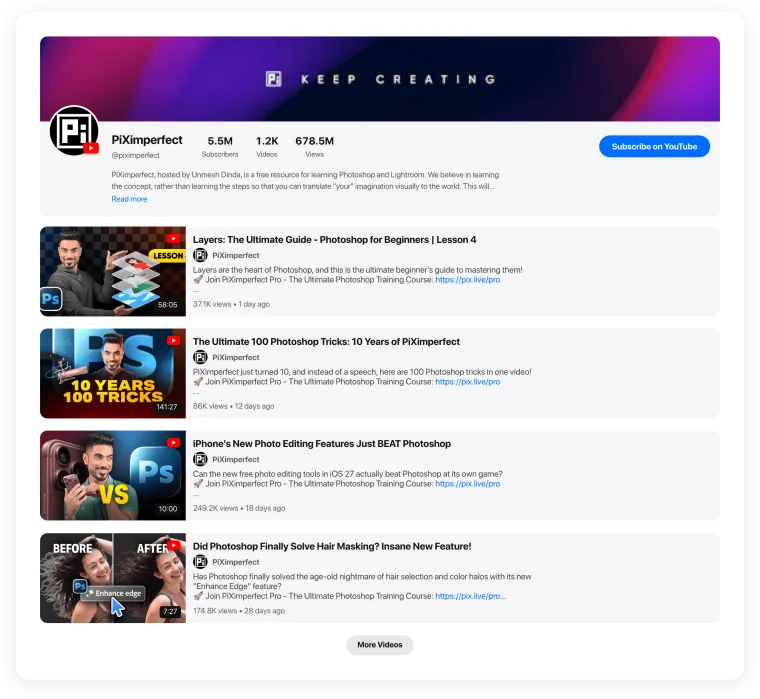
Tutorials & How-tos
A help-center style library of how-to videos.Tutorials & How-tos

Online Courses
Lessons in order, with a player and playlist.Online Courses
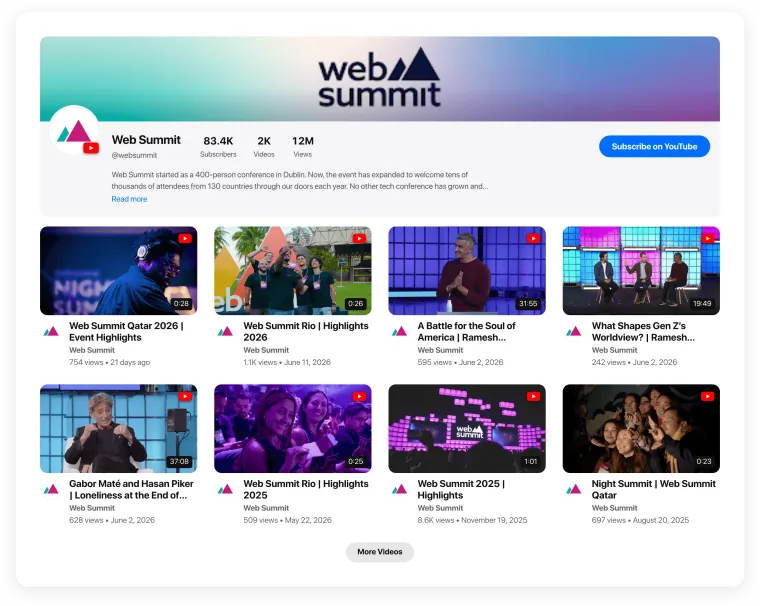
Webinars & Events
Recordings of webinars, talks and live events.Webinars & Events
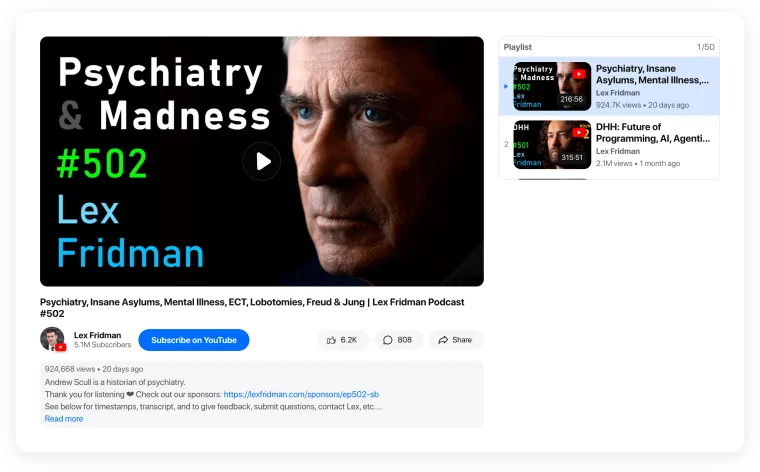
Podcast Episodes
Video podcast episodes with titles and descriptions.Podcast Episodes
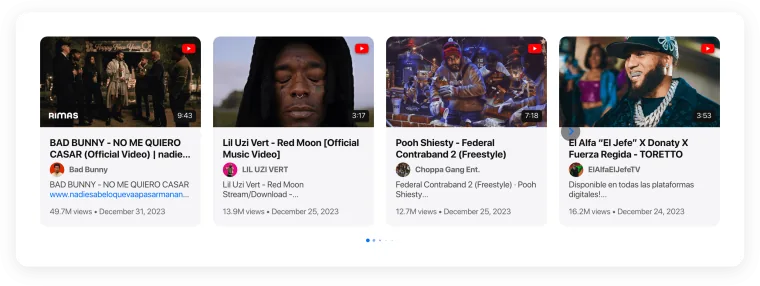
Music Videos
Clips and live sessions for bands and artists.Music Videos
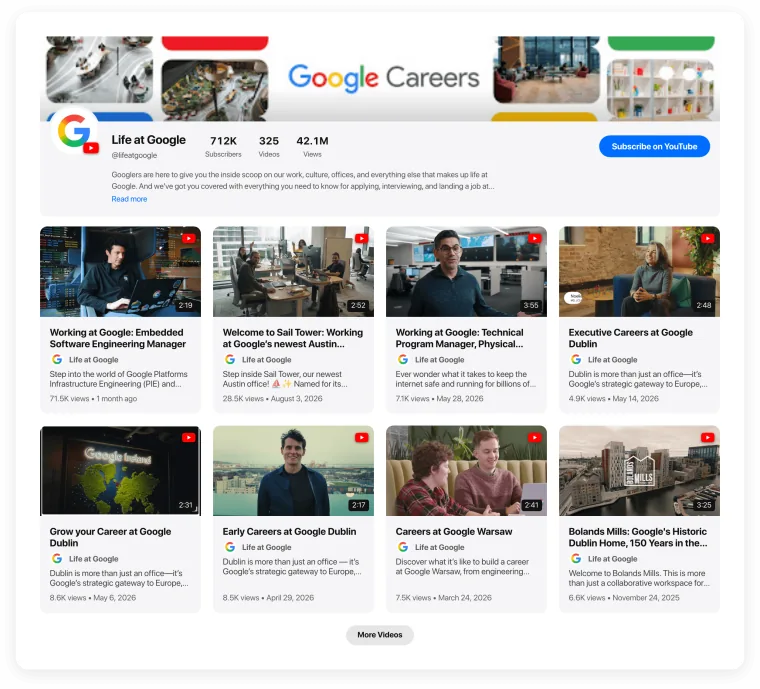
Company Culture & Careers
Team stories and office tours for your careers page.Company Culture & Careers
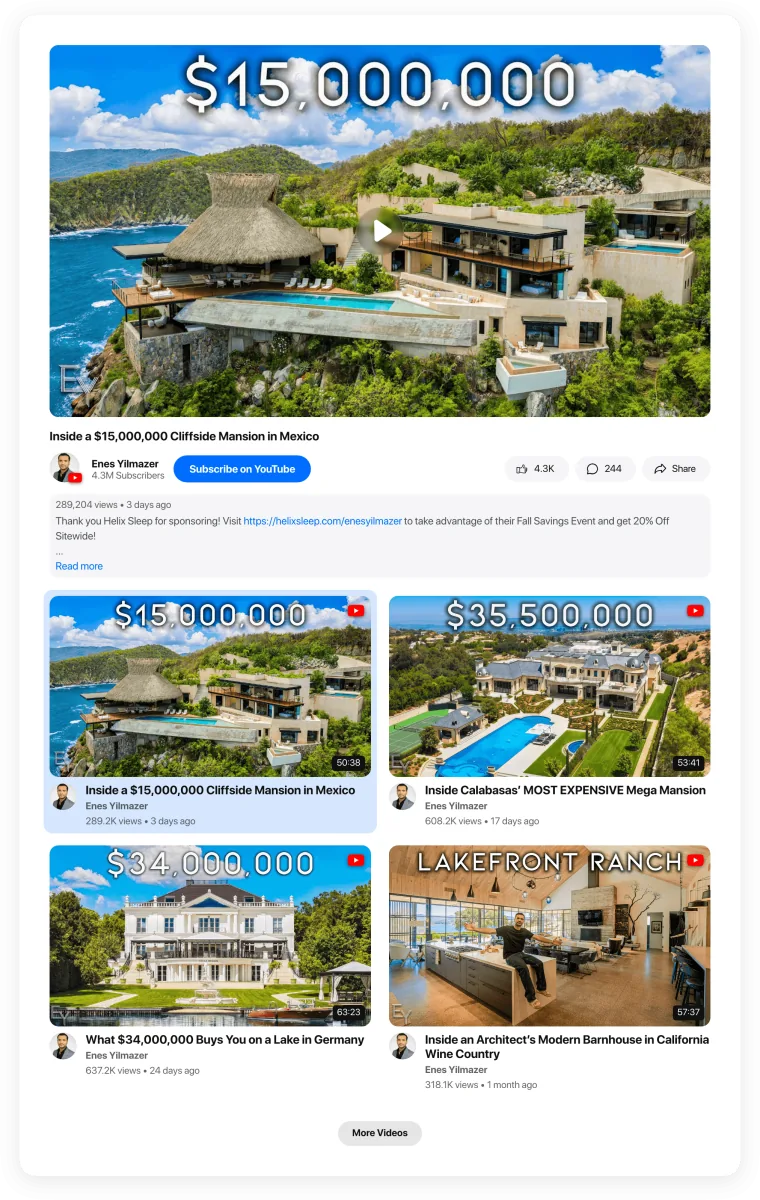
Real Estate Tours
Property walkthroughs on listing pages.Real Estate Tours
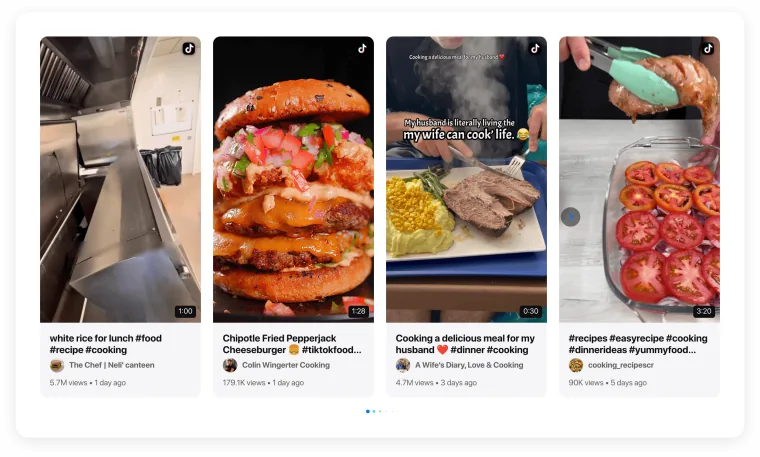
Recipes & Cooking
Step-by-step cooking videos for food sites.Recipes & Cooking
Mixed-source templates
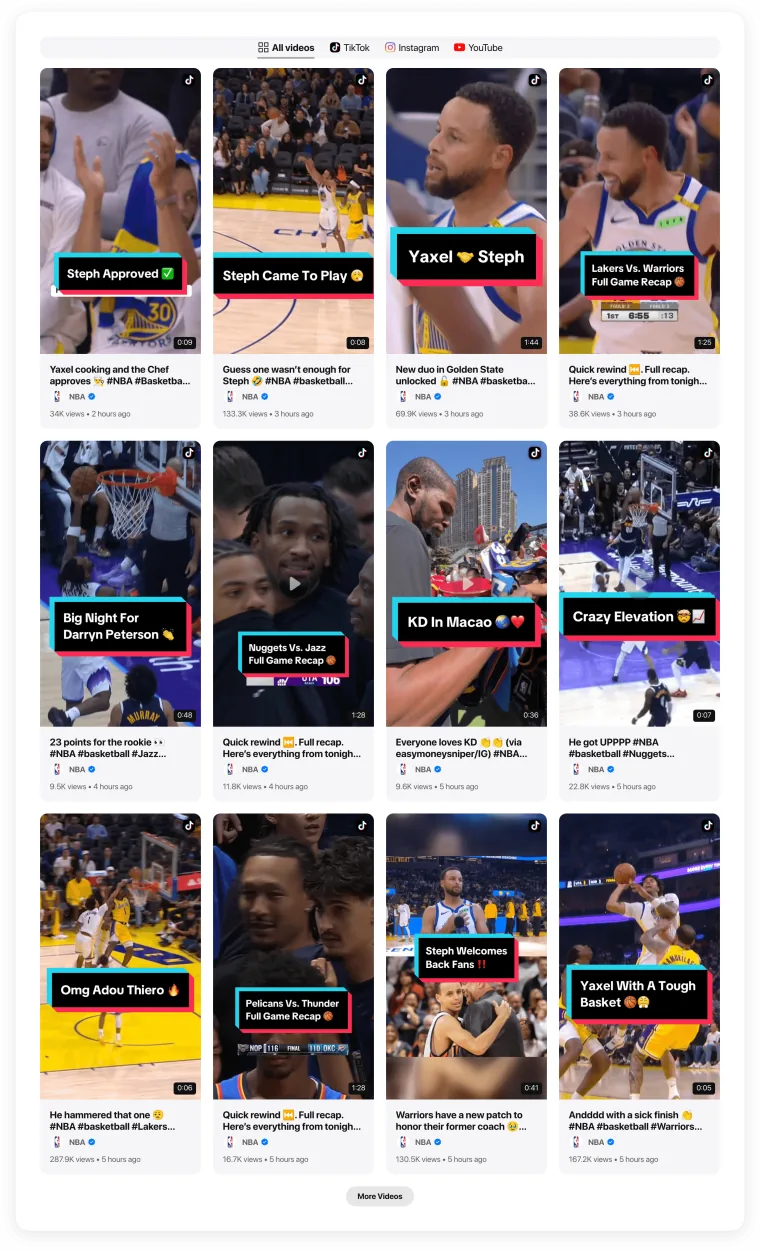
One gallery, videos from several platforms. Visitors switch between them with tabs.
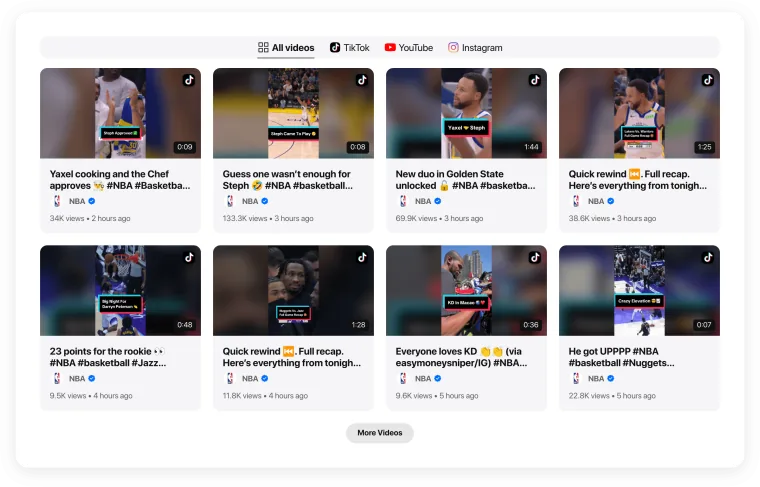
All Your Videos in One Place
YouTube, Vimeo and hosted videos with platform tabs.All Your Videos in One Place
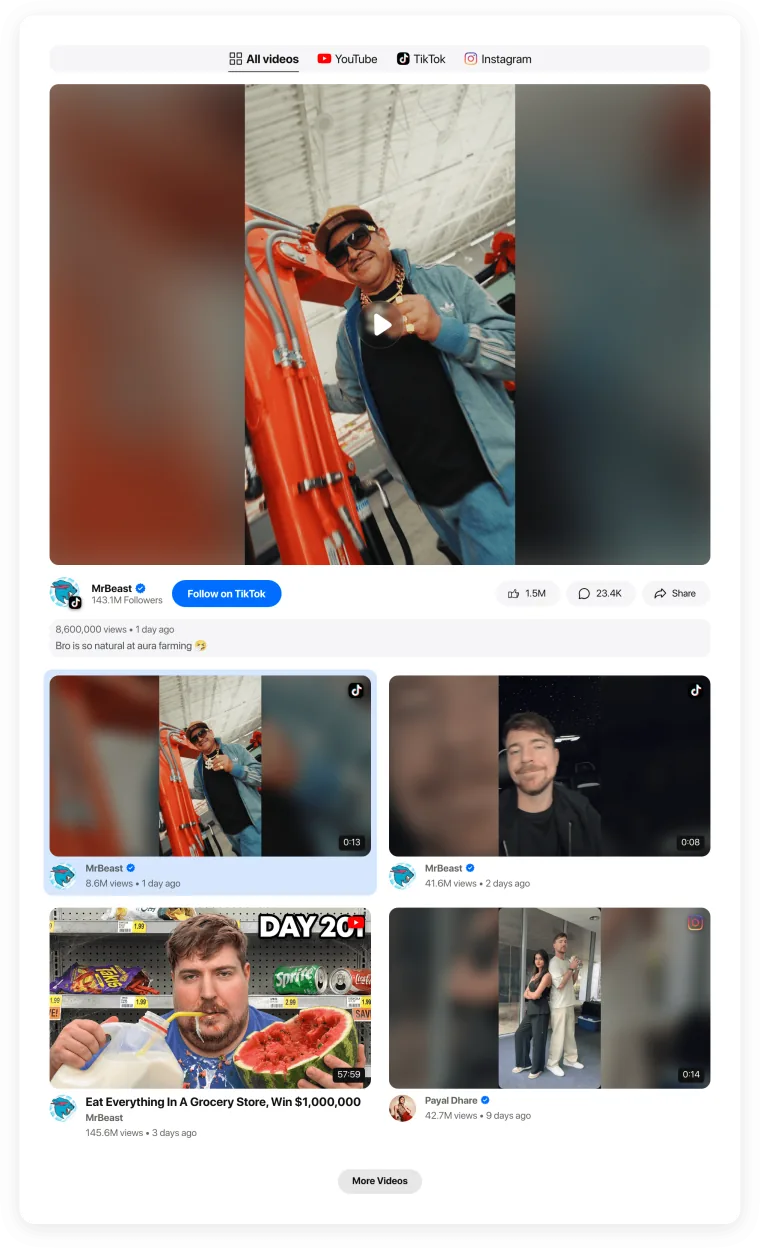
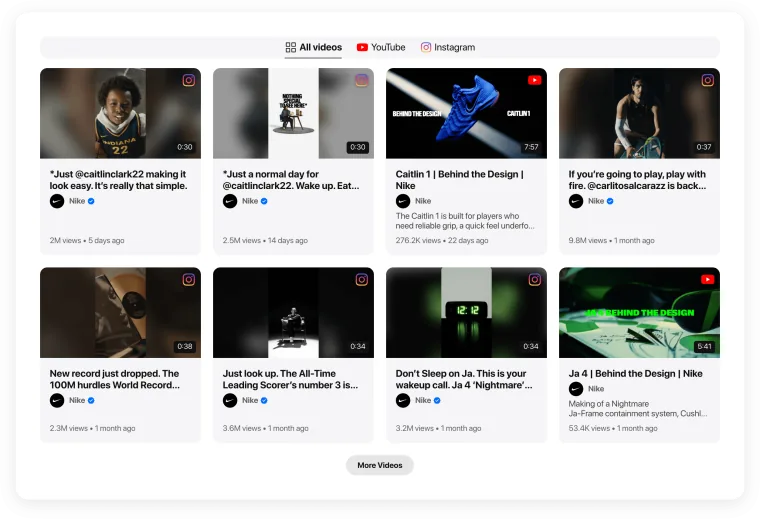
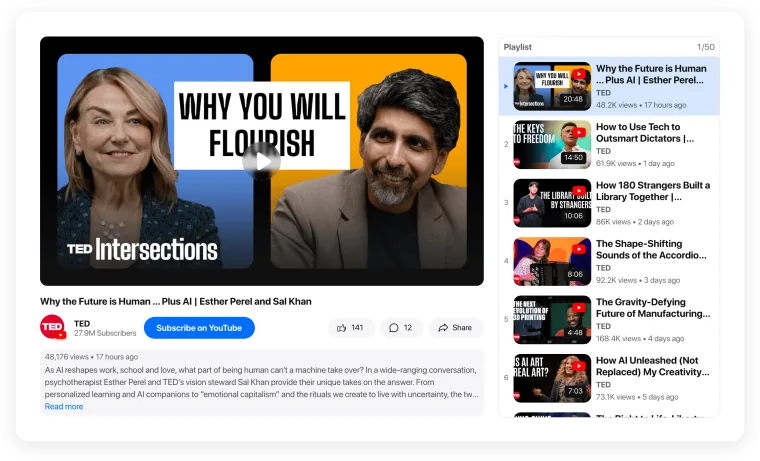
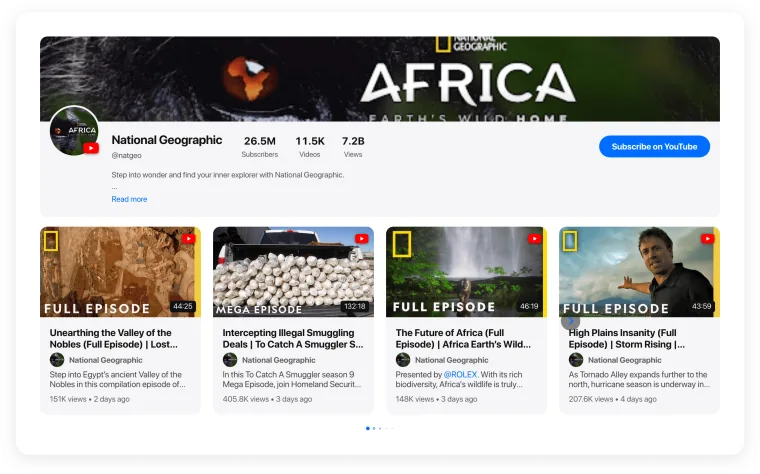
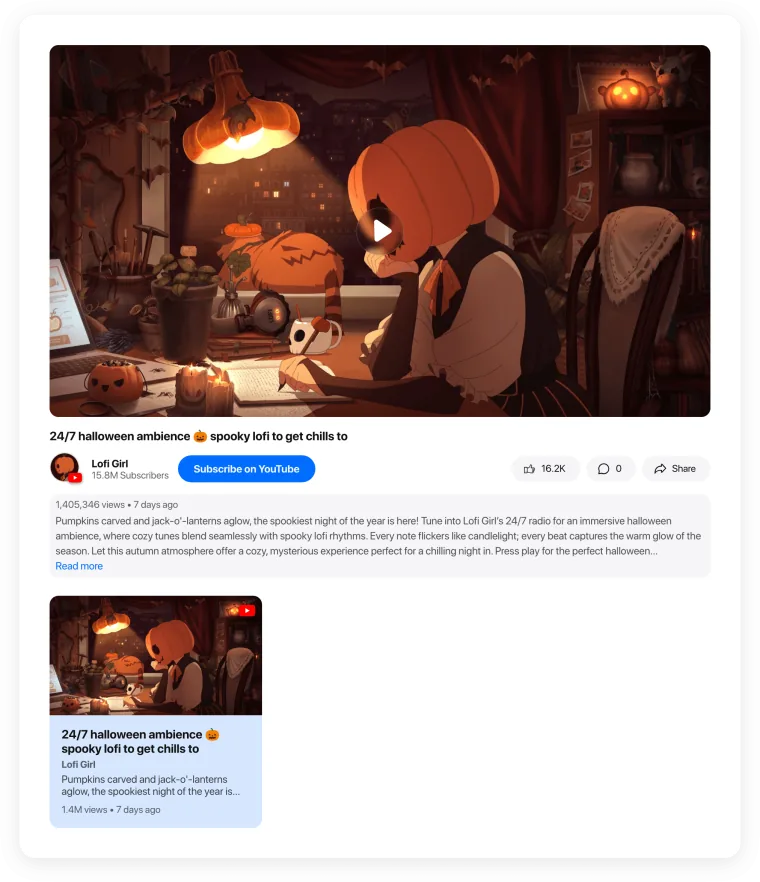
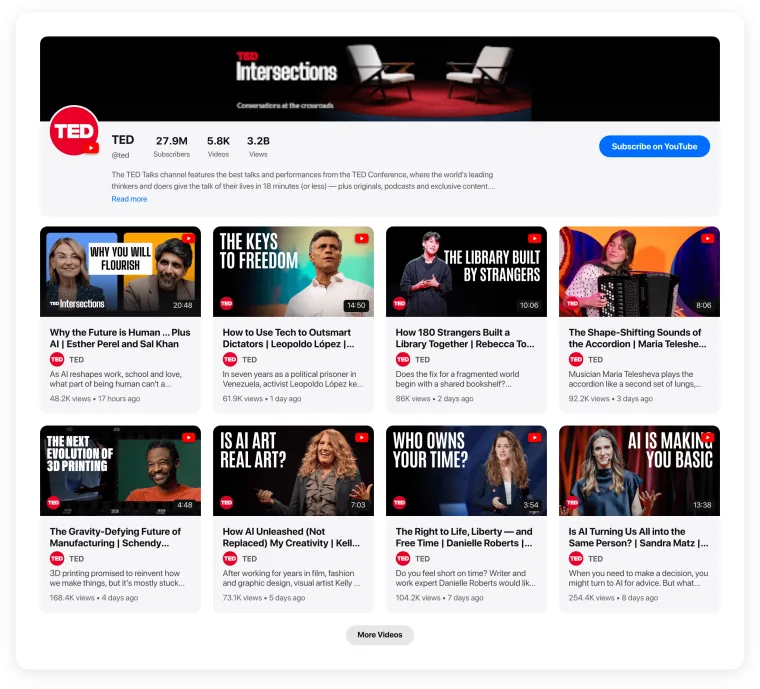
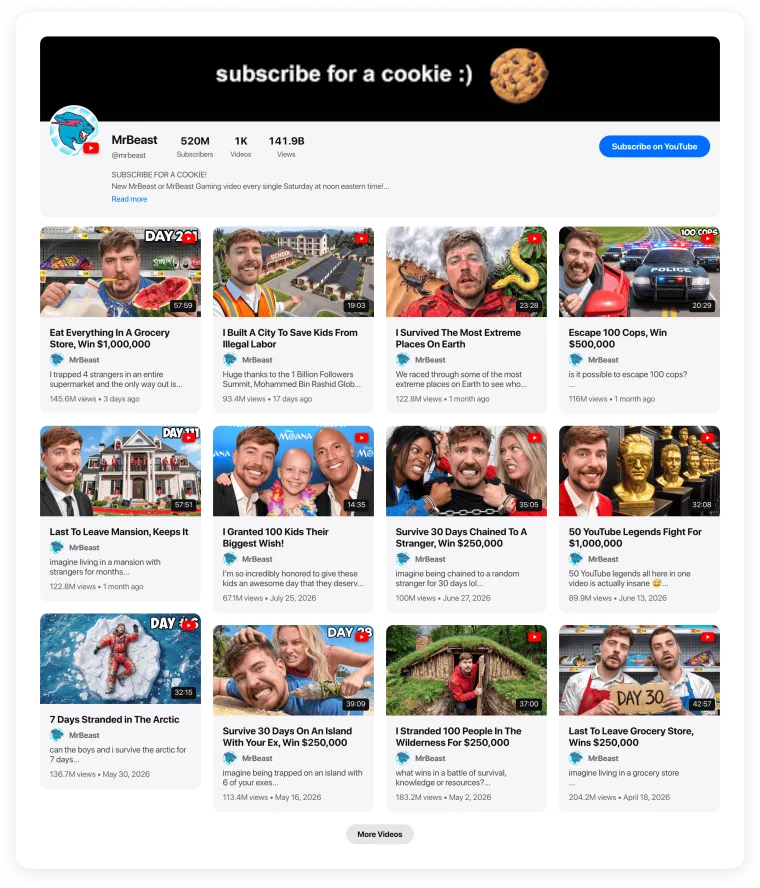
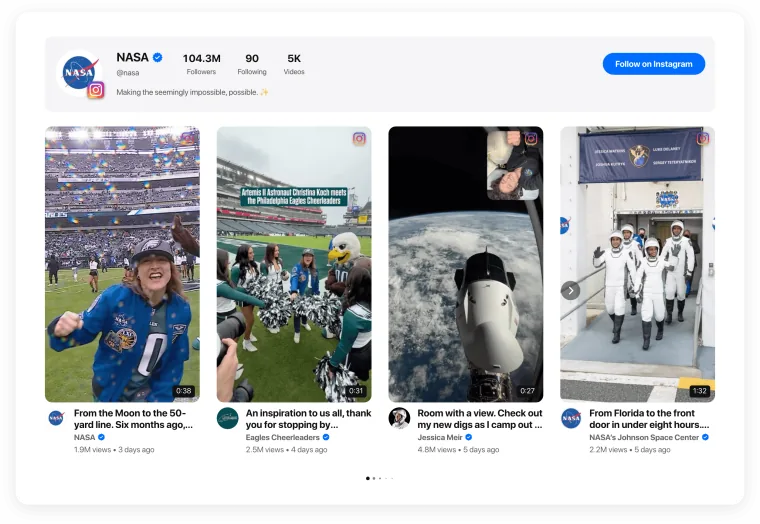
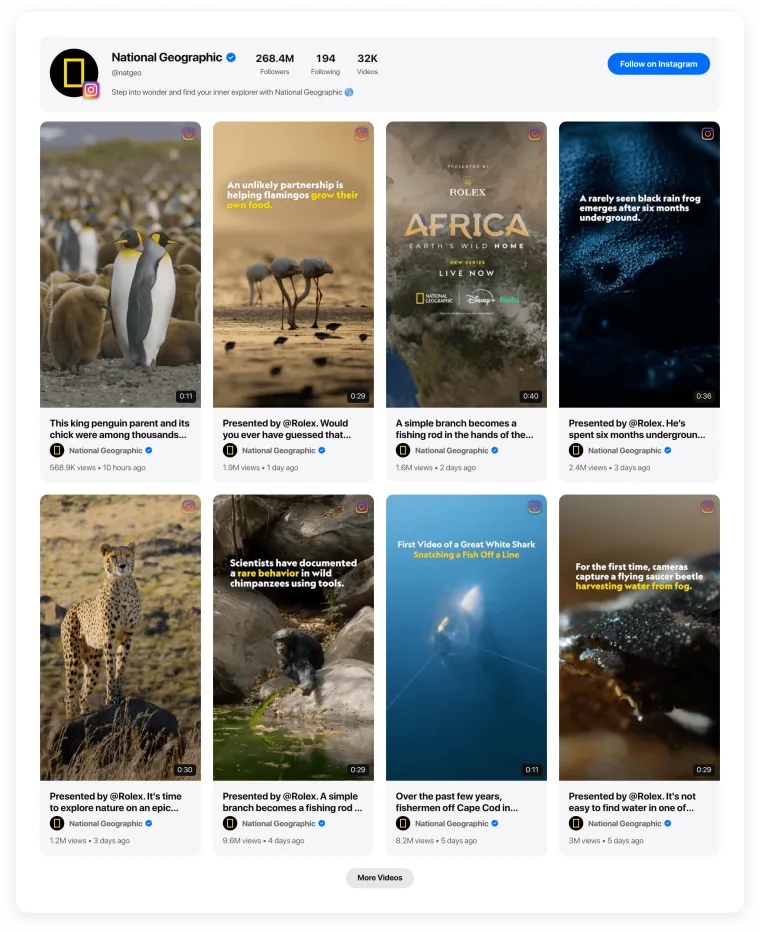
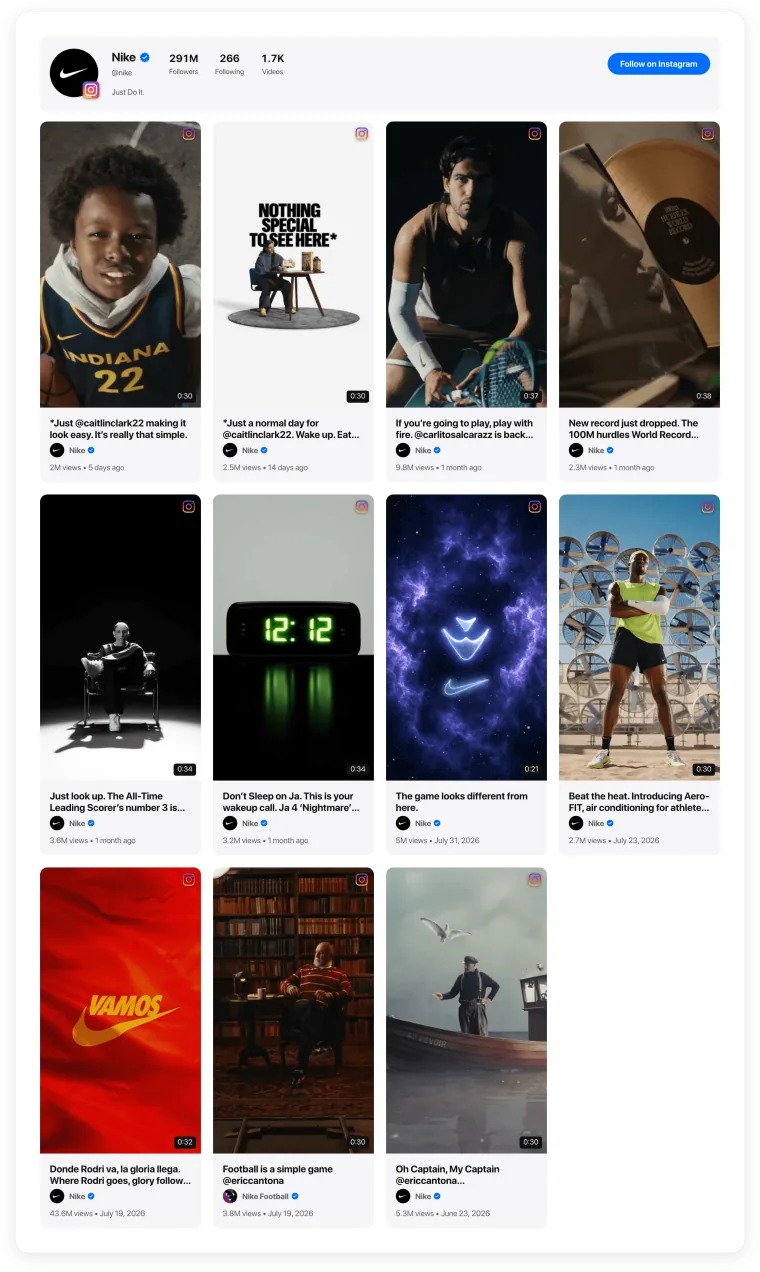
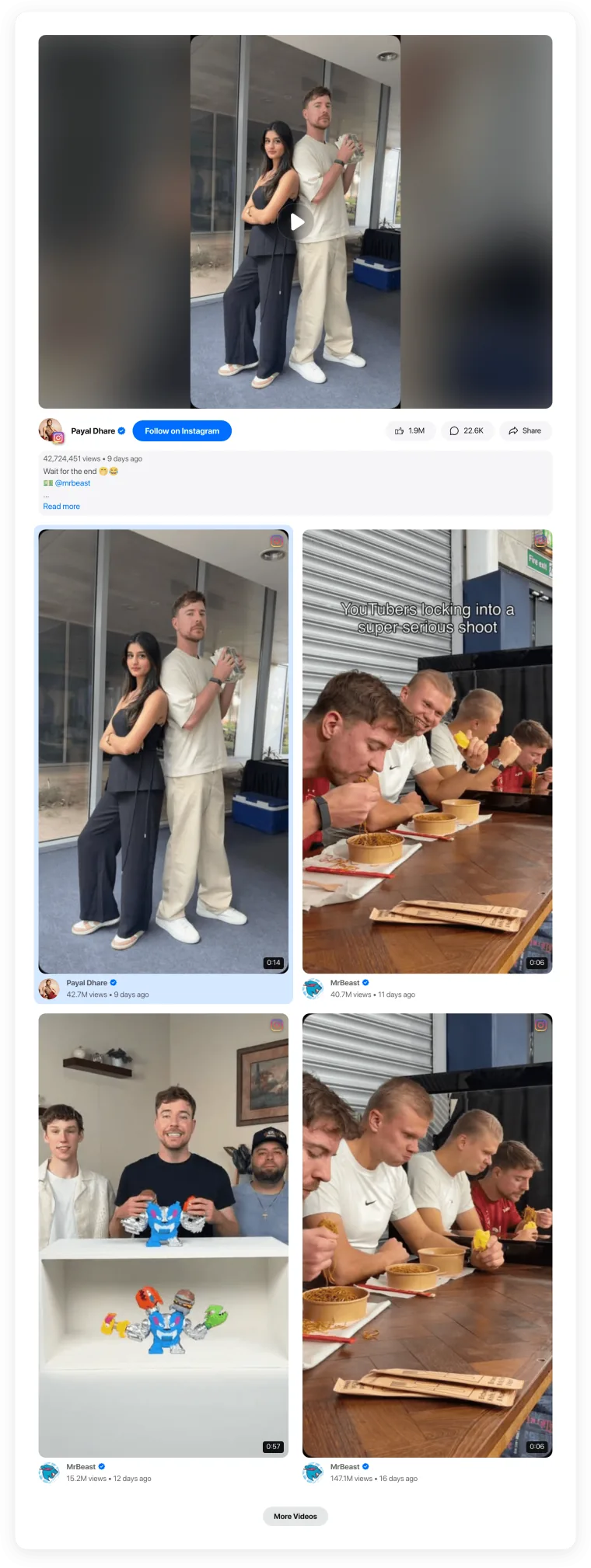
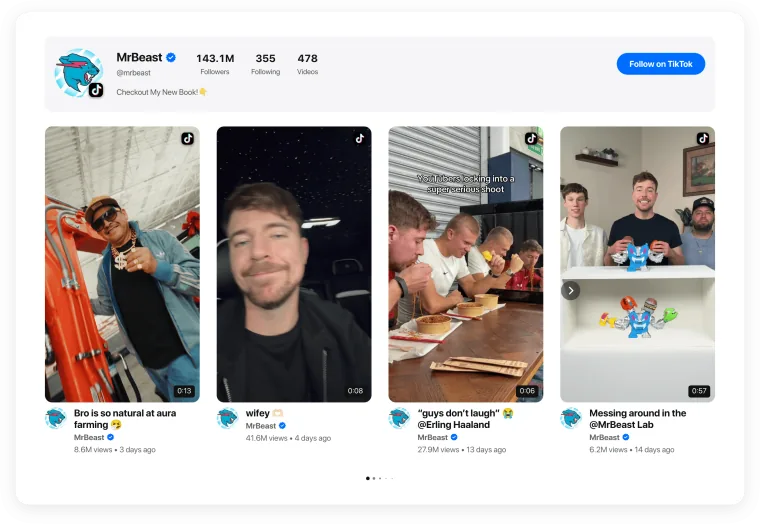
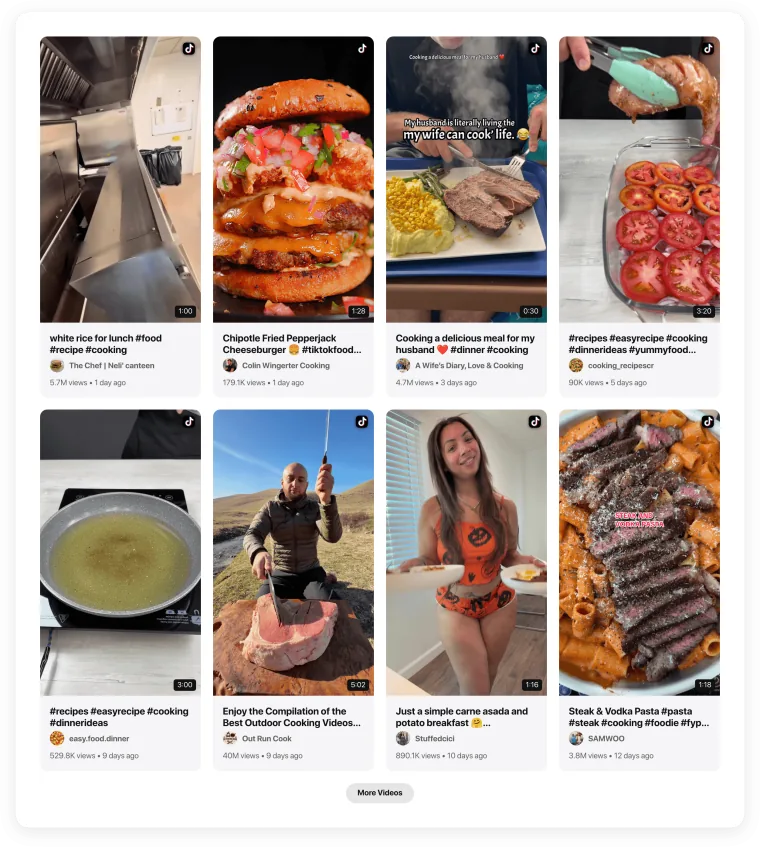
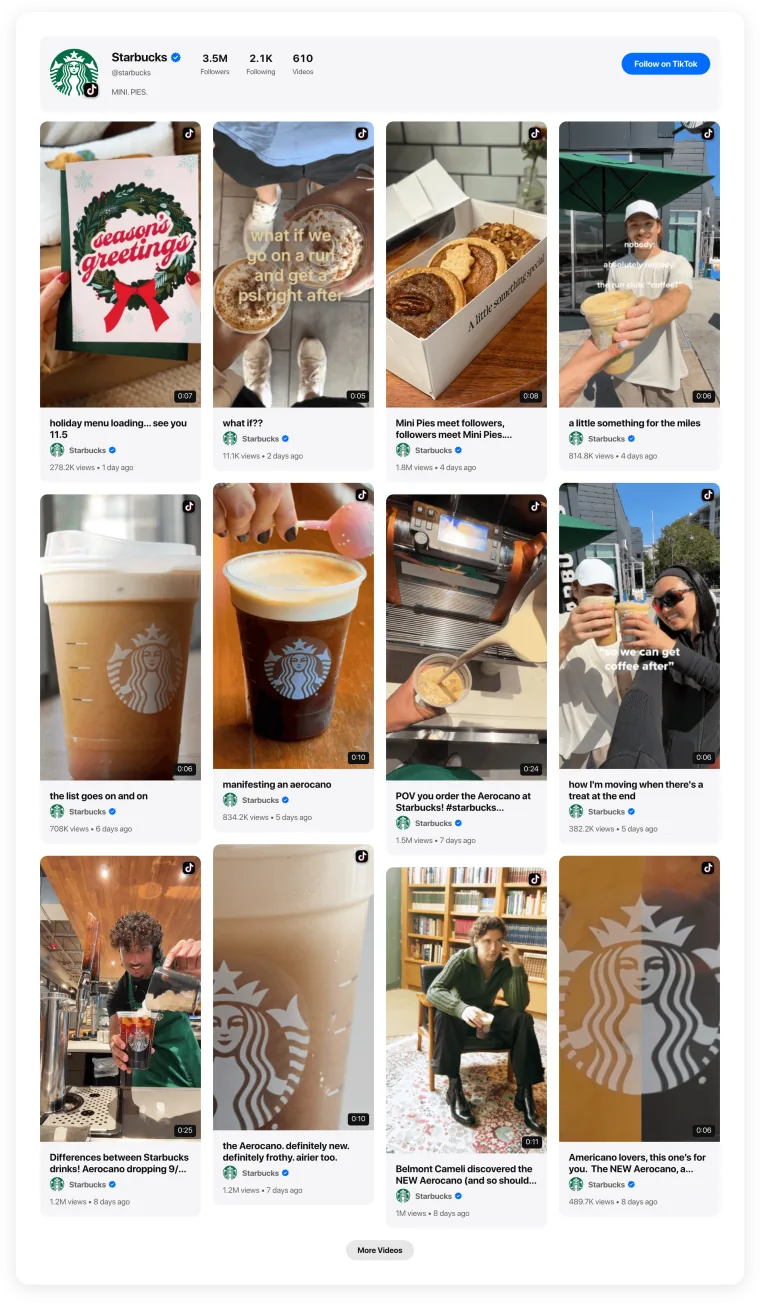
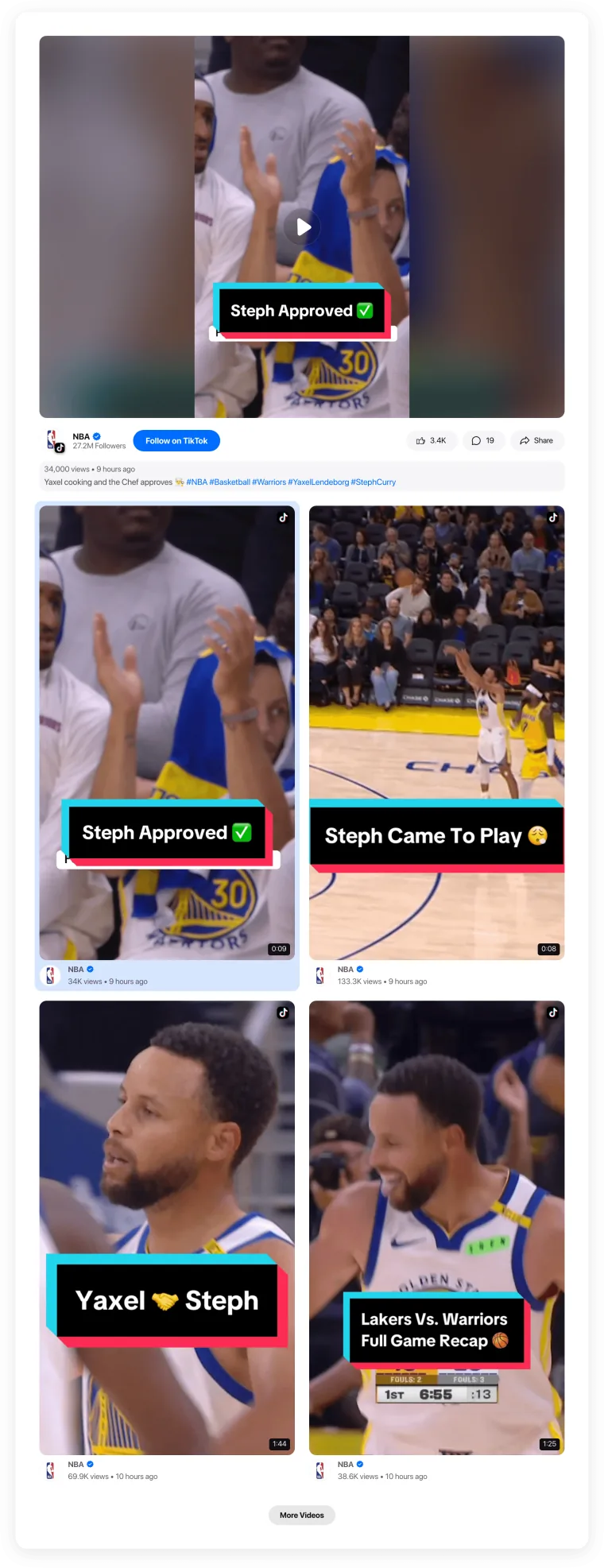
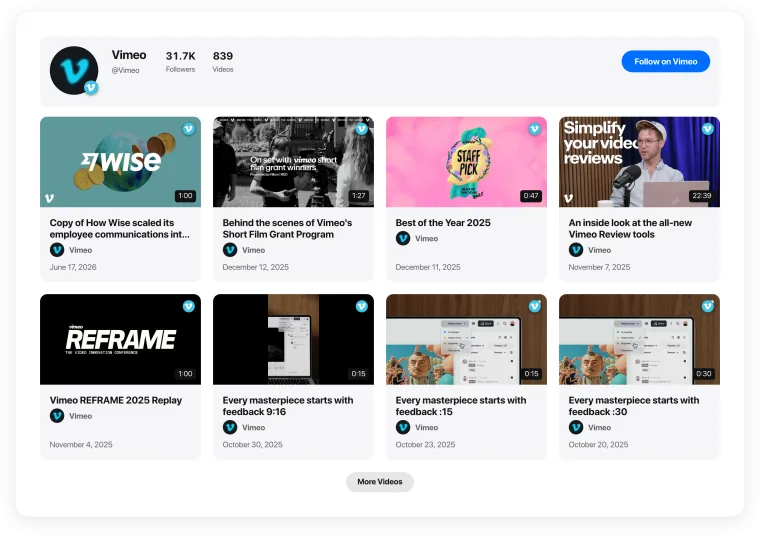

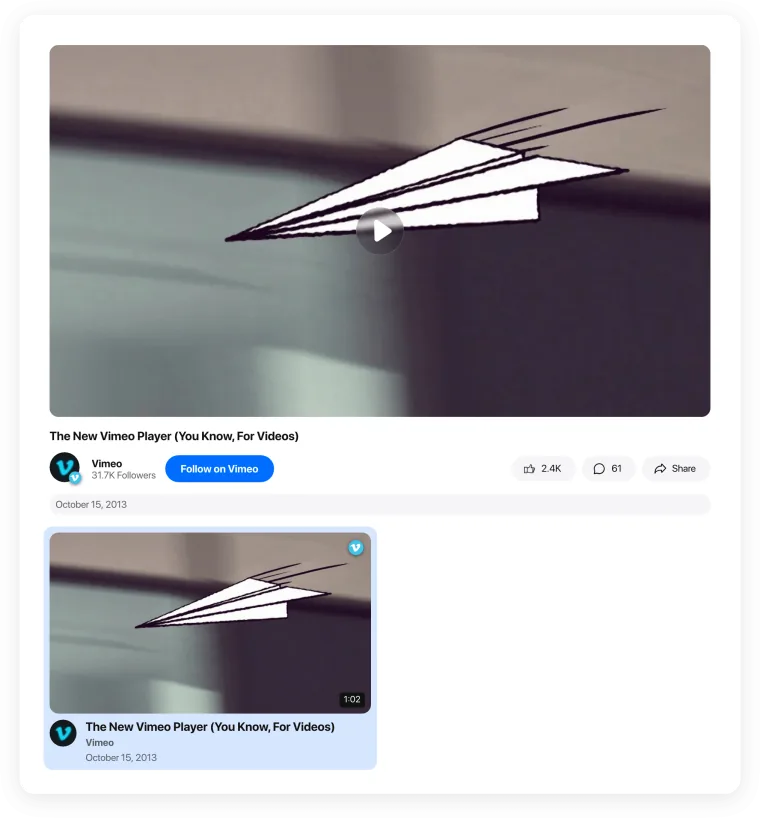
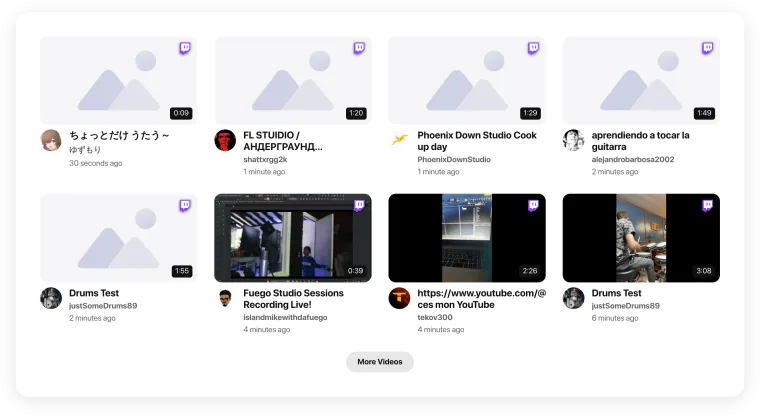
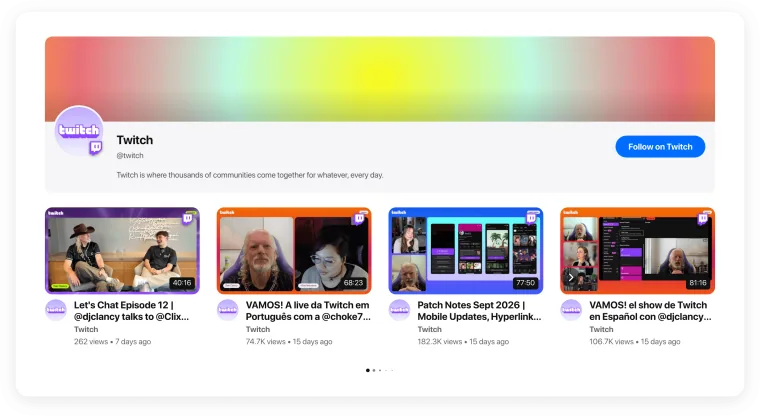
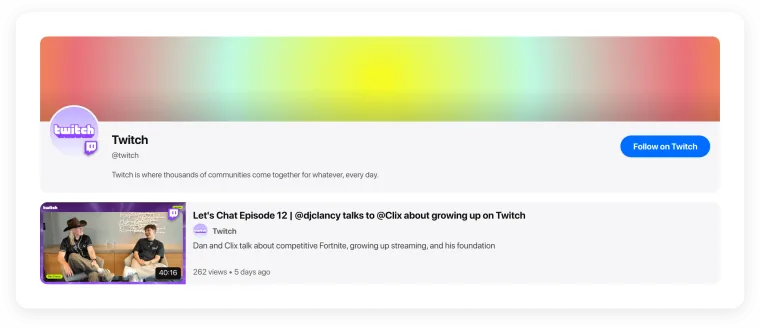
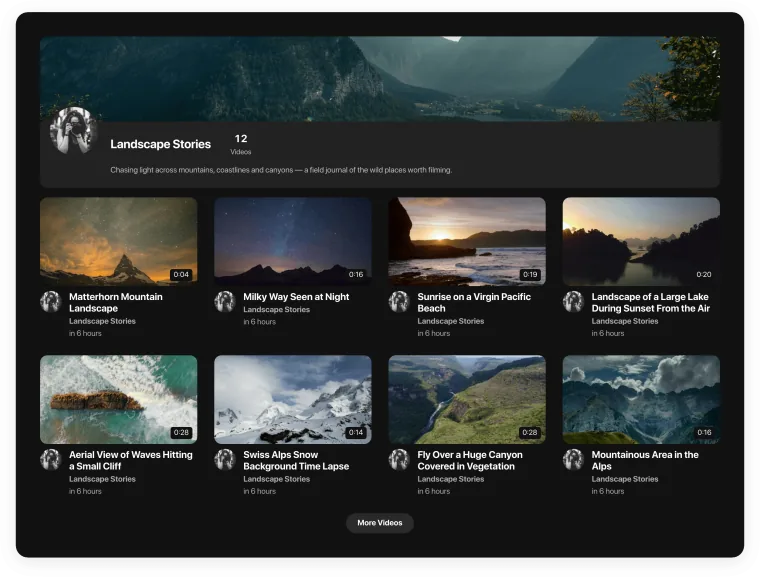
How to choose a video gallery template
Start from what visitors should do: watch one video, browse many, or follow a series.
Template
Best for
Where it works best
Best for
A main video plus more to explore
Where it works best
Video hubs, product pages
Best for
Series and courses watched in order
Where it works best
Tutorials, webinars, lessons
Best for
Several videos in little space; Shorts, Reels, TikToks
Where it works best
Homepage rows, testimonials
Best for
Vertical and horizontal videos together
Where it works best
Portfolios, social walls