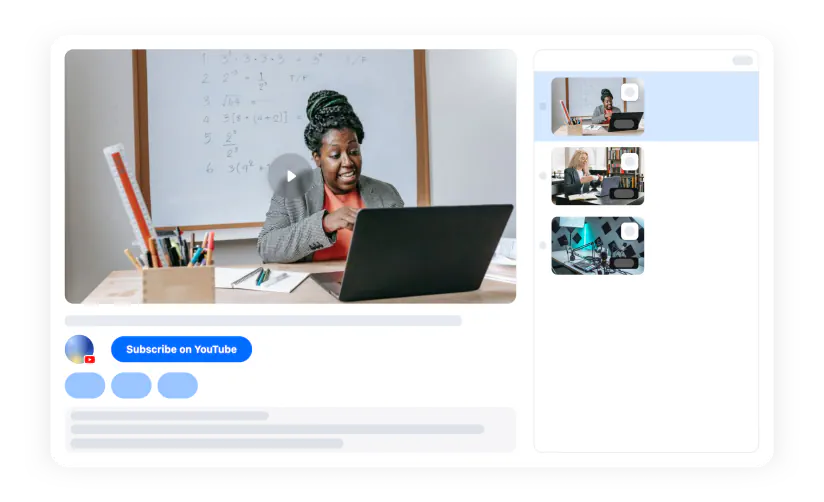
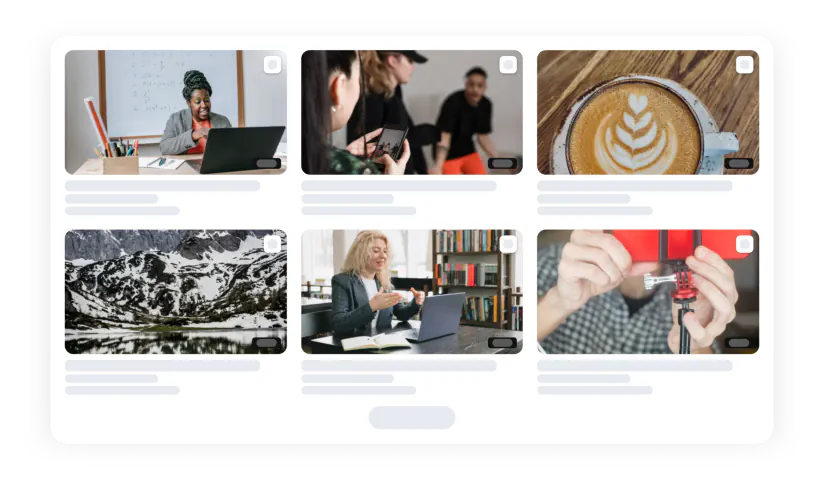
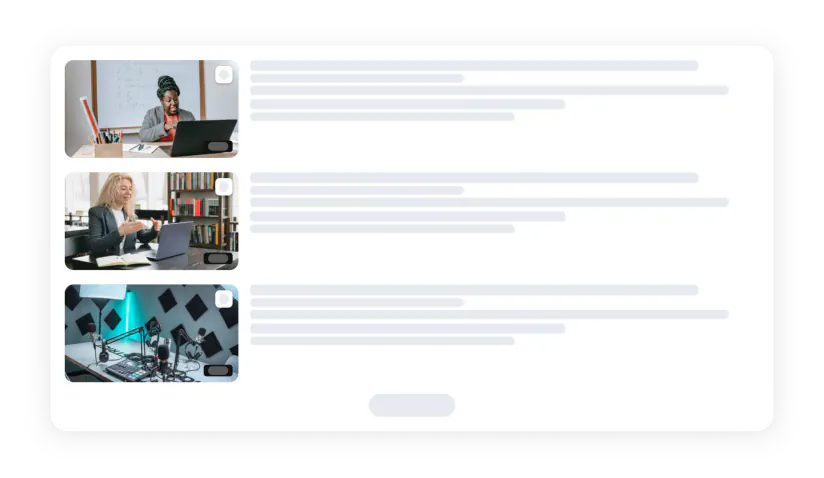
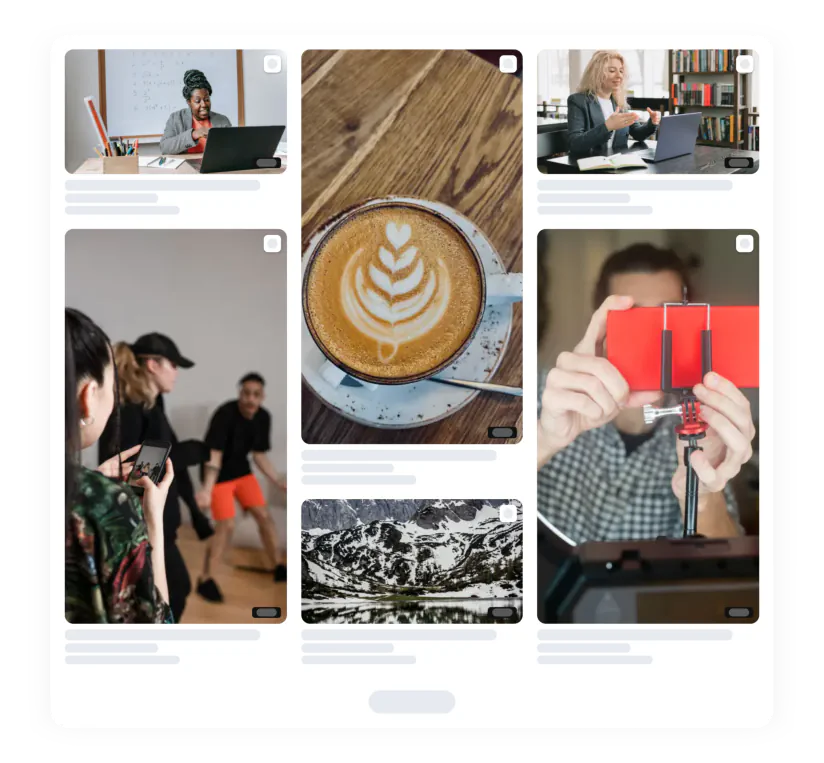
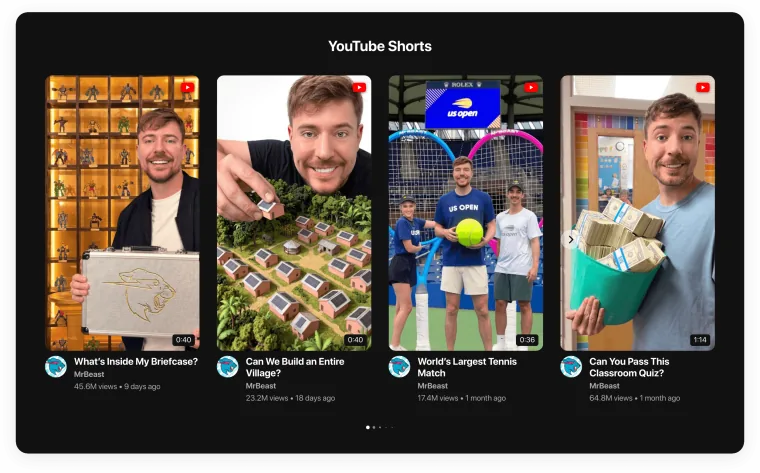
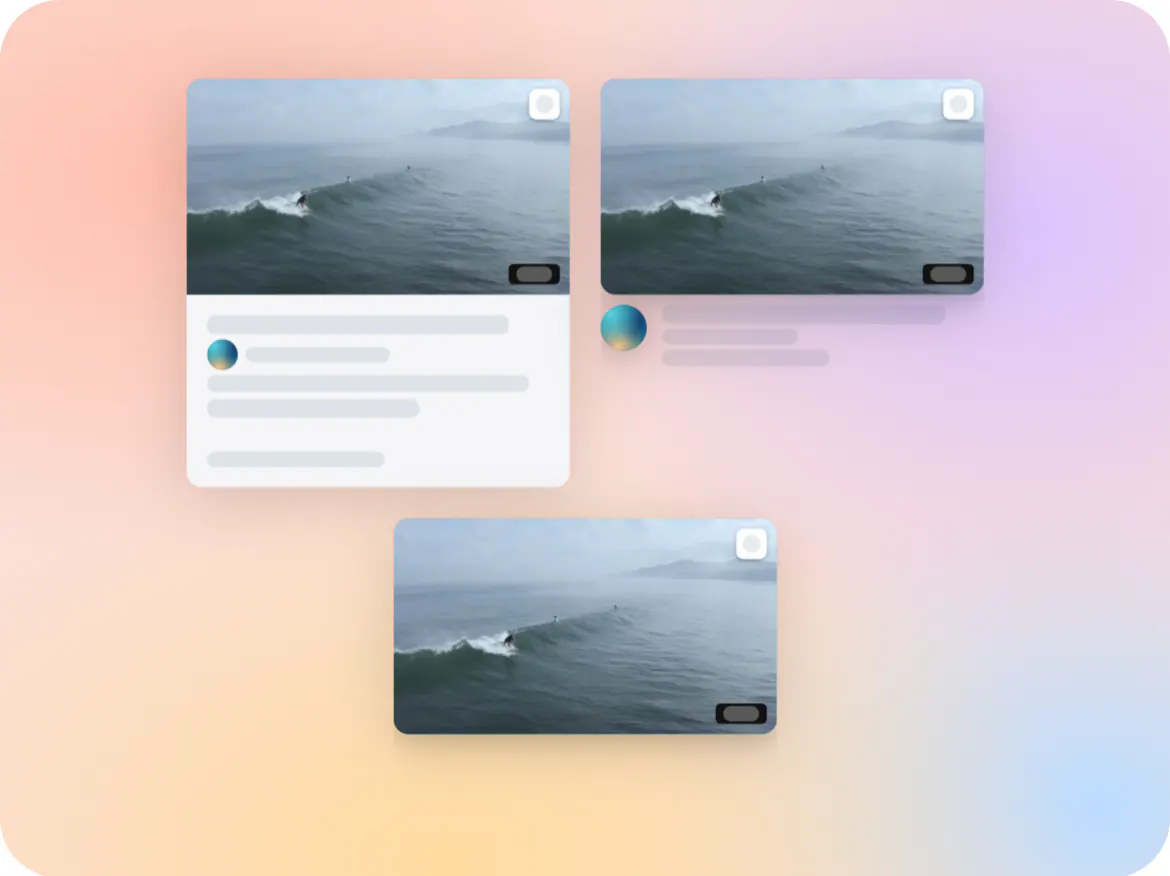
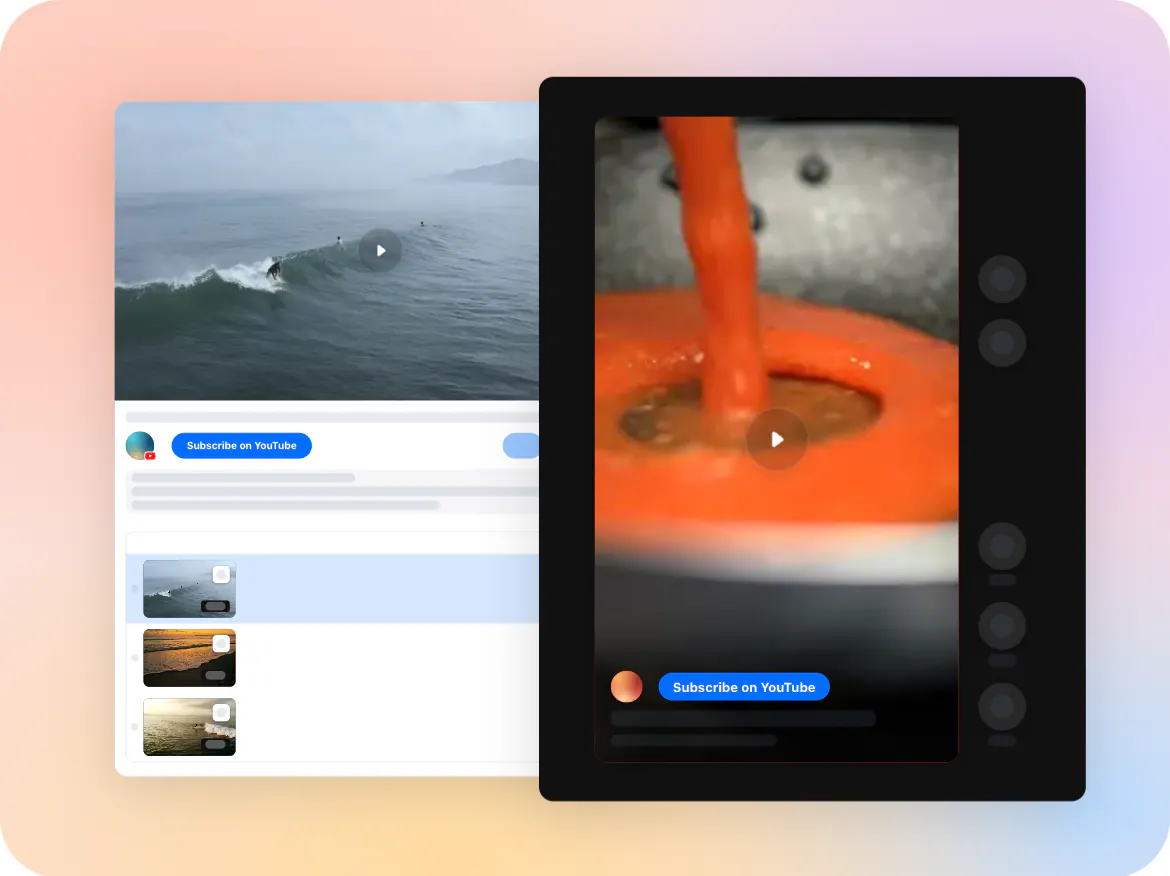
Magento Video Gallery extension

Show videos from YouTube, Instagram, TikTok, Vimeo, Twitch, and more on your Magento store to bring products to life and help shoppers make confident purchase decisions.
4.8 rating
10,000+ reviews
Free plan available
Create Widget for Free
No credit card needed
Magento Video Gallery extension

Create your Video Gallery extension

Configure your video extension and add it to your Magento website for free!

Why People Love Elfsight

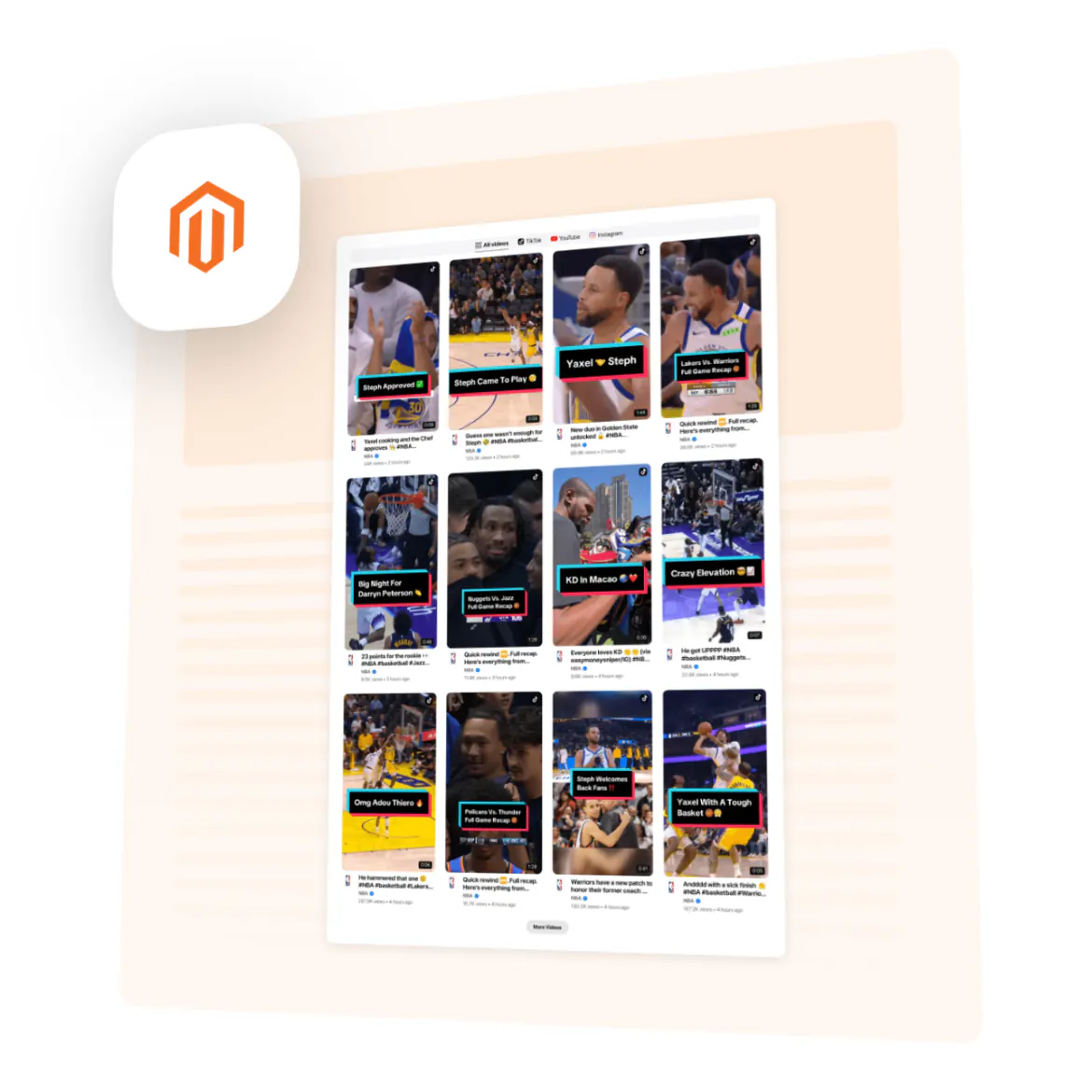
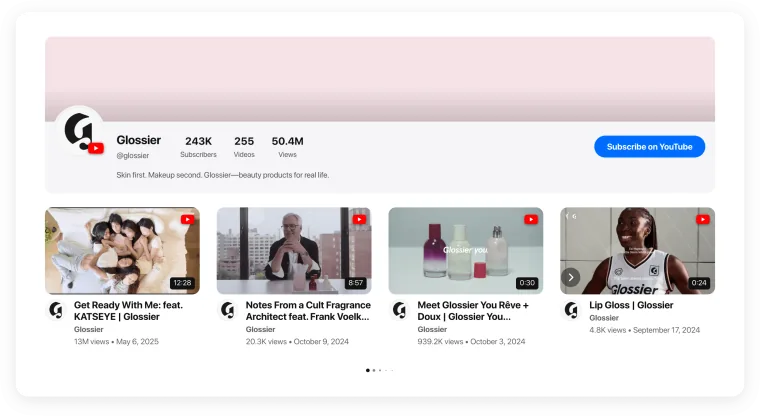
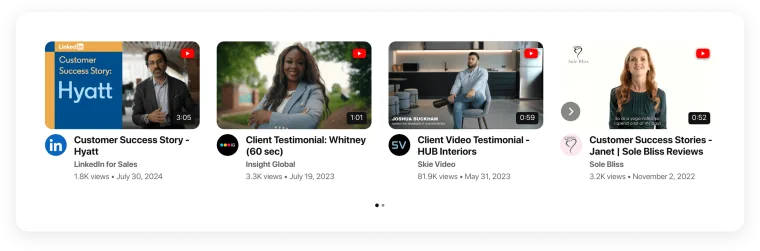
Online shoppers often need more than photos and specifications to understand a product. With Elfsight Video Gallery for Magento, you can bring together demonstrations, how-to videos, customer content, reviews, social clips, and brand stories in one engaging showcase directly on your storefront.

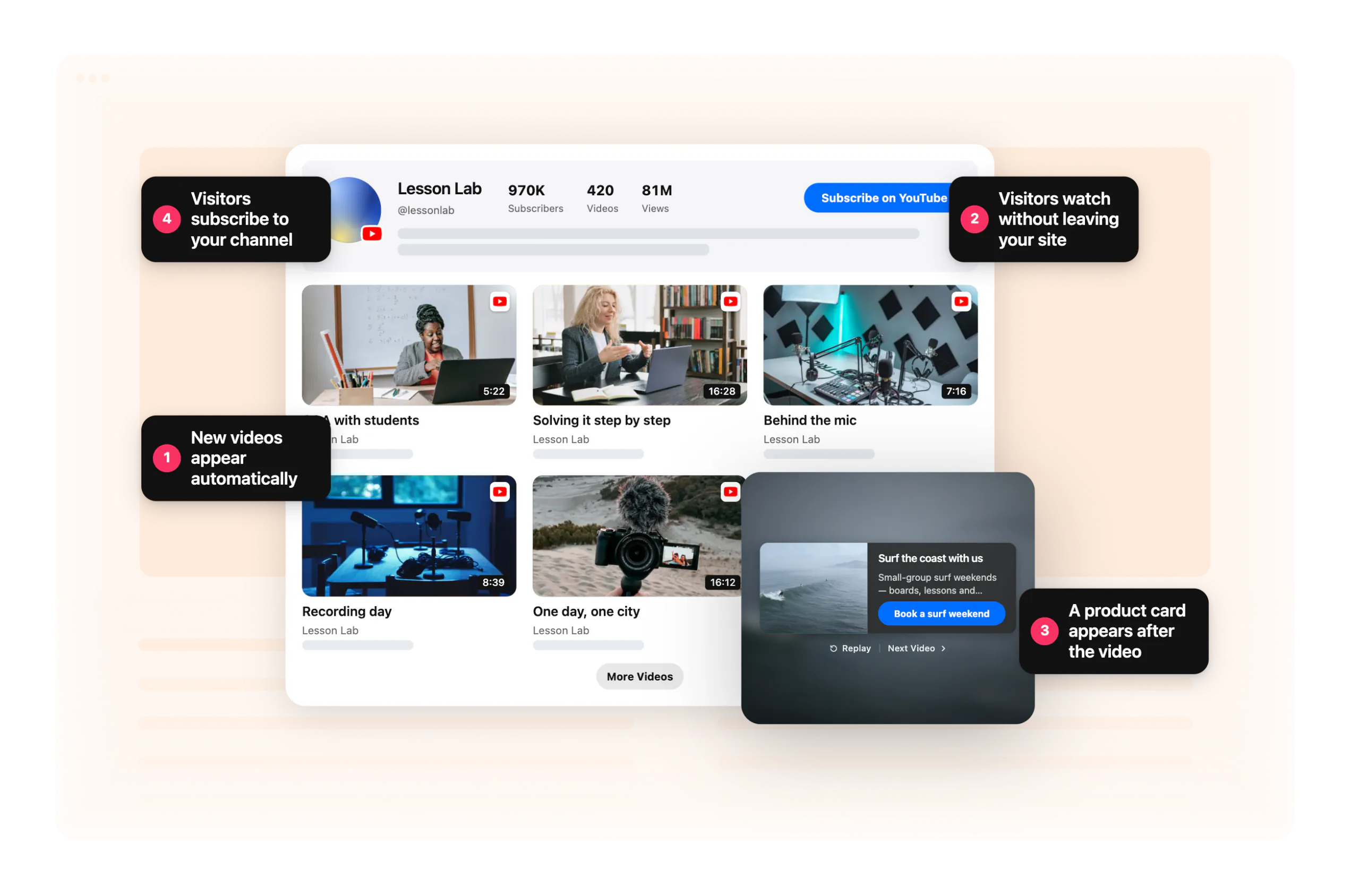
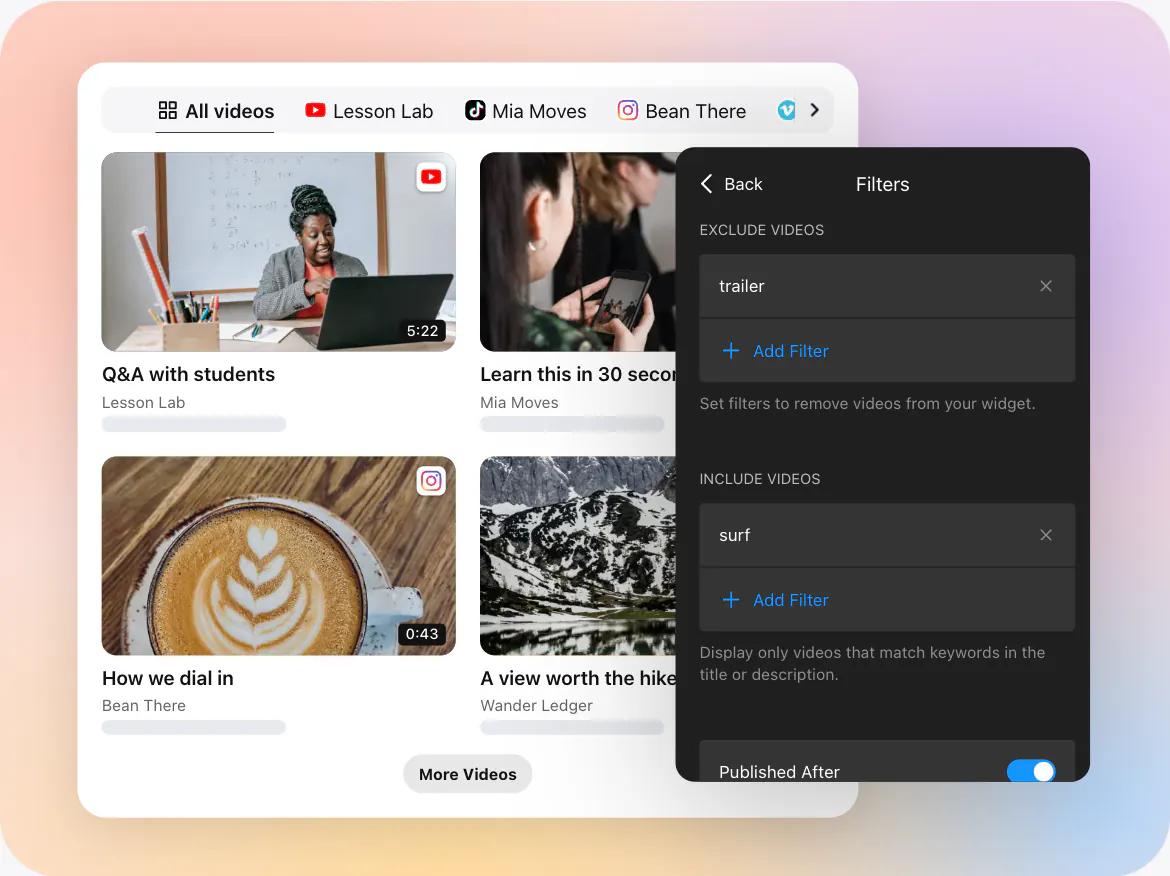
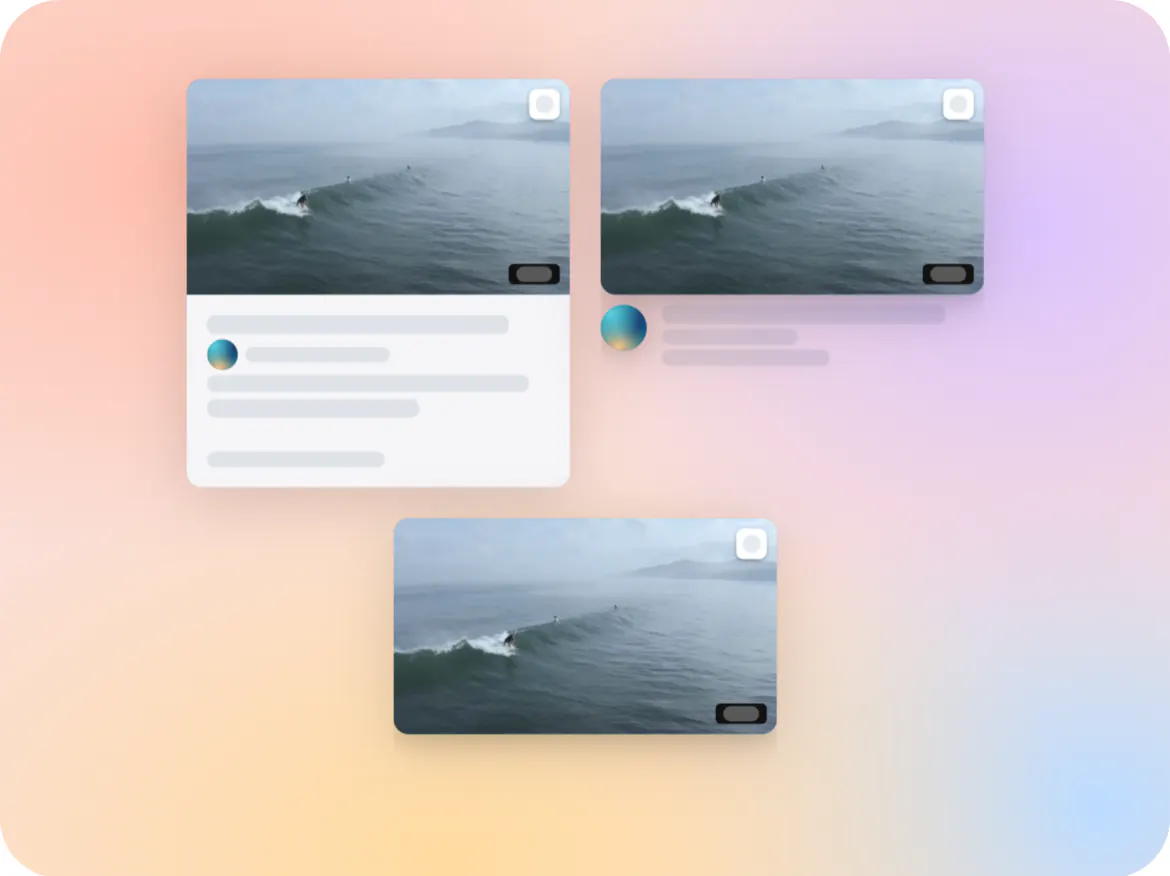
Collect videos from YouTube, Instagram, TikTok, Vimeo, Twitch, or a custom source and organize them without creating separate video sections manually. Pin the content you want customers to notice first, add filters and sorting for larger collections, and enable the mini-player so shoppers can keep watching while exploring the page. Video Behavior settings also let you decide what happens after playback and use an end card to encourage the next step.
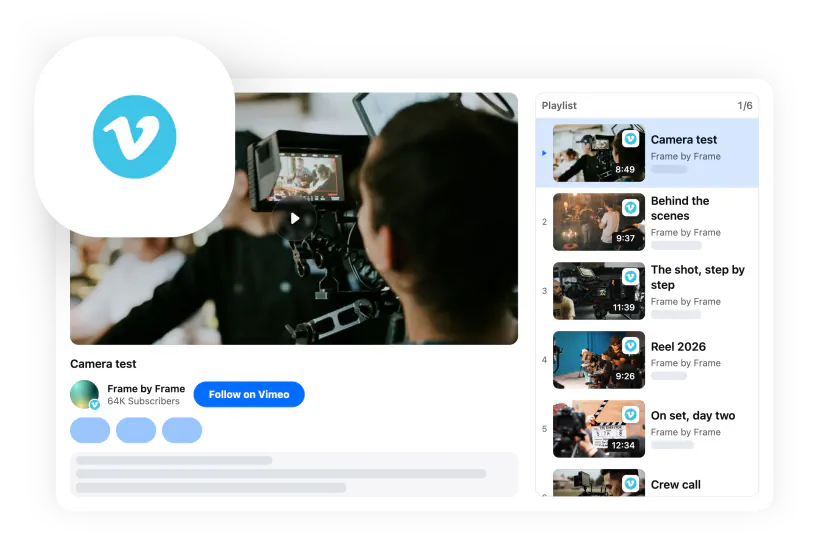
Magento Page Builder can be used across CMS pages, products, categories, and blocks, making video useful in different parts of the shopping journey rather than limiting it to one page type.

Did you know?

According to Wyzowl’s 2026 video marketing research, 85% of people say they’ve been convinced to buy a product or service after watching a video.

Give shoppers a closer look at your products and brand – create your Elfsight Video Gallery for Magento for free.

Key Features of the Magento Video Gallery

Here’s how Video Gallery can improve the experience on your Magento store:

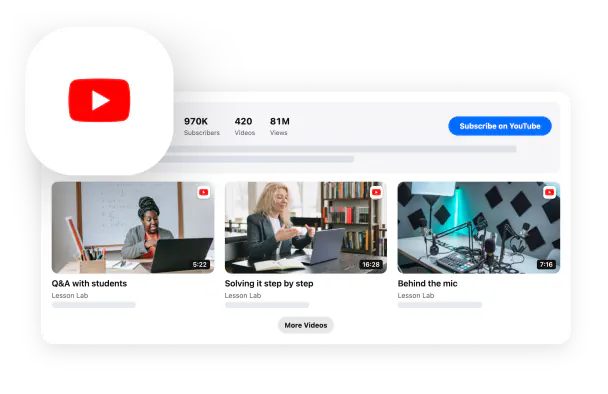
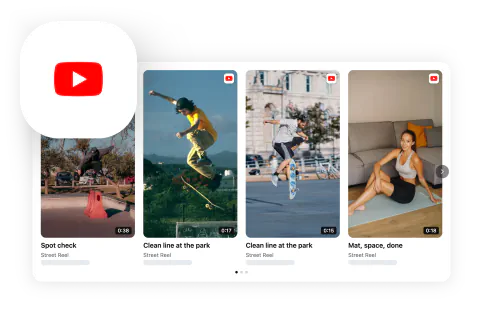
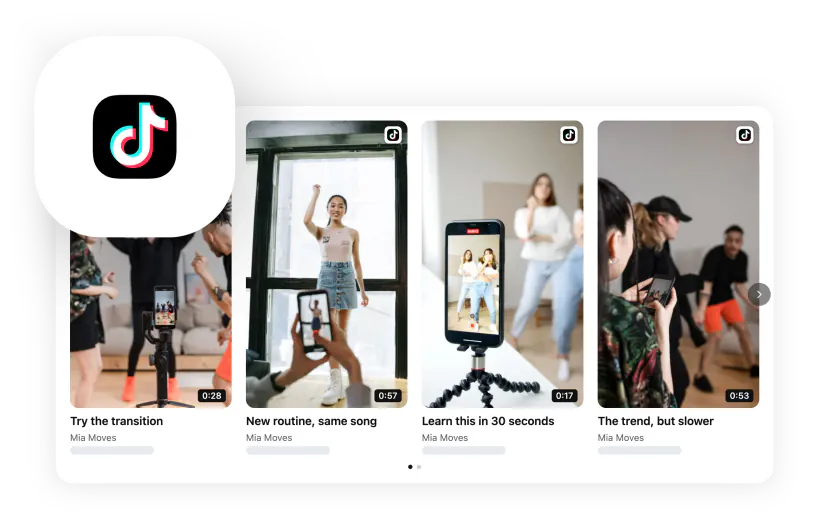
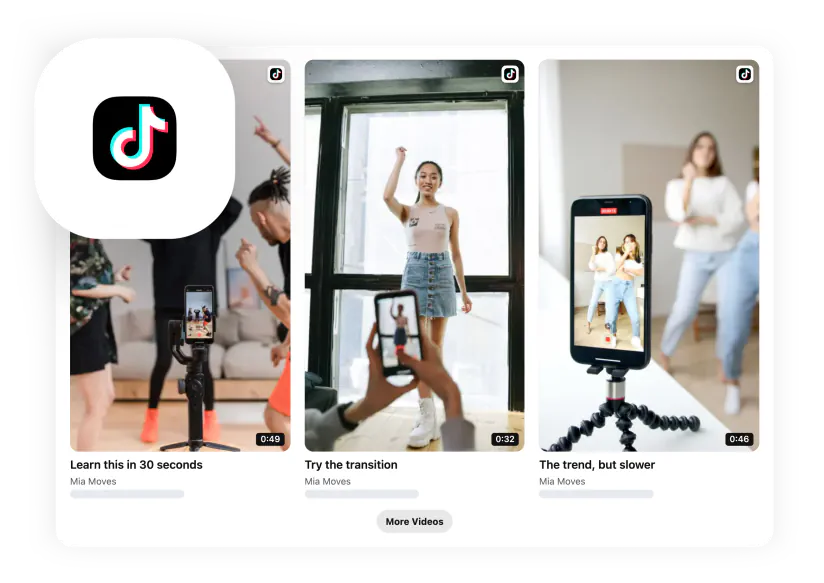
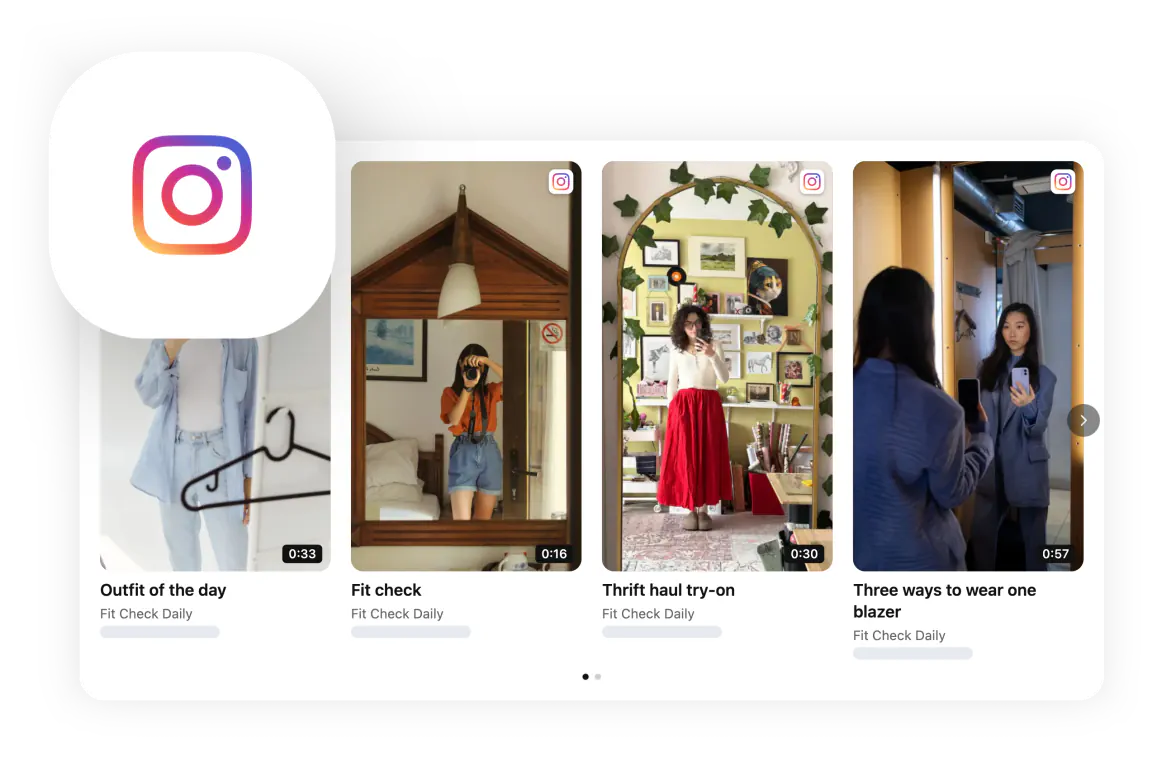
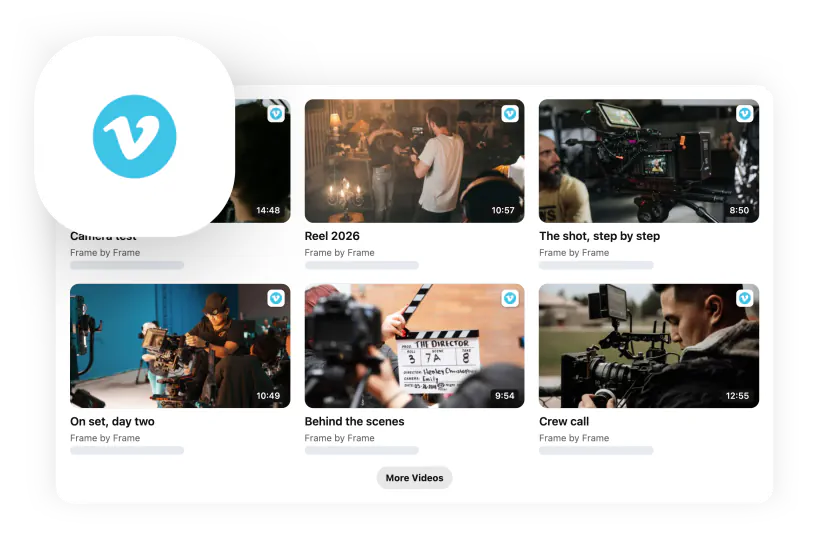
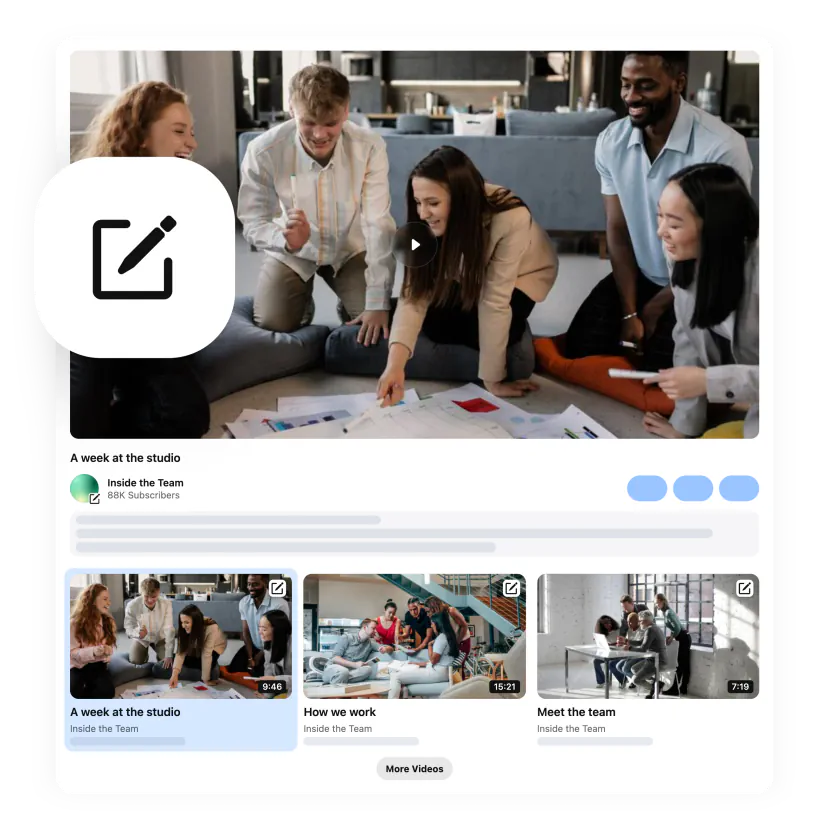
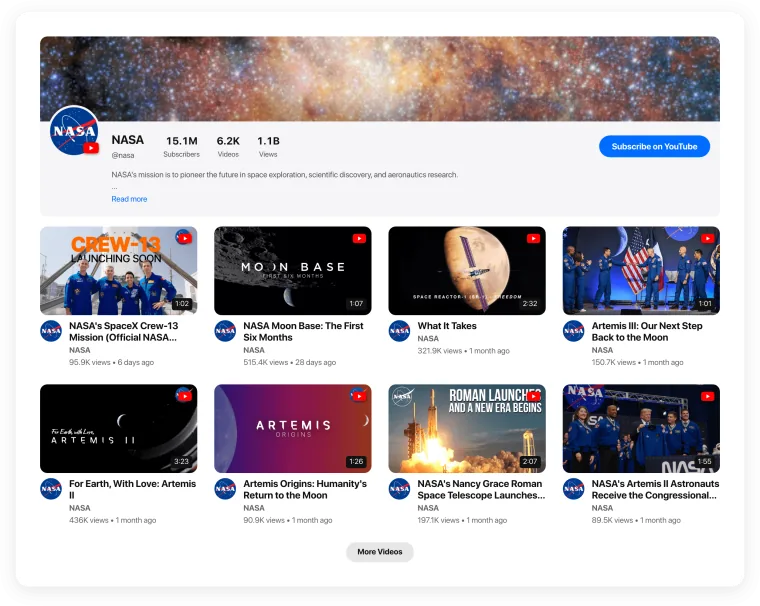
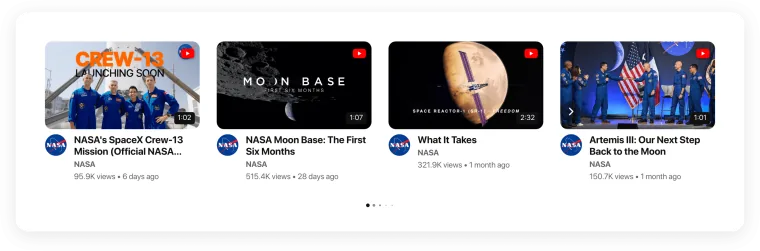
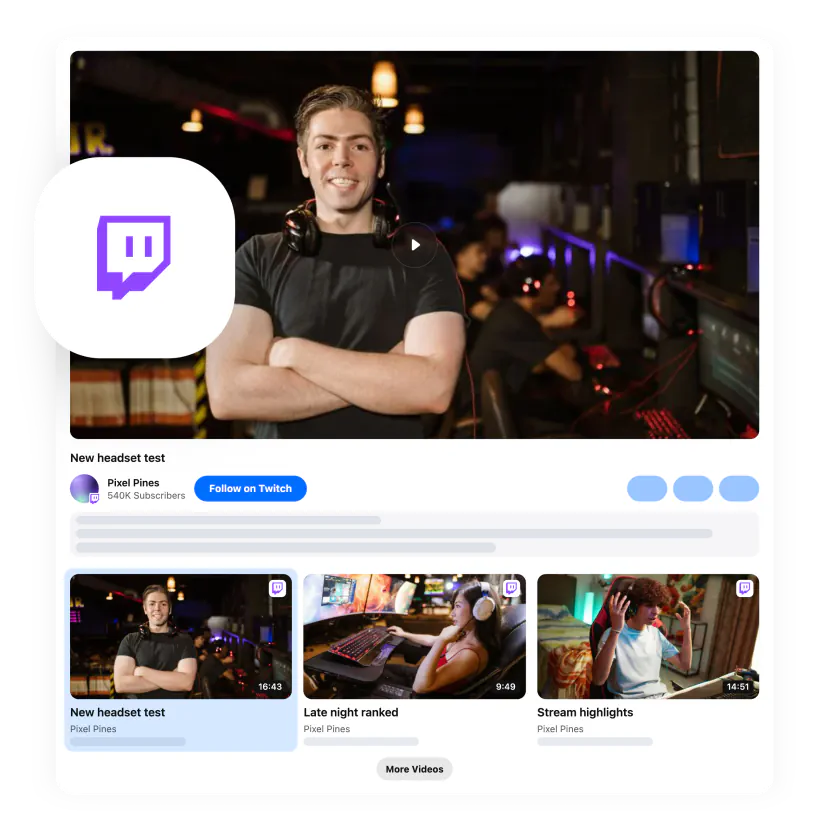
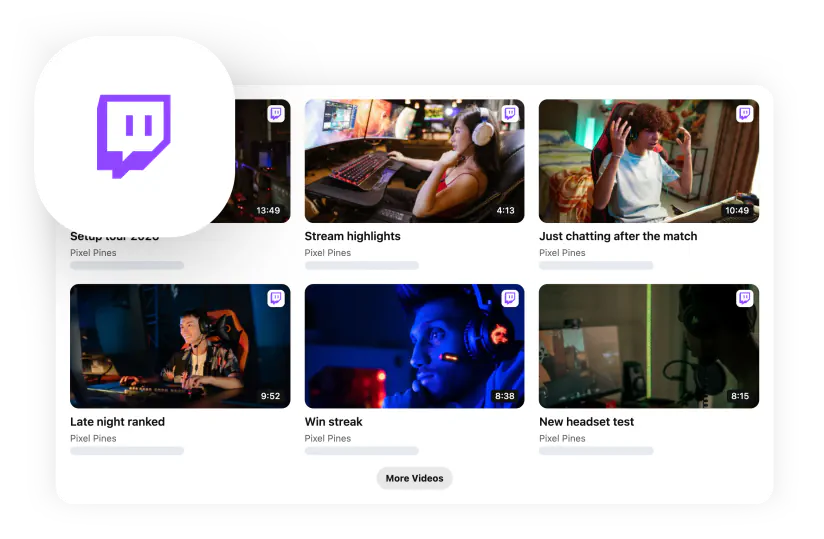
  • Multiple video sources: Combine videos from YouTube, Instagram, TikTok, Vimeo, Twitch, and Custom Source in one gallery.
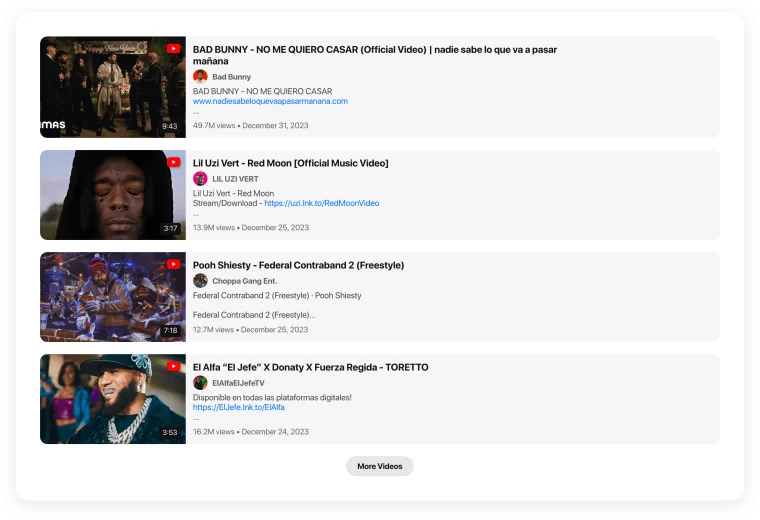
  • Catalog-friendly presentation: Showcase product demos, tutorials, customer videos, launches, and campaigns in a structured visual format.
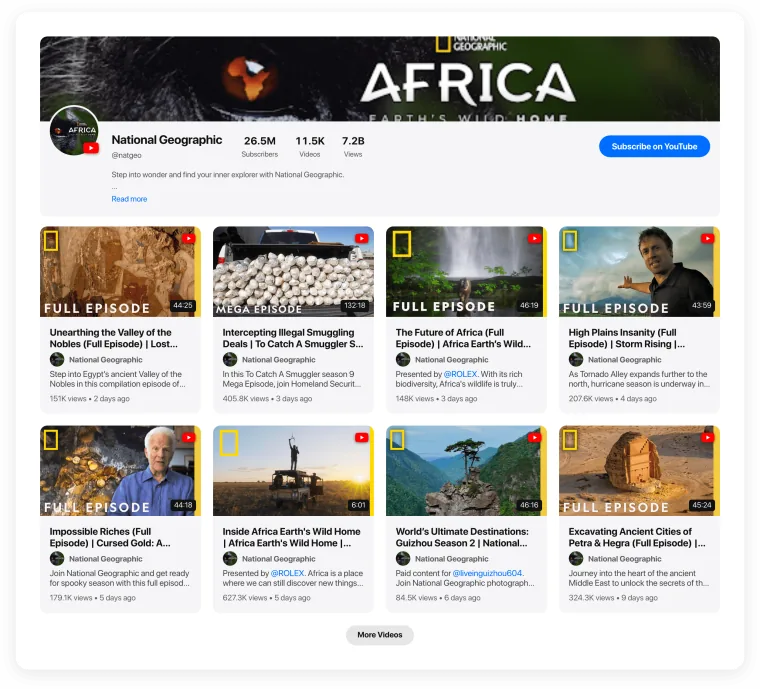
  • Priority videos: Pin selected products, reviews, tutorials, or promotions so the most important content appears first.
  • Filters and sorting: Help customers navigate larger video collections and reach relevant content more quickly.
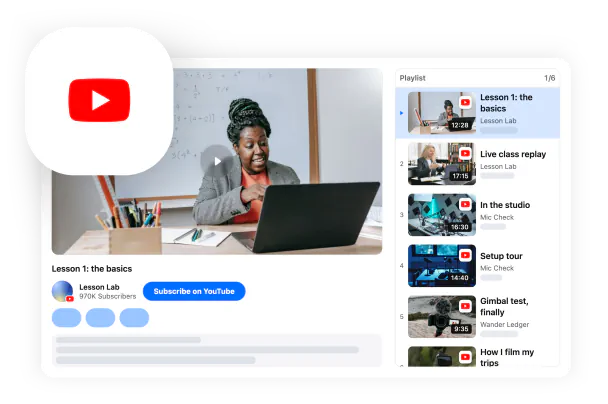
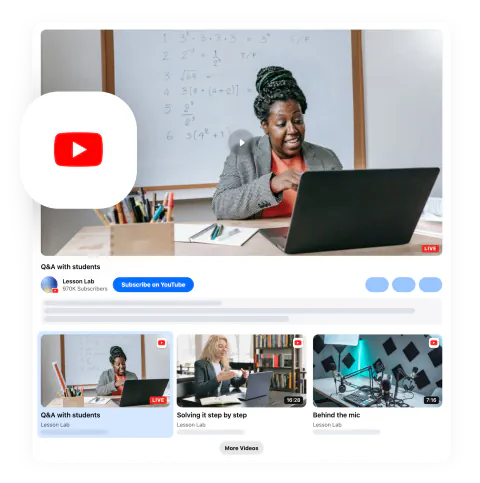
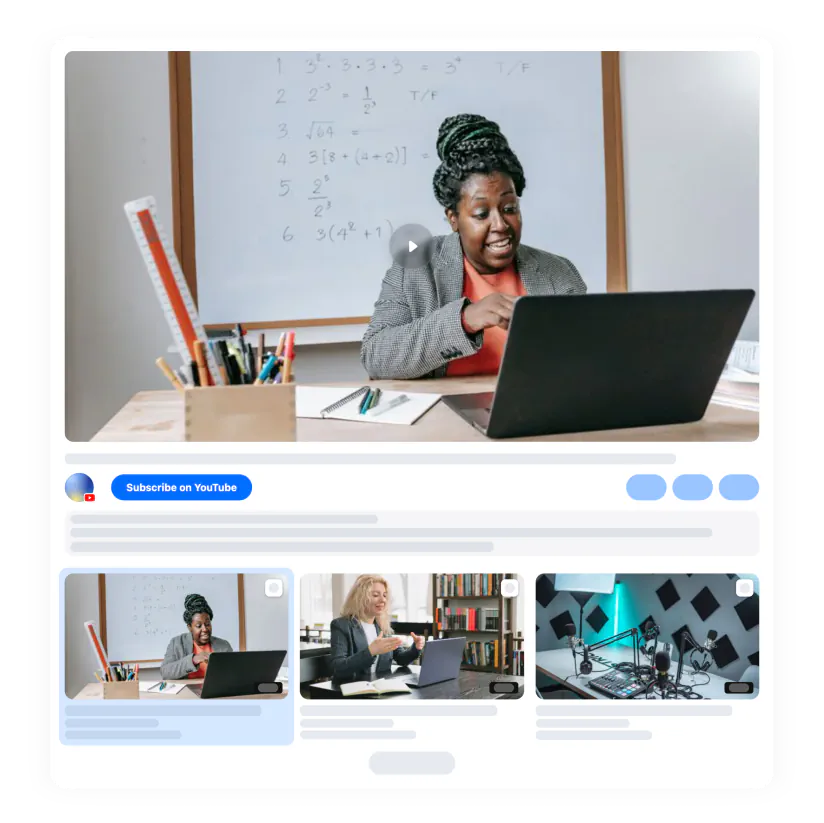
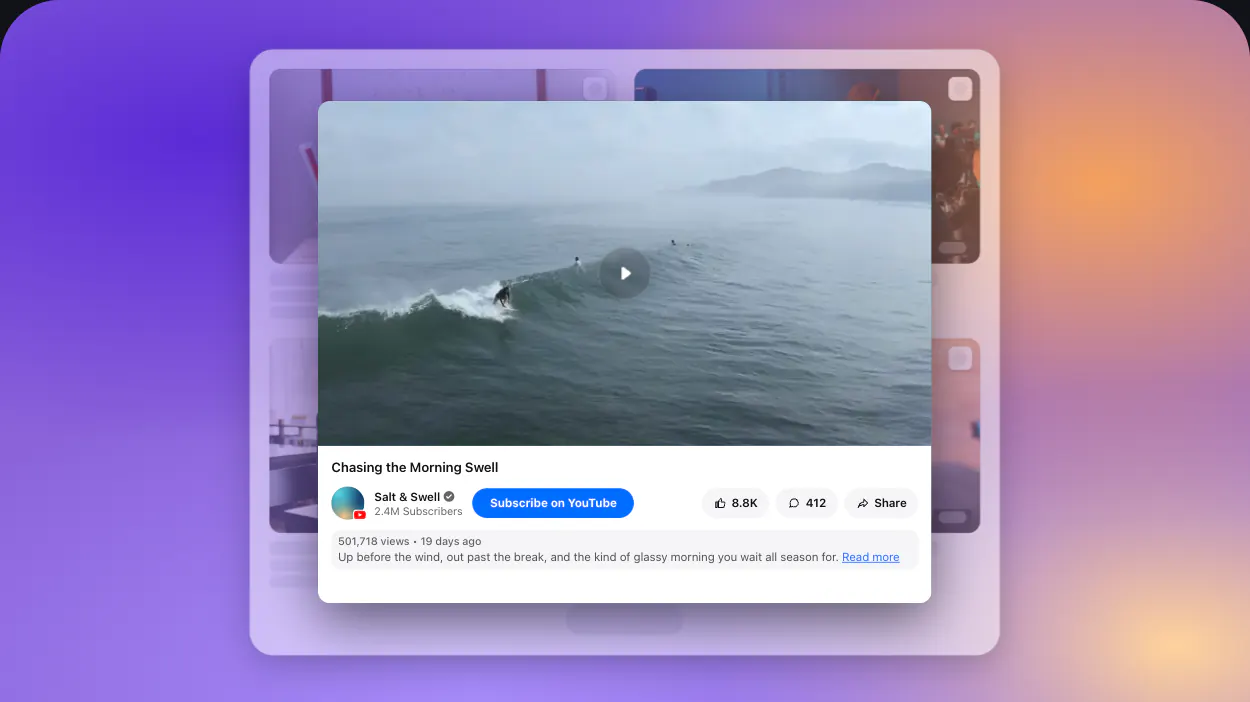
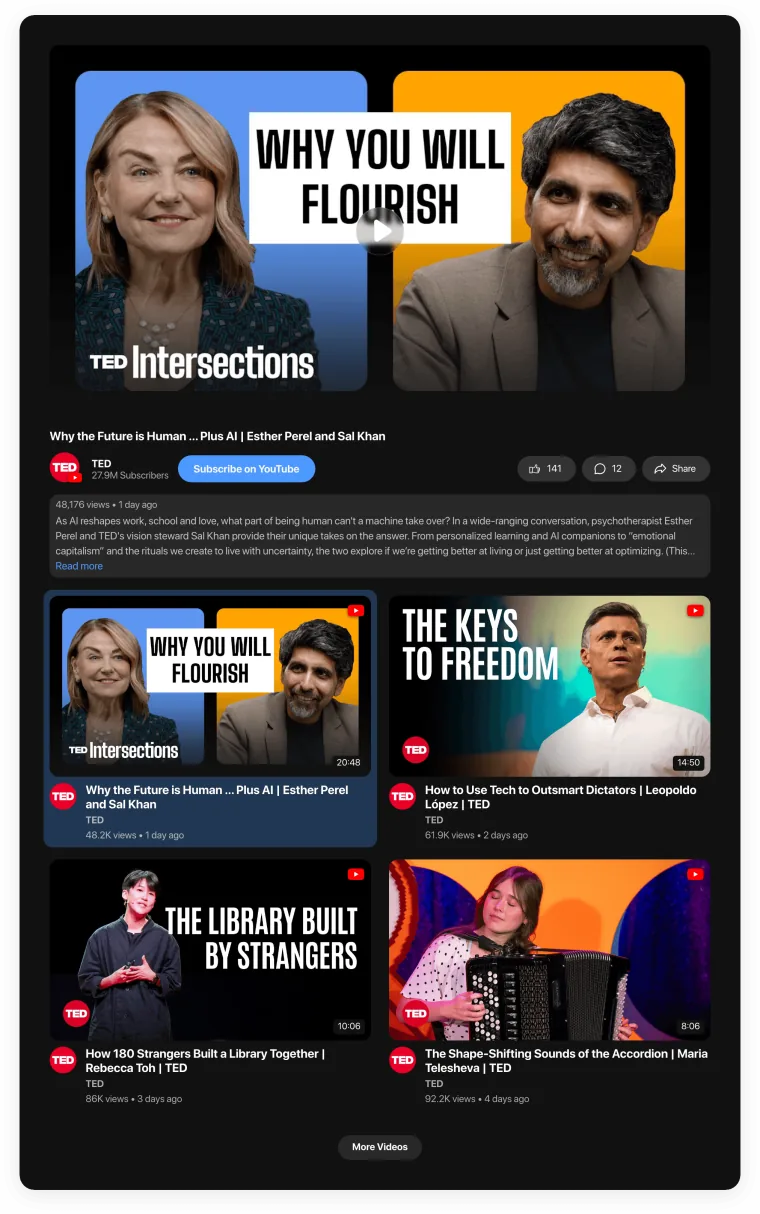
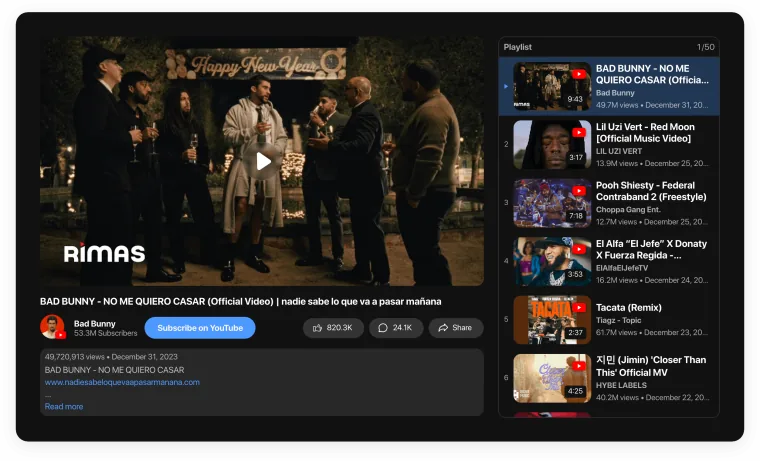
  • Mini-player: Keep the active video visible while shoppers continue exploring the page.
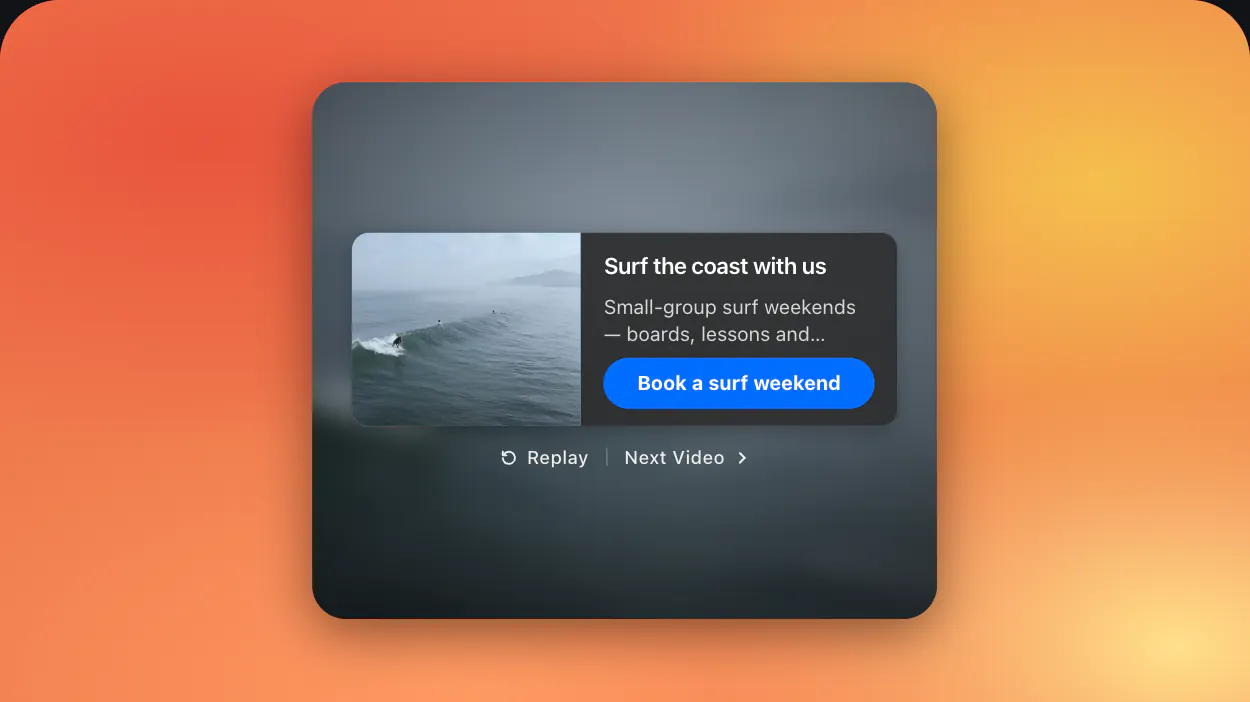
  • Flexible video behavior: Replay a video, start the next one, show an end card, or display an end card before continuing to the next video.
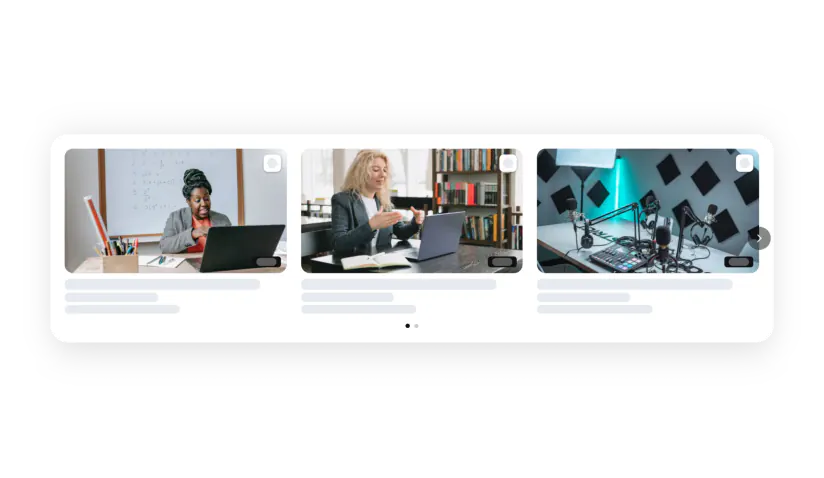
  • Responsive layout: Keep the gallery convenient to browse across desktop, tablet, and mobile.

Try all features in the free editor – no signup needed.

How to Add a Video Gallery to Magento

Creating and adding your Elfsight Video Gallery to Magento takes a few steps:

  1. Choose a Template: Open the Elfsight editor and select a Video Gallery template that works with your storefront and content.
  2. Add Your Videos: Paste links from YouTube, Instagram, TikTok, Vimeo, Twitch, or use Custom Source to create your collection.
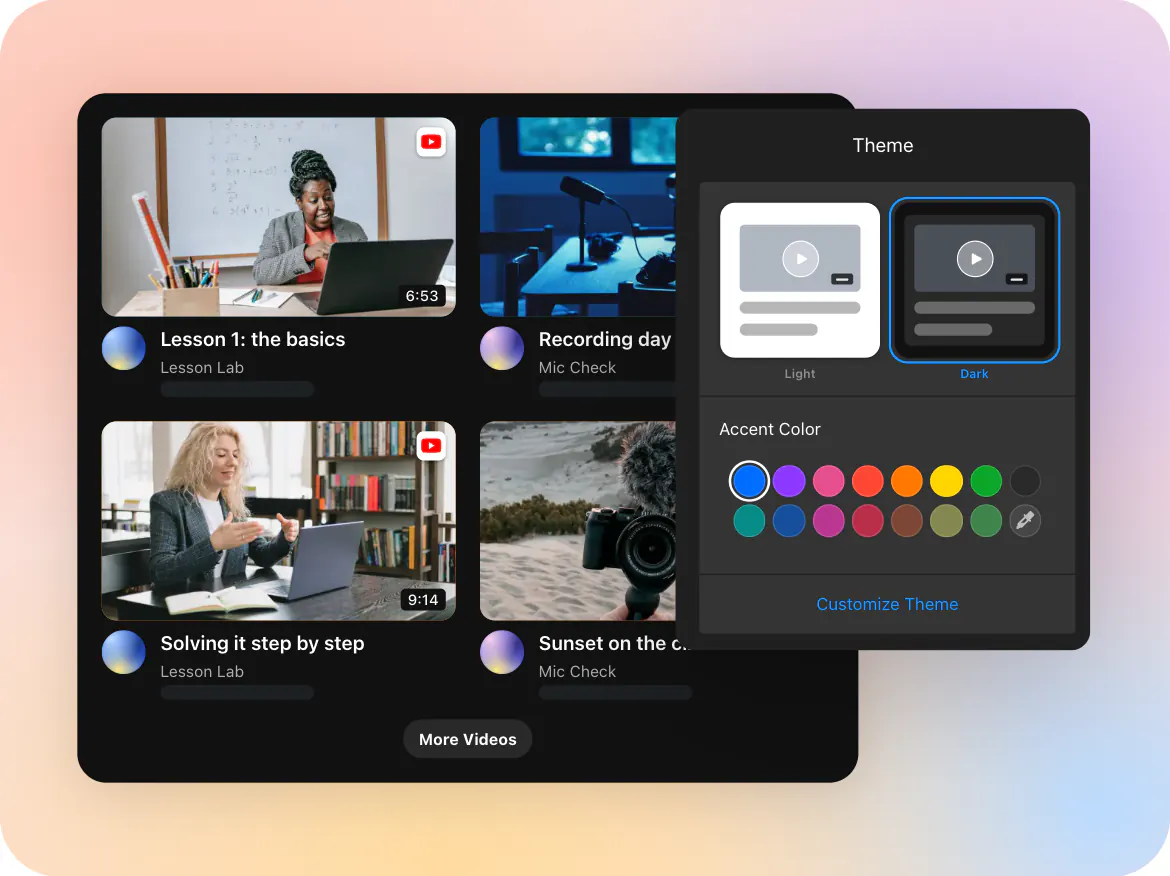
  3. Configure the Extension: Choose a gallery layout, customize its appearance, set up filters and sorting, enable the mini-player if needed, and select the Video Behavior.
  4. Copy the Installation Code: Click “Add to website for free” and copy the Elfsight code generated for your gallery.
  5. Add It to Magento: Open the content area where you want the gallery to appear. If you use Magento Page Builder, add an HTML Code element to the required page, block, product, or category content, paste the Elfsight installation code, and save your changes. Adobe’s current Page Builder supports HTML, CSS, and JavaScript snippets in this element.
Need help with setup? Visit the Elfsight Help Center for installation guidance, explore our tutorials, share feature requests through the Wishlist, or follow the latest Video Gallery updates in the Changelog.

Can I add Video Gallery to Magento product pages?

Yes, Video Gallery can be used to support product content with demonstrations, tutorials, customer experiences, comparisons, or other videos that help shoppers understand what they’re considering. Magento Page Builder supports content editing for products as well as CMS pages and categories, so the gallery can become part of a product-focused content layout where appropriate.

Can I place the Video Gallery extension inside a Magento content block?

Absolutely, Magento content blocks are reusable units that can be positioned in different areas of the storefront, and Page Builder can be used to create and manage their content. This can be useful if you want to prepare a Video Gallery section once and place that content in an appropriate area of your store.

Does Video Gallery work with Magento Page Builder?

Yes, Page Builder includes an HTML Code content type designed for adding HTML, CSS, and JavaScript snippets, including code supplied by third-party services. Add an HTML Code element to the required layout and paste your Elfsight installation code there.

What video sources does the Video Gallery support?

The Elfsight Video Gallery supports YouTube, Instagram, TikTok, Vimeo, Twitch, and Custom Source. You can bring videos from several supported platforms together and present them as one consistent gallery on your Magento storefront.

Can I combine videos from different platforms in one gallery?

Yes, you can add videos from YouTube, Instagram, TikTok, Vimeo, Twitch, and custom sources to the same Video Gallery. This is useful when your product demonstrations, social content, customer videos, tutorials, and brand stories are published across several channels but you want shoppers to find them in one place.

Can I upload video files directly to Elfsight?

No, Video Gallery works with video links rather than direct file uploads. Publish or host your video through a supported source first, then add its URL in the Elfsight editor to include it in your gallery.

Can I make important product videos appear first?

Definitely, you can pin selected videos so they appear at the beginning of your gallery. Choose the videos you want shoppers to notice first and pin them from the content list. This is useful for bestsellers, new collections, current campaigns, key product demonstrations, or popular customer content.

Can I use filters and sorting in my Magento Video Gallery?

Yes, Filters and sorting make larger video collections easier for shoppers to navigate. They can be particularly useful when your gallery covers multiple products, categories, tutorials, campaigns, or types of customer content.

Can shoppers continue watching with the mini-player?

Enable the mini-player to keep the active video visible while customers continue exploring other content on the page. This gives shoppers a smoother way to keep watching without requiring the full gallery player to remain in its original position.

What happens after a video finishes?

Use the Video Behavior settings to choose what happens when playback ends. You can replay the current video, play the next video, show an end card, or display an end card and then continue to the next video. The end card can include a promotional banner that draws attention to a relevant product, category, offer, campaign, or other next step.

Pricing

14-day money back guarantee. Risk-free, you can cancel at anytime.
Elfsight Apps
Multi-platform software
from $0 / month
start with free plan
Unlimited websites
Premium customer support
Charge-free installation support
Special offer for multiple apps
Flexible design