Video Gallery Features
Add videos with a link
Paste a video URL into the editor and add it to your gallery in seconds – no downloading, uploading, or moving large files around. Your video stays hosted at its original source while appearing naturally as part of your website gallery.
Bring videos from different sources together
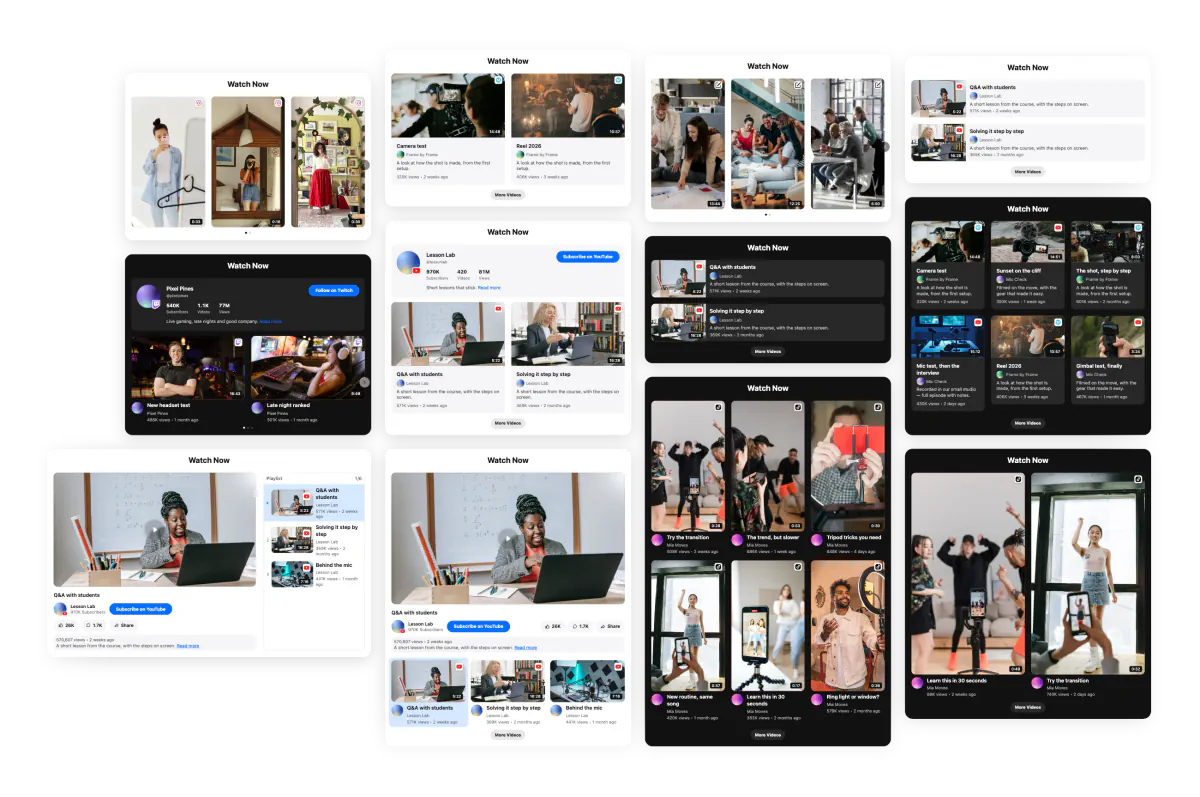
Build one gallery with videos from YouTube, Instagram, TikTok, Vimeo, Twitch, and Custom Source. Instead of placing separate embeds all over the page, bring your video content into one organized section where visitors can browse everything in one place.
Put important videos first
Have a video you really want people to see? Pin it to the beginning of the gallery so it gets attention before the rest of your content. Highlight a key product demo, popular tutorial, customer testimonial, current campaign, or anything else that deserves a more prominent spot.
Keep your gallery easy to update
Add new videos, remove outdated ones, or change which content is pinned whenever your priorities change. Everything is managed from the Elfsight editor, so keeping the gallery up to date doesn’t mean rebuilding the whole section on your website.
Create a clean, modern gallery
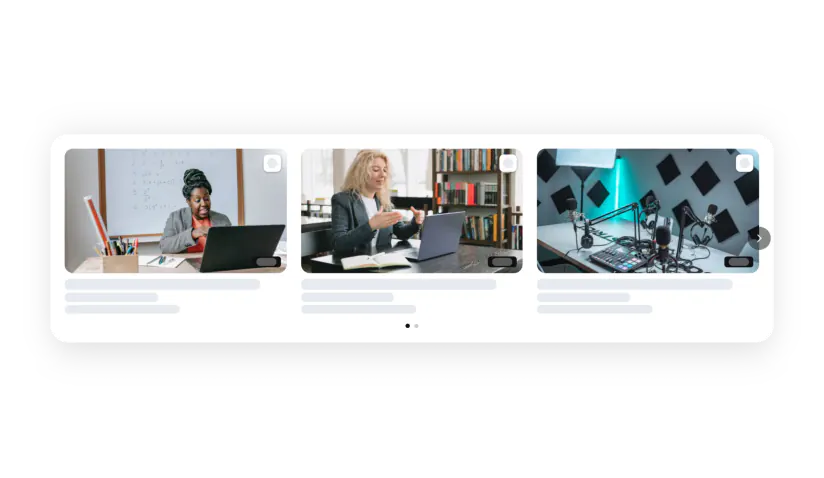
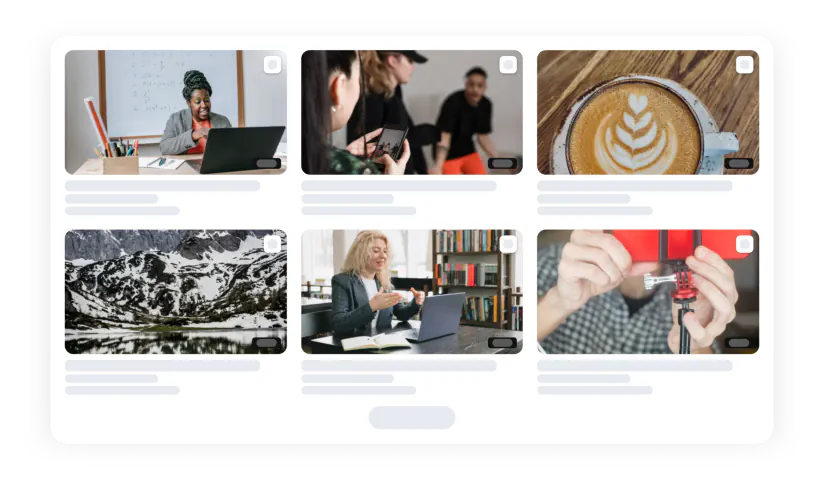
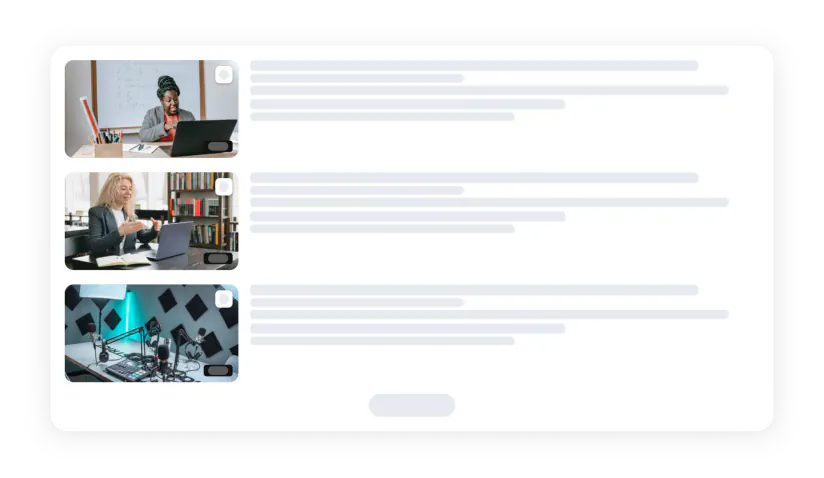
Display multiple videos in a polished layout instead of stacking separate players across the page. with the Elfsight Video widget you can give visitors an attractive overview of your content and make every video easy to discover.
Keep the layout balanced
Adjust video size, spacing, and the amount of content shown to create a layout that works for your collection. Give a few featured videos more room to stand out, or keep things compact when you have plenty for visitors to explore.
Choose what happens after playback
Decide what viewers see when a video ends. Replay the current video, start the next one automatically, show an end card, or combine the end card with continued playback. Choose the flow that makes the most sense for your gallery and how you want visitors to move through your content.
Let visitors watch without leaving your website
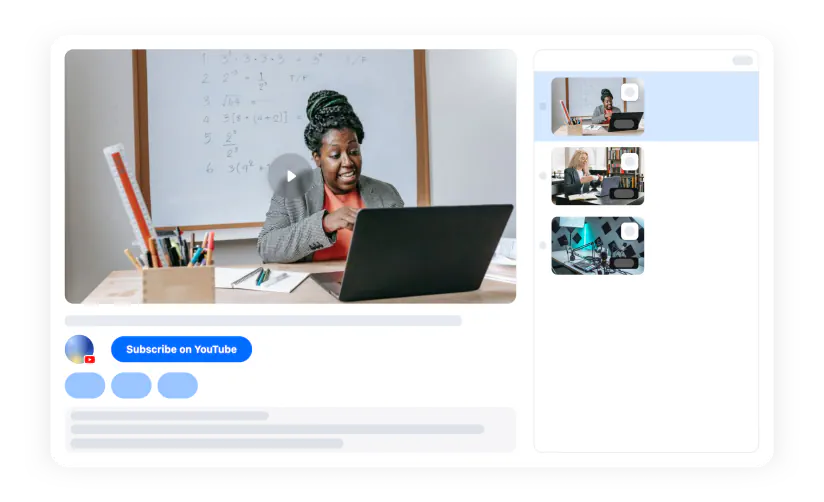
With the Elfsight Video Gallery you can play videos right where visitors are already browsing instead of sending them away to another platform. Your content stays part of the website experience, making it easier for people to watch one video and then move on to the next.
Let watching and browsing happen together with mini-player
When someone moves on from the main player, the active video can continue in a compact mini-player. Visitors don’t have to stop watching just because they want to scroll further or explore more of your page.
Keep playback simple and familiar
Give viewers the playback controls they already know, so watching feels natural from the first click. They can manage the video without having to figure out a new or unfamiliar player experience. That means less friction between discovering a video and actually sitting down to watch it.
Show an end card after playback
Keep the experience going when a video finishes by showing a promotional end card instead of ending on a blank final frame. Use it to feature a message, offer, or campaign while the viewer’s attention is still on your content. It gives each video a stronger finish without interrupting the viewing experience.
Guide viewers toward the next action
Turn videos into a natural starting point for what comes next on your website. After a tutorial, send visitors to the related product; after a testimonial, point them toward your service; after a campaign video, highlight the offer behind it. This helps your gallery support clicks, enquiries, purchases, and other actions beyond simply generating views.
Match your brand style
Choose colors and visual settings that work naturally with your brand and the page around the gallery. The result feels like part of your website rather than a third-party video block dropped into the middle of it. This is especially useful when your videos come from several different platforms but still need to feel like one branded experience.
Build the look without custom development
Set up the gallery, adjust its appearance, and preview your changes directly in the Elfsight editor. You get a polished video section without having to design and code the whole experience from scratch. Make updates visually whenever you need them instead of going back to a developer for every small design change.