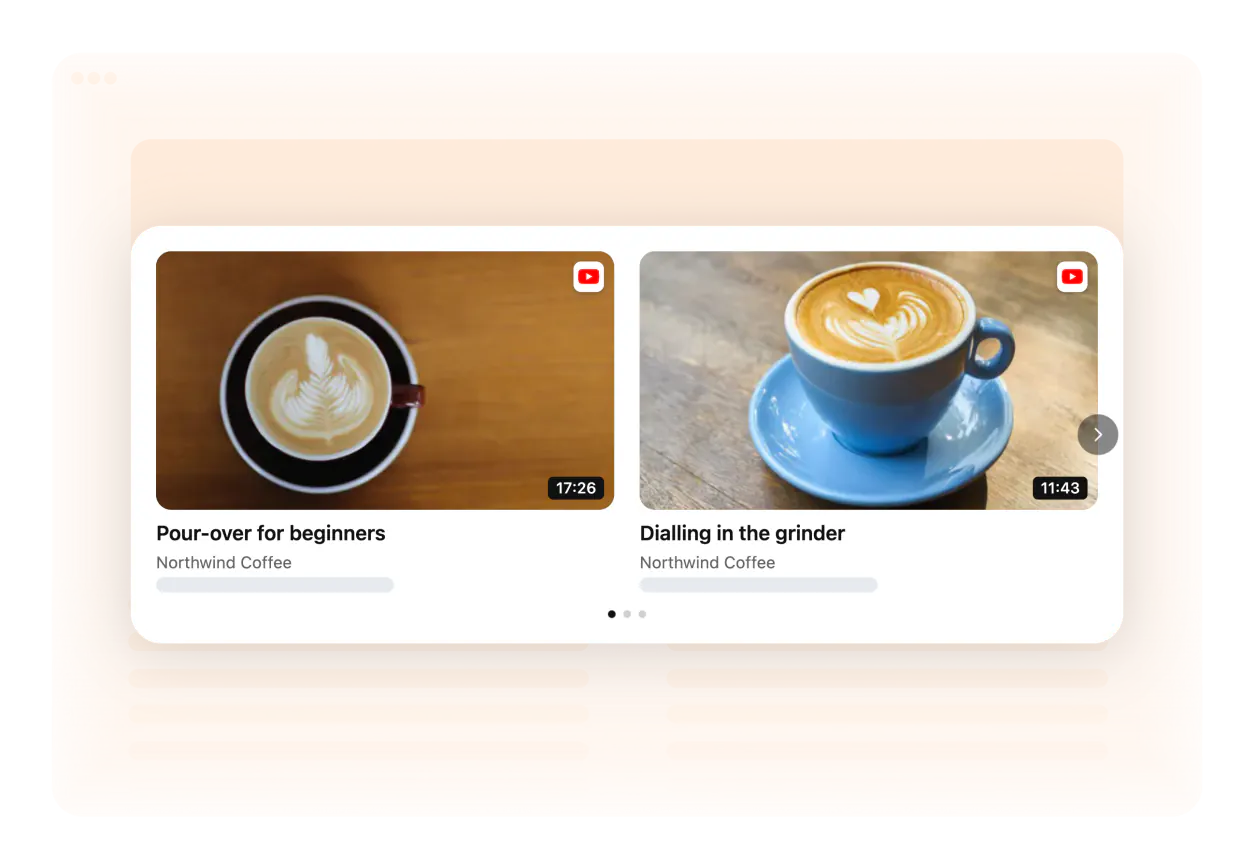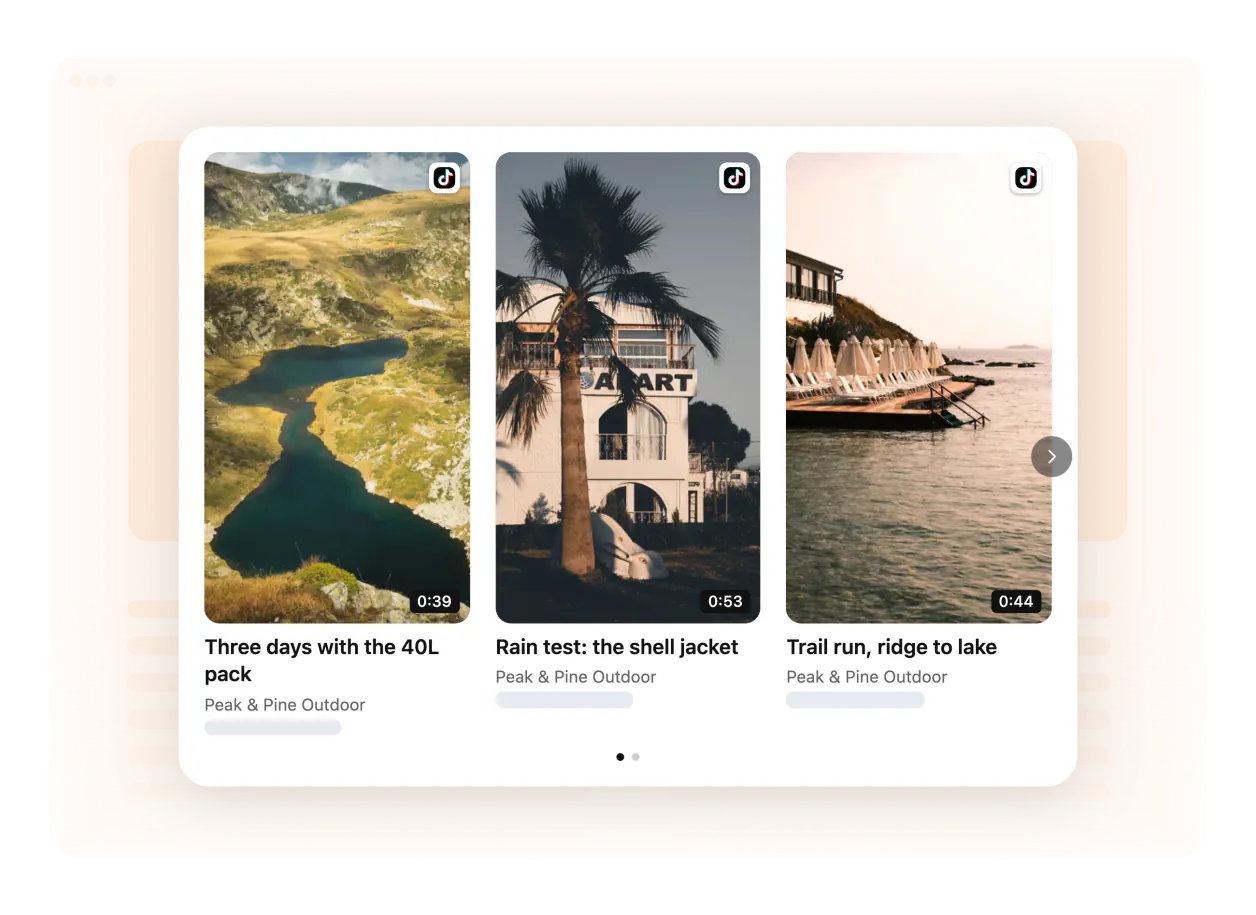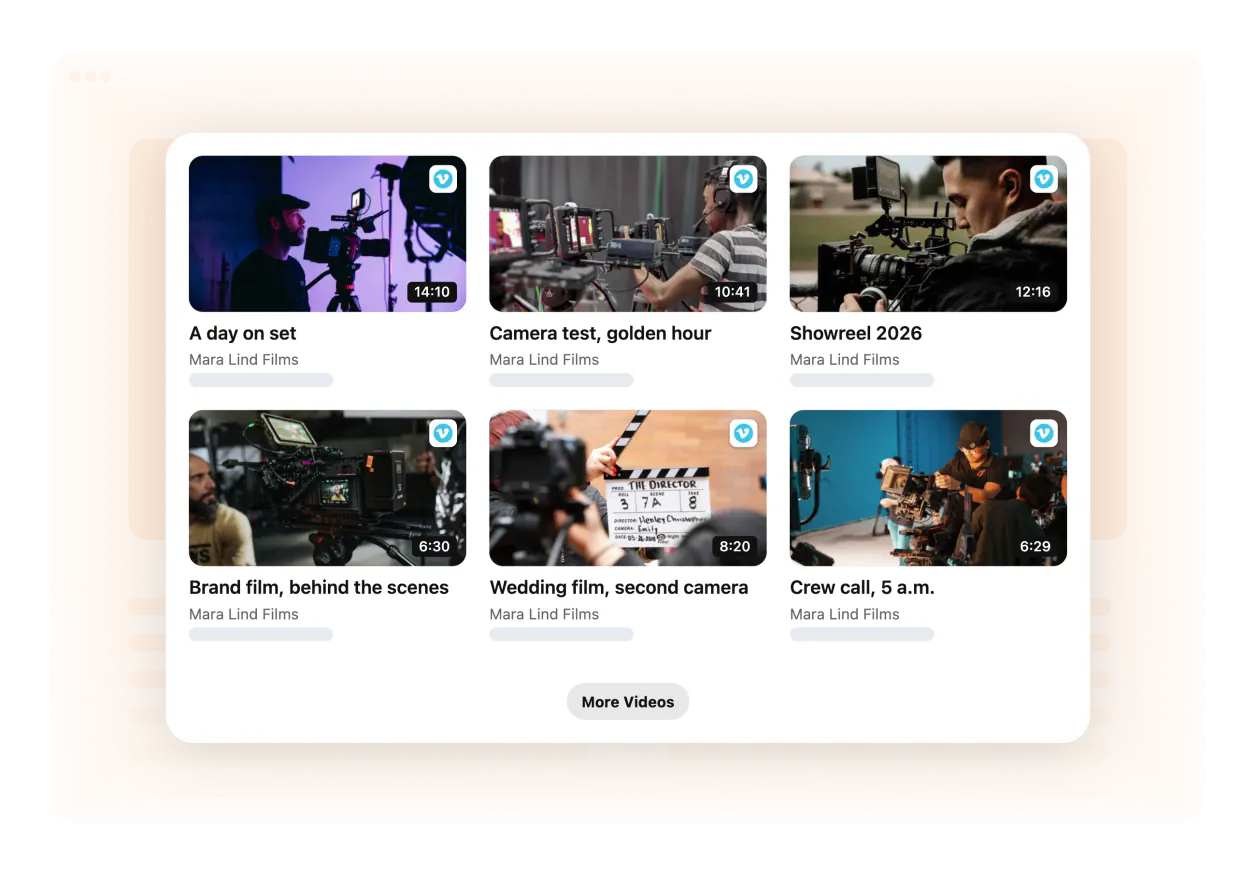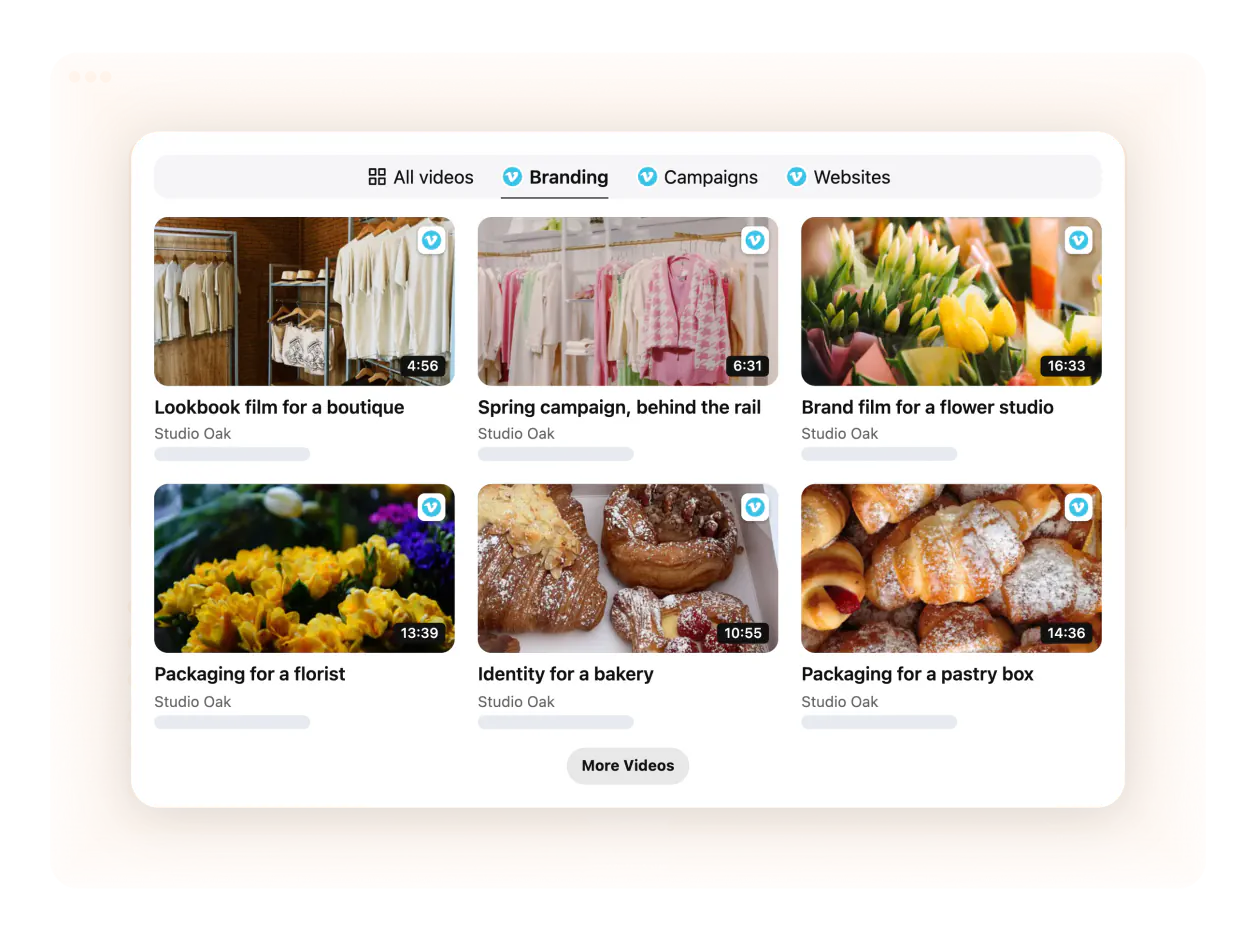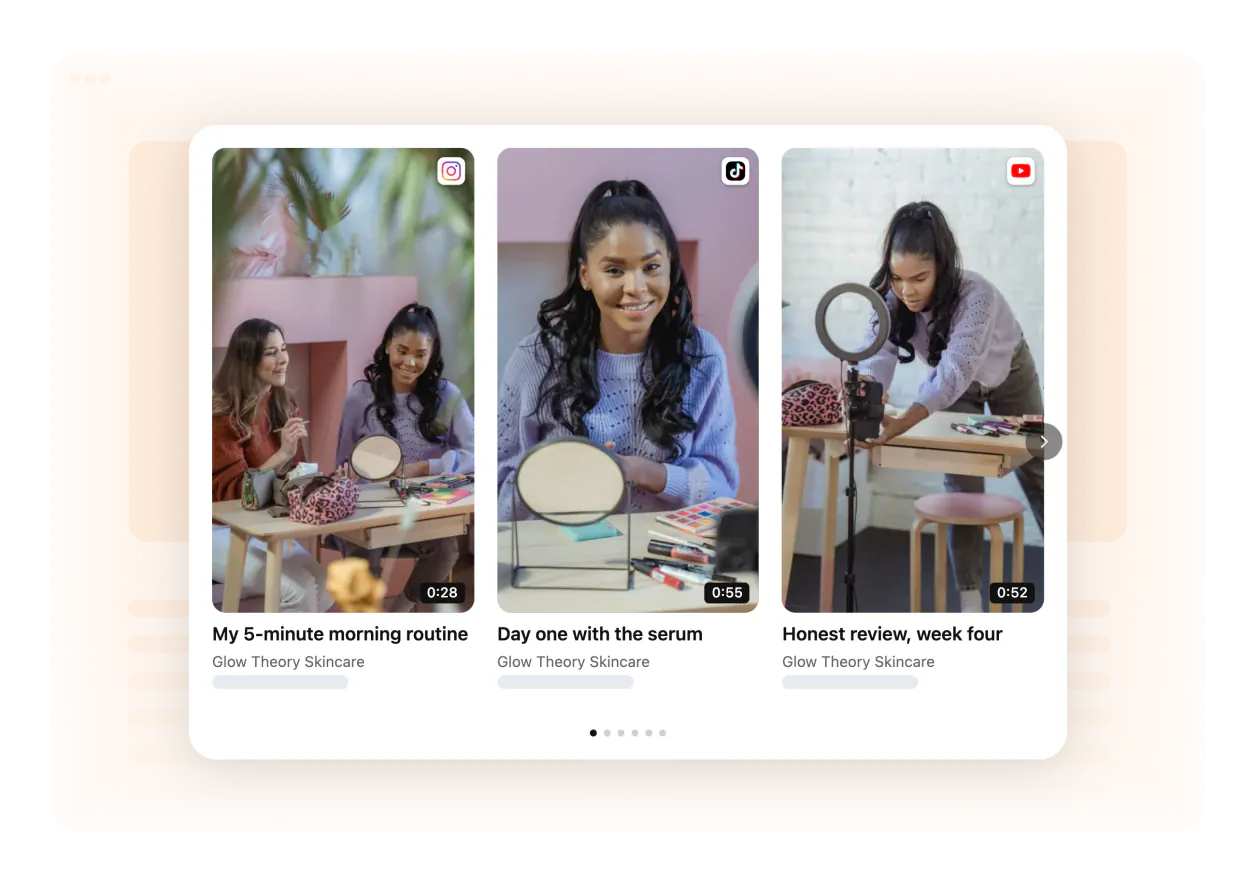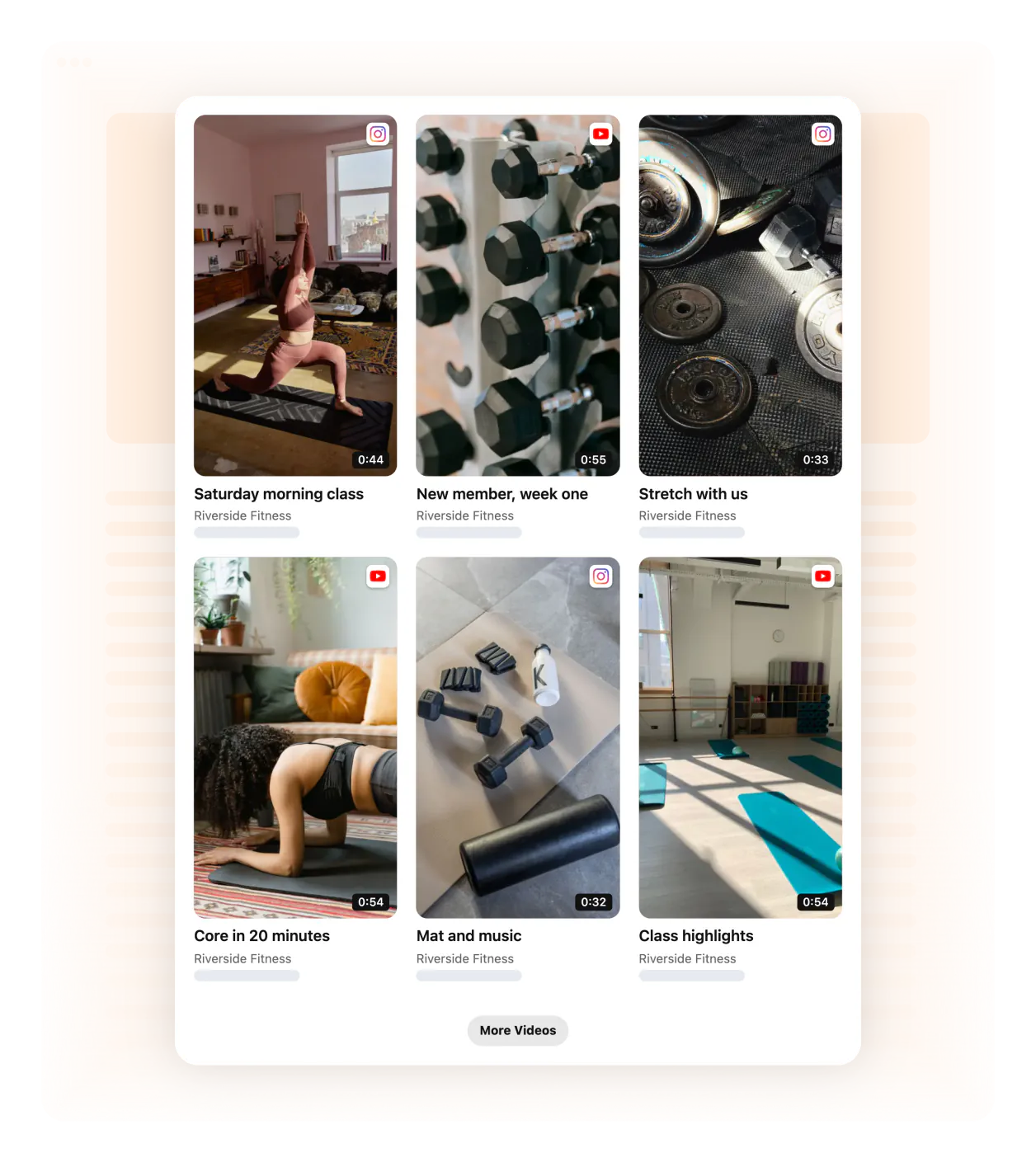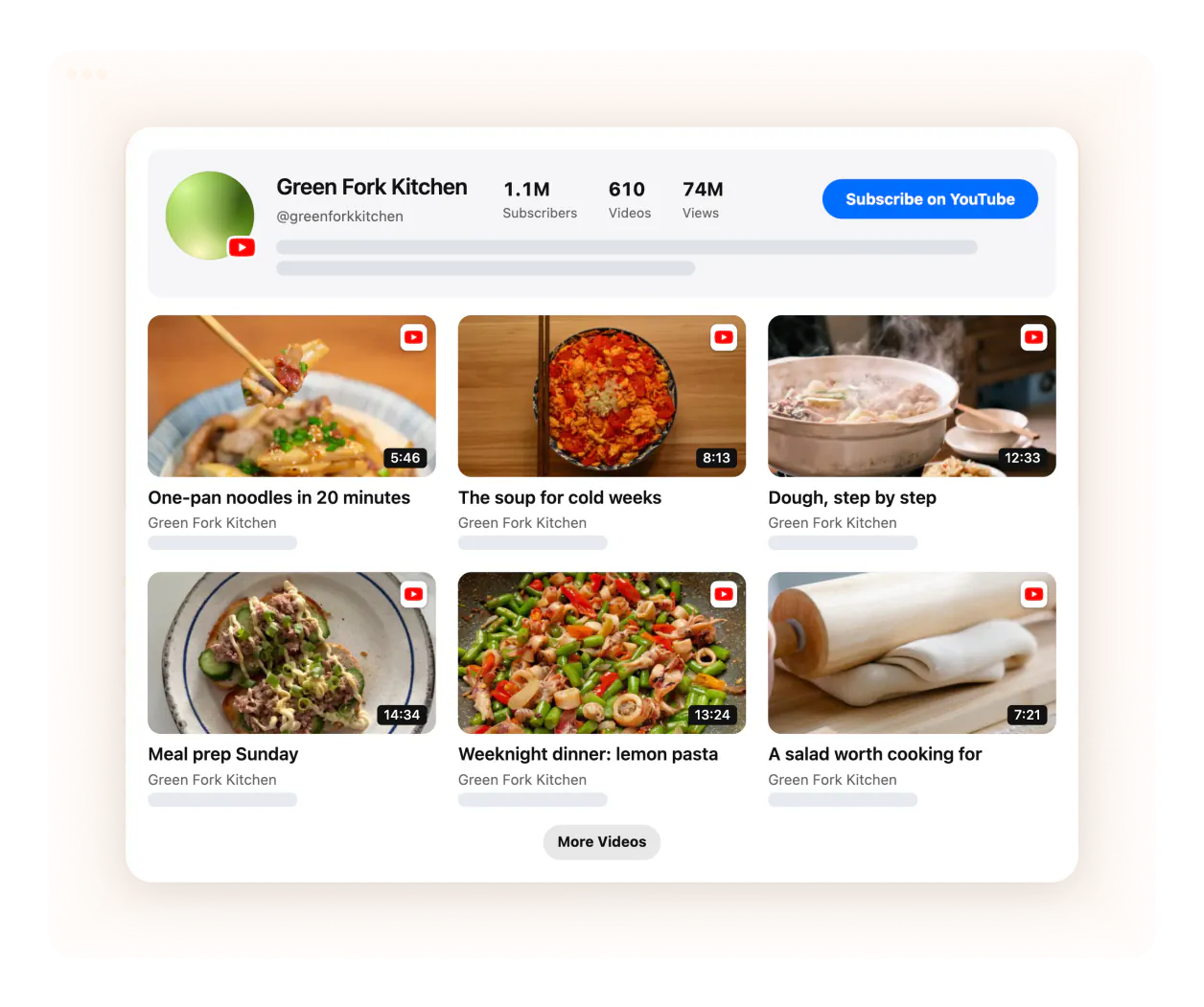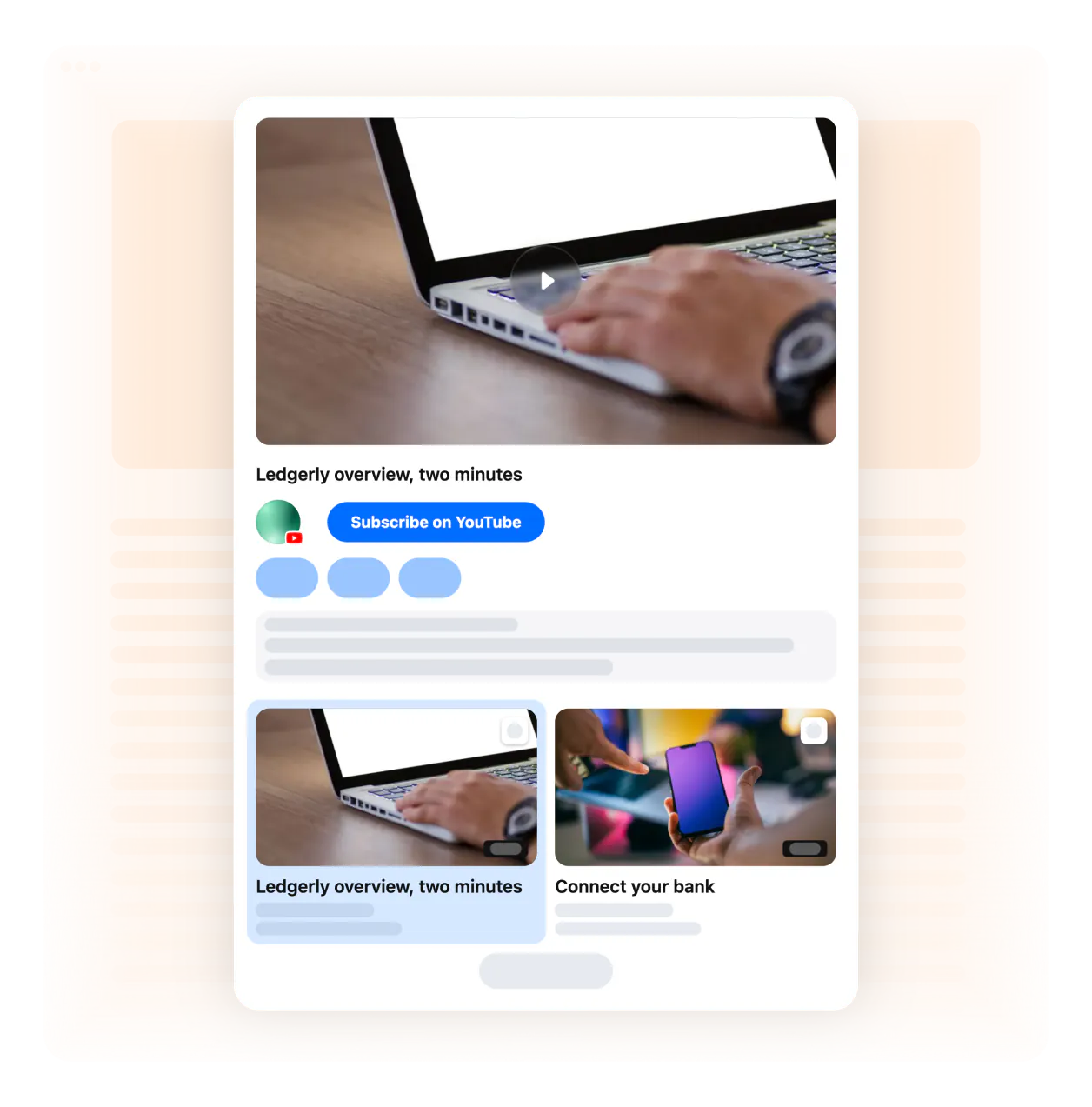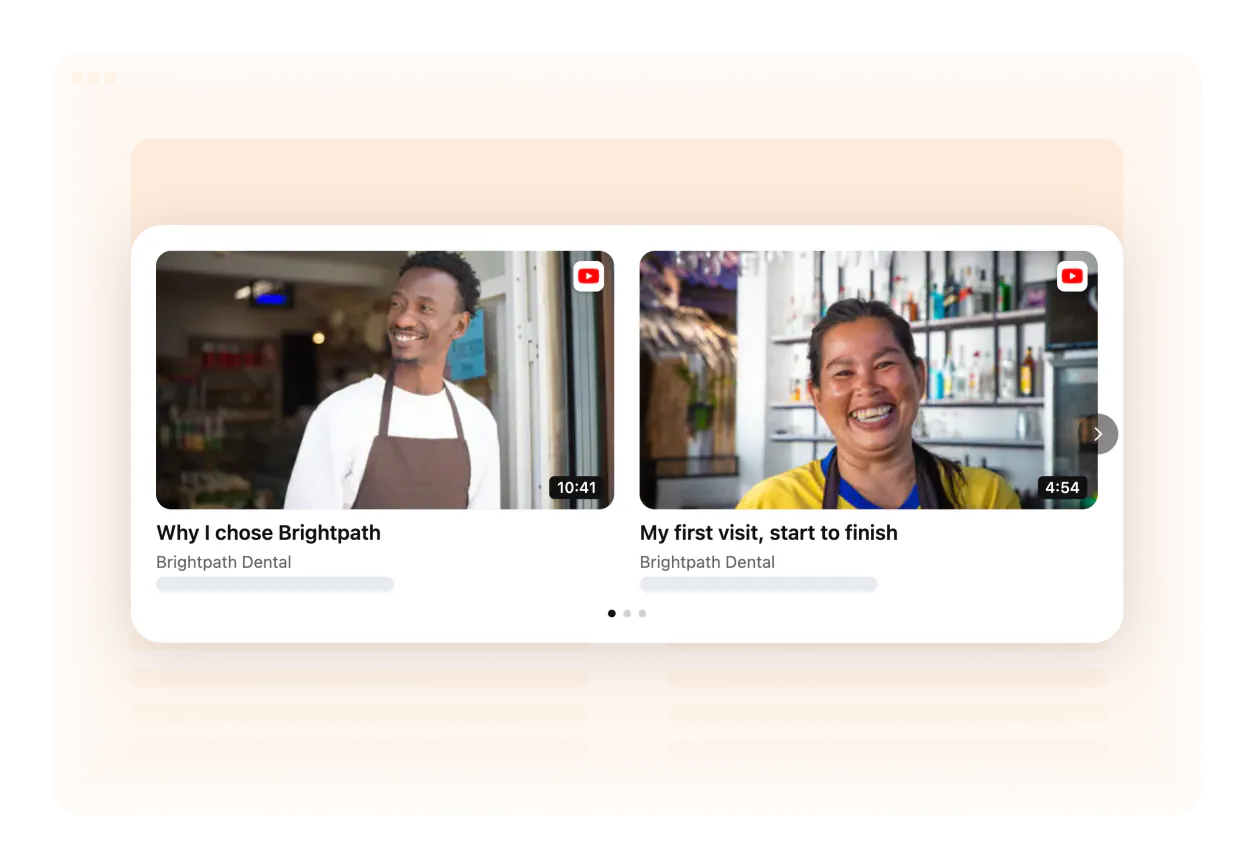
The video sits where the decision happens: next to pricing, the buy button or the sign-up form.
Short videos first; longer ones in a playlist below.
Vertical UGC stays vertical — no cropping, no black bars.
Titles tell visitors what they’ll learn before they click.
The gallery updates itself, so it never looks abandoned.

Frequently asked questions
What are good UGC video examples for a website?
Good UGC video examples show real customers using the product — in a carousel on product pages, a wall on the homepage or next to pricing. Below are examples by use case.
Which use cases work best with video on a website?
Testimonials, product demos, shoppable product videos, portfolios, tutorials and UGC walls — anywhere people decide.
Where should I place a video gallery?
Near decisions: homepage hero, pricing, product pages and sign-up forms.
Can I copy one of these examples?
Yes — every example links to the template it uses. Open it, connect your videos and adjust the design.
Build your own in minutes
Pick a layout, connect your videos and see your gallery come to life — then add it to your website for free.