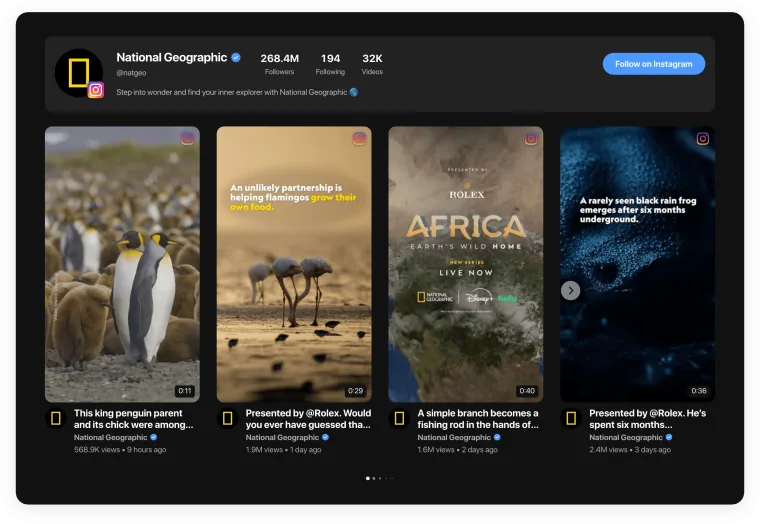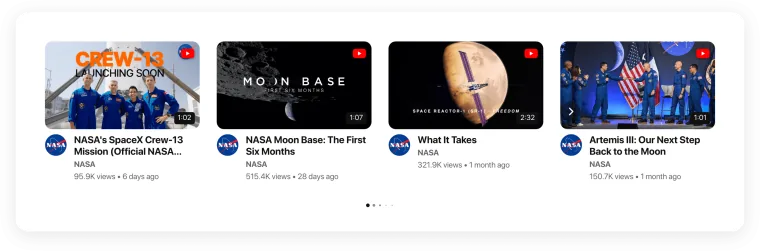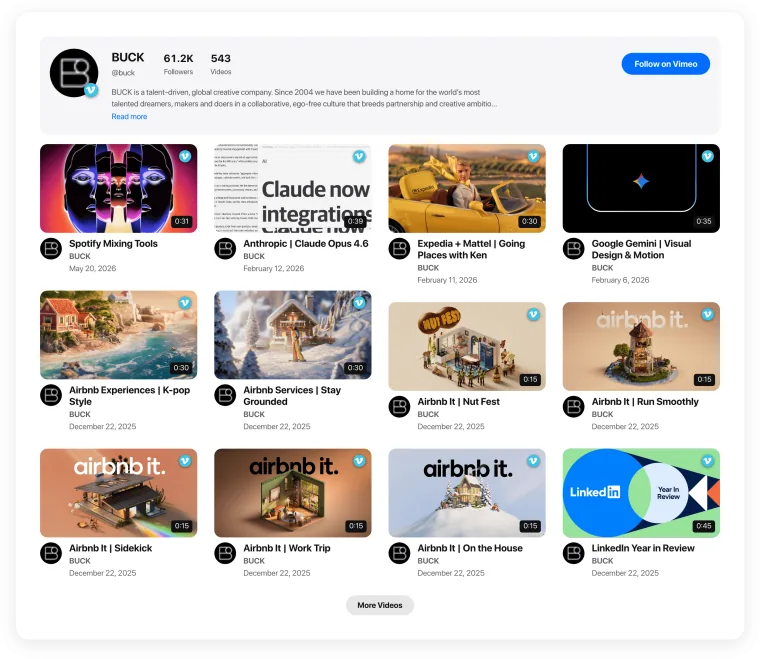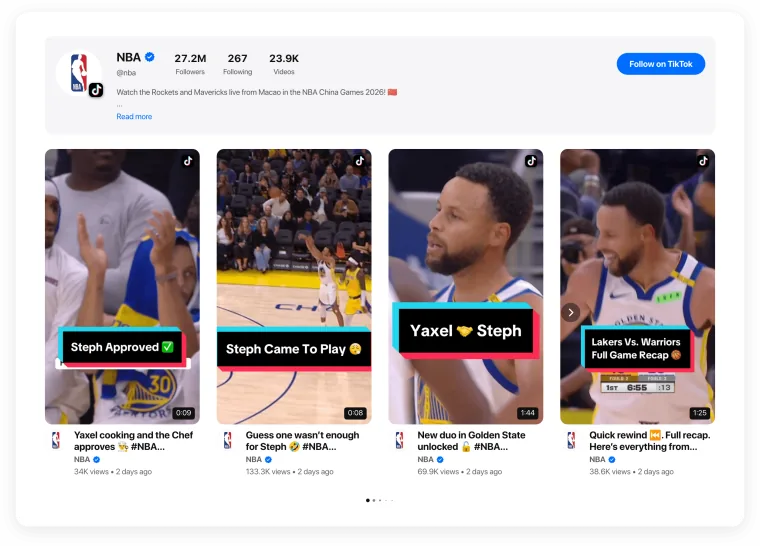
NEW

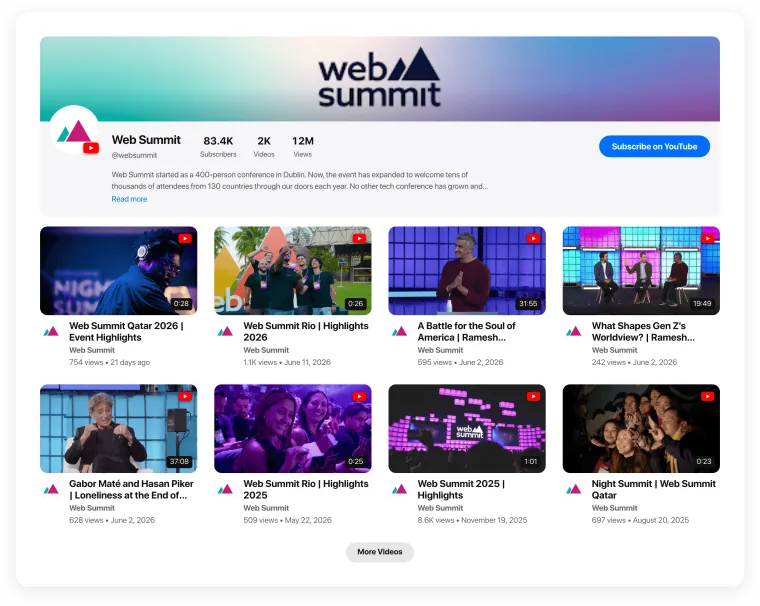
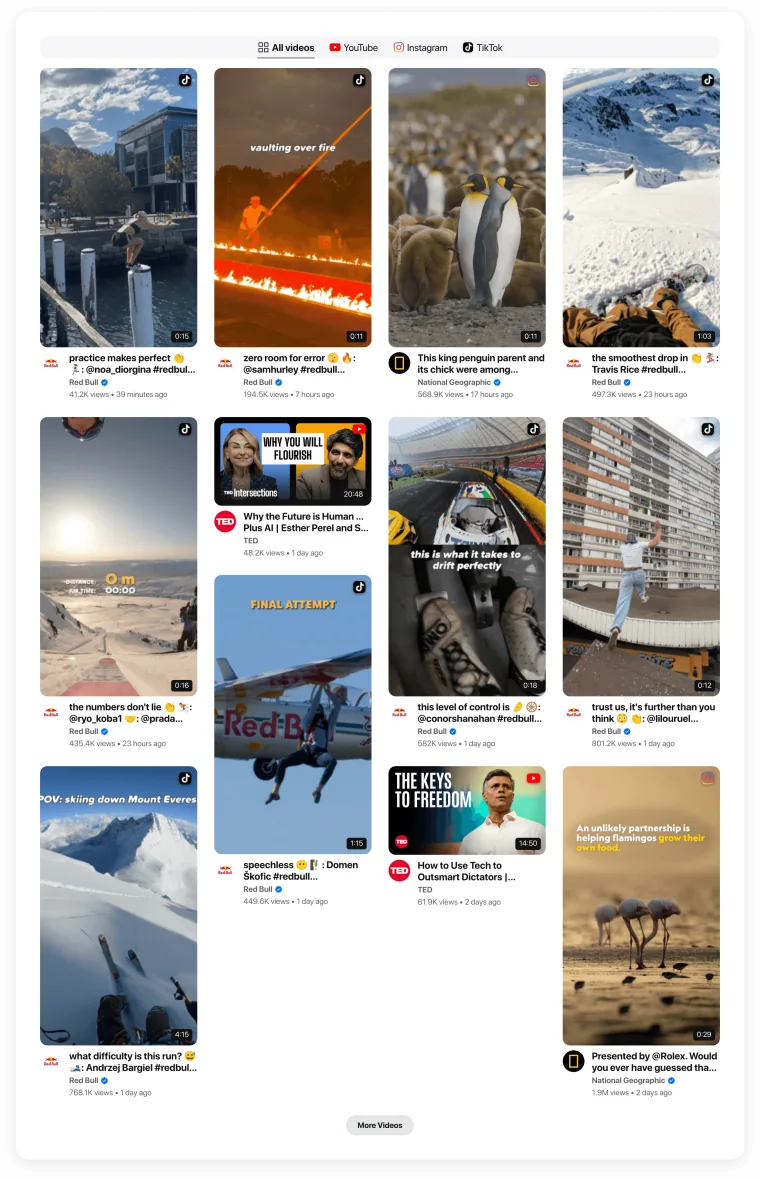
Meet the new Video Gallery — YouTube, TikTok, Instagram Reels, Vimeo and Twitch in one widget.
Template

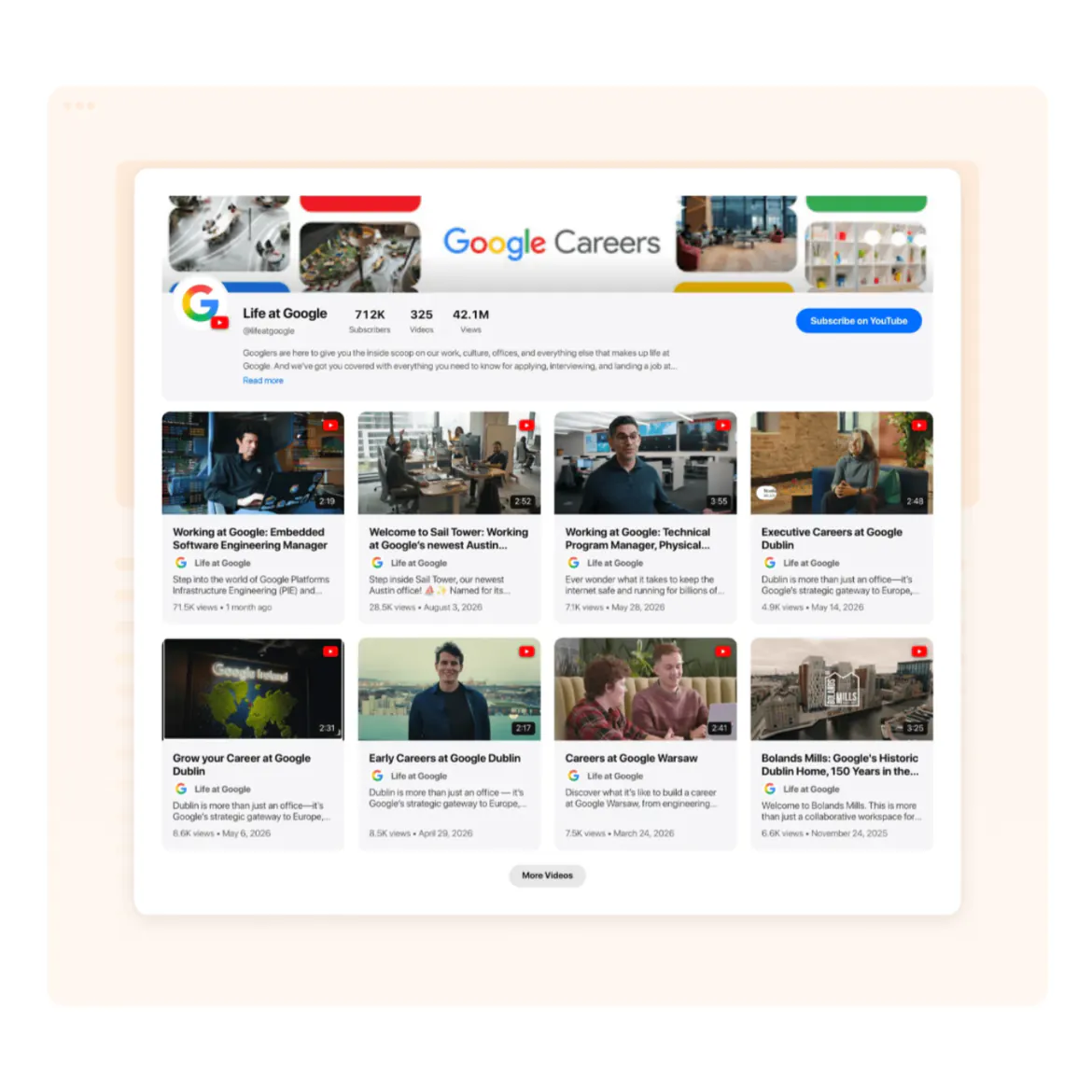
Careers page video gallery for company culture

Show candidates what it’s like to work with you: team stories, office tours and day-in-the-life clips in one grid on your careers page.
See all templates
No credit card needed
Template page — the company culture preset, the settings panel on its key setting, straight on

Trusted by over 3,000,000 small businesses, agencies and top global brands worldwide

Try the Company Culture & Careers template

  1. 1. Choose a template
  2. 2. Connect your videos
  3. 3. Add to website
Why Video Gallery

The best way to show your culture to candidates

Careers page video that answers “what’s it like to work here?” before the interview.
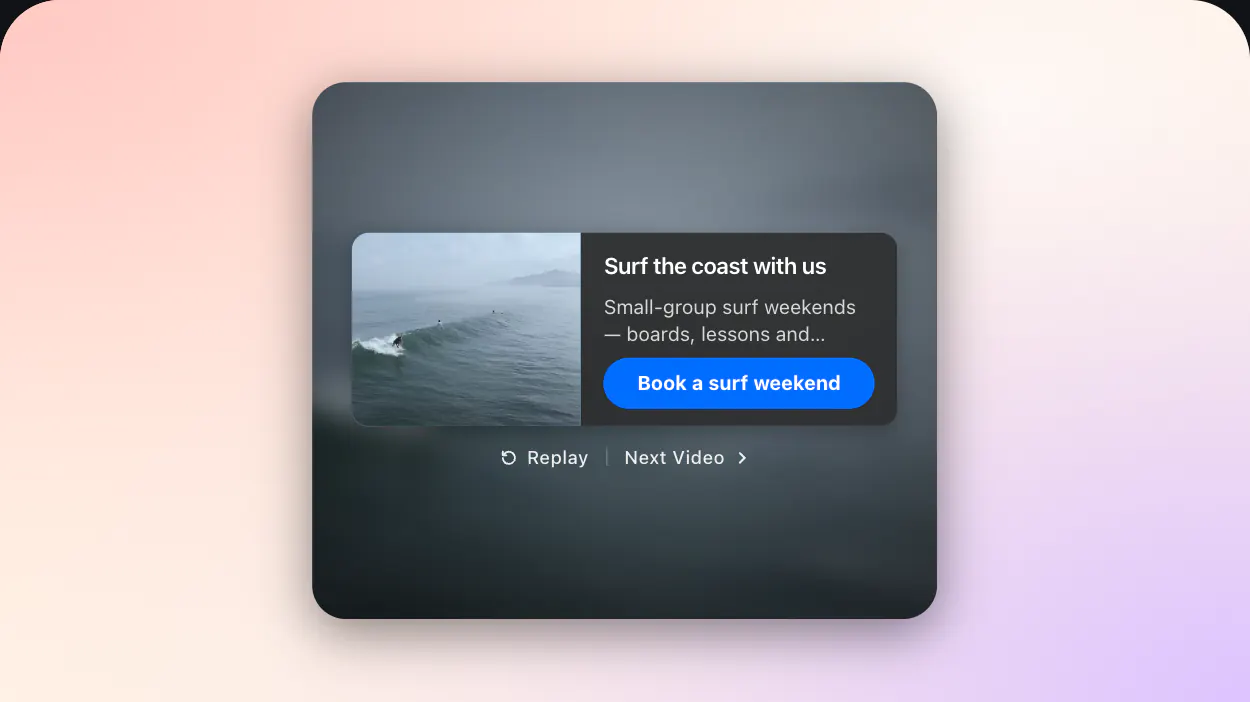
The call to action — the card of the offer over the video it ended on

From story to application

A call-to-action card after a video leads to your open roles.
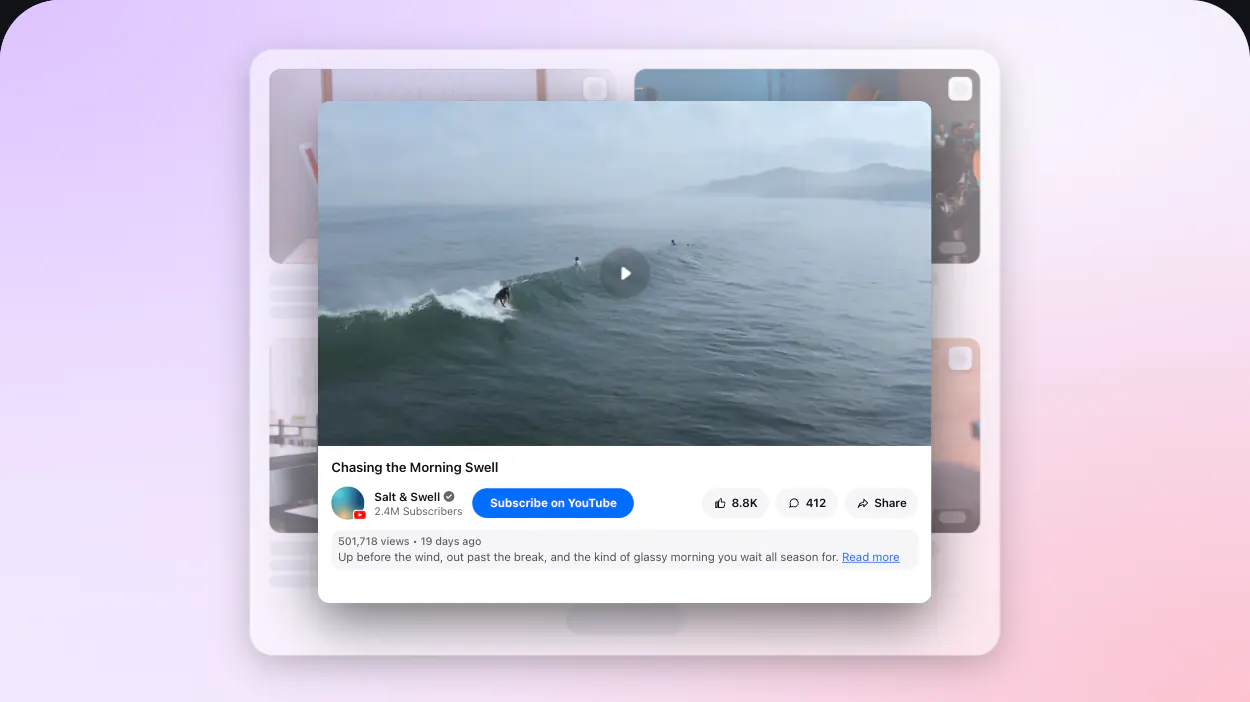
A video opened in the classic viewer, standing over the gallery it opened from

Real voices, any format

Interviews and vertical clips from Reels or TikTok in one grid.
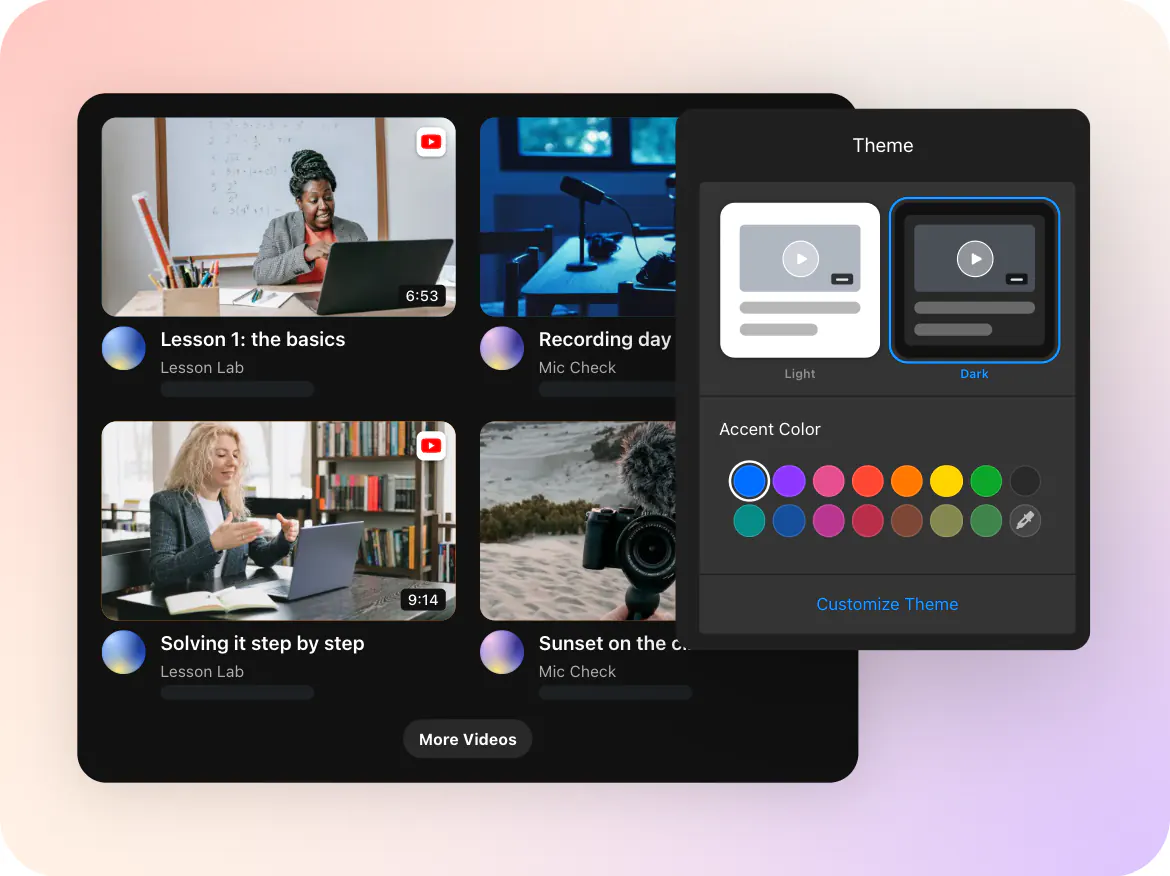
Theme — the configurator's Theme page set to Dark and an accent, over the gallery it themes

On-brand

Your colors, fonts and card style.
Features

What your visitors will see

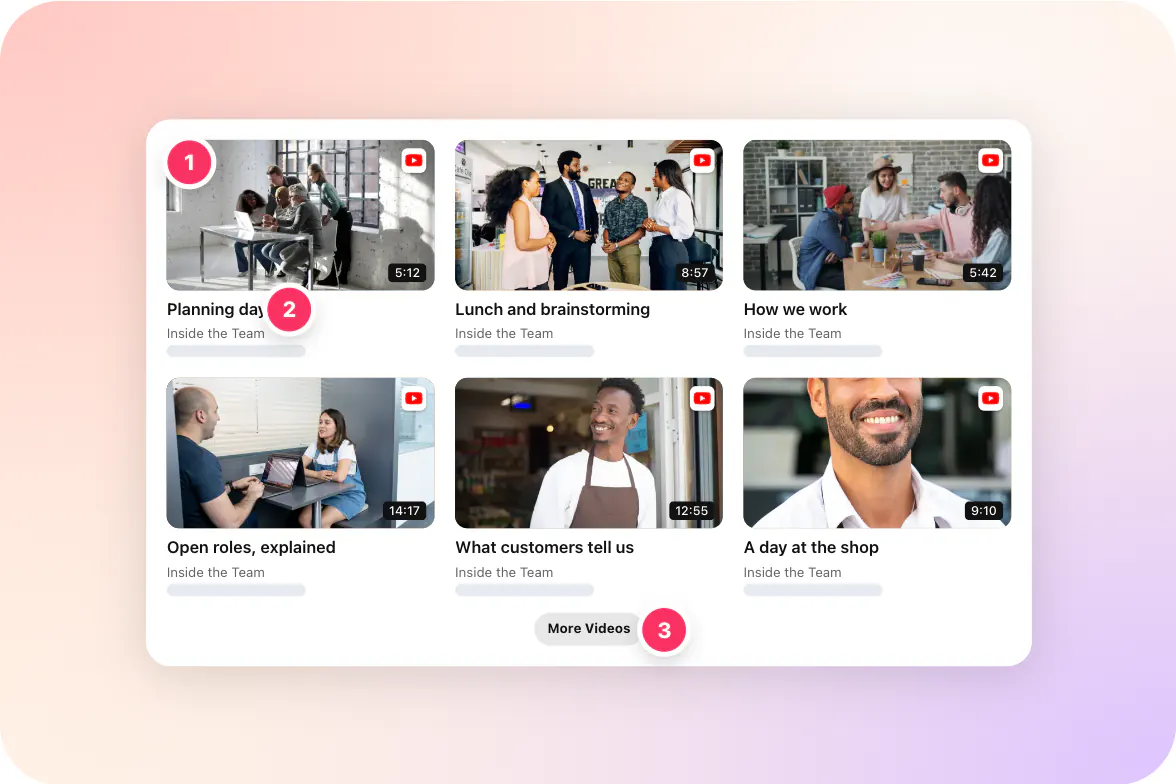
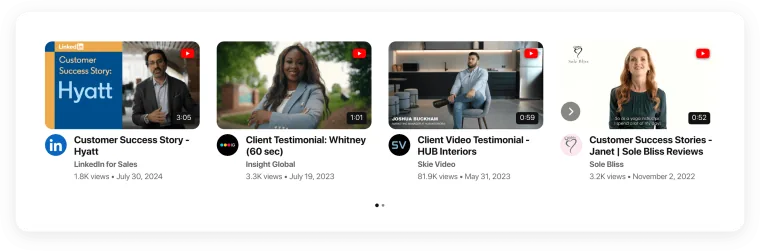
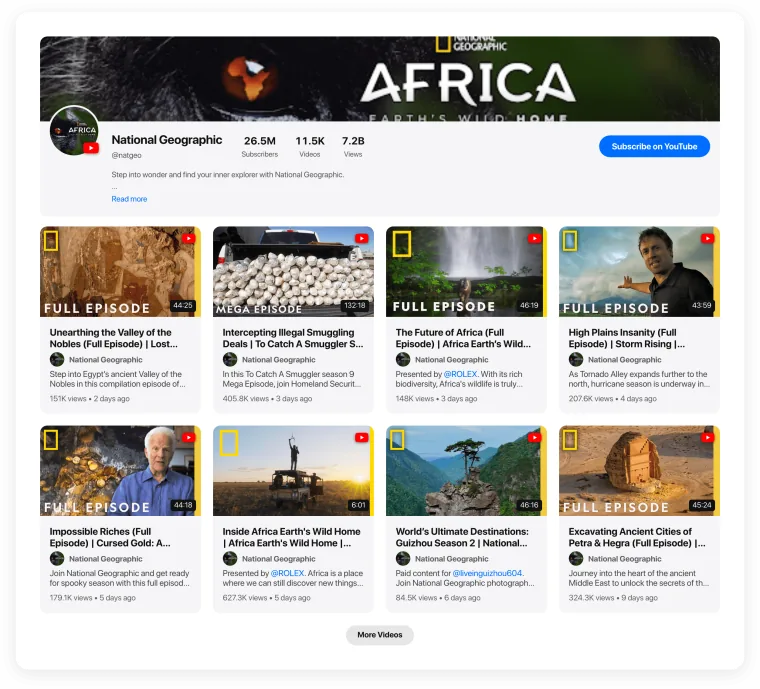
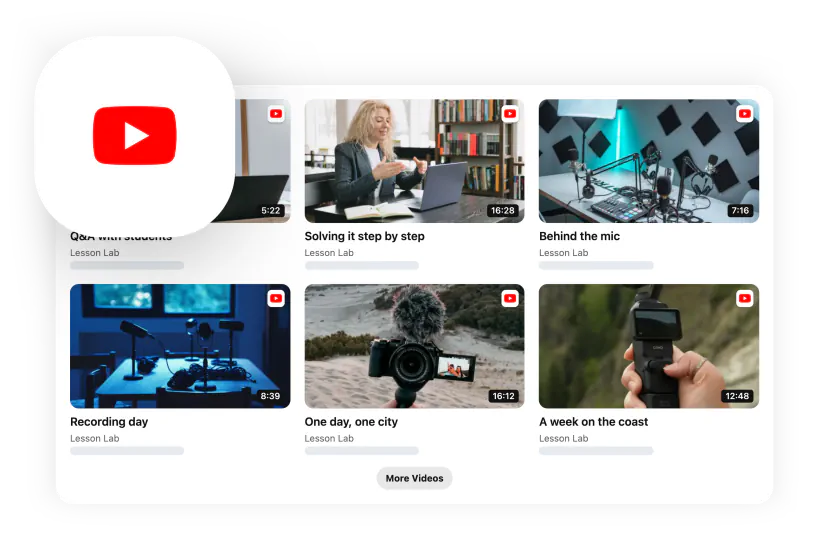
A grid of team stories, office tours and short clips.
Template page t-culture — what visitors see, with its numbered pins
  1. Team stories

    Real people talking about their work.

  2. Titles

    Role and team in every title.

  3. More videos

    Candidates load more stories at their pace.

Compare

Video Gallery vs. other ways to add careers page video

How the usual options stack up for this job.
Feature
Elfsight Video Gallery
Applicant tracking system careers page
Single culture video embed
Links to your social channels
Many culture videos in one block
Yes
Varies
No
No
Videos from YouTube, Reels, TikTok and your hosting
Yes
Varies
Yes
No
Call to action to open roles after a video
Yes
No
No
No
New videos appear automatically
Yes
No
No
Yes
Styled to match your careers page
Yes
Varies
No
No
Job listings and applications
No
Yes
No
No

Many culture videos in one block

Elfsight Video Gallery

Yes

Applicant tracking system careers page

Varies

Single culture video embed

No

Links to your social channels

No

Videos from YouTube, Reels, TikTok and your hosting

Elfsight Video Gallery

Yes

Applicant tracking system careers page

Varies

Single culture video embed

Yes

Links to your social channels

No

Call to action to open roles after a video

Elfsight Video Gallery

Yes

Applicant tracking system careers page

No

Single culture video embed

No

Links to your social channels

No

New videos appear automatically

Elfsight Video Gallery

Yes

Applicant tracking system careers page

No

Single culture video embed

No

Links to your social channels

Yes

Styled to match your careers page

Elfsight Video Gallery

Yes

Applicant tracking system careers page

Varies

Single culture video embed

No

Links to your social channels

No

Job listings and applications

Elfsight Video Gallery

No

Applicant tracking system careers page

Yes

Single culture video embed

No

Links to your social channels

No
Variations

Make it your own

Different layouts and sources — switch any time without changing the code on your site.
Placement

Where it works best on your site

Careers page

Culture videos next to open roles.

About us

The people behind the company.

Job descriptions

A day in the life of the role.

Employer brand pages

Values told by the team.

Internship programs

Interns sharing their experience.

Office pages

A tour of each location.
Installation

Add careers page video in 1 minute

  1. Open the template

    Connect your videos — a channel, playlist, account or links.

  2. Adjust the look

    Layout, theme, counters and buttons — all visual.

  3. Paste one code

    Add it to any page of your website. Done.

Ready to go out of the box

  • A grid of team videos

  • Videos open in a popup player

  • A More videos button

  • Call-to-action card after each video

Change anything later in the editor — the code on your site stays the same.
FAQ

Frequently asked questions

More templates

Related templates

Same source

Same format

Similar use cases