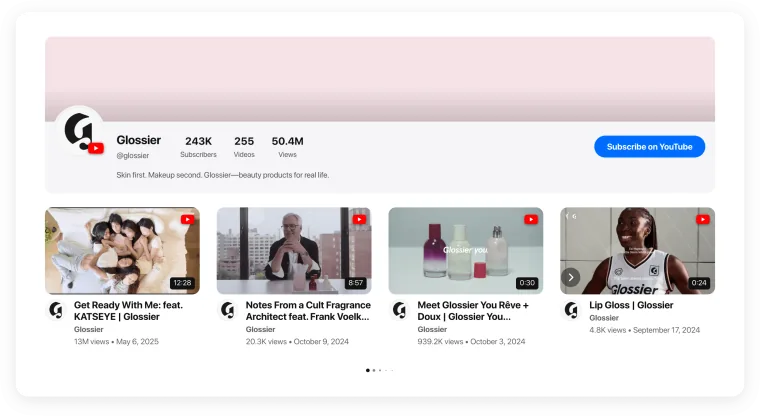
12:07Webflow Video Gallery and Video Player
Watch Now

12:07
10:15
8:42
Trusted by over 3,000,000 small businesses, agencies and top global brands worldwide
Create your Webflow video gallery for free
- 1. Choose a template
- 2. Connect your videos
- 3. Add to website
The Webflow video gallery that works for your business
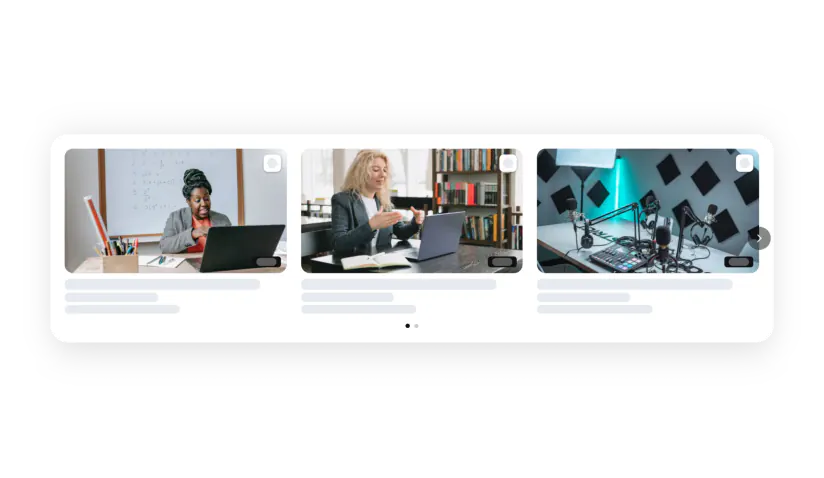
Show videos from all your channels on your Webflow site, keep readers on the page, grow your subscribers and turn views into sales.
Built for Webflow
Works with the editor, theme and page builder you already use.
Works with your editor and page builder
Drag Code Embed from the Add panel and paste the code.
Place the embed on a collection template to show it on every item.
Put the embed in a component and reuse it across pages.
Add the embed to the product template.
Where to use it on Webflow See real examples →
A hero video and a playlist for the campaign.
Related videos on every article.
Customer videos next to the results.
Demos and walkthroughs.
Your reel in a masonry grid.
Team and culture videos.
Fast and safe for your site
No interactions or scripts to build for a gallery.
The gallery loads when visitors reach it.
Change videos in the editor — no republishing the site.
Every video source on your Webflow site
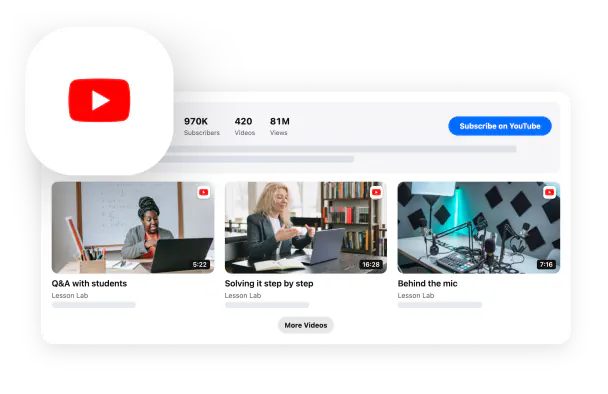
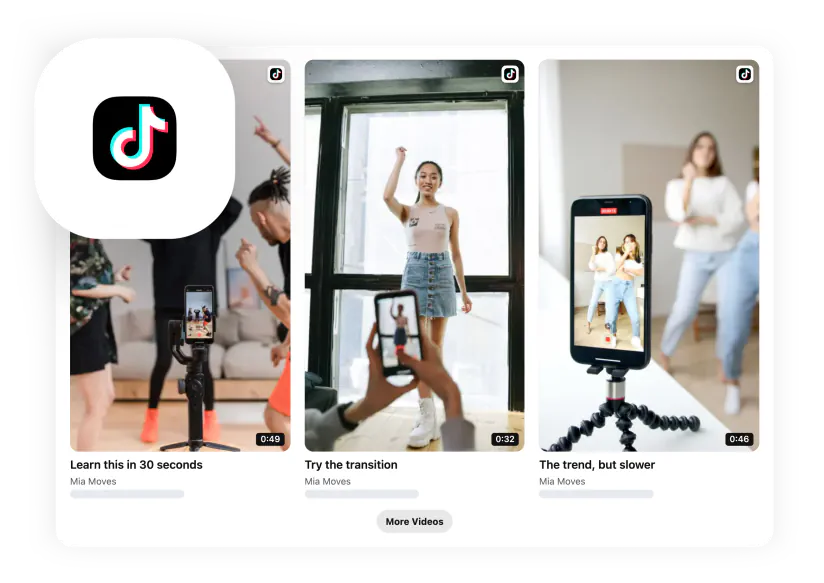
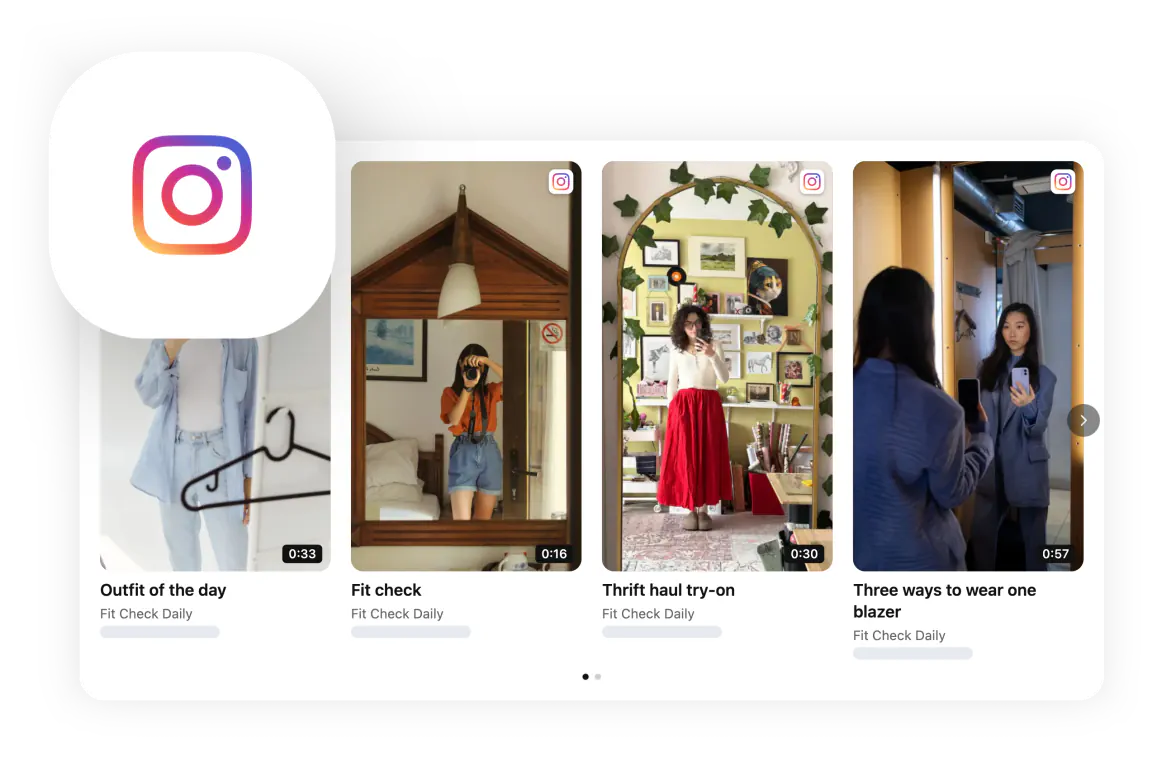
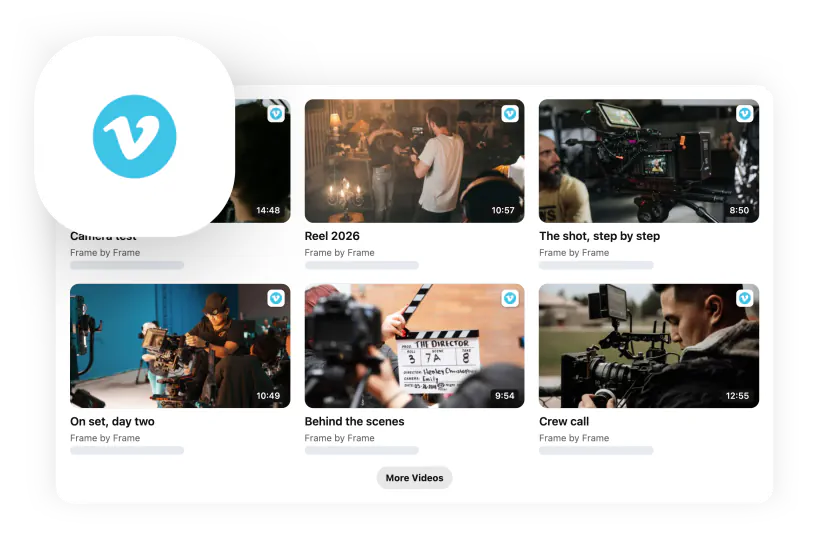
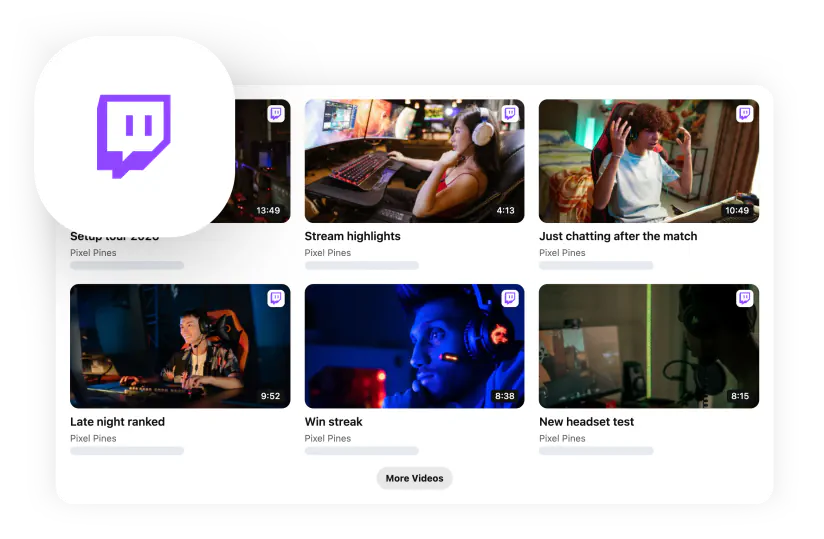
YouTube, TikTok, Instagram Reels, Vimeo, Twitch and videos hosted anywhere — alone or together.
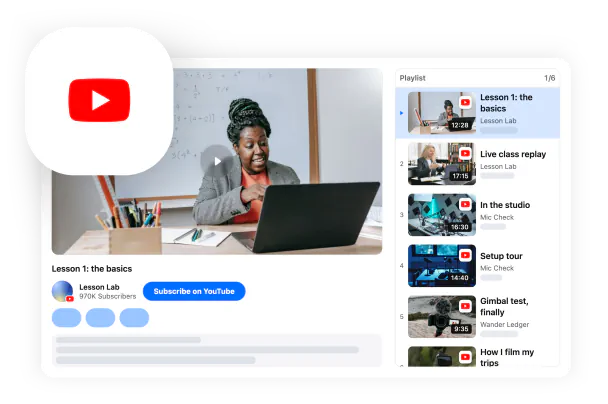
YouTube YouTube Video Gallery →
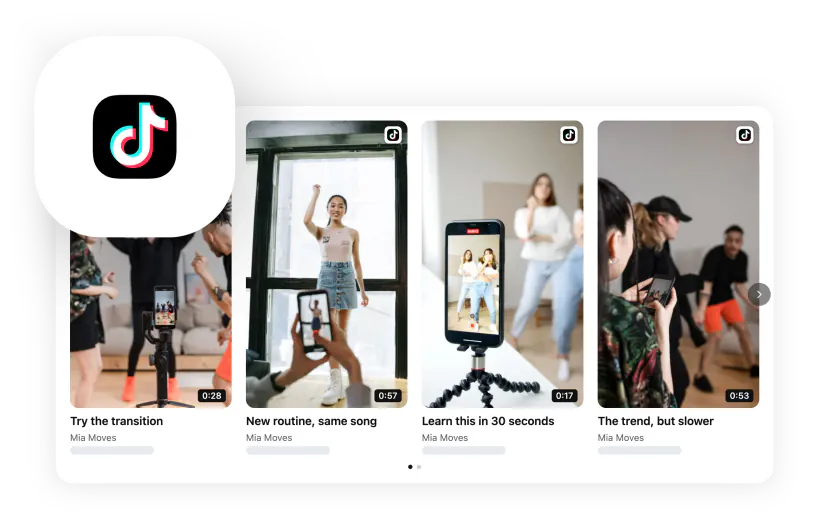
Social video TikTok →Instagram Reels →
Video platforms and your own hosting Vimeo →Twitch →Any video →
Mix and curate
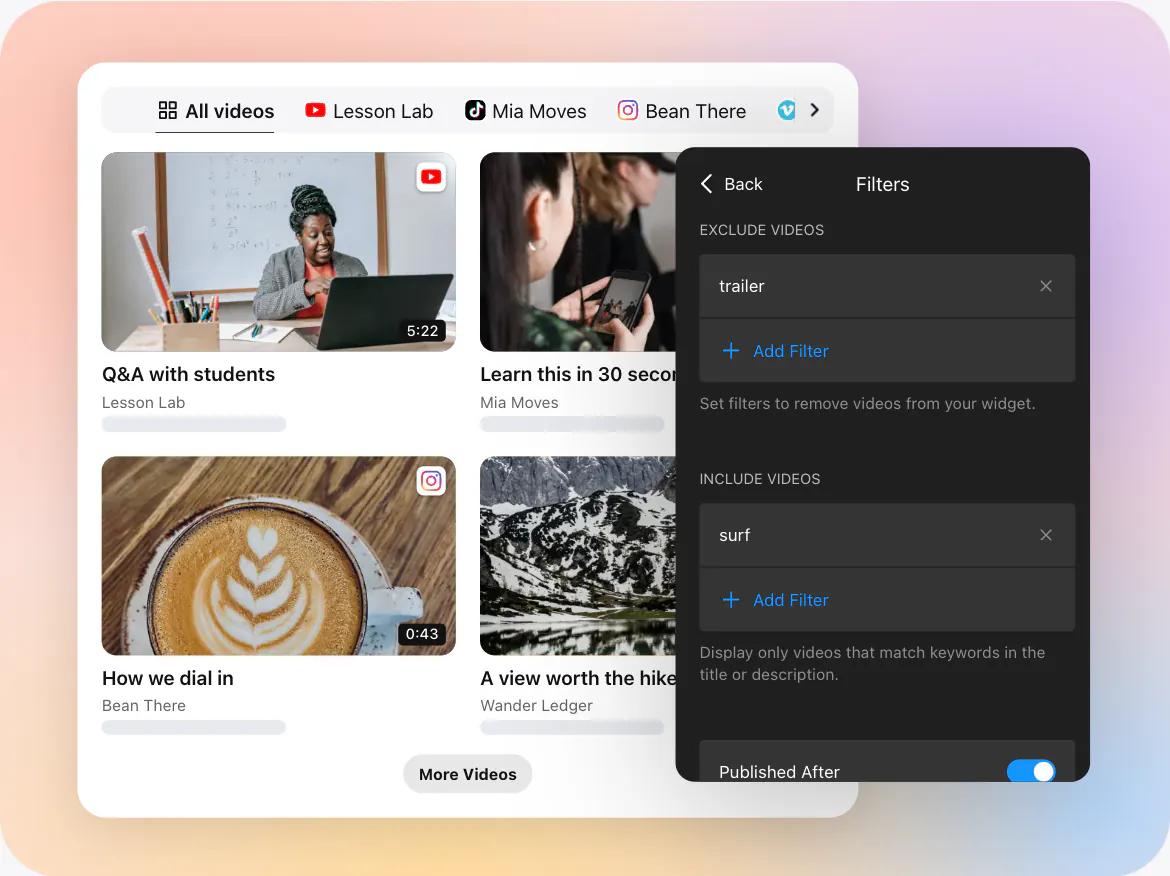
Put several sources into one gallery with tabs, then decide exactly what shows: include or exclude videos by keywords, show only videos published after a date and choose the sort order.
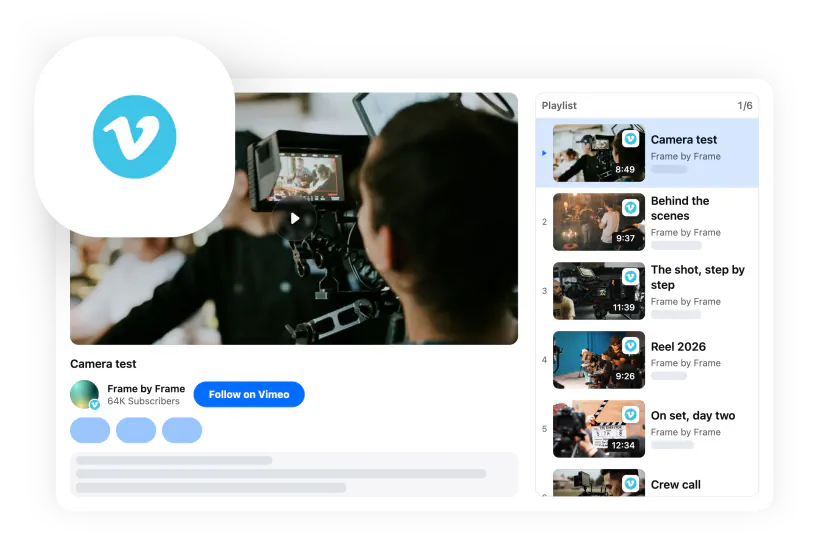

- Group sources by platform with tabs
- Include and exclude filters by keywords
- “Published after” date filter
- Sorting by publication date
Designed to match your Webflow site
Make the gallery look like part of your Webflow theme — no generic embed boxes, no code.
Looks like part of your site
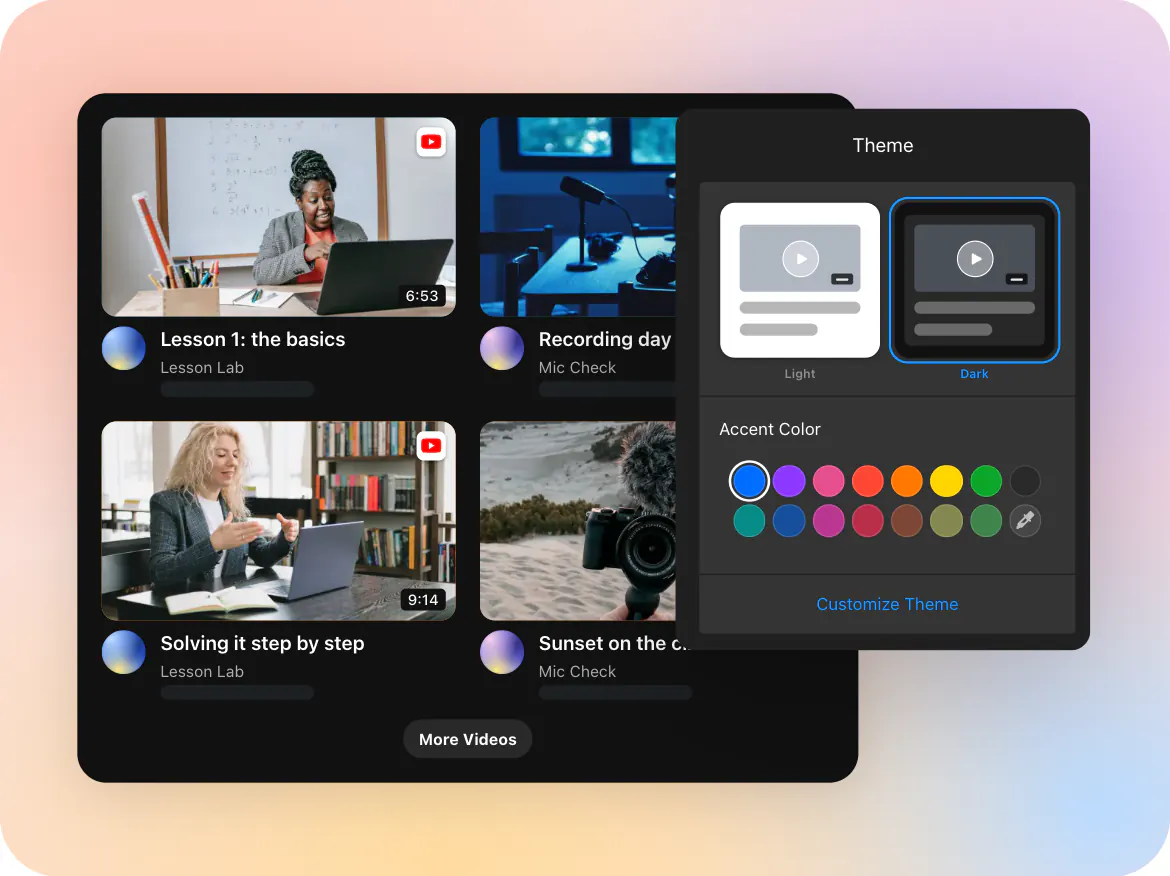
Switch between light and dark themes, set your accent color and fine-tune the background, title, channel header, cards, popup and font.
- Light and dark themes
- Accent color palette or any custom color
- Your font and widget title
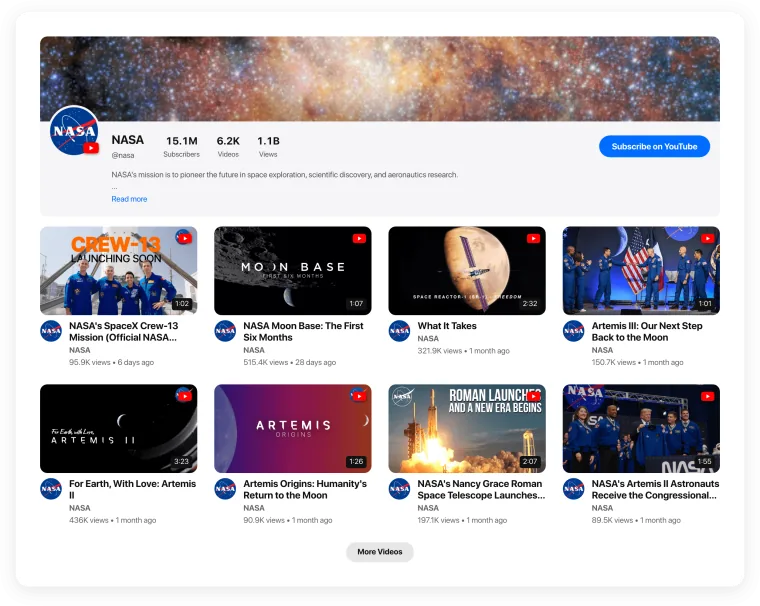
- Channel header with banner, subscribers and a follow button
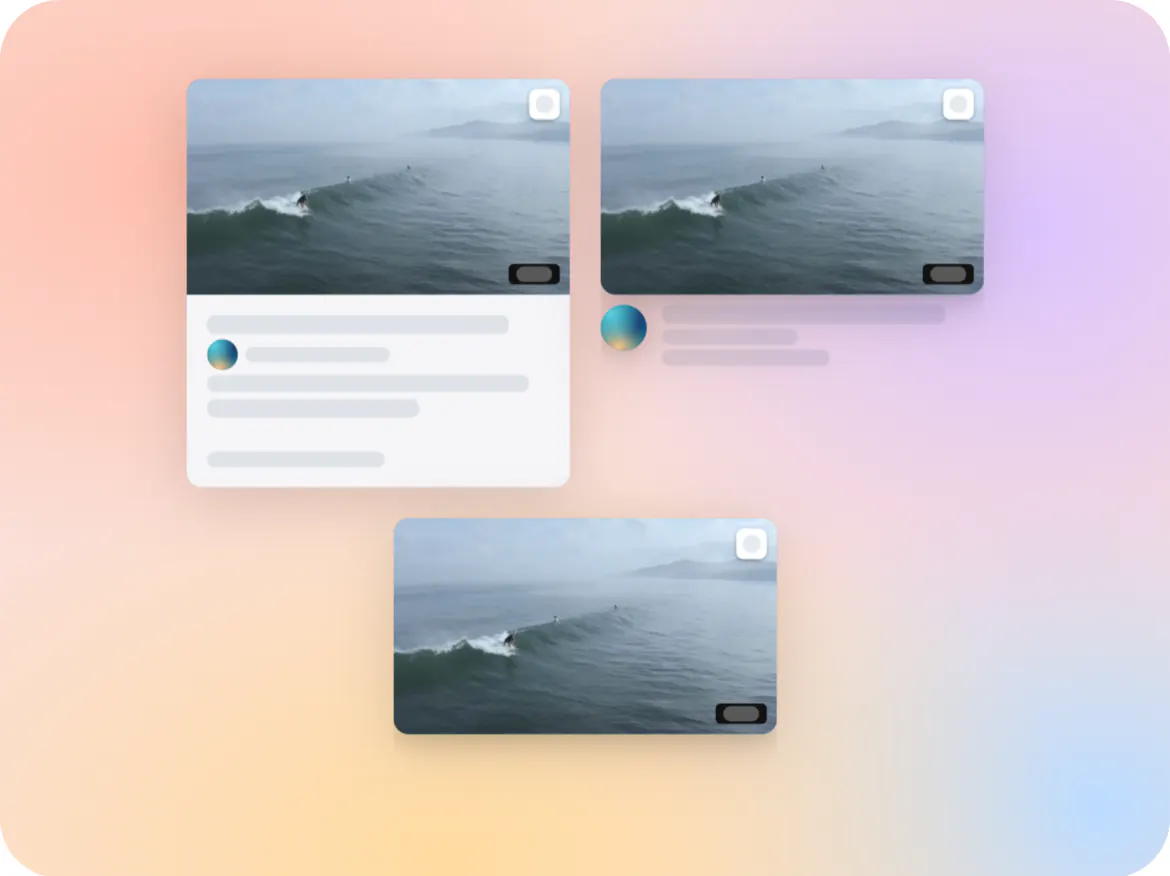
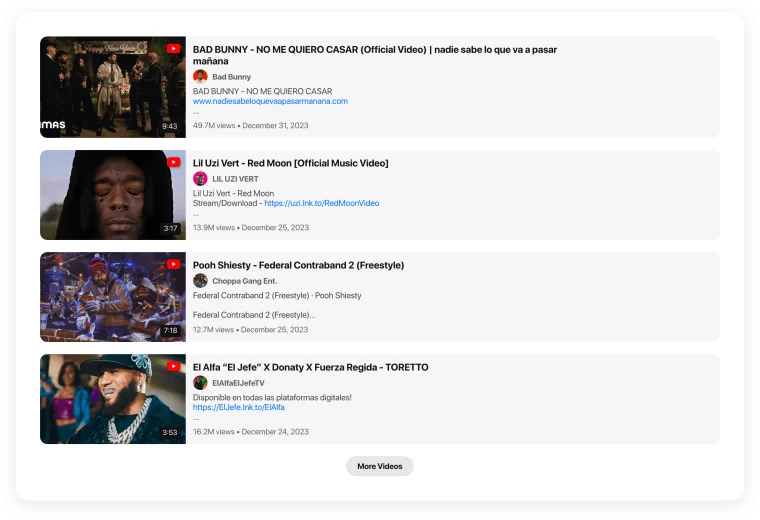
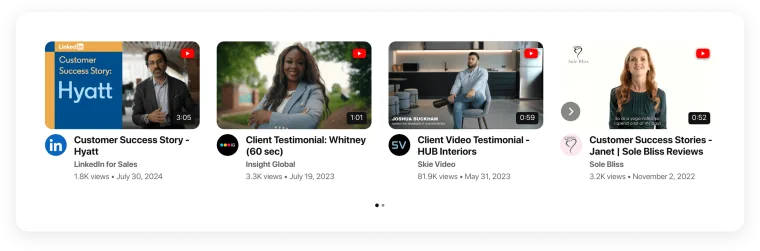
Seven layouts for every page
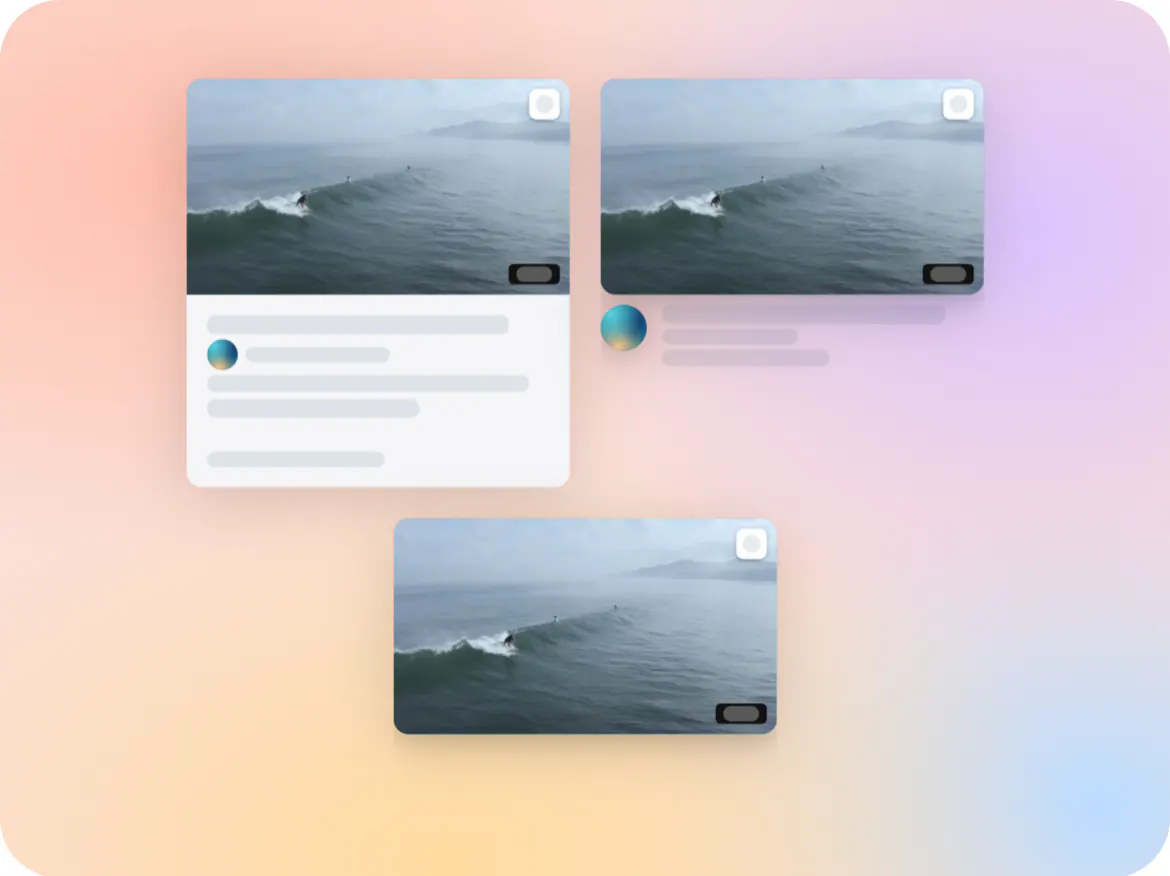
Card and popup styles
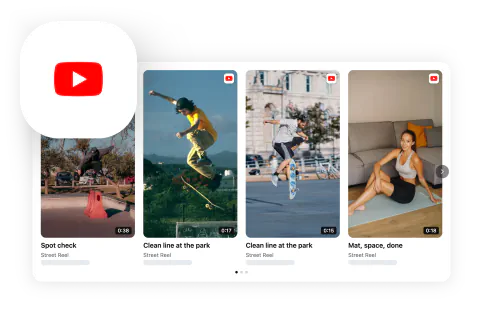
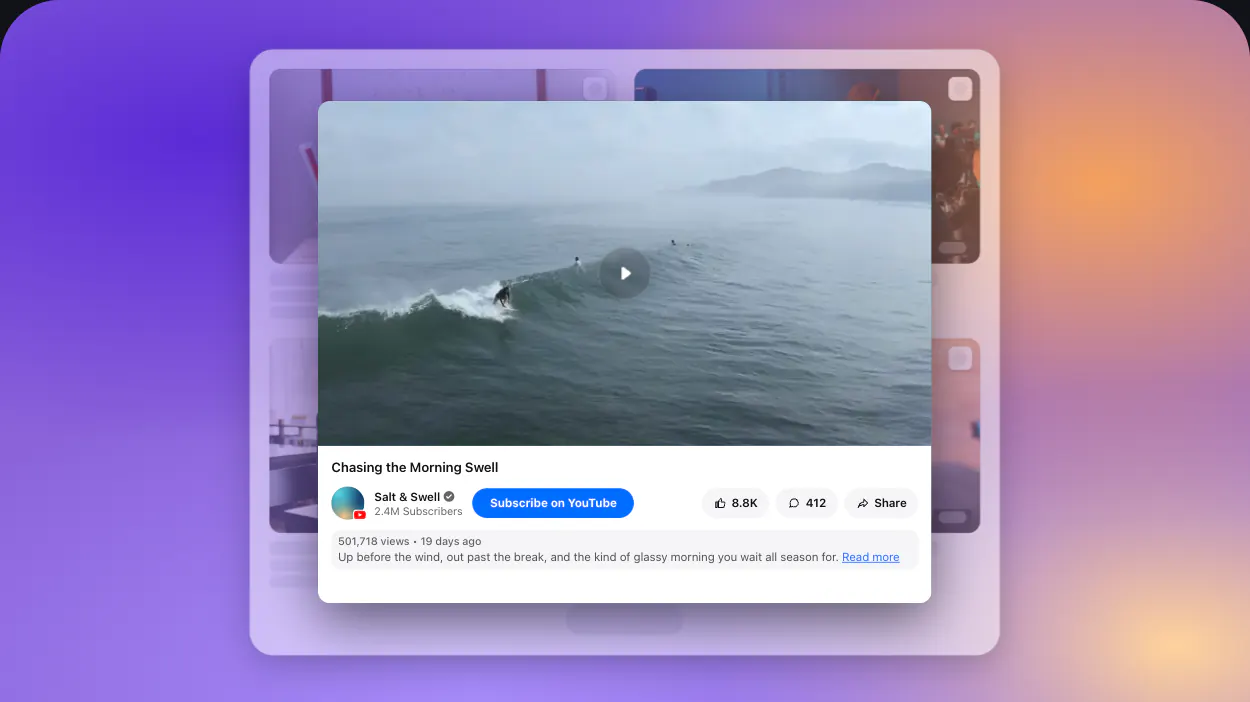
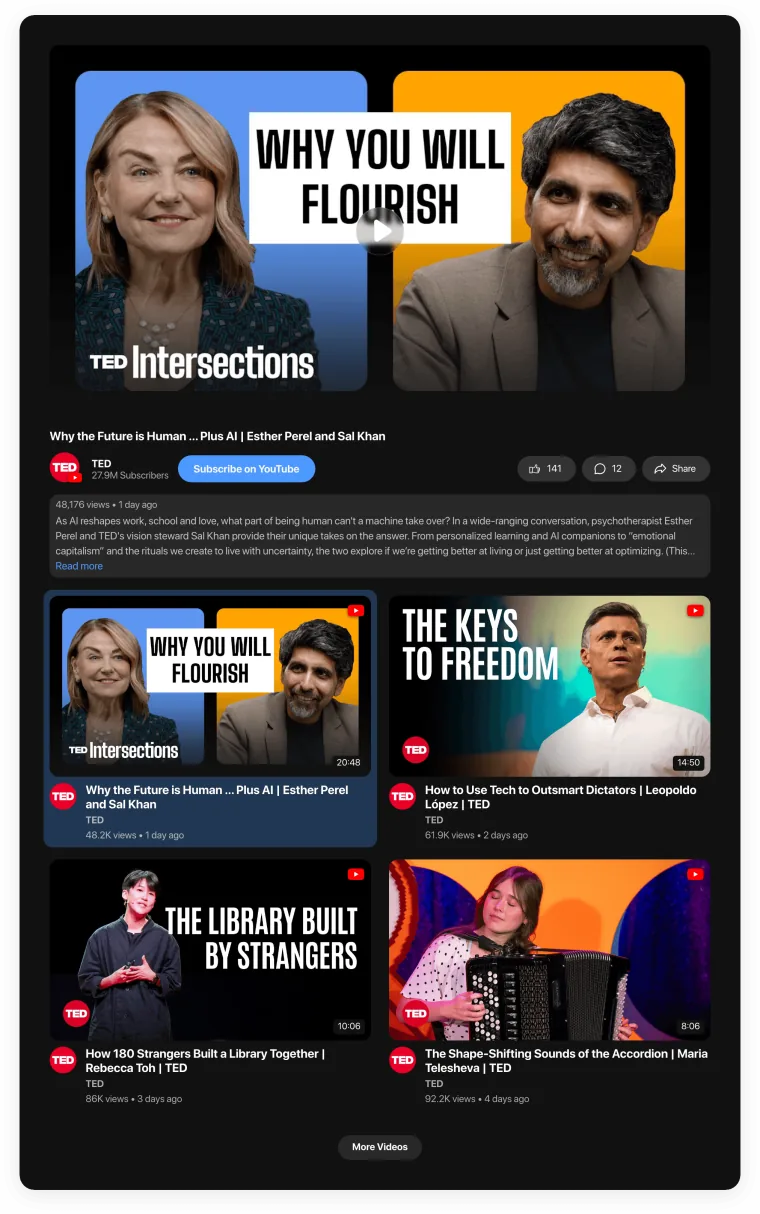
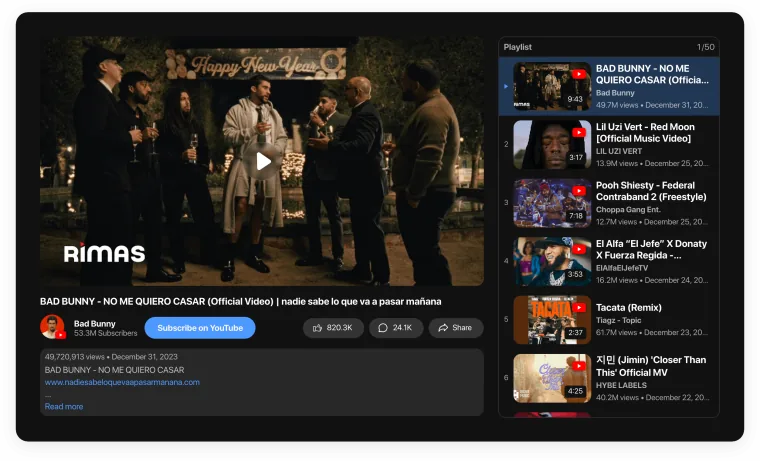
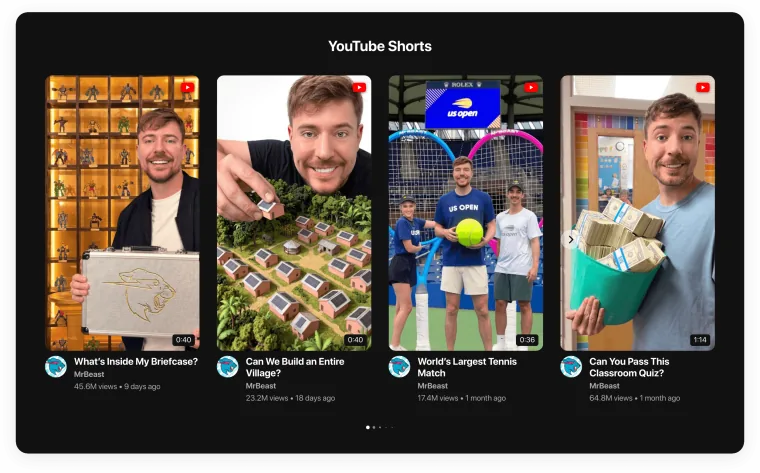
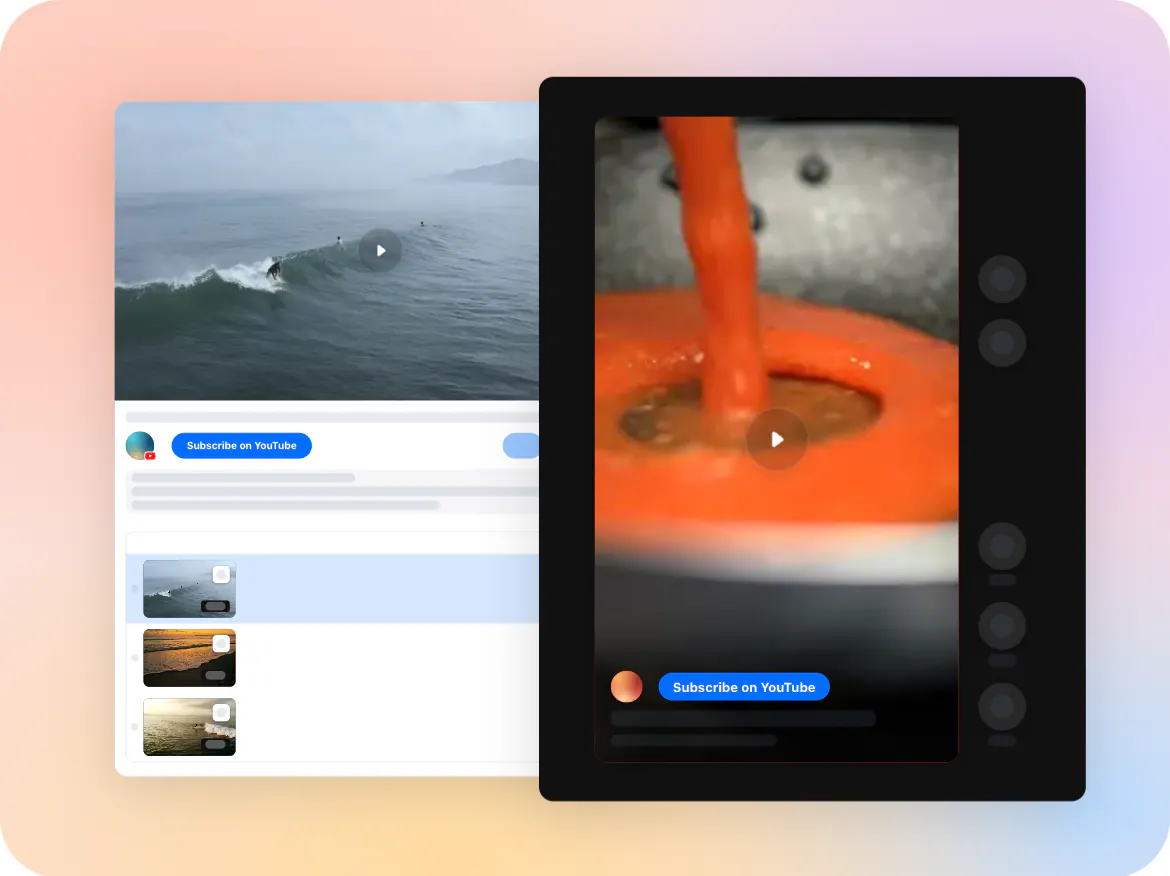
Choose Classic, Plain or Minimal cards, and open videos in a classic YouTube-style popup or a vertical TikTok-style viewer. Thumbnails keep each video’s shape — vertical for Shorts and Reels, 16:9 for everything else.
- Classic, Plain and Minimal cards
- Classic or vertical popup
- Adjustable thumbnail aspect ratio
Built to turn Webflow visitors into results
Views are just the start — keep readers on the page and move them to act.
Keep visitors on your page
Videos open in a popup — visitors stay on your Webflow page.
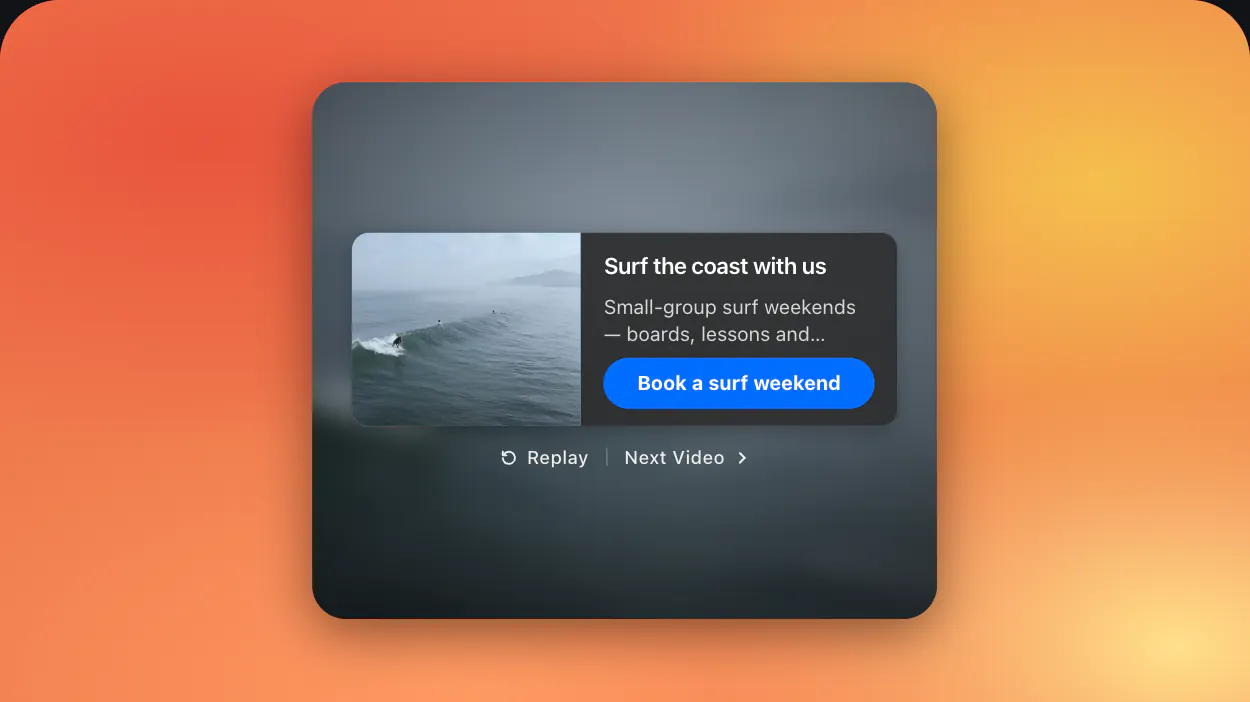
Turn views into clicks and sales
Show a card with your link when a video ends: a demo booking, sign-up or product.
Get found in search
Schema.org video markup for every video in the gallery.
Grow your views and subscribers
A channel header with a subscribe button grows your YouTube from your site.
Measure what works
See which videos get watched and clicked in Google Analytics.
Add a video gallery to Webflow in 1 minute
Four steps, then everything else happens in the visual editor.
- Create your gallery
Pick a layout and connect your sources.
- Copy the code
Copy the installation code from Elfsight.
- Add a Code Embed
In the Designer, drag Code Embed onto the page.
- Paste and publish
Paste the code, save and publish.
Step-by-step: How to embed video in Webflow.
Start with a template See all templates →
Elfsight vs. other ways to add video to Webflow
How Video Gallery compares with the usual ways to add video to Webflow.
| ElfsightVideo Gallery | Webflow Video element | Background video | Custom build with interactions | |
|---|---|---|---|---|
| Many videos in one layout | ✓ | One video | One loop | Custom code |
| Updates automatically from channels | ✓ | — | — | — |
| YouTube, Vimeo, TikTok, Instagram, Twitch and any link | ✓ | YouTube, Vimeo | MP4 upload | Varies |
| Popup player and CTA card | ✓ | — | — | Custom code |
| Built-in Schema.org video markup | ✓ | — | — | Custom code |
| No code to maintain | ✓ | ✓ | ✓ | — |
Why Webflow site owners choose Elfsight
A trusted platform with proven support behind every widget.
What Webflow users say
Review from a Webflow site owner goes here.
Name, website · SourceReview from a Webflow site owner goes here.
Name, website · SourceAdd a free video gallery to Webflow
Create your gallery, connect your videos and paste one code — nothing to install, no trial and no credit card.
Create Video Gallery widget- Every source and layout
- Call-to-action, Schema.org and Google Analytics
- Works with every Webflow theme and builder
- Free forever — limited by monthly widget views
Questions and resources
Frequently asked questions
What is the best Webflow video player?
For one video, Webflow’s Video element works. For a Webflow video player with a gallery, playlists and many sources, embed Video Gallery with a Code Embed element.
How do I add a video gallery to Webflow?
Drag a Code Embed element onto the page and paste the Video Gallery installation code.
Do I need a paid Webflow plan?
Code Embed requires a paid site plan or workspace plan.
Can I use it on CMS pages?
Yes. Put the embed on a collection template page.
Can I embed a YouTube playlist in Webflow?
Yes. Use YouTube → Playlist as the source.
Is it free?
There’s a free plan with every source, layout and setting; it’s limited by monthly widget views.
Why don’t I see the gallery in the Webflow Designer?
Custom code doesn’t run in the Designer. Check it in Preview with custom code enabled, or on the published site.