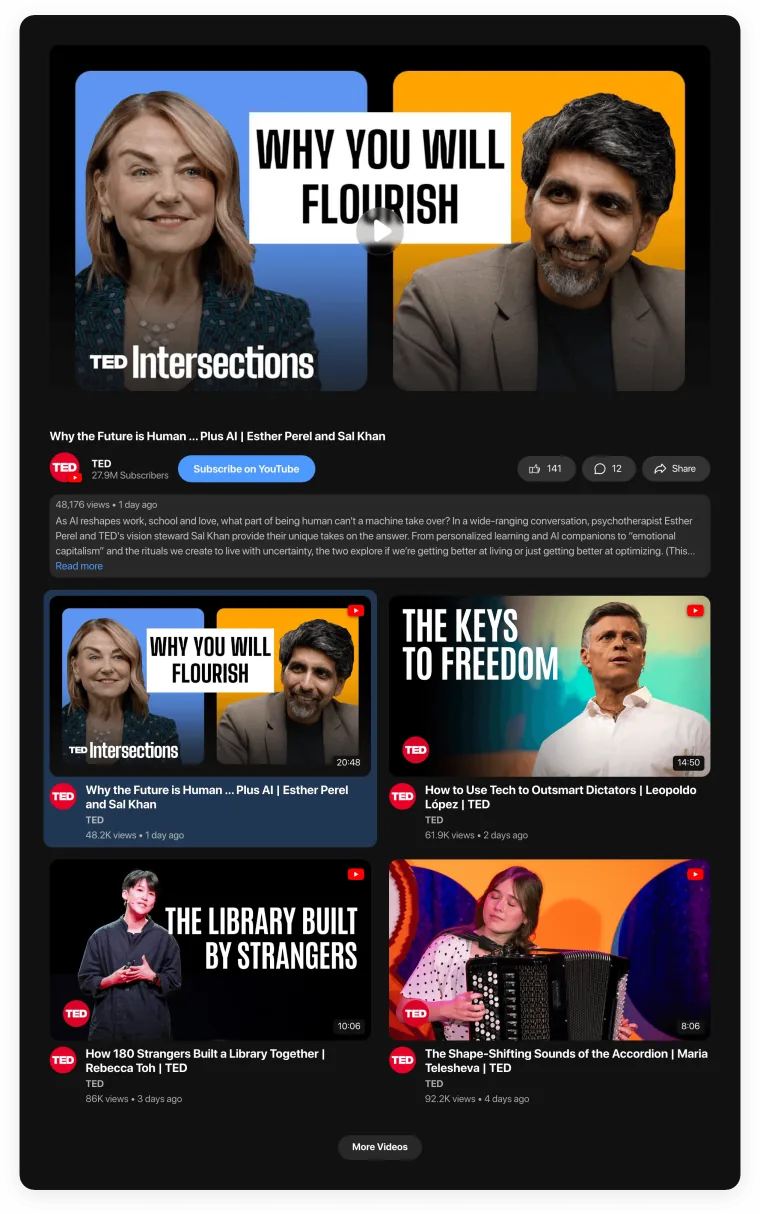
NEW

Meet the new Video Gallery — YouTube, TikTok, Instagram Reels, Vimeo and Twitch in one widget.
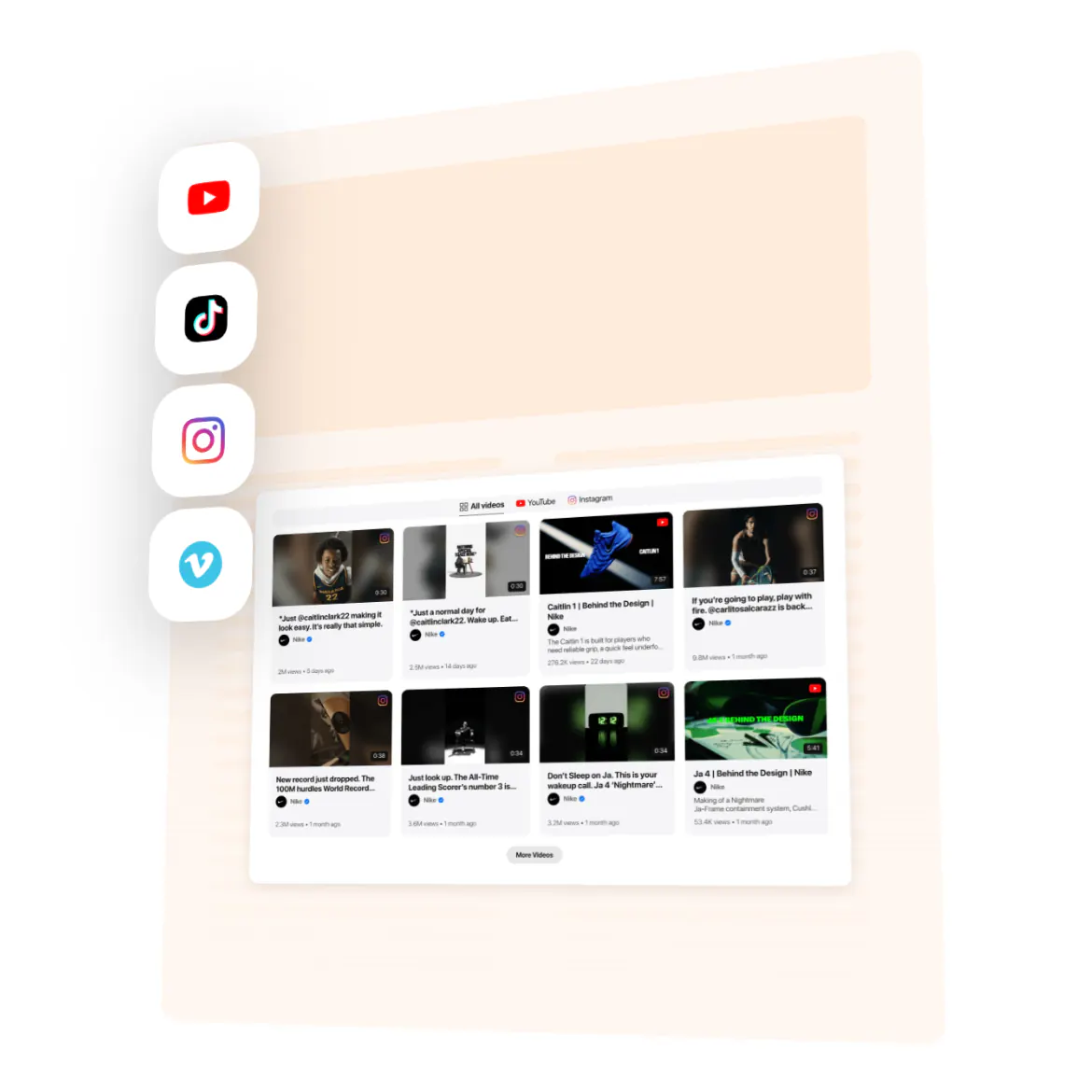
Template

Brand Video Library for every channel you run

Your brand publishes on YouTube, Vimeo, TikTok and Instagram. Collect it all in one library on your website, so nothing you make gets lost.
See all templates
No credit card needed
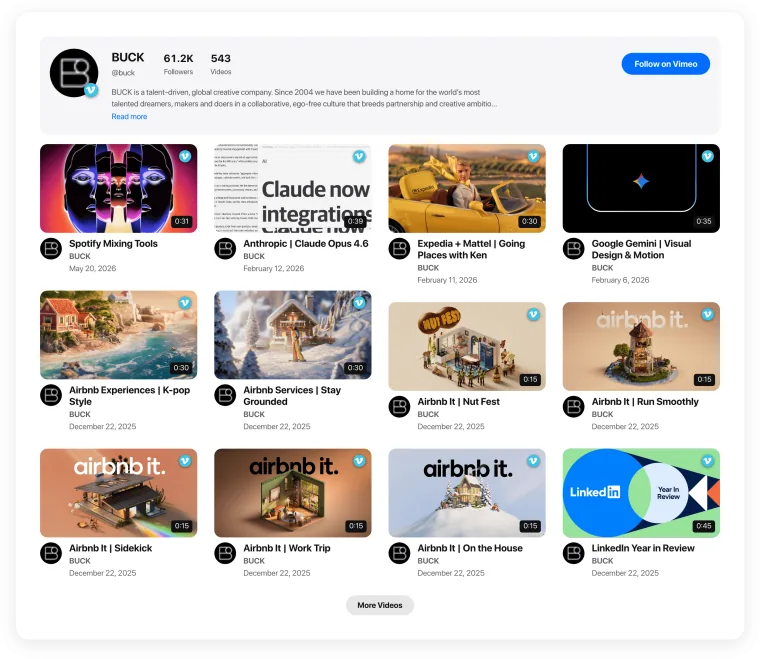
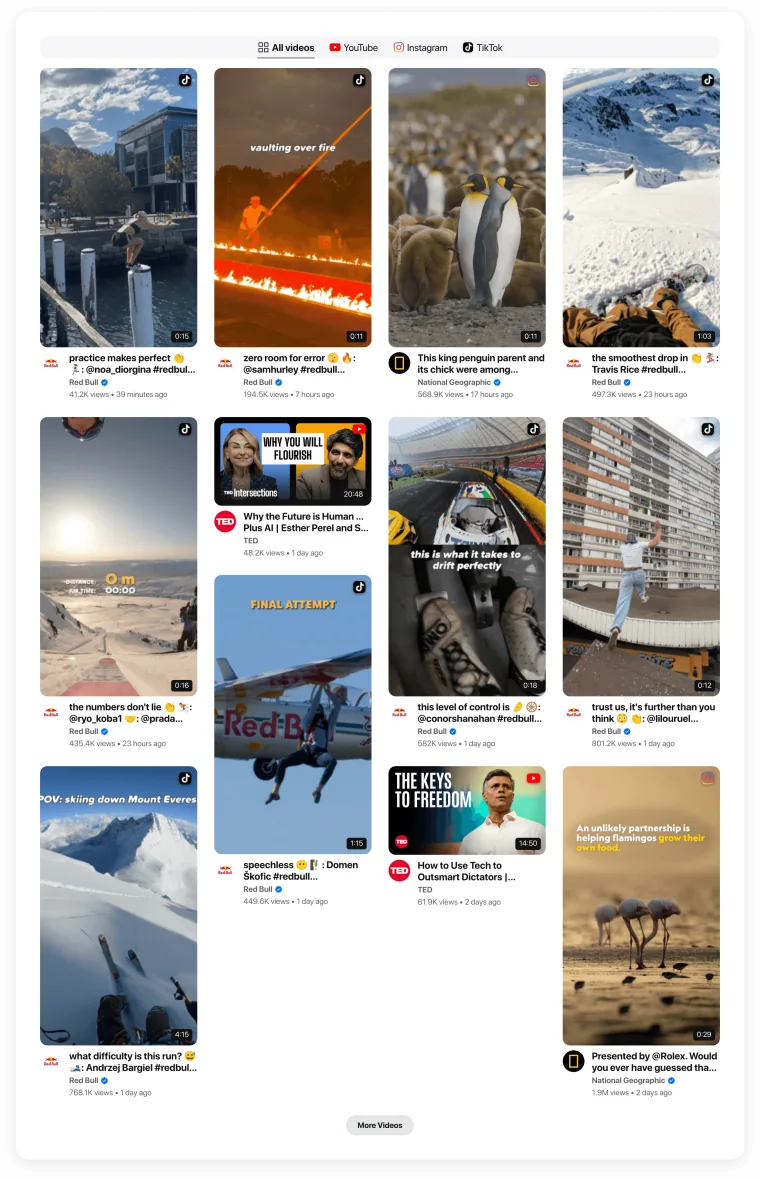
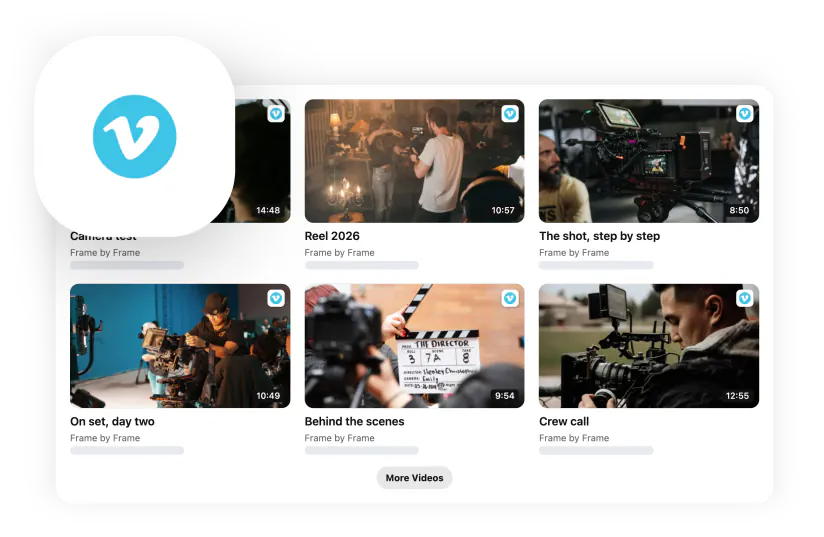
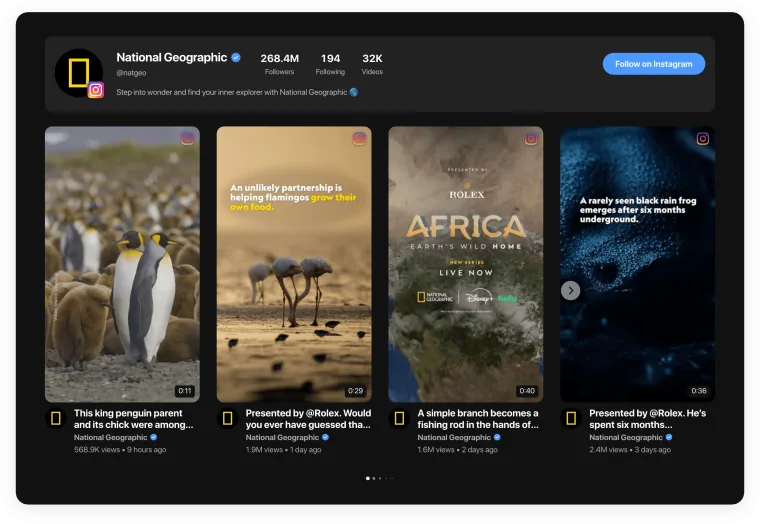
Template page — the brand video library template, its gallery and the platforms' tiles

Trusted by over 3,000,000 small businesses, agencies and top global brands worldwide

Try the Brand Video Library template

  1. 1. Choose a template
  2. 2. Connect your videos
  3. 3. Add to website
Why Video Gallery

The best way to keep a brand’s videos in one library

One grid for every channel, matched to your brand.
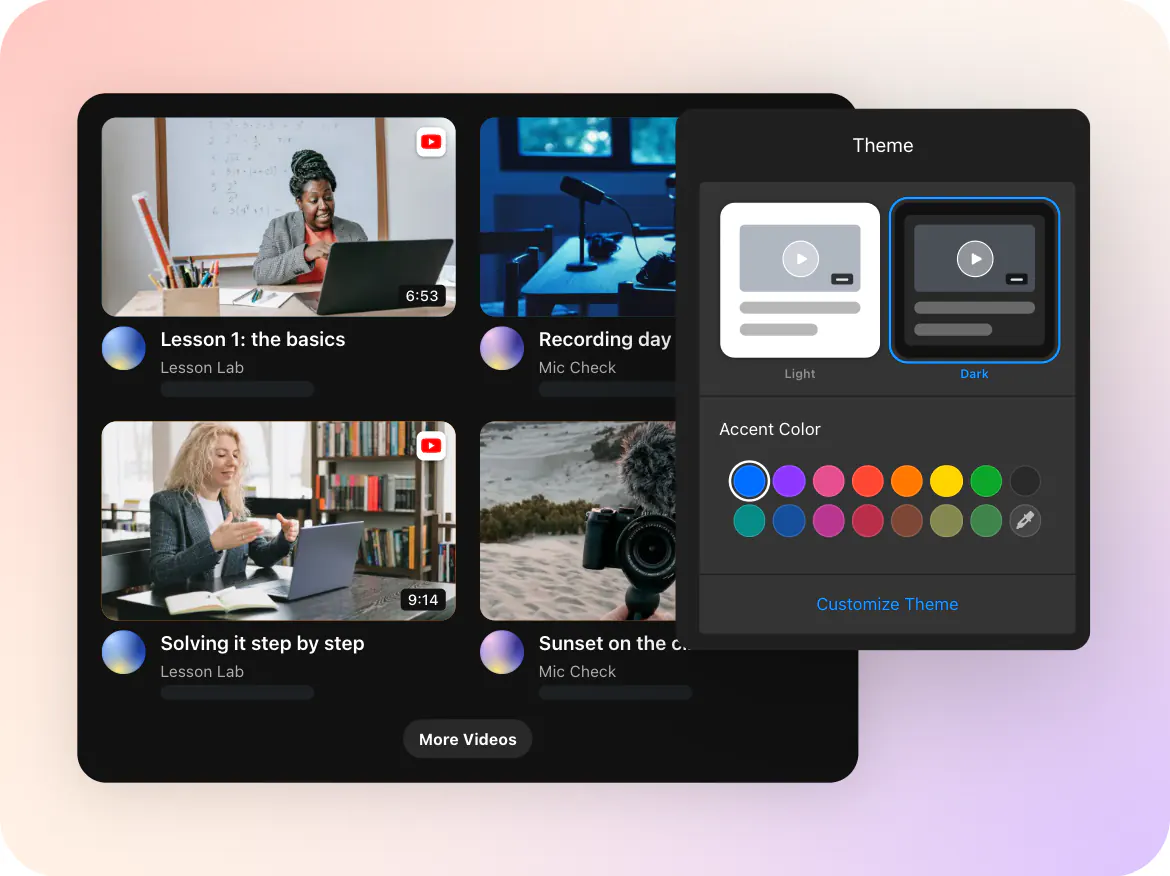
Theme — the configurator's Theme page set to Dark and an accent, over the gallery it themes

Matches your brand

Your colors, fonts and card style across every video.
Google and search — two overlapping tiles, staggered

Easy to find

Keyword filters and sorting keep the library organized.
Google Analytics — the mark on a tile

See what works

Google Analytics integration shows which videos people watch.
Features

What your visitors will see

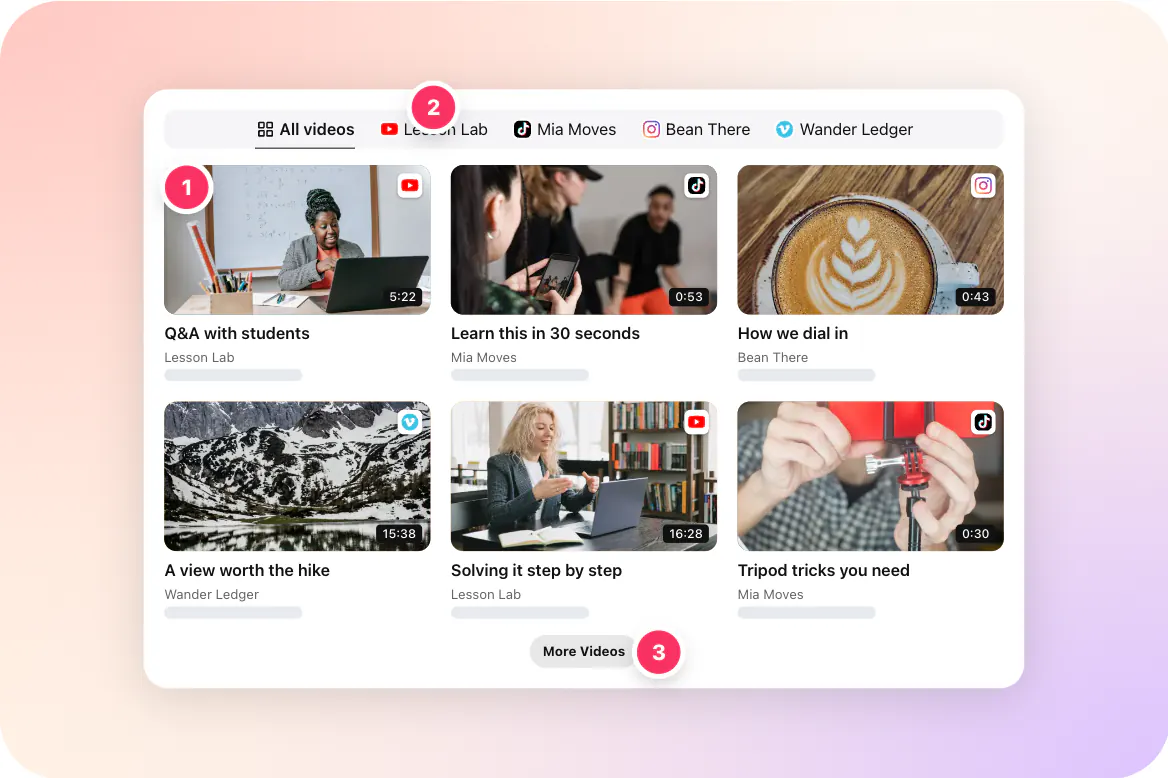
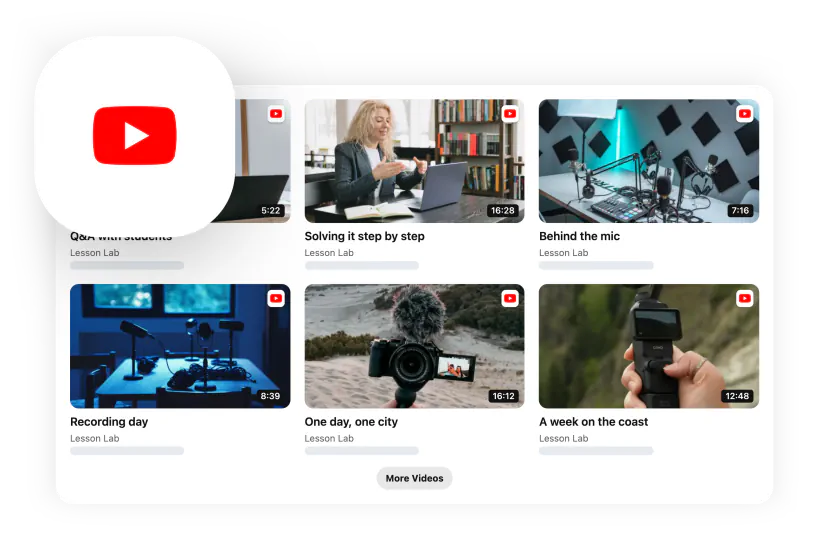
A clean grid of your brand videos from every platform.
Template page t-brand-library — what visitors see, with its numbered pins
  1. Video grid

    Every channel in one view.

  2. Platform tabs

    Visitors can browse one platform at a time.

  3. More videos

    Older videos load on request.

Compare

Video Gallery vs. other ways to build a video library

How the usual options stack up for this job.
Feature
Elfsight Video Gallery
Digital asset manager
Links to each channel
Manual video page
Videos from YouTube, Vimeo, TikTok, Instagram
Yes
Upload needed
Yes
Manual
On your website, on-brand
Yes
No
No
Yes
Filters by keywords and date
Yes
Yes
No
No
Google Analytics integration
Yes
Varies
No
Varies
No coding
Yes
No
Yes
No

Videos from YouTube, Vimeo, TikTok, Instagram

Elfsight Video Gallery

Yes

Digital asset manager

Upload needed

Links to each channel

Yes

Manual video page

Manual

On your website, on-brand

Elfsight Video Gallery

Yes

Digital asset manager

No

Links to each channel

No

Manual video page

Yes

Filters by keywords and date

Elfsight Video Gallery

Yes

Digital asset manager

Yes

Links to each channel

No

Manual video page

No

Google Analytics integration

Elfsight Video Gallery

Yes

Digital asset manager

Varies

Links to each channel

No

Manual video page

Varies

No coding

Elfsight Video Gallery

Yes

Digital asset manager

No

Links to each channel

Yes

Manual video page

No
Variations

Make it your own

Different layouts and sources — switch any time without changing the code on your site.
Placement

Where it works best on your site

Brand hub

Every campaign video in one place.

Newsroom

Video for press and partners.

About page

The brand in motion.

Partner portal

Ready-to-share video library.

Careers page

Culture videos next to brand stories.

Investor page

Company videos in one view.
Installation

Add a brand video library to your website in 1 minute

  1. Open the template

    Connect your videos — a channel, playlist, account or links.

  2. Adjust the look

    Layout, theme, counters and buttons — all visual.

  3. Paste one code

    Add it to any page of your website. Done.

Ready to go out of the box

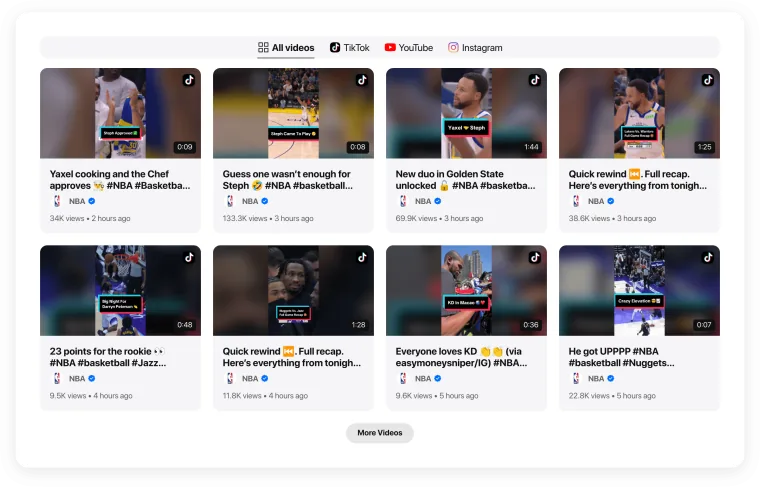
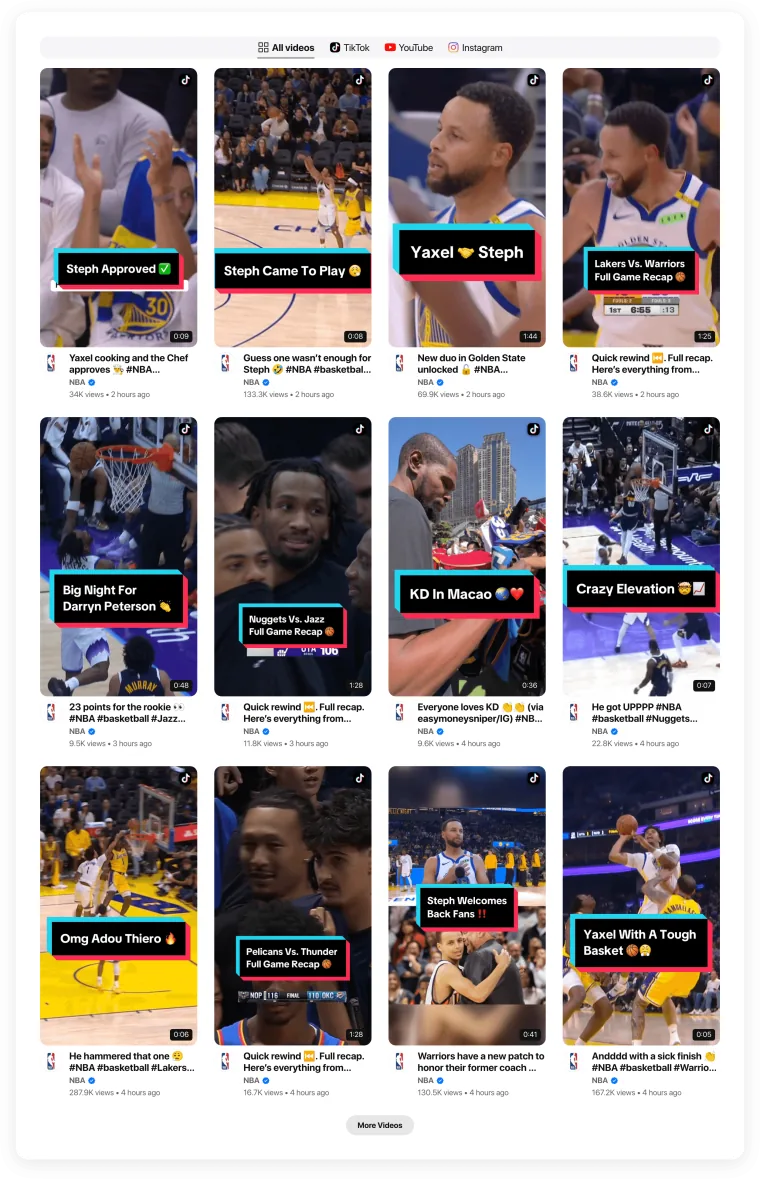
  • A grid of brand videos

  • Tabs for each platform

  • A More videos button

  • Videos open in a popup player

Change anything later in the editor — the code on your site stays the same.
FAQ

Frequently asked questions

More templates

Related templates

Same source

Same format

Similar use cases