YouTube Embed Code Generator
Paste any YouTube link and get a responsive embed code in seconds.YouTube Embed Code Generator
<iframe src="https://open.spotify.com/embed/track/4uLU6hMCjMI75M1A2tKUQC?utm_source=generator" title="Spotify player" width="100%" height="352" style="border:0;border-radius:12px;" allow="autoplay; clipboard-write; encrypted-media; fullscreen; picture-in-picture" loading="lazy"></iframe>
<p style="margin:4px auto 0;text-align:center;font:11px/1.4 -apple-system,BlinkMacSystemFont,'Segoe UI',Roboto,sans-serif;color:#a3a7b0;">Created with <a href="https://elfsight.com/tools/spotify-embed-generator/" target="_blank" rel="noopener" style="color:inherit;text-decoration:none;">Elfsight</a></p>
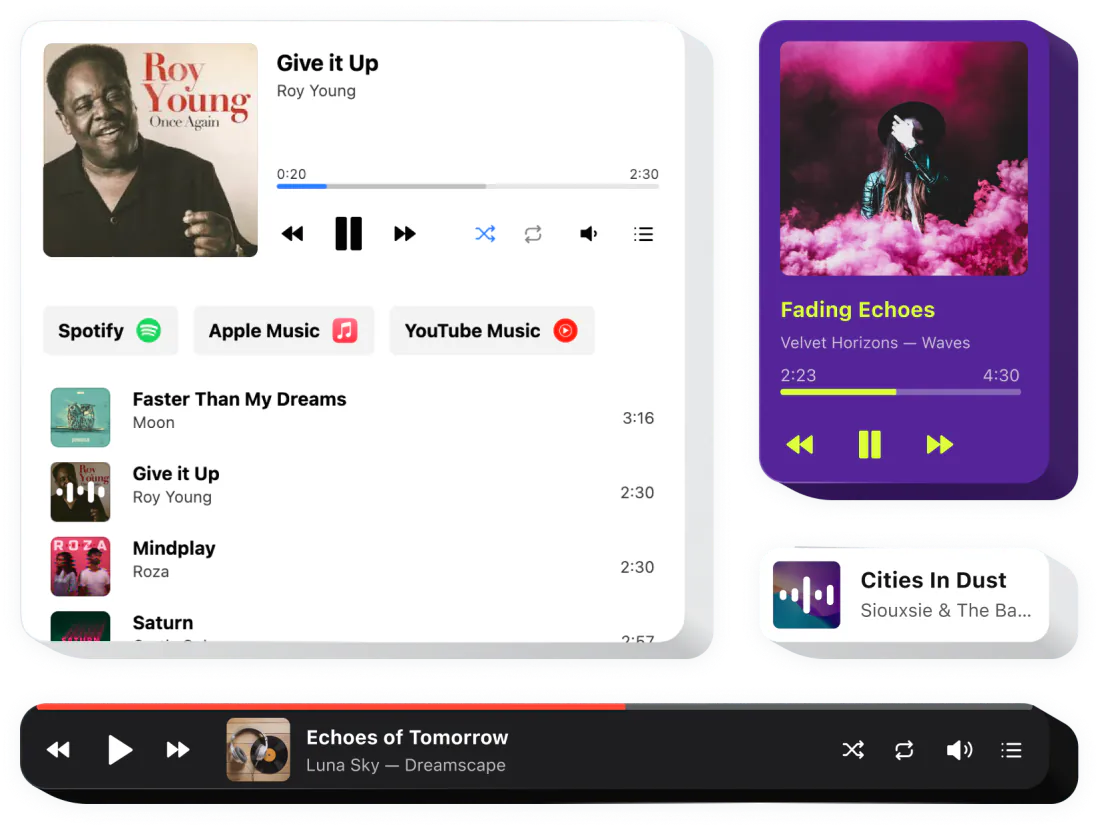
<body>, where the content should appear.Want your own audio player with your playlist and branding? Try the Audio Player widget. See Audio Player →
Tracks from SoundCloud, YouTube, Google Drive and more
Upload files or add them by link
Music plays right on your site
?si= share parameter and language parts like /intl-de/ from pasted links.On a phone
Spotify’s Share → Embed
This generator
Content types
Spotify’s Share → Embed
This generator
Messy links
Spotify’s Share → Embed
This generator
?si= share parameter and language parts like /intl-de/ from pasted links.Size and color
Spotify’s Share → Embed
This generator
ContentHeight352 px) or compact (152 px)Width100% by defaultThemeallowautoplay; clipboard-write; encrypted-media; fullscreen; picture-in-pictureencrypted-media: without it, the player only plays previews.loadinglazyContent
What it does
Values
Notes
Height
What it does
Values
352 px) or compact (152 px)Notes
Width
What it does
Values
100% by defaultNotes
Theme
What it does
Values
Notes
allow
What it does
Values
autoplay; clipboard-write; encrypted-media; fullscreen; picture-in-pictureNotes
encrypted-media: without it, the player only plays previews.loading
What it does
Values
lazyNotes
In some situations Spotify streams a preview clip of less than 30 seconds instead of the full song. Visitors who aren’t logged in to Spotify in their browser hear a preview and are asked to log in or sign up. You can’t change this from the embed code.
Check that allow="encrypted-media" is still in the iframe. Some site builders and plugins strip attributes; without this one, Spotify only plays previews.
Spotify lists Chrome, Firefox, Edge, Opera and Safari as the best-supported browsers. In others, full songs and episodes may not play in the embed.
Browsers such as Safari block autoplay until the visitor interacts with the page. Spotify also recommends not autoplaying podcasts on external sites, to keep listening stats accurate.
The Spotify mobile app doesn’t provide embed code. Copy the share link in the app and paste it here, or use the desktop app or the web player.
Some editors remove iframes from regular text blocks. Paste the code into a custom HTML or embed block.
Copy the Spotify link
In Spotify, choose Share → Copy link on a track, album, playlist or episode.
Choose the player
Paste the link and pick the compact or full player and the theme.
Paste the code
Add the code to an HTML block on your page.