YouTube Embed Code Generator
Paste any YouTube link and get a responsive embed code in seconds.YouTube Embed Code Generator
<div id="fb-root"></div>
<script async defer crossorigin="anonymous" src="https://connect.facebook.net/en_US/sdk.js#xfbml=1&version=v23.0"></script>
<div style="max-width:500px;margin:0 auto;">
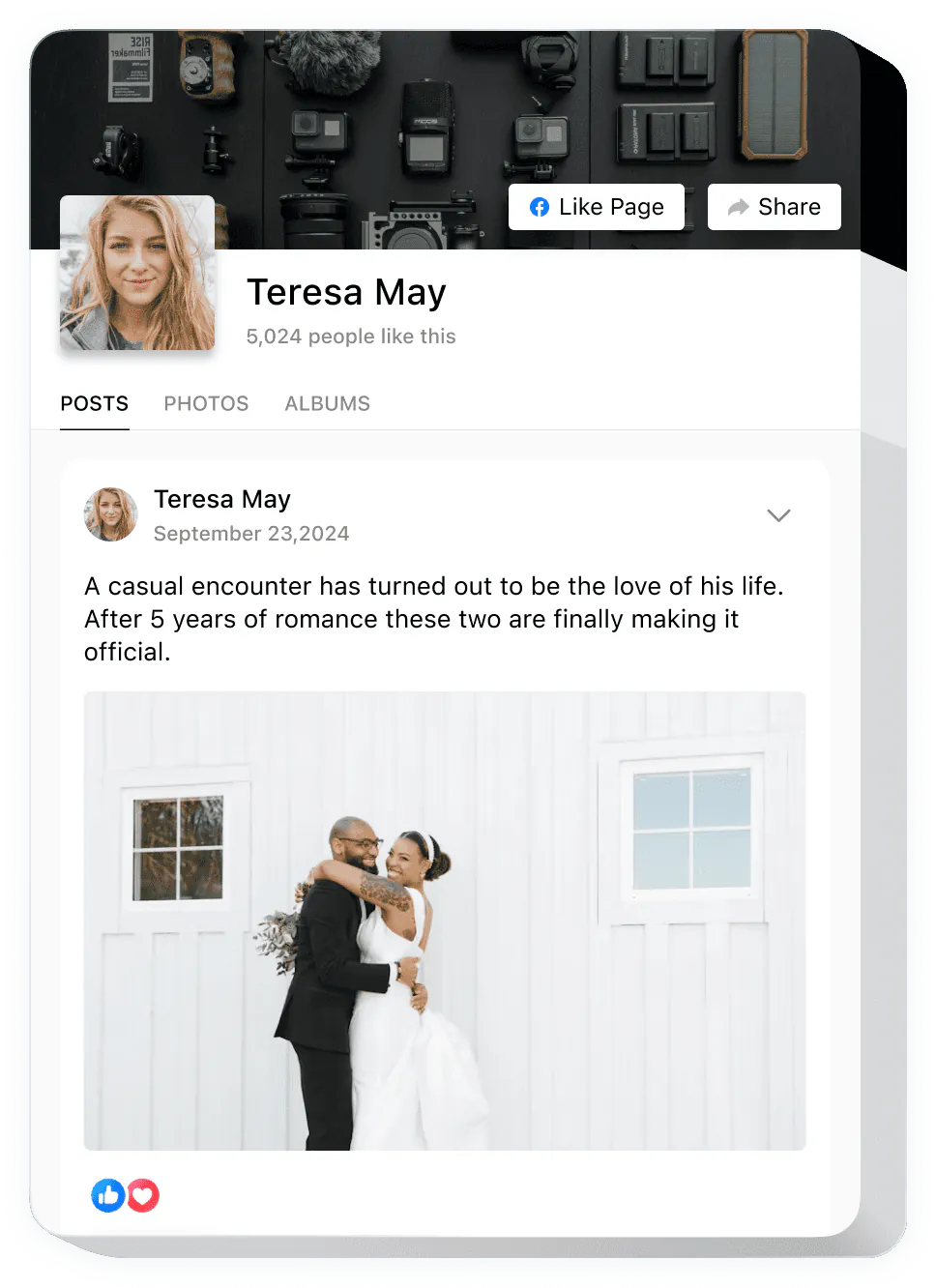
  <div class="fb-post" data-href="https://www.facebook.com/beamtrace/posts/pfbid0MRFe6y6u1TFFDHQkzdCXBpNLdPQodaVXkVSPscVRXVzwUzu6Rv6f6FBaEQnDGFXxl" data-width="500" data-show-text="true"></div>
</div>
<p style="margin:4px auto 0;max-width:500px;text-align:center;font:11px/1.4 -apple-system,BlinkMacSystemFont,'Segoe UI',Roboto,sans-serif;color:#a3a7b0;">Created with <a href="https://elfsight.com/tools/facebook-embed-generator/" target="_blank" rel="noopener" style="color:inherit;text-decoration:none;">Elfsight</a></p>
Works only for public posts — set the audience to Public.
<body>, where the content should appear.Need your Facebook page’s posts on your site, not just one? Use a feed widget. See Facebook Feed →
Posts, photos and videos from your Facebook page
Updates by itself when you post
Visitors follow your page with one click
data-show-text)fb.watch linksWhere you start
Facebook’s Embed button
This generator
Script on your page
Facebook’s Embed button
This generator
Post text
Facebook’s Embed button
data-show-text)This generator
Width
Facebook’s Embed button
This generator
Short fb.watch links
Facebook’s Embed button
This generator
Public posts only
Facebook’s Embed button
This generator
data- attributes (data-show-text); in the iframe code they go into the post.php or video.php address.hrefwidth350 to 750 pixels. Videos: at least 220 pixelsshow_texttrue, falsefalse. For posts it applies to photo posts. For videos it works on desktop only.allowfullscreentrue, falsefalse.autoplaytrue, falsefalse.show_captionstrue, falsefalse.lazytrue, falseloading="lazy" on an iframe. Default false.href
What it does
Values
Notes
width
What it does
Values
350 to 750 pixels. Videos: at least 220 pixelsNotes
show_text
What it does
Values
true, falseNotes
false. For posts it applies to photo posts. For videos it works on desktop only.allowfullscreen
What it does
Values
true, falseNotes
false.autoplay
What it does
Values
true, falseNotes
false.show_captions
What it does
Values
true, falseNotes
false.lazy
What it does
Values
true, falseNotes
loading="lazy" on an iframe. Default false.Only public posts from Pages and profiles can be embedded. A public post has a gray globe icon next to its date. To make your own post public, click the audience icon next to the date and choose Public.
The post was deleted or its audience changed from Public, so Facebook shows a message in its place. Make the post public again or embed another one.
Use the post’s own link: open the post and copy the address bar, or right-click the post’s date and copy the link.
fb.watch linkOpen the link, then copy the full facebook.com address of the video from the address bar.
WordPress can turn the & characters in the code into #038;, which breaks the embed. Paste the code into a block that keeps HTML unchanged.
Don’t resize it with CSS. Set the width in the code instead: 350–750 pixels for posts, at least 220 for videos.
Copy the link
On Facebook, open the post or video and copy its link.
Paste it here
Paste the link, set the width and choose whether to show the text.
Add the code
Paste the code into an HTML block on your page.