YouTube Embed Code Generator
Paste any YouTube link and get a responsive embed code in seconds.YouTube Embed Code Generator
<iframe src="https://files.elfsight.com/storage/_assets/pdf-embed/files/embed-pdf-file.pdf" title="PDF document" width="100%" height="800" style="border:0;" loading="lazy"></iframe>
<p style="margin:4px auto 0;text-align:center;font:11px/1.4 -apple-system,BlinkMacSystemFont,'Segoe UI',Roboto,sans-serif;color:#a3a7b0;">Created with <a href="https://elfsight.com/tools/pdf-embed-generator/" target="_blank" rel="noopener" style="color:inherit;text-decoration:none;">Elfsight</a></p>
<body>, where the content should appear.Brochure, catalog or magazine? The Flipbook widget turns your PDF into an interactive flipbook that visitors page through like a real one — with search, a table of contents, and download and print buttons. See Flipbook →
Pages that turn like a real book
Search and a table of contents
Download, print and share buttons
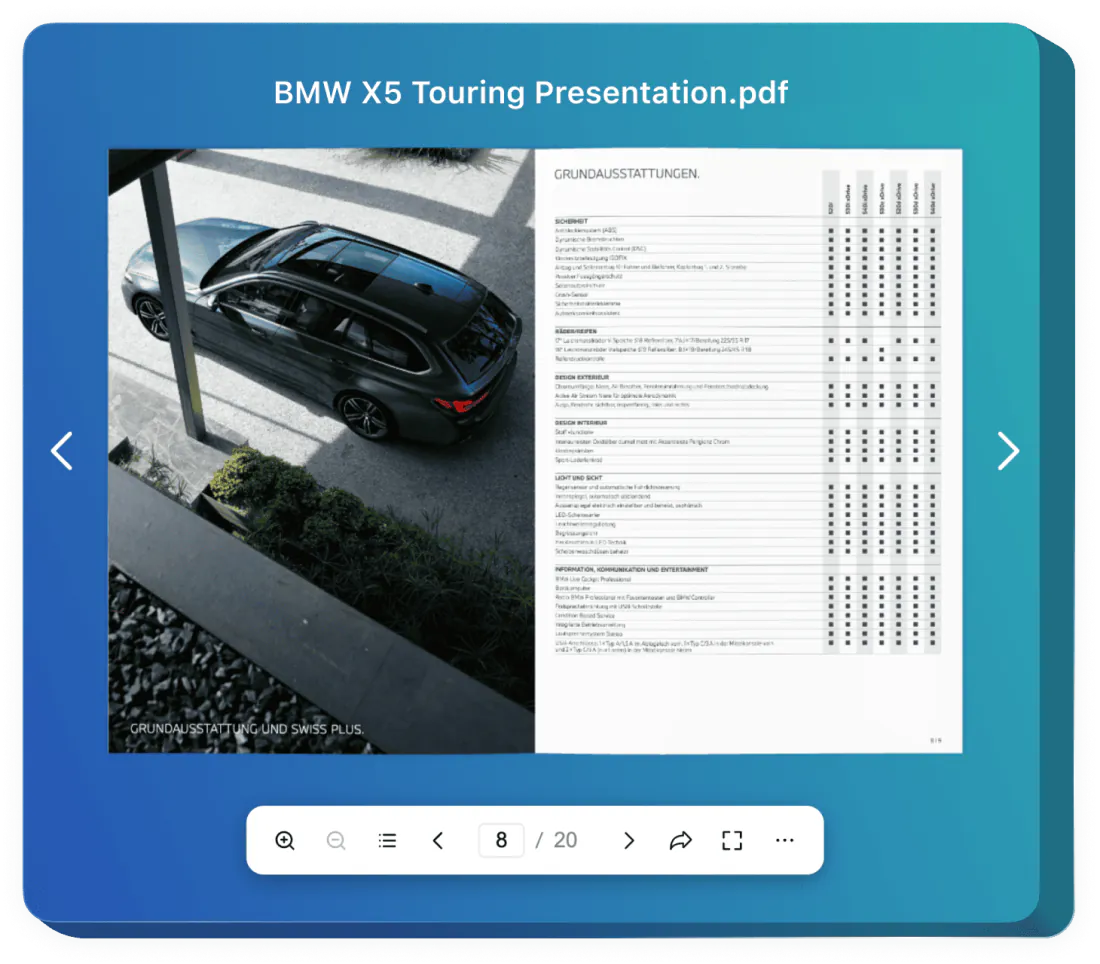
/preview address and a Dropbox link into raw=1, so only the document shows#page= to the link by hand#page= and #view=FitH for you<object> variant shows a link to the file in its placeWhere the document opens
A plain link to the PDF
This generator
Google Drive and Dropbox files
A plain link to the PDF
This generator
/preview address and a Dropbox link into raw=1, so only the document showsStart page and fit to width
A plain link to the PDF
#page= to the link by handThis generator
#page= and #view=FitH for youIf the PDF can’t be shown
A plain link to the PDF
This generator
<object> variant shows a link to the file in its placePhones
A plain link to the PDF
This generator
# in the PDF address; browsers that don’t support one simply ignore it.PDF link.pdf address, a Google Drive file link or a Dropbox shared linkhttps:// if your site does.Embed as<iframe> or <object><object> shows the link inside it when the browser can’t display the PDF. Drive links always use <iframe>.#page=#page=3#view=FitHHeight800PDF link
What it does
Values
.pdf address, a Google Drive file link or a Dropbox shared linkNotes
https:// if your site does.Embed as
What it does
Values
<iframe> or <object>Notes
<object> shows the link inside it when the browser can’t display the PDF. Drive links always use <iframe>.#page=
What it does
Values
#page=3Notes
#view=FitH
What it does
Values
Notes
Height
What it does
Values
800Notes
PDF Association: PDF fragment identifiers and browser support ↗
The server that hosts the file doesn’t allow other sites to show it in a frame (the X-Frame-Options header). Upload the PDF to your own site, Google Drive or Dropbox and use that link.
The server sends the file as an attachment (Content-Disposition: attachment), or the visitor’s browser is set to download PDFs. Host the file where it’s served for viewing, or choose the Google Docs viewer.
Phone browsers handle PDFs in their own viewer, and an embedded PDF may not display fully or at all. Chrome on Android opens PDFs itself only on Android 12 and up and not in Incognito; otherwise the file is downloaded. Choose the Google Docs viewer, which shows the pages on phones too.
In Drive, open Share and set General access to Anyone with the link. On a work or school account your administrator may block this setting.
Not every viewer supports these parameters: #view=FitH works in Chrome and Edge only, and Google Drive’s viewer ignores both. The document still opens, just at page 1 and the default zoom.
A PDF address that starts with http:// is blocked as mixed content on a secure page. Use the https:// address of the file.
<object> with the fallback link<iframe> with #page= for the section the page is about/previewraw=1Restaurant or café menu
Code to choose
Why
Price list
Code to choose
<object> with the fallback linkWhy
Brochure or catalog
Code to choose
<iframe> with #page= for the section the page is aboutWhy
Form to print and fill in
Code to choose
Why
File kept in Google Drive
Code to choose
/previewWhy
File kept in Dropbox
Code to choose
raw=1Why
Upload the PDF
Upload the file to your site, cloud storage or Google Drive and copy its link.
Pick a viewer
The browser’s viewer is the simplest; the Google viewer looks the same in every browser.
Paste the code
Add the code to an HTML block on your page.