YouTube Embed Code Generator
Paste any YouTube link and get a responsive embed code in seconds.YouTube Embed Code Generator
<div style="position:relative;width:100%;max-width:800px;aspect-ratio:4 / 3;"> <iframe src="https://calendar.google.com/calendar/embed?src=en.usa%23holiday%40group.v.calendar.google.com&showPrint=0&showCalendars=0" title="Google Calendar" loading="lazy" style="position:absolute;inset:0;width:100%;height:100%;border:0;"></iframe> </div> <p style="margin:4px auto 0;text-align:center;font:11px/1.4 -apple-system,BlinkMacSystemFont,'Segoe UI',Roboto,sans-serif;color:#a3a7b0;">Created with <a href="https://elfsight.com/tools/google-calendar-embed-generator/" target="_blank" rel="noopener" style="color:inherit;text-decoration:none;">Elfsight</a></p>
Tip: on phones the Agenda view is easier to read than Month.
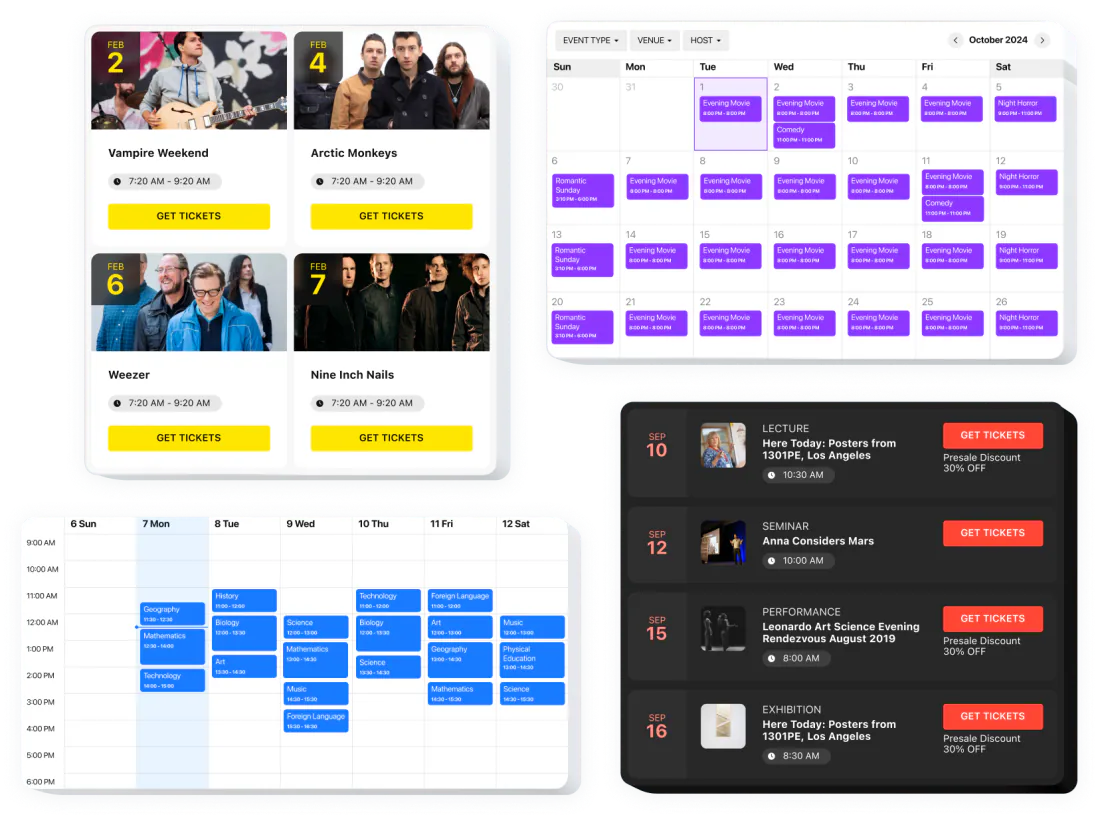
<body>, where the content should appear.Want events with photos, filters and your design? Try the Event Calendar widget. See Event Calendar →
All your events in one place
Locations, hosts and event details
Ready-made templates or your own design
Where you get the code
Google Calendar’s Integrate calendar code
This generator
What you start from
Google Calendar’s Integrate calendar code
This generator
Several calendars
Google Calendar’s Integrate calendar code
This generator
Display options
Google Calendar’s Integrate calendar code
This generator
Public access
Google Calendar’s Integrate calendar code
This generator
https://calendar.google.com/calendar/embed?…, with these parameters after ?. Show/hide switches take 1 or 0; everything is shown by default.srcyou@gmail.com or …@group.calendar.google.comsrc to combine several calendars.color#: %23D50000color right after each src. Without %23 the color is ignored.ctzAmerica/New_YorkmodeMONTH (default), WEEK, AGENDAAGENDA is a list of upcoming events and reads best on narrow screens.showTitle, showNav, showDate1 or 0showPrint, showTabs, showCalendars, showTz1 or 0showTz on if your visitors are in other time zones.wkst1 Sunday, 2 Monday, 7 Saturdayhlen, de, esbgcolor%23, e.g. %23FFFFFFsrc
What it does
Values
you@gmail.com or …@group.calendar.google.comNotes
src to combine several calendars.color
What it does
Values
#: %23D50000Notes
color right after each src. Without %23 the color is ignored.ctz
What it does
Values
America/New_YorkNotes
mode
What it does
Values
MONTH (default), WEEK, AGENDANotes
AGENDA is a list of upcoming events and reads best on narrow screens.showTitle, showNav, showDate
What it does
Values
1 or 0Notes
showPrint, showTabs, showCalendars, showTz
What it does
Values
1 or 0Notes
showTz on if your visitors are in other time zones.wkst
What it does
Values
1 Sunday, 2 Monday, 7 SaturdayNotes
hl
What it does
Values
en, de, esNotes
bgcolor
What it does
Values
%23, e.g. %23FFFFFFNotes
Google Calendar Help: Add a Google Calendar to your website ↗
The calendar isn’t public. Make it public in Google Calendar settings (steps below), then reload your page.
Check that you embedded the right calendar ID, and that the calendar is shared with all event details, not See only free/busy (hide details).
The embed shows the calendar’s own time zone, not the visitor’s. Set ctz to the time zone your events happen in, and keep showTz on so visitors see which zone the times are in.
On a work or school account your administrator may restrict sharing. Ask them, or use a personal Google account for the public calendar. Sharing settings can only be changed on a computer.
private- in itThat’s the calendar’s secret iCal address, which Google says not to share. Use the Public address in iCal format or the calendar ID instead.
Write the # as %23 (color=%23D50000) and put each color right after its src.
Switch the view to Agenda (mode=AGENDA): a list of upcoming events fits narrow screens.
An embedded calendar shows only what Google lets everyone see. Until the calendar is public, visitors get a sign-in prompt instead of your events.
Open Google Calendar on a computer. Sharing settings can’t be changed in the mobile app.
Click the gear icon at the top right, then Settings.
On the left, under Settings for my calendars, click the calendar you want to embed.
Under Access permissions for events, check Make available to public, then click OK.
Choose whether the public sees all event details or See only free/busy (hide details). For an events calendar, show the details.
On the same page, under Integrate calendar, copy the Calendar ID or the Public address in iCal format and paste it into the generator.
Before you do it: a public calendar can be found by anyone and may appear in search results, and people can subscribe to it. Keep private plans in a separate calendar and make only the events calendar public. New events follow the calendar’s default visibility, so check it once.
On a work or school account the option may be missing if your administrator restricts sharing. If you later turn public sharing off, it can take up to 4 hours to apply.
Make the calendar public
In Google Calendar settings, under Access permissions, turn on “Make available to public”.
Copy the Calendar ID
In Integrate calendar, copy the Calendar ID and paste it here.
Choose the view
Pick the view, time zone and controls, then copy the code.