Video Schema Generator
Create VideoObject structured data (JSON-LD) for any video.Video Schema Generator
<script type="application/ld+json">
{
  "@context": "https://schema.org",
  "@type": "FAQPage",
  "mainEntity": [
    {
      "@type": "Question",
      "name": "How long does shipping take?",
      "acceptedAnswer": {
        "@type": "Answer",
        "text": "Orders ship within 2 business days and arrive in 3–5 days."
      }
    },
    {
      "@type": "Question",
      "name": "Can I return an item?",
      "acceptedAnswer": {
        "@type": "Answer",
        "text": "Yes, within 30 days of delivery."
      }
    }
  ]
}
</script>
<!-- Created with Elfsight: https://elfsight.com/tools/faq-schema-generator/ --><head>, before the closing </head>.Add the same FAQ to the page
Google uses FAQ markup only when the same questions and answers are visible on the page. Paste this block where the FAQ should appear — into the page’s <body>, or into a text or HTML block of your site builder.
<div class="faq">
  <details>
    <summary>How long does shipping take?</summary>
    <p>Orders ship within 2 business days and arrive in 3–5 days.</p>
  </details>
  <details>
    <summary>Can I return an item?</summary>
    <p>Yes, within 30 days of delivery.</p>
  </details>
</div>
<p style="margin:4px auto 0;text-align:center;font:11px/1.4 -apple-system,BlinkMacSystemFont,'Segoe UI',Roboto,sans-serif;color:#a3a7b0;">Created with <a href="https://elfsight.com/tools/faq-schema-generator/" target="_blank" rel="noopener" style="color:inherit;text-decoration:none;">Elfsight</a></p>Want the questions shown as a styled accordion that matches your site? Try the FAQ widget. See FAQ →
Single or structured lists
Answers visitors find faster
Fewer questions to your support
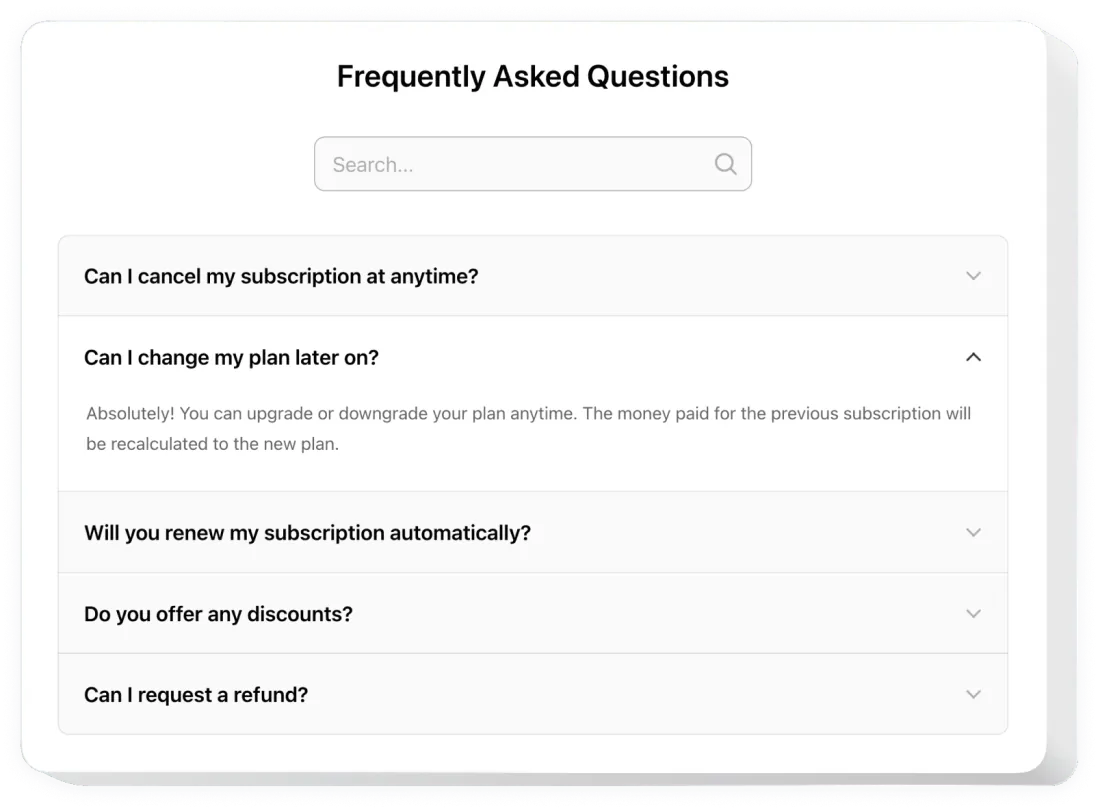
Every question and answer in the markup must be visible on the page. Answers inside an expandable section are fine. Content only in the code is against Google’s structured data guidelines.
Put the full question in name and the full answer in text, matching the visible wording. Don’t shorten one or rewrite it for keywords.
Each Question needs a name and exactly one acceptedAnswer; each Answer needs text. All questions go in one mainEntity array.
Use one FAQPage per page and list all questions in it. Check that a plugin or theme isn’t adding a second one.
That’s a Q&A page, not an FAQ. Use QAPage markup for forum-style pages where users submit answers.
Mark up a repeated question once on your site, on the page where it fits best.
Google removed FAQ support from the Rich Results Test in June 2026. Check the code with the Schema Markup Validator.
A missing comma or a straight quote inside an answer breaks the whole block. Escape quotes as \", or copy the code from the generator again.
For years, FAQ markup could add expandable questions under your result in Google. Google wound that down in two steps:
August 2023: FAQ rich results limited to well-known, authoritative government and health websites. Announcement
May 7, 2026: no longer shown for any site. In June 2026 Google removed the documentation, the Search Console report and FAQ support in the Rich Results Test. Google’s changelog
So FAQ markup won’t change how your result looks in Google. To check that your code is valid, use the Schema Markup Validator instead of the Rich Results Test.
It does no harm. Google says markup it doesn’t use “does not cause problems for Search.” You don’t need to remove existing FAQ markup.
It’s a standard description of your content. FAQPage is part of schema.org, the shared vocabulary that search engines and other tools read. It labels each question and its answer clearly, without depending on your page layout.
The visible FAQ is what matters most. Clear answers to the questions customers really ask help visitors decide. Write the FAQ for people first, then mark it up.
Keep the markup honest: the same questions and answers as on the page, word for word.
Write your questions
Add each question with its answer, one pair at a time — or paste the whole FAQ as text.
Copy the code
Paste the JSON-LD into the page. If the questions aren’t on the page yet, add the FAQ block too — in HTML, Markdown or text.
Keep it visible
The questions and answers in the markup must also be visible on the page.